Welcome to Motrix Documentation
Everything you need to set up, customize, and get the most out of the Motrix theme
1 min read
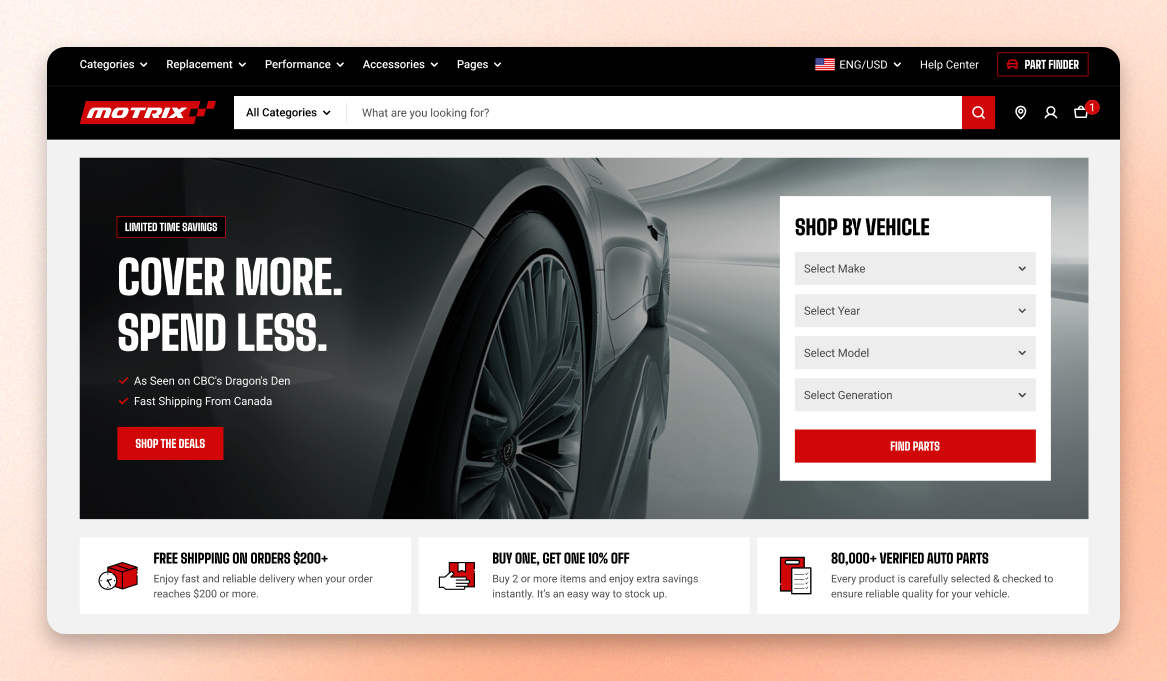
About Motrix
New to Motrix? Start here
Install Motrix
Set up your store as the demo
Theme settings
Build your pages
Browse all documentation
Getting started
Install Motrix, keep it updated, and transfer your license when a store changes hands.
Theme settings
Set the styles that apply across your whole store at once — colors, typogrphy, layout, and how cards, badges, etc. look everywhere.
Theme blocks
The pieces you place inside sections. Add text, buttons, product finders, image cards, etc. to build a page up.
Global sections
The parts that appear on every page — header, announcement bar, top bar, footer, popup, and cart drawer.
Theme sections
Sections you can add to any page, arranged in whatever order that page needs.
Product page
Everything on the product page: templates, the main product section, and recommendations.
Collection page
How shoppers browse a collection — the collection template, banner, and product grid.
Other pages
Other pages of the site: 404, password, and cart.
Featured articles
Last updated