# Image
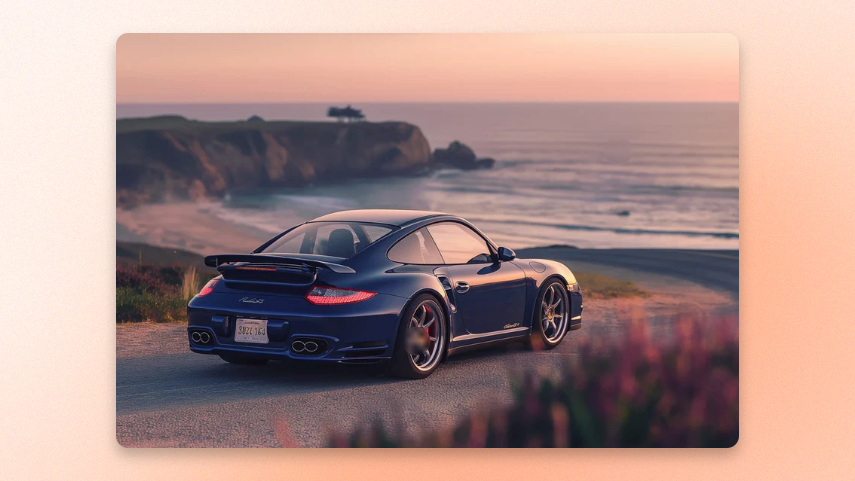
Show a single image anywhere on the page. Use a different image on mobile when needed, add a link to make the image clickable, and adjust its shape, width, corners, and border to match your layout.
## General settings
| Settings | Description | Options |
| ---------------- | ---------------------------------------------------------------------------------------------------------------------- | ---------------------- |
| **Image** | Select the image to display. | Choose image |
| **Image mobile** | Use a different image on mobile. Leave empty to reuse the main image. | Choose image |
| **Link** | Makes the entire image clickable and links it to the page or product you choose. Leave empty to keep the image static. | Paste a link or search |
## Size
| Setting | Description | Options |
| -------------------------- | -------------------------------------------------------------------------- | ------------------------------------------------------------------------------------------------------------------------------- |
| **Aspect ratio** | Controls the image shape | **Auto** keeps the image's original proportions
**Square**, **Portrait**, and **Landscape** crop it to the selected shape. |
| **Aspect ratio mobile** | Sets the image shape on mobile. | **Auto** keeps the image's original proportions
**Square**, **Portrait**, and **Landscape** crop it to the selected shape. |
| **Width** | Controls the image width | **Fit** matches the image's content width **Fill** uses the available width
Custom **Percent** or **Pixel** width. |
| **Width mobile** | Sets the image width on mobile using the same options as Width. | **Fit** matches the image's content width **Fill** uses the available width
Custom **Percent** or **Pixel** width. |
| **Custom width (Percent)** | *Appears when **Width \= Percent**.* Sets the image width as a percentage. | From 0% to 100% |
| **Custom width (Pixel)** | *Appears when **Width \= Pixel**.* Sets the image width in pixels. | From 100px to 800 px |
## Appearance
| Setting | Description | Option |
| ----------- | --------------------------------------------------- | -------------- |
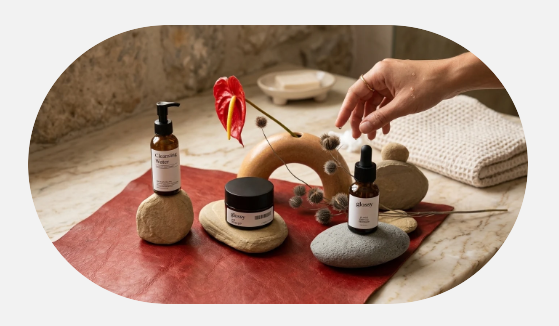
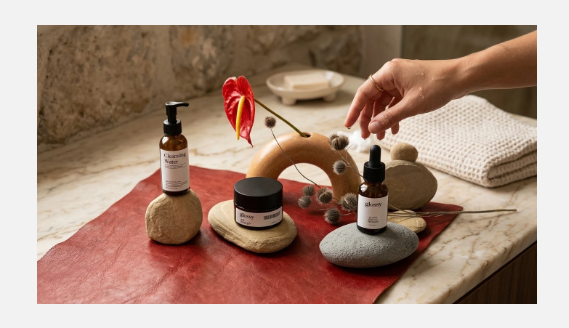
| **Rounded** | Fully rounds the image into a pill or circle shape. | Enable/Disable |
## Border
| Settings | Description | Options |
| ------------------ | ------------------------------------------------------------------------------- | ---------- |
| **Border** | Adds a solid outline around the image. Choose None to remove it. | None/Solid |
| **Border width** | Appears when Border \= Solid. Sets the outline thickness. | 0px - 10px |
| **Border opacity** | Appears when Border \= Solid. Sets the outline thickness. | 0% - 100% |
| **Corner radius** | Appears when Rounded is off. Rounds the image corners by the amount you choose. | 0px - 32px |
## Padding
Add space around the image inside the block using the **Top**, **Bottom**, **Left**, and **Right** controls.
Use **Mobile scale** to reduce all four padding values on mobile by the percentage you choose.
## Enable preload image
| Setting | Description | Option |
| ------------------------ | ---------------------------------------------------------------------------------------- | ------ |
| **Enable preload image** | Loads the image earlier so it appears faster when the block is near the top of the page. | On/Off |
**Tip**: Turn it on only when the image is visible as soon as the page opens. Avoid enabling it for images customers need to scroll to.