# Appearance
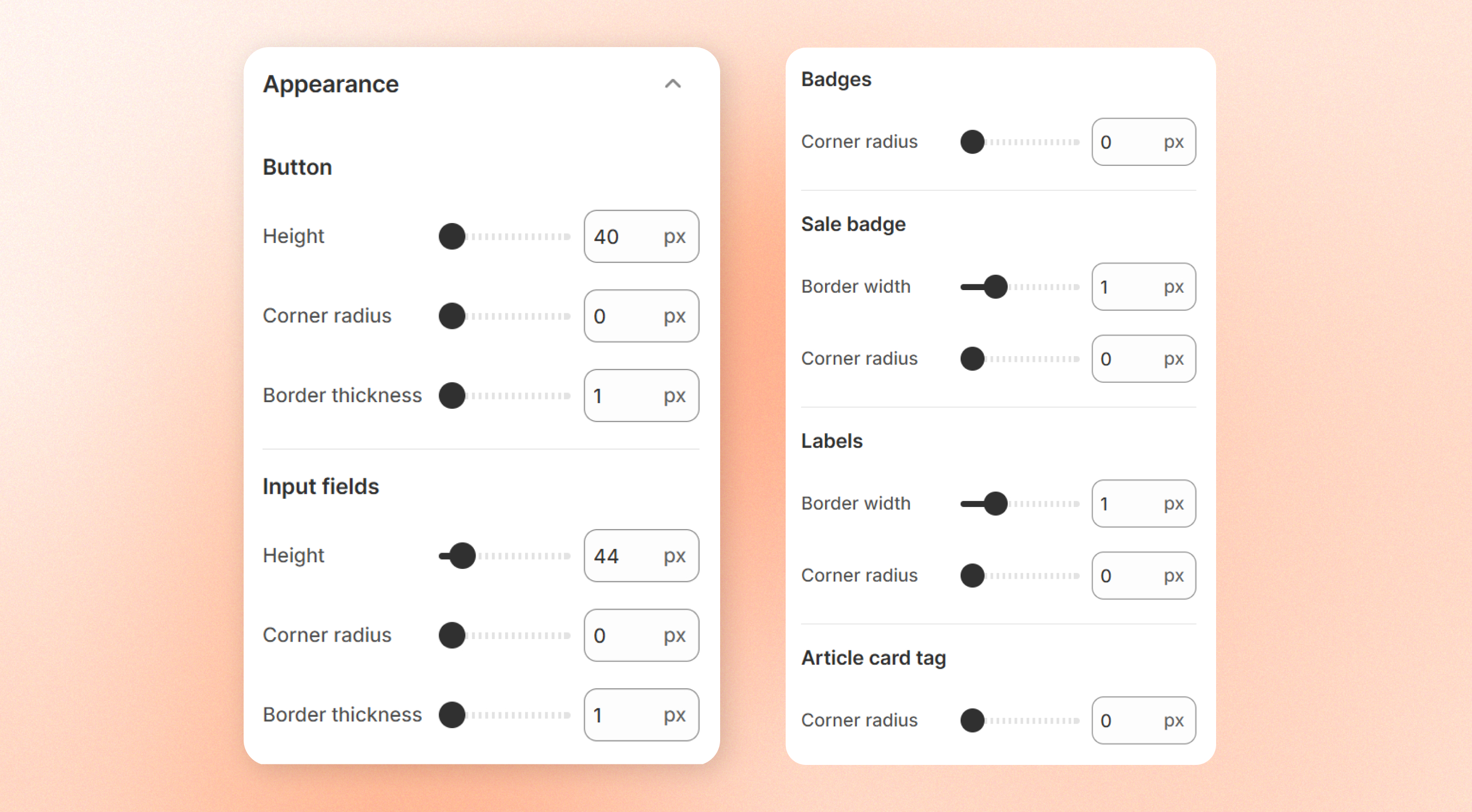
Appearance settings control the shape and size of common interface elements across your storefront, such as buttons, input fields, badges, and labels.
Use these settings to create a consistent visual style that matches your brand.
These settings only affect the **shape and dimensions** of elements.
To customize colors, go to [**Colors**](https://docs.foxecom.com/motrix-theme/theme-settings/colors).
To change fonts and text styles, go to [**Typography**](https://docs.foxecom.com/motrix-theme/theme-settings/typography).
## Buttons
Customize the appearance of **buttons** throughout your storefront.
| Setting | Description | Options |
| -------------------- | ------------------------------------------------------------------------------------------------------------------------------------------------ | ----------- |
| **Height** | Set the height of buttons throughout your storefront. | 40px - 80px |
| **Corner radius** | Control how rounded button corners appear. Use a lower value for more square corners and a higher value for more rounded or pill-shaped buttons. | 0px - 100px |
| **Border thickness** | Set the border width for outlined buttons. | 1px - 4px |
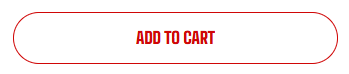
Corner radius \= 0px
Corner radius #0px
Border thickness \= 1px
Border thickness # 1px
## Input fields
Customize the appearance of **text fields, dropdowns, and search boxes**.
| Setting | Description | Options |
| -------------------- | ----------------------------------------------------------- | ----------- |
| **Height** | Set the height of text fields, dropdowns, and search boxes. | 40px - 80px |
| **Corner radius** | Control how rounded the corners of input fields appear. | 0px - 100px |
| **Border thickness** | Set the border width of input fields. | 1px - 4px |
Corner radius \= 0px
Corner radius # 0px
## Badges
Customize the shape of **badges** throughout your storefront.
| Setting | Description | Options |
| ----------------- | ---------------------------------------------- | ----------- |
| **Corner radius** | Control how rounded the corners badges appear. | 0px - 100px |
## Sales badges
Customize the shape of **sales badges** throughout your storefront.
| Setting | Description | Options |
| ----------------- | --------------------------------------------- | ----------- |
| **Border width** | Set the border width of sales badges. | 0px - 4px |
| **Corner radius** | Control how rounded the corners sales appear. | 0px - 100px |
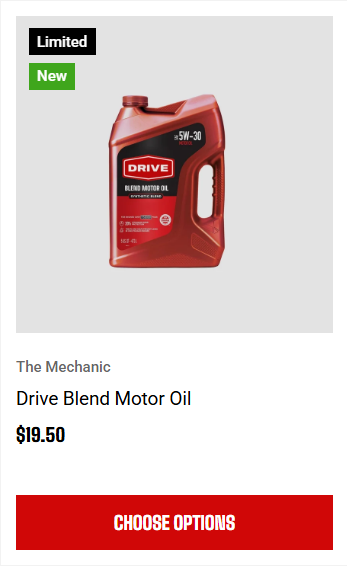
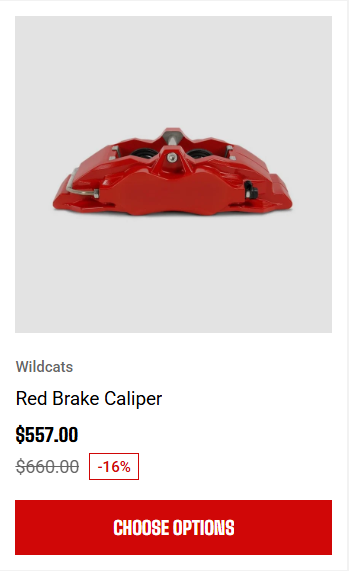
Custom badges
Sales badge
## Labels
Customize the shape of **label pills displayed on supported cards**.
| Setting | Description | Options |
| ----------------- | ------------------------------------------------------ | ----------- |
| **Corner radius** | Control how rounded the corners of label pills appear. | 0px - 100px |
| **Border width** | Set the border width of label pills. | 0px - 4px |
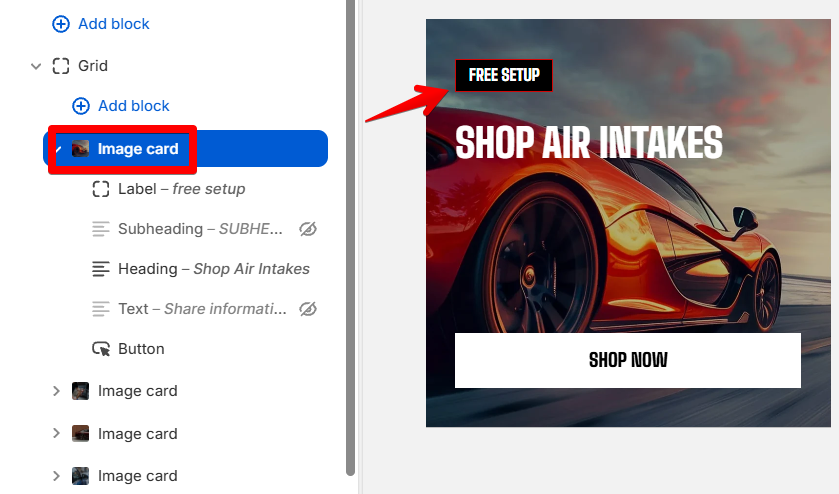
Labels
## Article card tag
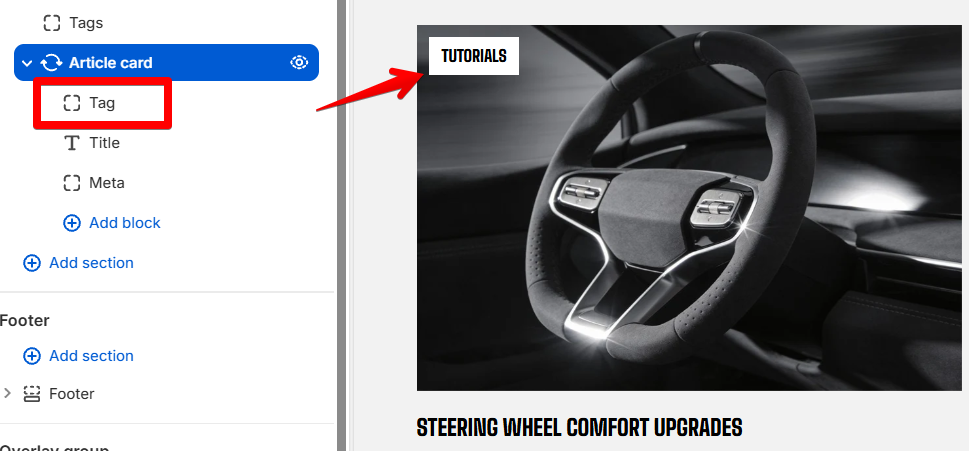
Control the corner radius for **blog article category tags**.
| Setting | Description | Options |
| ----------------- | ---------------------------------------------------------------- | ----------- |
| **Corner radius** | Control how rounded the corners of article category tags appear. | 0px - 100px |
Article tags
To add/remove blog article tags, please go to **Shopify Admins > Content > Blog posts.** [Learn more about tags in Shopify](https://help.shopify.com/en/manual/shopify-admin/productivity-tools/using-tags)