# Social media
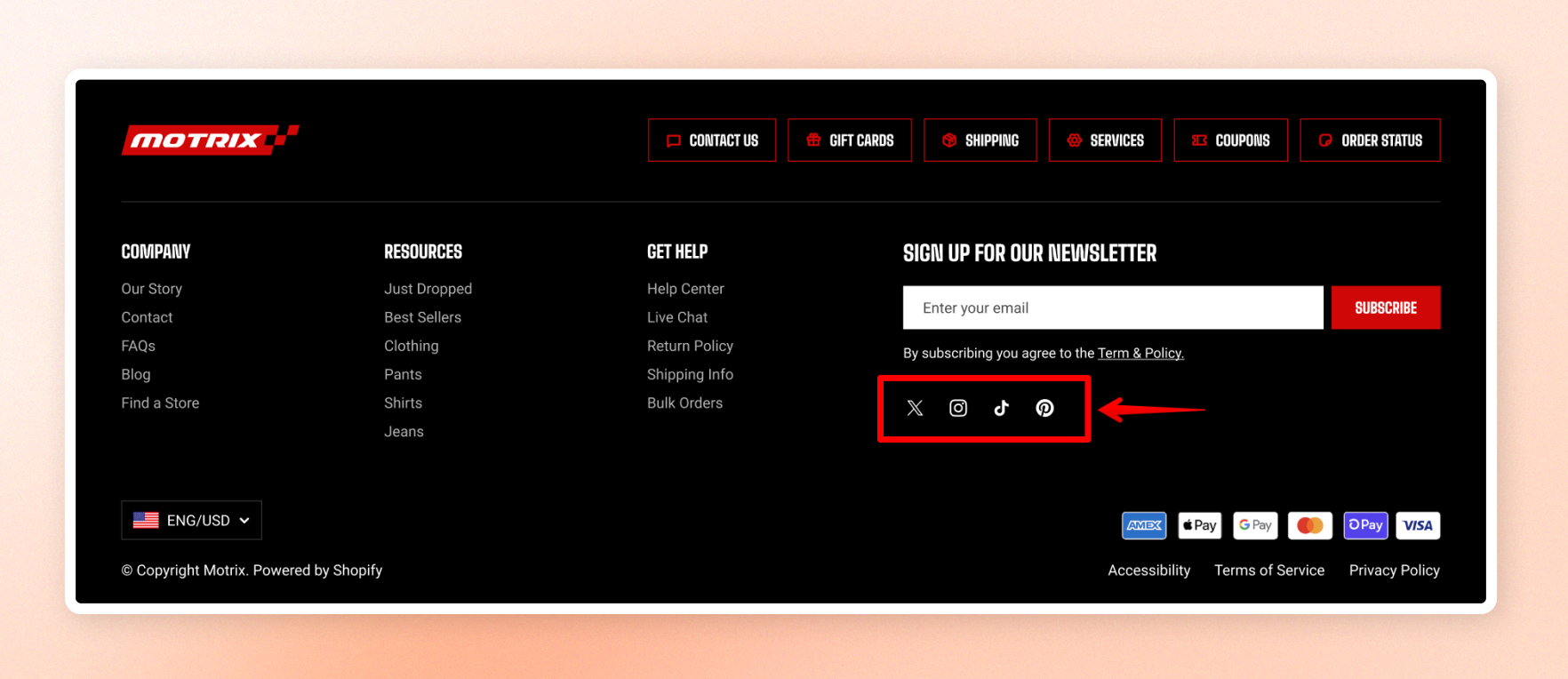
Display your social media accounts as a row of icons. The links come from your theme's global settings, so add or update them once, and all Social Media blocks use the same links.
Use this block to control how the icons appear on your page.
Learn more: [Set up Social Media links](https://docs.foxecom.com/motrix-theme/theme-settings/social-media)
## Appearance
| Setting | Description | Option |
| --------- | ---------------------------------------------------------------------------------------------- | ------------- |
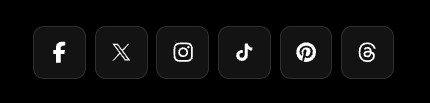
| **Style** | Sets the icon style: **Default** for plain icons or **Solid** for icons inside filled buttons. | Default/Solid |

## Padding
| Setting | Description | Option |
| ---------------- | ------------------------------------------------------------------------ | ----------- |
| **Top** | Adds space above the icons. | 0px - 100px |
| **Bottom** | Adds space below the icons. | 0px - 100px |
| **Mobile scale** | Adjusts the top and bottom spacing on phones by the selected percentage. | 20% - 100% |