# Blog cards
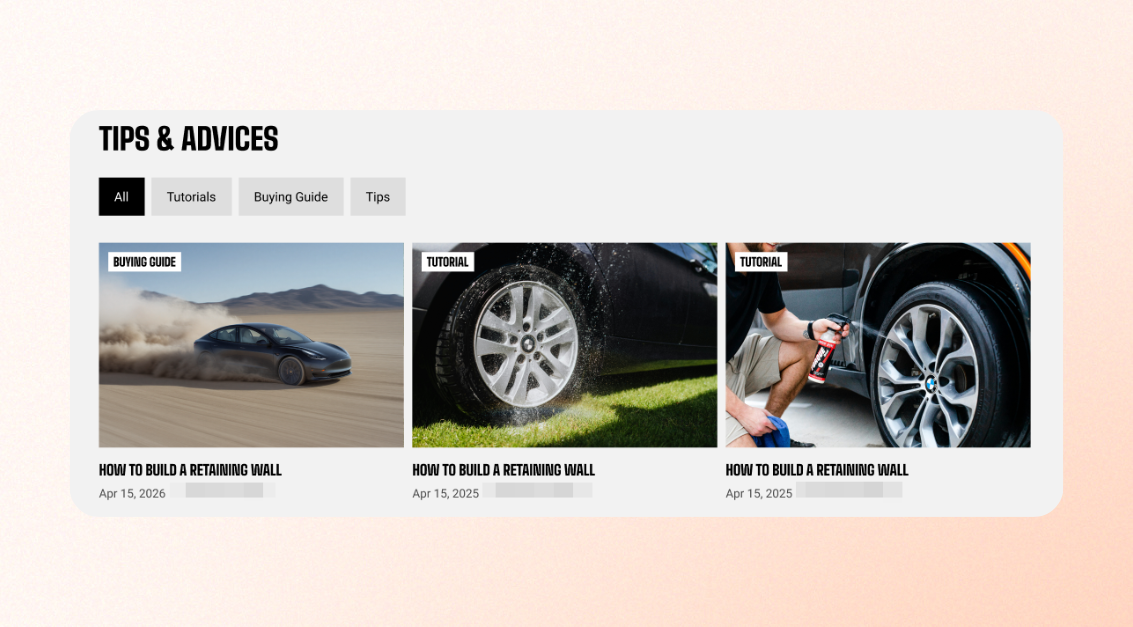
**Blog cards** are how your articles appear wherever the theme shows them — Featured blog, Blog posts, and similar sections. Set the shape and corner style once here, and every blog card across your store matches.
## Aspect ratio
Choose how blog images are displayed.
| Setting | Description | Options |
| ---------------- | ---------------------------------------------------------------------------------------------------------------------------- | ------------------------------------------------------------------------------------------ |
| **Aspect ratio** | Choose whether to preserve each article image's original proportions or crop images to a consistent shape across blog cards. | Auto / Square (1:1) / Portrait (4:5) / Portrait (3:4) / Landscape (16:9) / Landscape (4:3) |
If your blog images have different dimensions, choose a fixed **Aspect ratio** to keep blog cards aligned and visually consistent.
## Corner radius
Control how rounded the corners of blog images appear.
| Setting | Description | Options |
| ----------------- | ------------------------------------------------------------------------------------------------------------------ | ---------- |
| **Corner radius** | Set the corner radius of blog images. Use **0 for square corners** or increase the value for more rounded corners. | 0px - 32px |
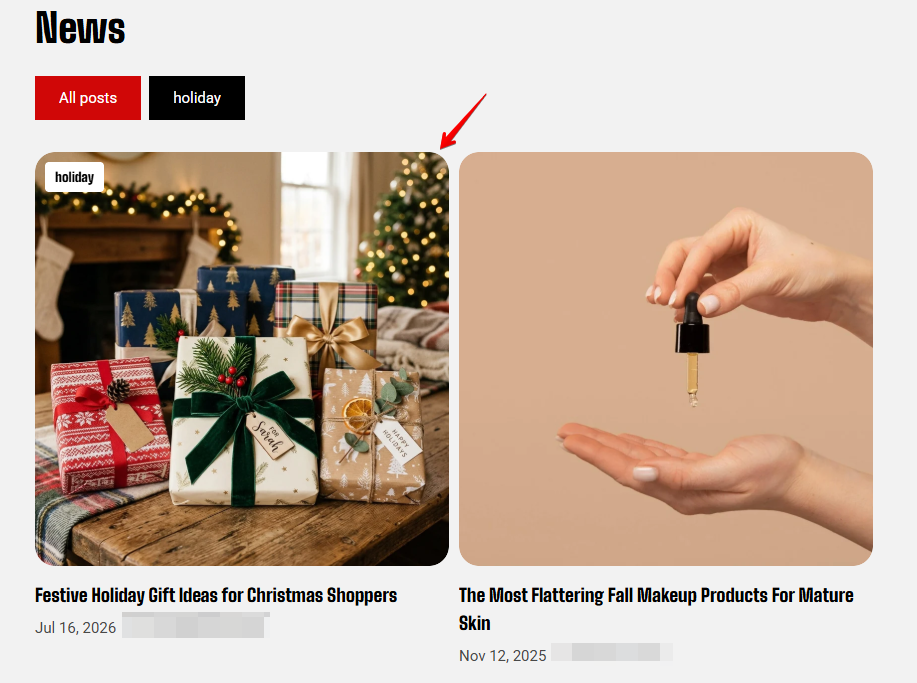
Use the same **Corner radius** for product cards, collection cards, and blog cards unless you intentionally want one card type to stand out. Mixed corner styles in a single row is the most common reason a homepage looks unfinished without an obvious cause.