# Breadcrumbs
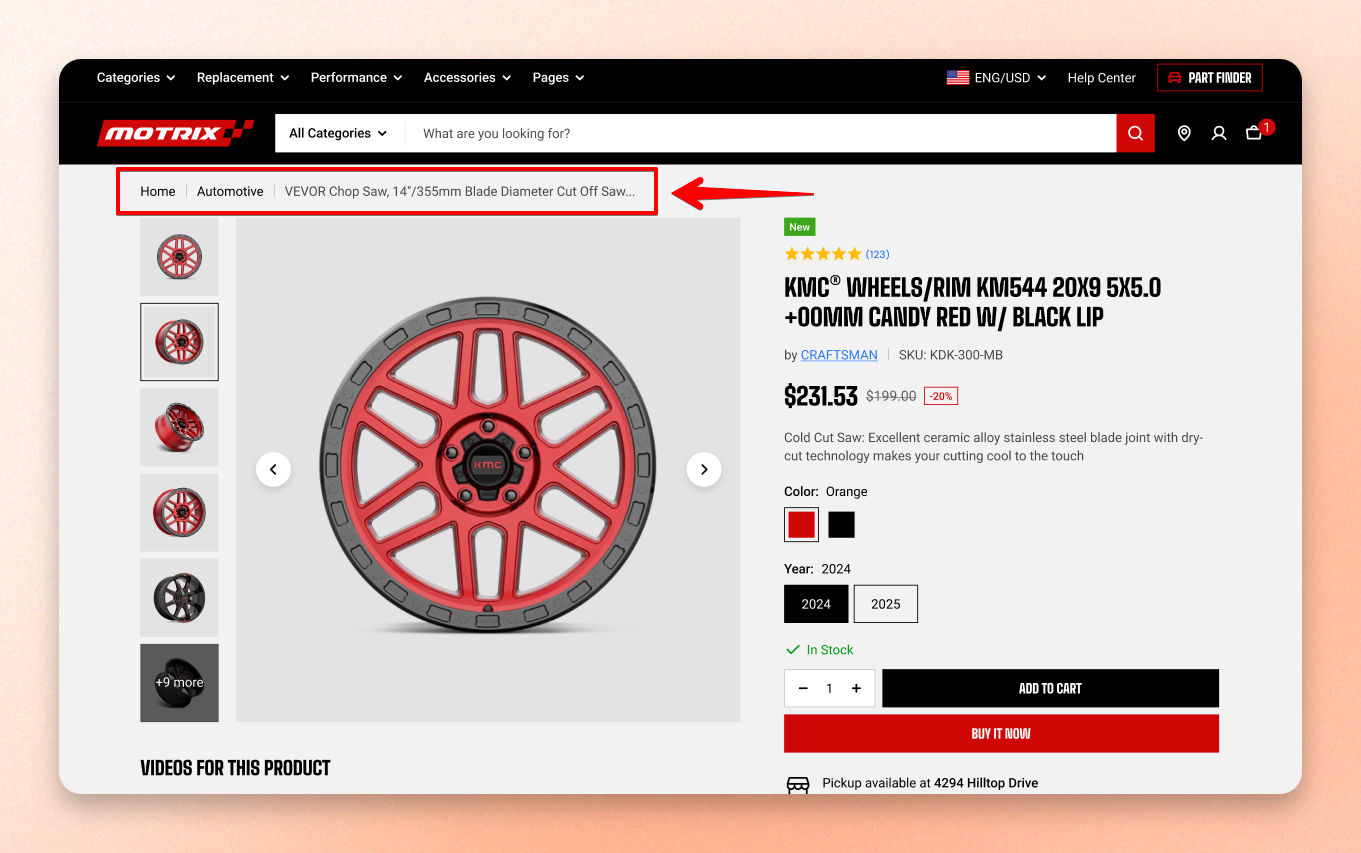
Breadcrumbs show the shopper's current location in your store, such as **Home / Collection / Product**.
The setting here **controls the divider** used between each step and applies to all breadcrumb trails across the store.
## How to show breadcrumbs on your store
1. In **Theme editor** **>** Choose **Product/Collection/Blog page templates** you want to add breadcrumbs to.
2. Choose **Add section > Breadcrumbs** (collection/blog page) or **Add block > Breadcrumbs** (product page).
3. Make necessary changes.
4. **Save** the settings**.**
Learn more: [Breadcrumbs set up on Product page](https://docs.foxecom.com/motrix-theme/product-page/breadcrumbs)
## Breadcrumbs - Theme settings
| Setting | Description | Option |
| ----------- | --------------------------------------------------------------------------------------------------------- | -------------------------- |
| **Divider** | Symbol between links is chosen once for the whole store in Theme settings, so every trail looks the same. | Slash / Line / Caret / Dot |


