# Product card: Spotlight
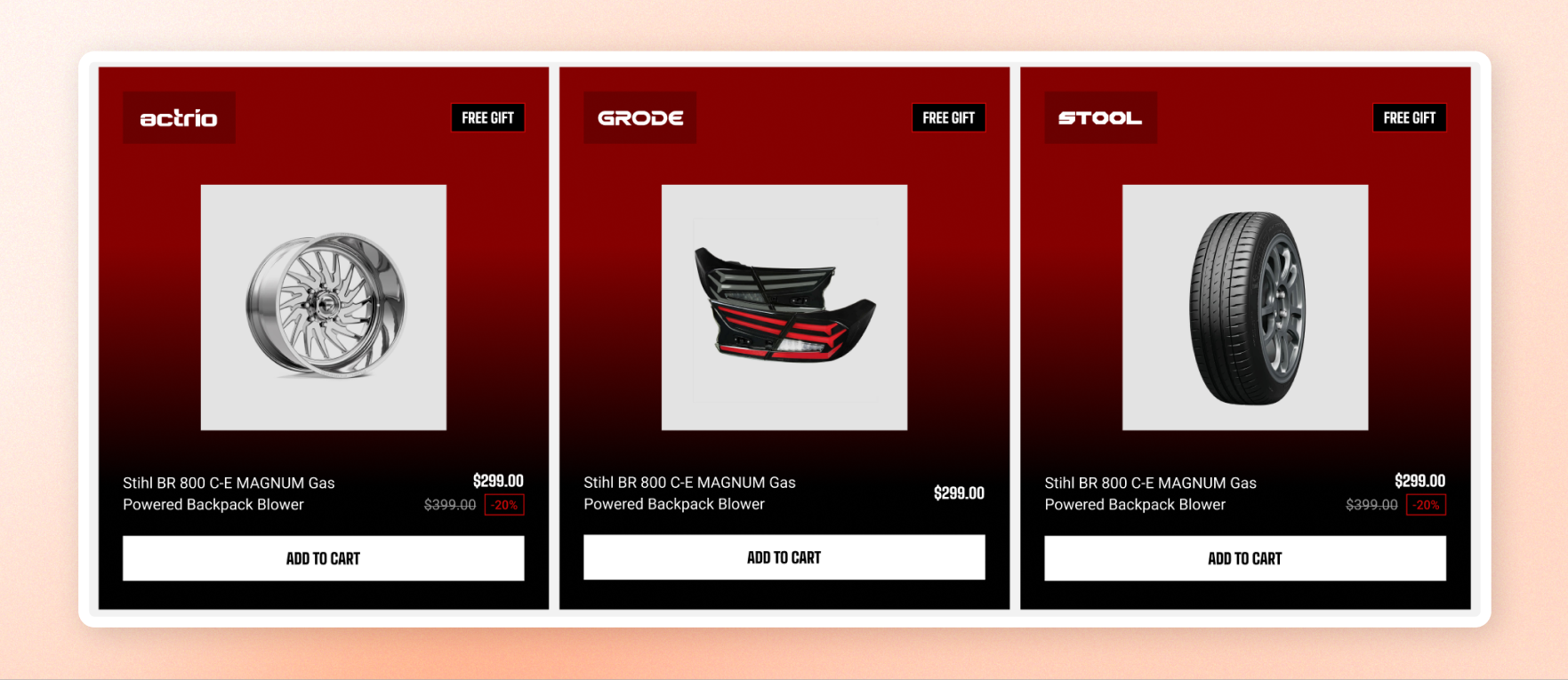
Put one product front and center with a promotional card that combines its image, title, price, sale saving, and add-to-cart button.
Use it to highlight a hero product, promote a deal, or create a stronger product callout with a color scheme or gradient background.
## Content
| Settings | Description | Options |
| ---------------- | -------------------------------------------------------------------------------------------------------------- | ----------------------------------------------------------------------------------------------------------------------------------------------------------------------------------------------------------------- |
| **Product** | Selects the product to feature.
Product page: Leave it empty to use the product associated with the page. | Select product |
| **Image** | Sets the product image shown on the card. Leave it empty to use the product's featured image. | Select image |
| **Aspect ratio** | Controls the shape of the product image. | Choose **Use global settings** to follow your product card image settings in Theme settings, **Auto** to keep the image's natural shape, **Square, Portrait,** or **Landscape** to crop it to the selected shape. |
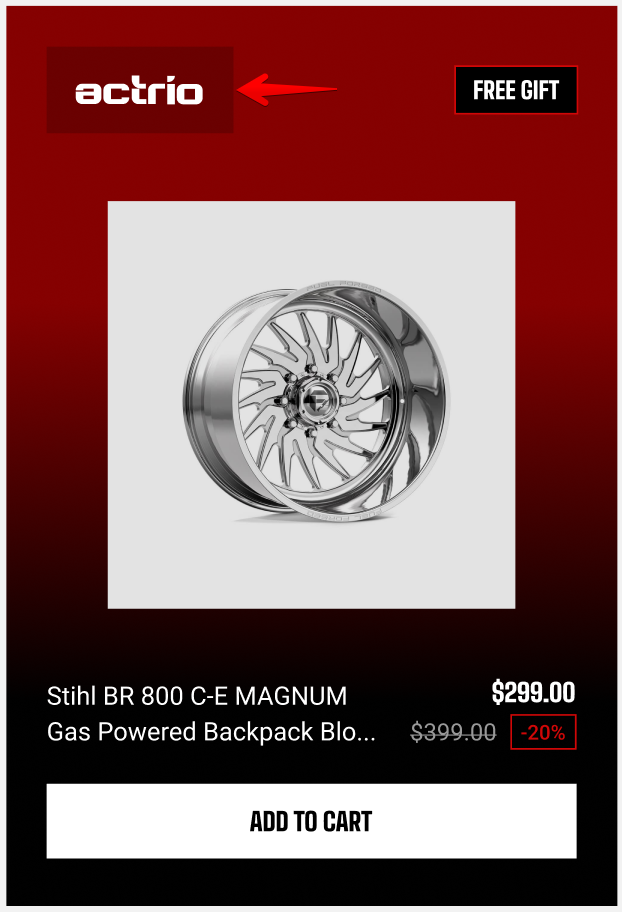
| **Brand logo** | Adds an optional brand logo to the card. | Select image |
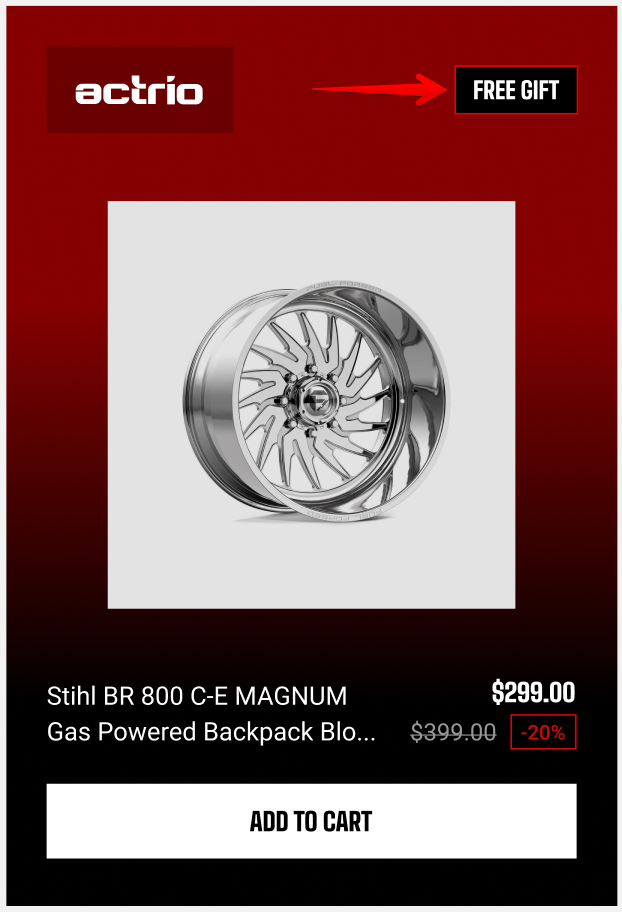
| **Promo label** | Adds a short promotional message, such as Limited offer. | Enter text |
**Brand logo**
 **Promo label**
 ## Size
| Settings | Description | Options |
| ---------------- | ---------------------------------- | ----------------- |
| **Width** | Controls the block width | Fit, Fill, Custom |
| **Width mobile** | Controls the block width on phones | Fit, Fill, Custom |
| **Custom width** | Sets the width as a percentage. | 0% - 100% |
## Appearance
| Setting | Description | Options |
| ------------------------ | ----------------------------------------------------------------------------------------------------------------------------------------------------- | --------------------- |
| **Color scheme** | Sets the colors for the card. | Select color scheme |
| **Background** | Uses the color scheme's background or a gradient. Choose **Gradient** when you want the card to stand out as a promotion. | Color scheme/Gradient |
| **Corner radius** | Controls how rounded the card's corners are. | 0px - 32px |
| **Enable preload image** | Loads the product image earlier when the card appears near the top of the page. Turn it on for a prominent card that customers see as the page opens. | On/Off |
**Tip**: Turn on **Enable preload image** only when the card appears near the top of the page. Preloading images lower on the page can use resources before customers need them.