# Colors
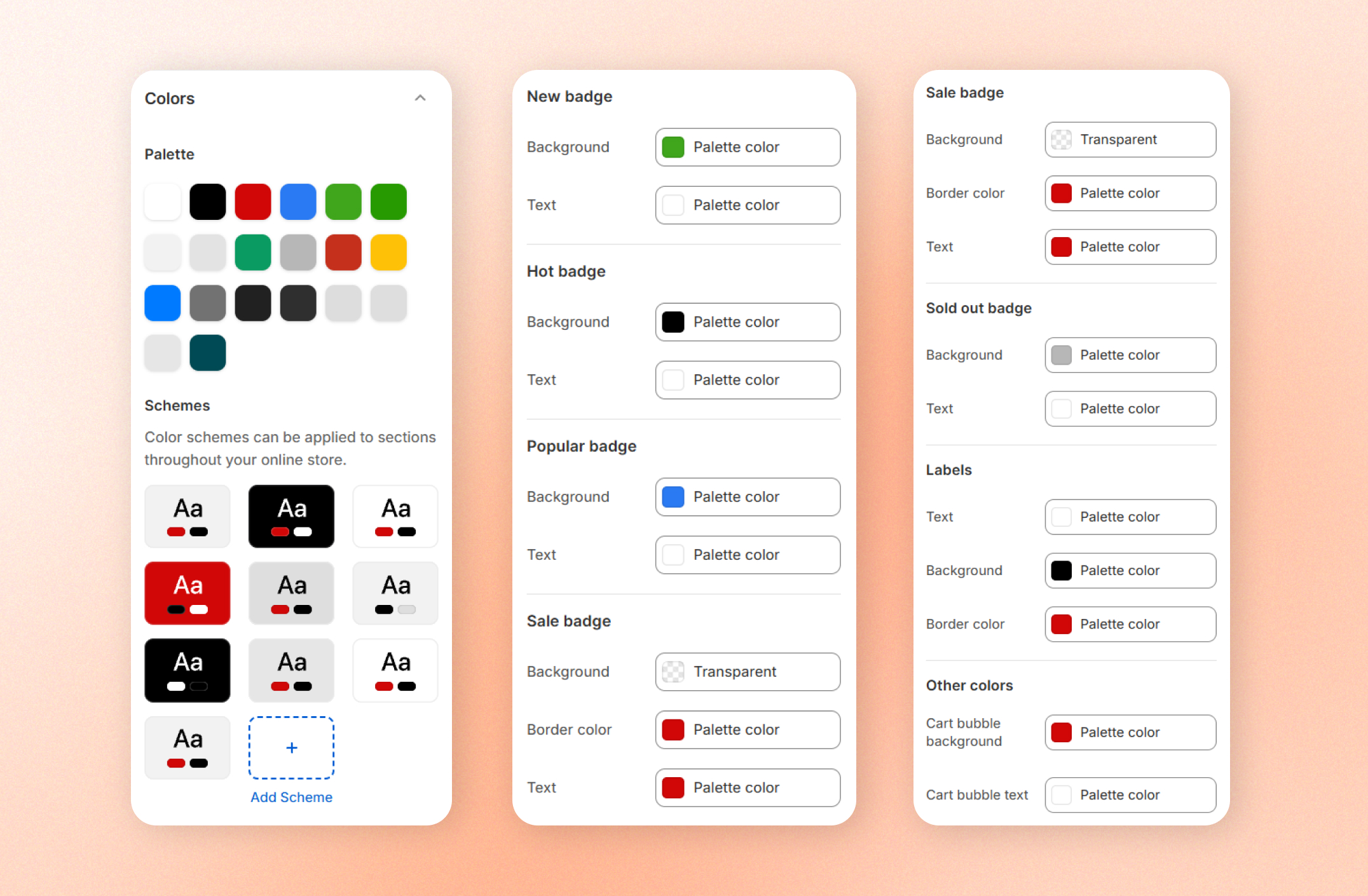
Colors define the visual identity of your storefront. From this section, you can customize your theme's color palette, create reusable color schemes, and adjust the appearance of badges, labels, and other interface elements.
## Palette
| Setting | Description | Option |
| ----------- | ------------------------------------------------------------------------------------------------------------------------------------------- | --------------------------------------- |
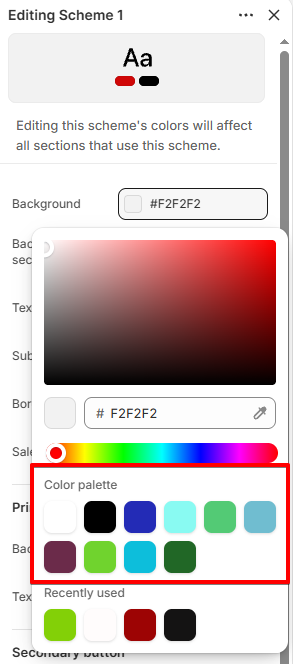
| **Palette** | The defines your store's base background and text colors.
These colors are used as the foundation for the theme's color schemes. | Add a color palette and select a color. |
You can add up to **20 palettes**.
Color palette in color scheme
## Color schemes
| Setting | Description | Option |
| ----------- | ----------------------------------------------------------------------------------------------------------------------------------------------------------------------------------------------- | ------------------------------- |
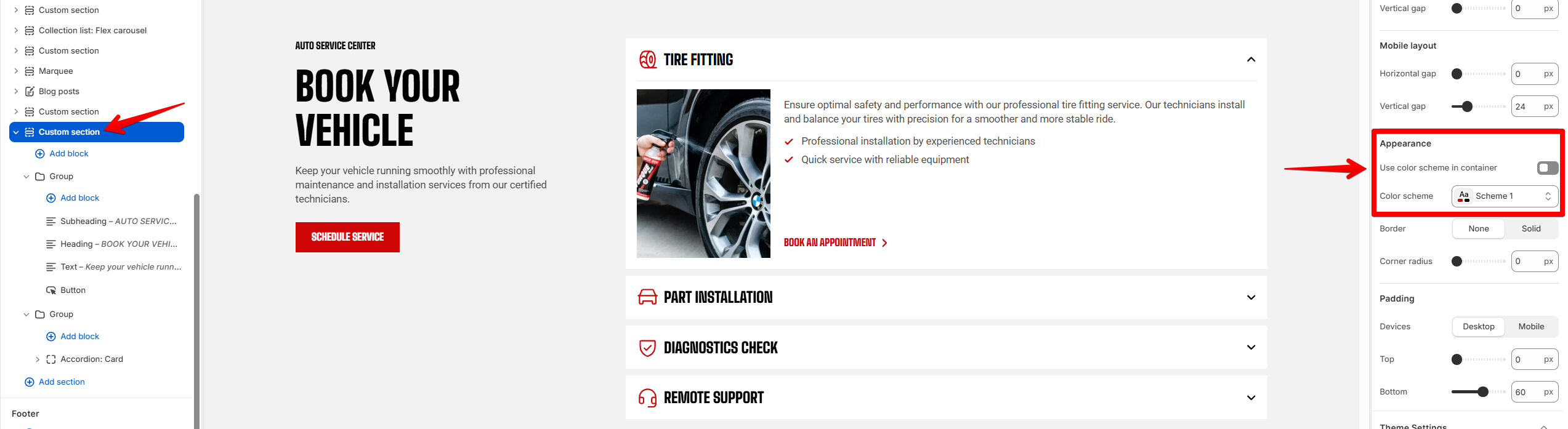
| **Schemes** | **Color schemes** let you create reusable sets of colors for different sections throughout your storefront.
You can create, rename, edit, or remove color schemes at any time. | Add a color scheme and edit it. |
You can add up to **21 schemes**.
Updating a color scheme automatically updates **every section using that scheme**.
## Product badge colors
Customize the colors used for different product badges: **New, Hot, Popular, Sale,** and **Sold out** badges
| Setting | Description |
| ---------------- | -------------------------------------------------------------------------------- |
| **Background** | Select background color for **New, Hot, Popular, Sale,** and **Sold out** badges |
| **Text** | Select text color for **New, Hot, Popular, Sale,** and **Sold out** badges |
| **Border color** | Select border color for **Sale,** and **Sold out** badges |
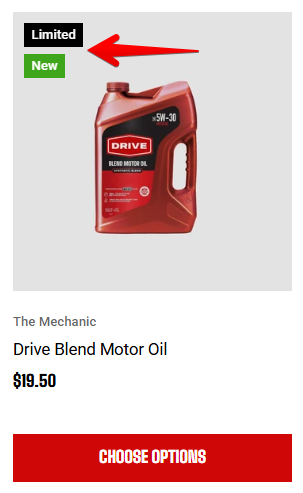
Badge styles such as border radius and border width are configured separately in [**Appearance**](https://docs.foxecom.com/motrix-theme/theme-settings/appearance#badges-and-sale-badge), while the products assigned to **New**, **Hot**, and **Popular** badges are managed in [**Badges**](https://docs.foxecom.com/motrix-theme/theme-settings/badges#badge-settings).
Product badge colors are fixed and don't automatically adapt to light or dark color schemes. Make sure there is enough contrast between the badge background and text for good readability.
## Labels
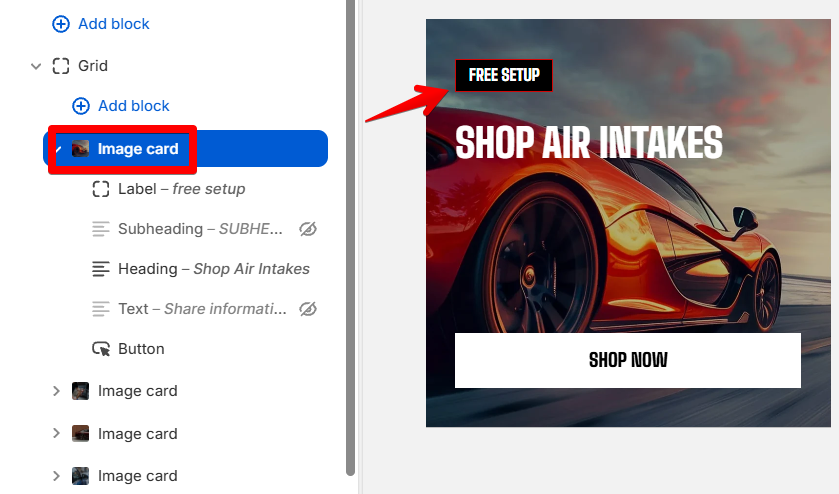
Customize the appearance of label pills displayed on supported cards.
| Setting | Description |
| ---------------- | ---------------------------------- |
| **Background** | Select background color for labels |
| **Text** | Select text color for labels |
| **Border color** | Select border color for labels |
A label on image card
## Other colors
| Setting | Description | Option |
| -------------------------- | ------------------------------------------------------------------------- | -------------- |
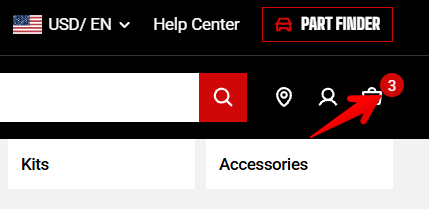
| **Cart bubble background** | The background color of the cart item counter displayed on the cart icon. | Select a color |
| **Cart bubble text** | The text color of the cart item counter. | Select a color |