# Video
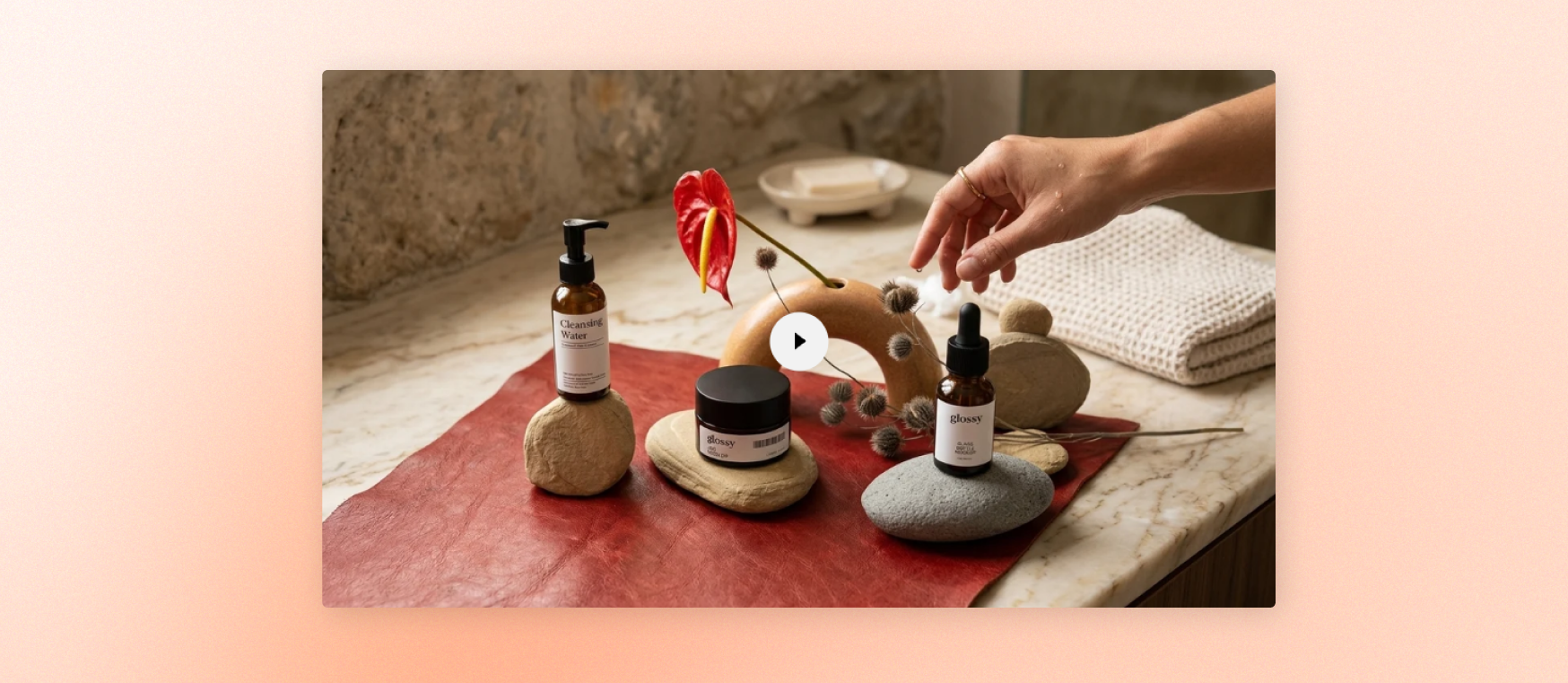
Embed a video from your store or from YouTube or Vimeo. Control playback, cover image, aspect ratio, width, borders, and spacing.
## Content
| Setting | Description | Options |
| ------------------ | ---------------------------------------------------------------------- | ----------------------- |
| **Source** | Choose where the comes from. | Uploaded / External URL |
| **Video** | Upload a video from your store. | Select video |
| **Video URL** | Add a YouTube or Vimeo video link. | Add link |
| **Video autoplay** | Play the video automatically with sound muted. | On / Off |
| **Video looping** | Restart the video automatically when it ends. | On / Off |
| **Cover image** | Show a still image before the video plays when autoplay is off. | Select image |
| **Alt text** | Add a short description of an external video for assistive technology. | Enter text |
## Size
| Setting | Description | Options |
| ---------------- | ------------------------------------------------ | ------------------------------------ |
| **Aspect ratio** | Set the shape of the video. | Auto / Square / Portrait / Landscape |
| **Width** | Set how much space the video uses. | Fit / Fill / Custom |
| **Width mobile** | Set how much space the video uses on mobile. | Fit / Fill / Custom |
| **Custom width** | Set the video width when Width is set to Custom. | 0% - 100% |
## Borders
| Setting | Description | Options |
| ------------------ | ------------------------------------------------------------- | ------------ |
| **Border** | Add an outline around the video. | None / Solid |
| **Border width** | Set the thickness of the outline when Border is set to Solid. | 0px - 10px |
| **Border opacity** | Set how visible the outline is when Border is set to Solid. | 0% - 100% |
| **Corner radius** | Round the video corners. | 0px - 32px |
## Padding
| Setting | Description | Options |
| ------------------------ | -------------------------------------------------------------------------------------------------------------------------------- | ----------- |
| **Top** | Add space above the video. | 0px - 100p |
| **Bottom** | Add space below the video. | 0px - 100px |
| **Left** | Add space to the left of the video. | 0px - 100px |
| **Right** | Add space to the right of the video. | 0px - 100px |
| **Enable preload image** | Load the video's cover image earlier for faster display.
Turn this on when the video is visible as soon as the page opens. | On / Off |
## Tips
* Add a cover image when autoplay is off to show a polished preview before the video plays.
* Use an uploaded video when you want more control over the video shown on your store.
* Use a YouTube or Vimeo URL when the video is already hosted on those platforms.
* Turn on Enable preload image only for videos visible when the page first opens.