# Logo
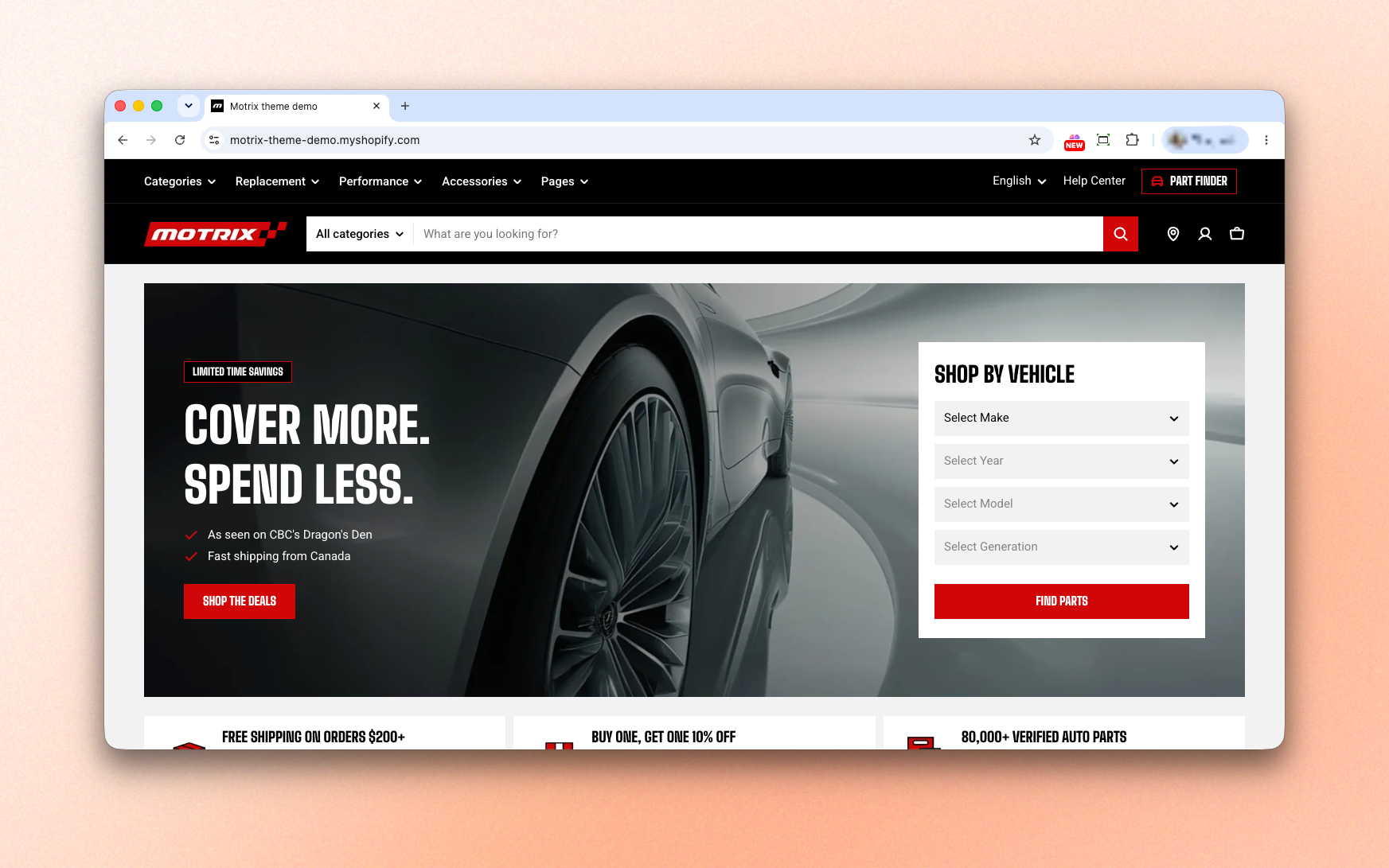
Your logo is one of the first things customers notice when they visit your store. This section lets you upload your store logo, configure its size for desktop and mobile, and add a favicon for browser tabs.
## Logo settings
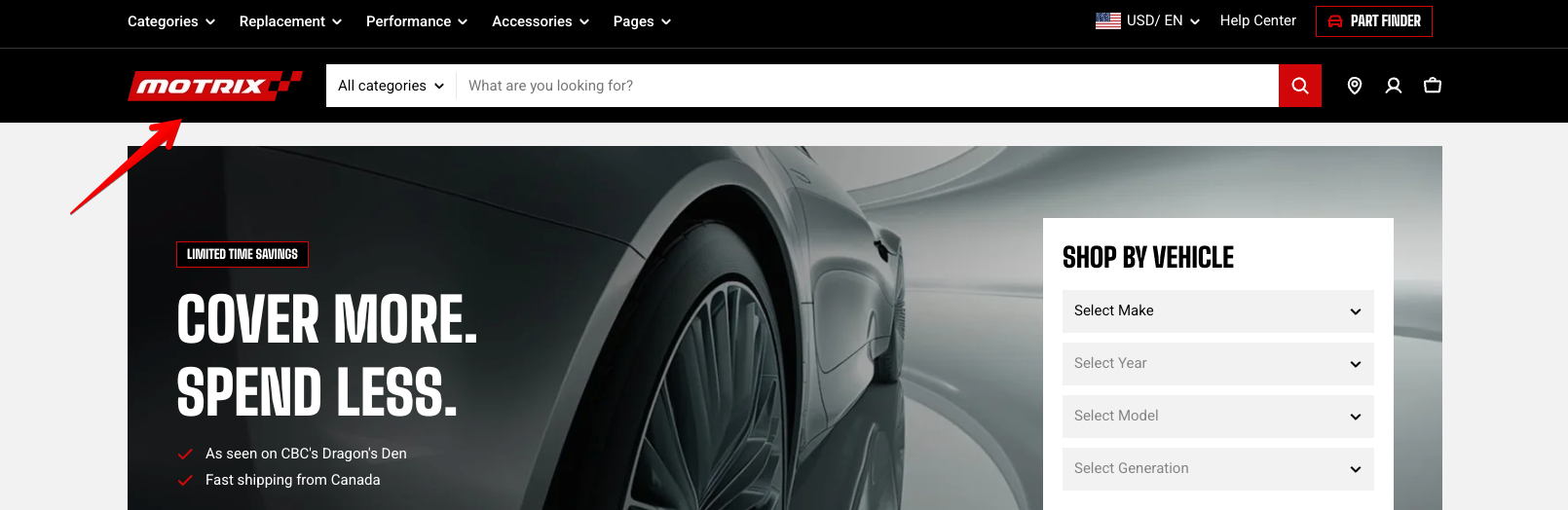
If **left empty**, the theme displays your **store name** as text instead. | Select image |
| **Logo width** | Set the logo width on desktop devices. | 50px - 400px |
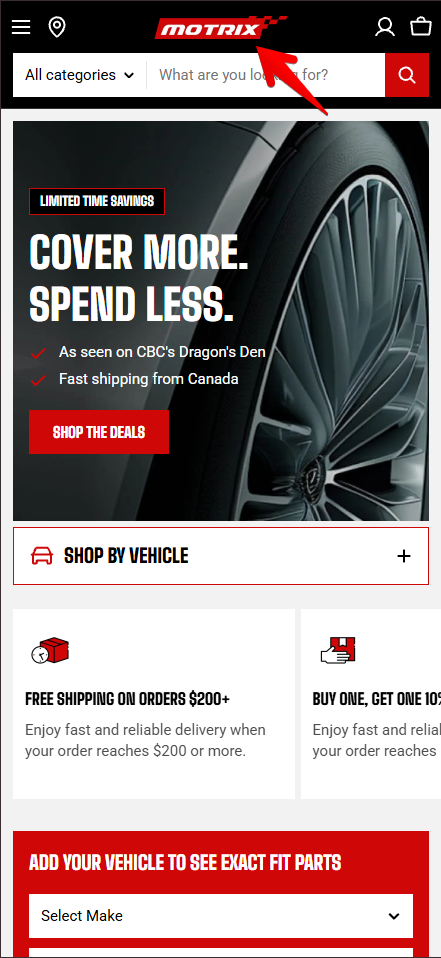
| **Logo mobile** | Upload a **separate logo for mobile devices.** Use this when your main logo is too wide to display clearly on smaller screens.
If **left empty**, the theme uses the **main Logo**. | Select image |
| **Logo width** | Set the logo width on mobile devices. | 50px - 400px |
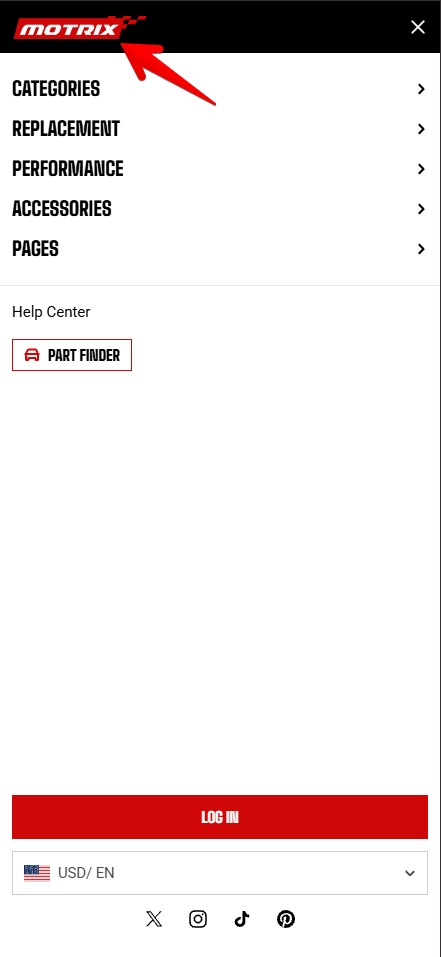
| **Menu drawer logo** | Upload a logo to display at the top of the mobile menu drawer.
If **left empty**, the theme uses **Logo mobile**. If **no mobile logo** is available, it falls back to the **main Logo**. | Select image |
| **Menu drawer logo width** | Set the width of the logo displayed in the mobile menu drawer. | 50px - 400px |
Logo mobile
Menu drawer logo
* For the best image quality, **upload a logo that's approximately twice the display width**. For example, if the logo width is set to 100 px, use an image around 200 px wide.
* **A transparent PNG** works best if your header uses a colored background.
* **Keep your logo consistent** across desktop and mobile unless you need a simplified version for smaller screens.
## Favicon settings

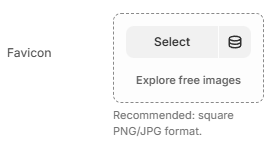
The favicon is a **small image** that represents your store and helps visitors easily identify your website, especially when **multiple tabs are open**.
A favicon increases brand awareness and improves user experience.
**Where it appears:**
* Browser tabs
* Search results
* Browser history
* Bookmark lists
**For the best results:**
* Use a **square** image.
* Keep the design simple so it remains recognizable at small sizes.
Learn more: [Shopify Help Center - Adding a favicon to your store](https://help.shopify.com/en/manual/online-store/images/add-favicon)
 Learn more: [Shopify Help Center - Adding a favicon to your store](https://help.shopify.com/en/manual/online-store/images/add-favicon)