# Countdown timer
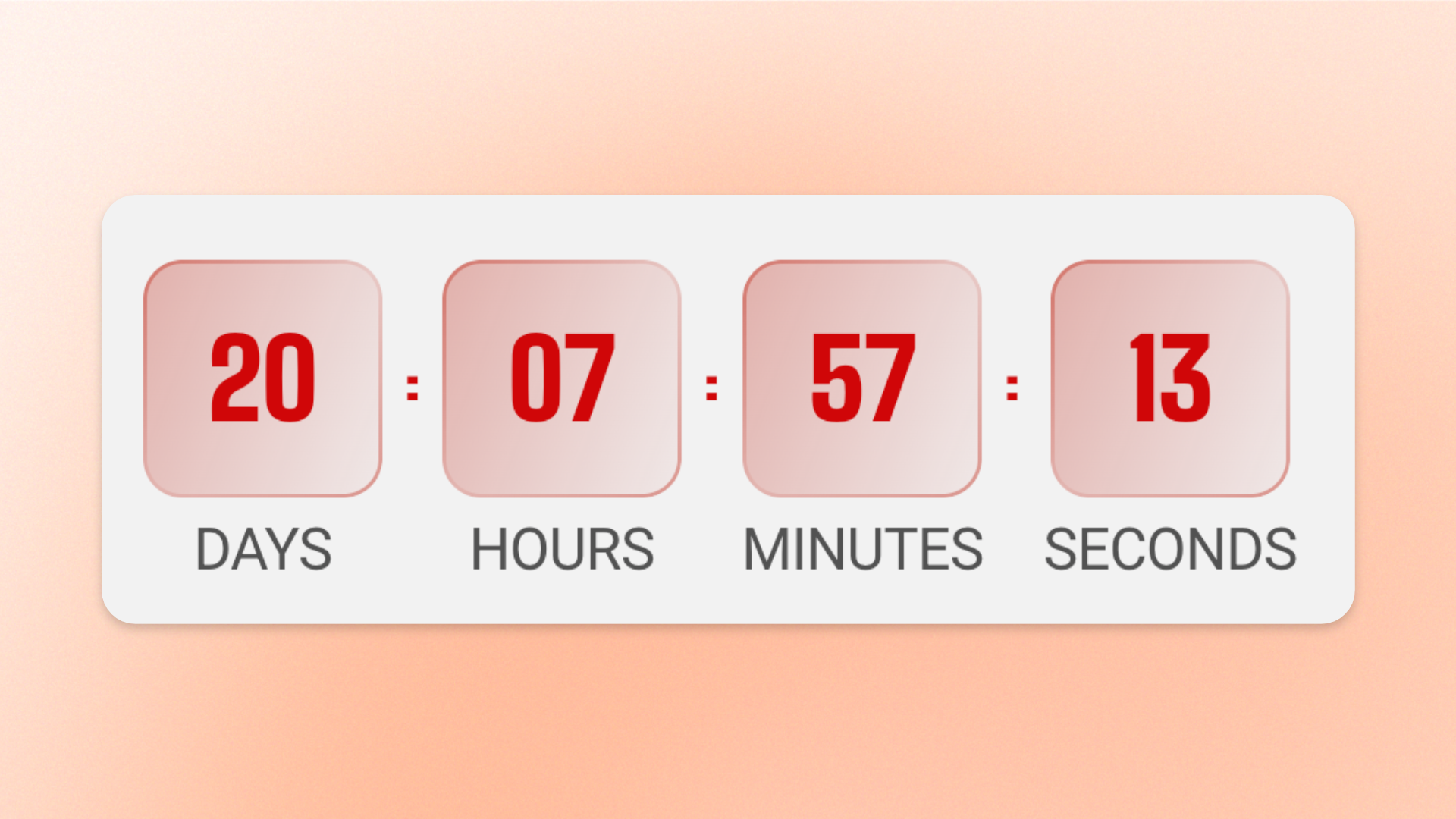
The **Countdown timer** block displays a live countdown in days, hours, minutes, and seconds. Use it for **limited-time sales, product launches, registration deadlines, events, promotions, recurring campaigns**, or other time-sensitive milestones.
The countdown can run on a recurring **Evergreen** schedule or count down to a specific date and time using **Fixed time**.
## Settings
### General
Controls how the countdown runs and how its number groups are displayed.
| Setting | Description | Options |
| ------------------ | ------------------------------------------------------------------------------------------------ | ----------------------------------------------------------------------------------------------------------------------------------------------------------------------------------------------------- |
| **Type** | Controls whether the countdown runs on a recurring schedule or ends at a specific date and time. | **Evergreen:** Restarts automatically after each cycle.
**Fixed time:** Counts down to one specific date and time. |
| **Duration** | Sets how often an Evergreen countdown restarts. | **2 hours, 6 hours, 12 hours, Every day, Every week,** or **Every month.**
*Available when **Type** is set to **Evergreen**.* |
| **Ends time** | Sets the date and time when a Fixed time countdown reaches zero. | Enter a date and time in `YYYY/MM/DD HH:MM` or `YYYY/MM/DD HH:MM AA` format, for example `2024/06/30 23:59` or `2024/06/30 11:59 PM`.
*Available when **Type** is set to **Fixed time**.* |
| **Show text** | Displays a label below each number so shoppers can identify the time unit. | **On** or **Off.**
Labels are **Days, Hours, Minutes,** and **Seconds**. |
| **Style** | Controls the visual treatment of the countdown numbers. | **Standard:** Displays the numbers without individual panels.
**Card:** Displays each number inside its own styled tile. |
| **Horizontal gap** | Controls the horizontal space between each countdown number group. | **0–32px** |
### Numbers
Controls the typography and colors used for the countdown digits and, when **Show text** is enabled, their unit labels.
#### Typography
| Setting | Description | Options |
| -------------------- | ----------------------------------------------------------------------------------------------------------------------- | ----------------------------------------------------------------------------------------------------------------------------------------------------------------------------------------------------------------- |
| **Preset** | Sets the overall typography style for the countdown. | **Heading 1–6** or **Custom** |
| **Font** | Selects which theme font is used. | **Body** or **Heading**.
*Available when **Preset** is set to **Custom**.* |
| **Font weight** | Controls how light or bold the countdown digits appear. | **Inherit, Light, Regular, Medium, Semi bold, Bold, Extra bold, or Black**.
*Available when **Preset** is set to **Custom**.* |
| **Font size** | Sets the size of the countdown digits on desktop. | **10–100px**.
*Available when **Preset** is set to **Custom**.* |
| **Font size mobile** | Sets the size of the countdown digits on mobile devices. | **10–60px**.
*Available when **Preset** is set to **Custom**.* |
| **Text transform** | Controls the letter casing of the unit labels displayed when Show text is enabled. The countdown digits are unaffected. | **Inherit:** Follows the theme setting.
**As typed:** Keeps the original casing.
**Title Case, UPPER CASE, or lower case**.
*Available when **Preset** is set to **Custom**.* |
#### Color
| Setting | Description | Options |
| ------------------------ | --------------------------------------------------------------------- | --------------------------------------------------------------------------------------------------------------------- |
| **Inherit color scheme** | Controls whether the countdown uses the surrounding section's colors. | **On** or **Off**. |
| **Color** | Sets the color of the countdown digits. | Select a color.
*Available when **Inherit color scheme** is turned off.* |
| **Background color** | Sets the background color of each countdown tile. | Select a color.
*Available when **Inherit color scheme** is turned off and **Style** is set to **Card**.* |
### Mobile settings
Controls countdown spacing specifically on mobile devices.
| Setting | Description | Options |
| ------------------ | ---------------------------------------------------------------------------- | ---------- |
| **Horizontal gap** | Controls the horizontal space between the countdown number groups on mobile. | **0–32px** |
## Tips and best practices
* Use **Fixed time** for a real, one-time deadline such as the end of a sale, an event start time, or a product launch.
* Use **Evergreen** when you want an always-active countdown that automatically begins a new cycle instead of remaining at zero.
* Turn on **Show text** when the time units may not be obvious; leave it off for a more compact presentation.