# Layout
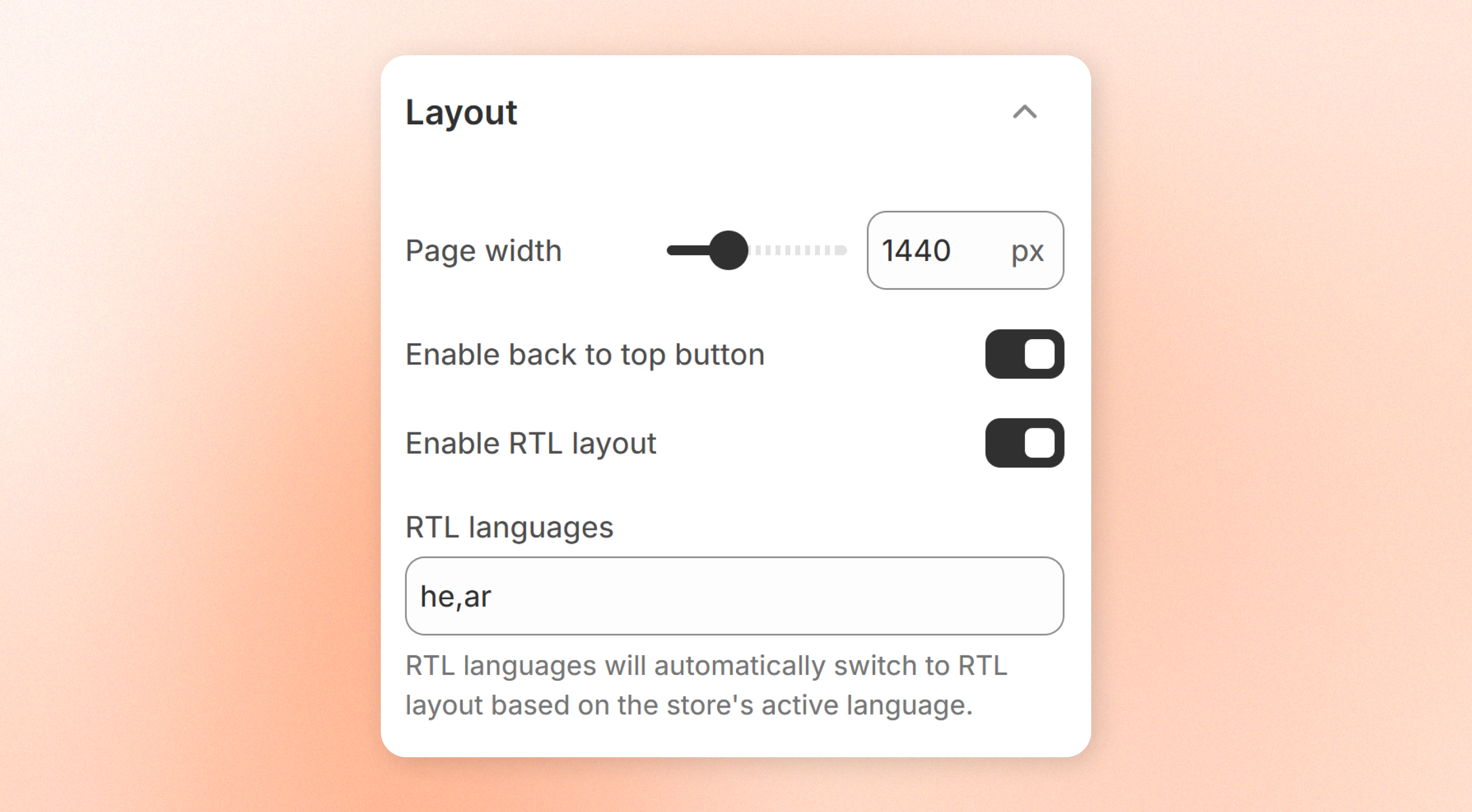
The **Layout** settings control your store's overall appearance and browsing experience.
You can adjust the maximum page width, enable the helpful back-to-top feature, and configure support for right-to-left (RTL) languages.
## Layout settings
| Setting | Description | Option |
| ----------------------------- | ------------------------------------------------------------------------------------------------------------------------------------------------------------------------------------------------------------------------------------ | --------------- |
| **Page width** | Set the **maximum width** of your store's content on large screens.
The content always stays centered. On wider screens, the extra space appears on both sides without stretching your content beyond the selected width. | 1200px - 2000px |
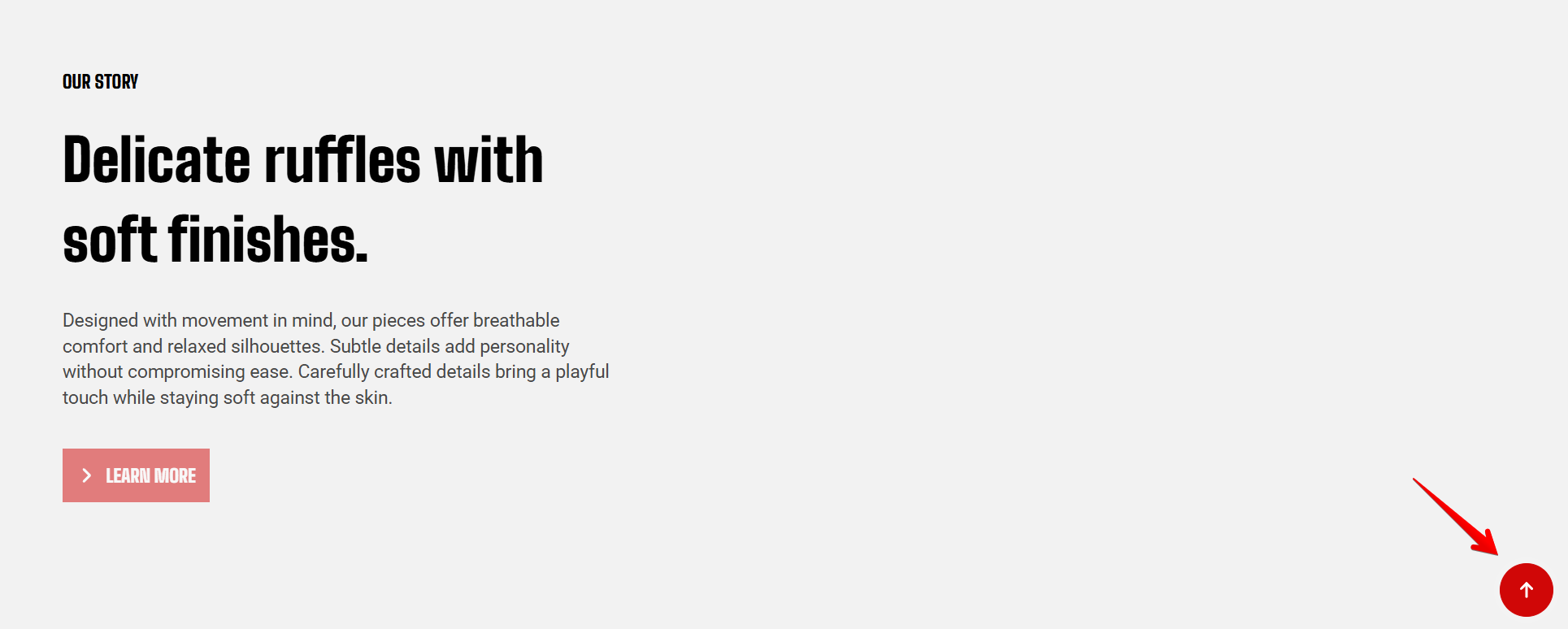
| **Enable back to top button** | Display a Back to top button on long pages, allowing customers to quickly return to the top of the page.
This setting can **improve navigation**, especially on pages with a lot of content. | On / Off |
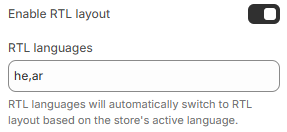
| **Enable RTL layout** | Enable a right-to-left (RTL) layout for supported languages.
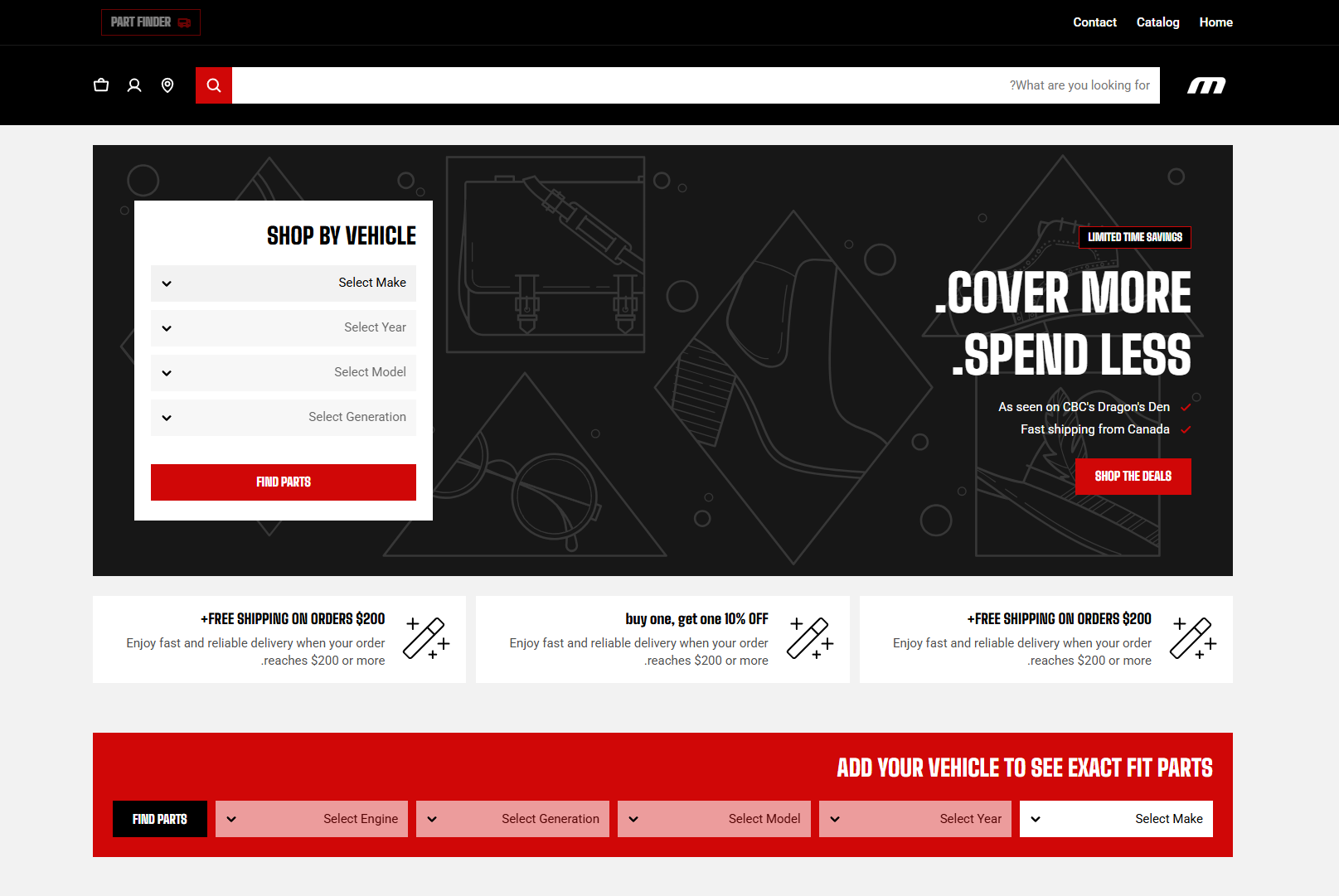
When **enabled**, the theme automatically mirrors the layout for RTL languages, including text alignment, navigation menus, icons, and directional elements. | On / Off |
Back to top button
RTL layout
## Tips
* A wider **page width** works well for stores with large images or spacious layouts, while a narrower width can improve readability for text-heavy content.
* Enable the **Back to top** button if your store contains long pages, such as detailed product pages or landing pages.
* The **RTL layout** should be enabled for the languages specified as **RTL languages.** Enter [ISO language codes](https://www.loc.gov/standards/iso639-2/php/code_list.php) separated by commas (e.g., `he,ar`).