# Custom liquid
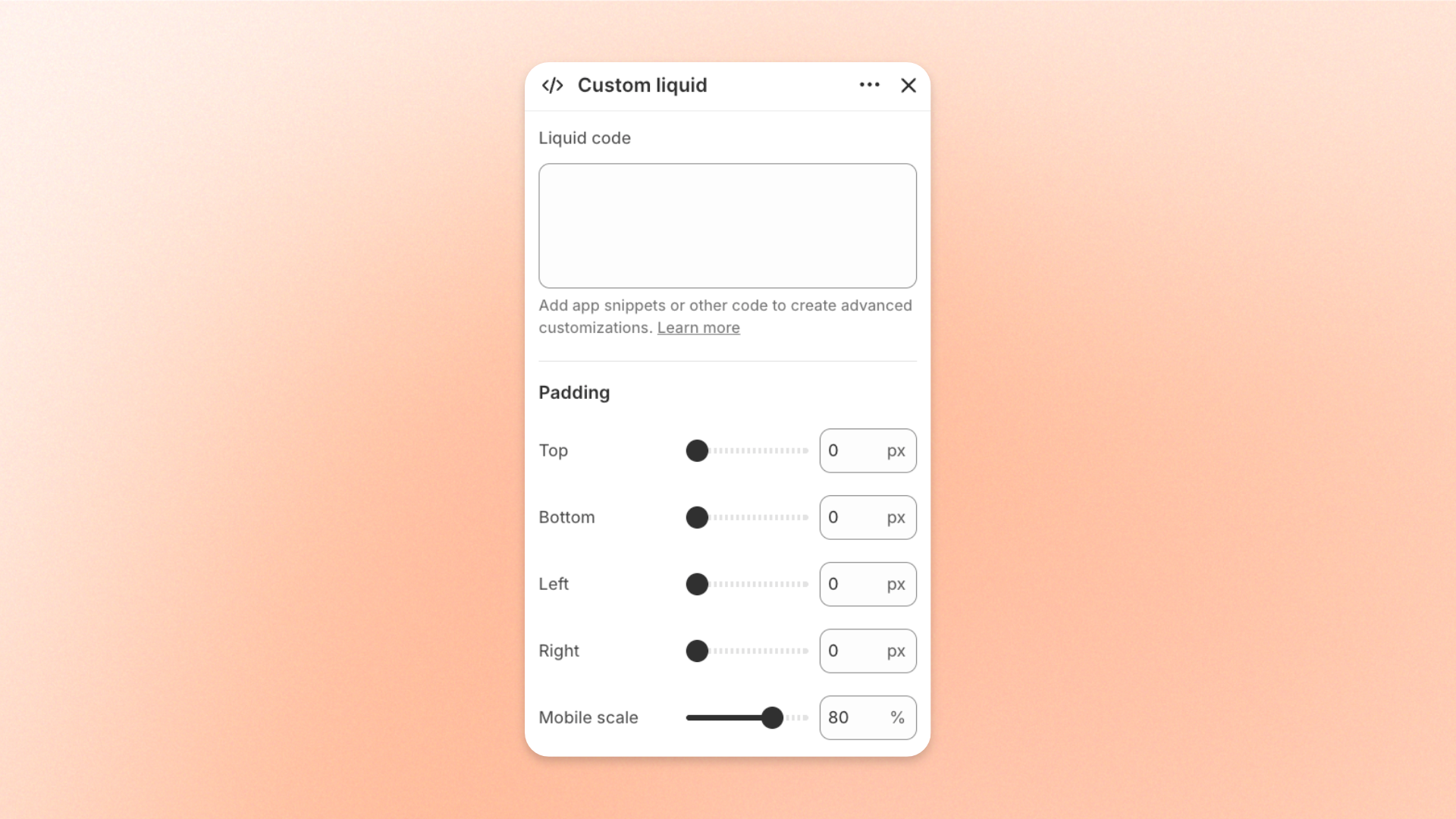
The **Custom liquid** block lets you add your own **Liquid, HTML, or app snippet** directly inside a section. Use it for **third-party widgets, app snippets, custom Liquid output, custom HTML**, or other small code-based customizations that aren’t available through the theme’s built-in blocks.
The code you enter is rendered directly on the storefront, so this block is best suited for advanced customizations and integrations.
## Settings
### Content
| Setting | Description | Options |
| --------------- | ------------------------------------------- | ------------------------------------------------------ |
| **Liquid code** | Adds the custom code rendered by the block. | Enter **Liquid, HTML, or supported app snippet code**. |
### Padding
Controls the space inside the Custom liquid block.
| Setting | Description | Options |
| ---------------- | --------------------------------------------------------------------- | ---------------------------------------------------------------------------- |
| **Top** | Sets the space above the custom content. | **0–100px** |
| **Bottom** | Sets the space below the custom content. | **0–100px** |
| **Left** | Sets the space on the left side of the custom content. | **0–100px** |
| **Right** | Sets the space on the right side of the custom content. | **0–100px** |
| **Mobile scale** | Scales all padding values on mobile relative to their desktop values. | **20–100%:** Select the percentage of the desktop padding to keep on mobile. |
## Tips and best practices
* Use **Custom liquid** only when the theme’s built-in blocks can’t achieve what you need.
* Test custom code on a draft theme before publishing, since Liquid or HTML errors can affect the page layout or functionality.
* Keep custom code as simple as possible so it’s easier to maintain and troubleshoot later.