# Collection cards
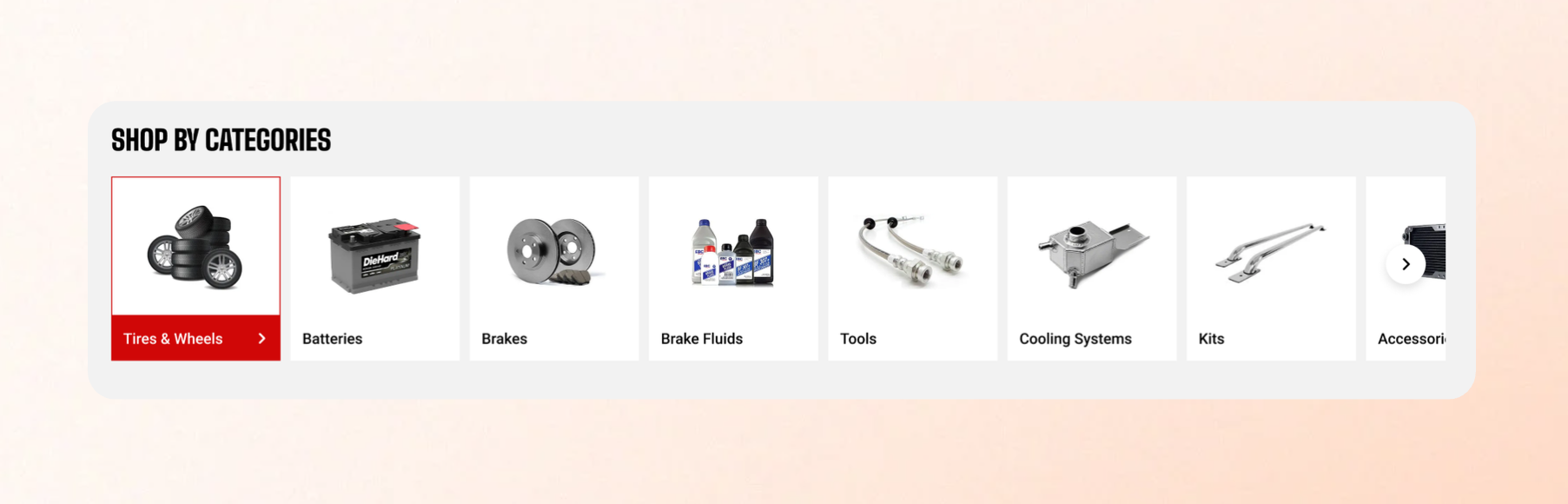
Collection cards are used to represent collections throughout your storefront, such as in **Collection list**, **Featured collections**, and other sections that showcase multiple collections.
Use these settings to control the appearance of collection cards across your theme.
| Setting | Description | Option |
| ----------------- | --------------------------------------------------------------------------------------------------------------------------------------------------------------------- | ---------------------------------------------------------------------- |
| **Aspect ratio** | Choose how collection images are displayed. | **Auto** preserves each collection image's original proportions. |
| **Corner radius** | Control how rounded the corners of collection images appear.
Increasing the value creates softer, more rounded corners, while **0** displays square corners. | 0px - 32px |
Corner radius - Collection image
Use the same image style and aspect ratio across your collections for a cleaner, more professional storefront.
If your collection images have different dimensions, choose **a fixed aspect ratio** to keep collection cards aligned and visually consistent.
