# Shoppable media card
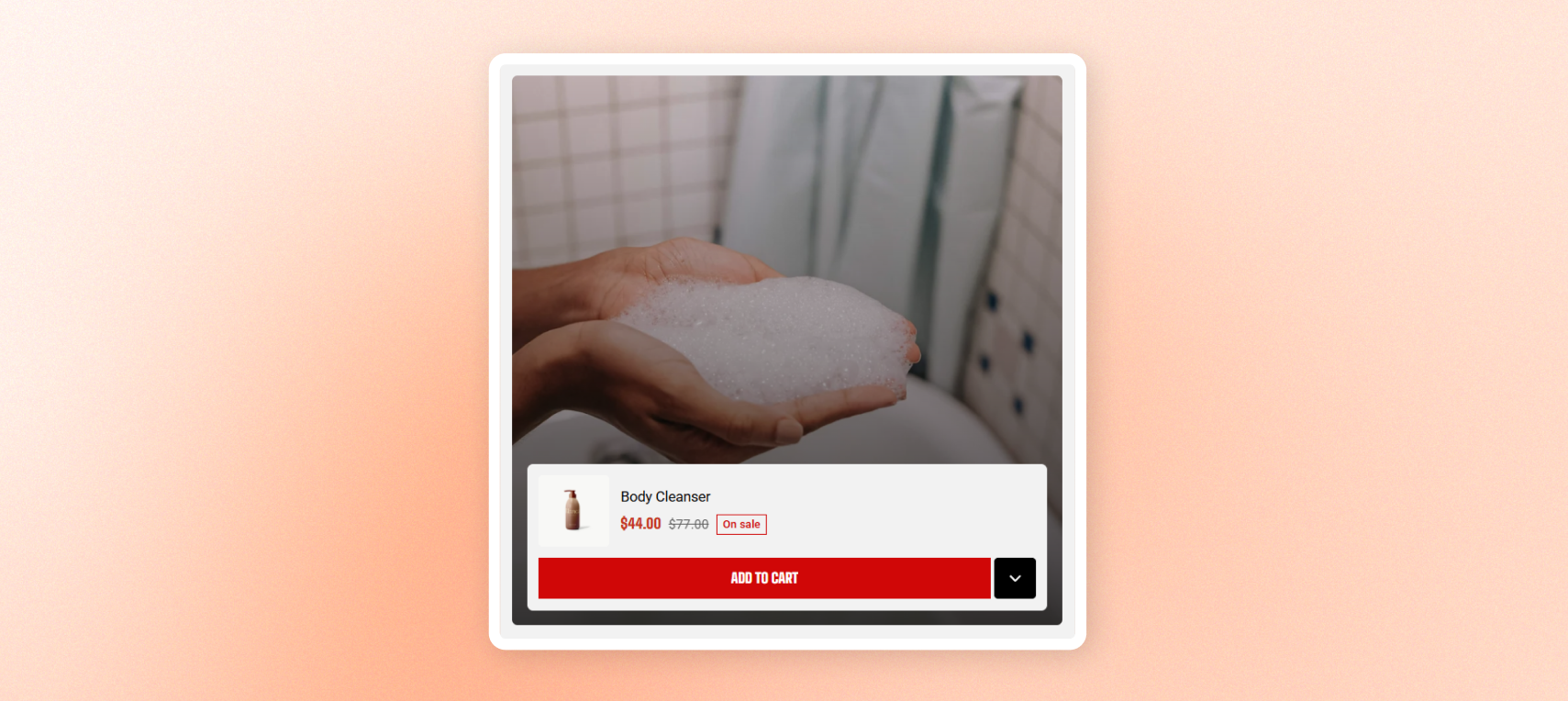
Display a lifestyle image or video with a product panel overlaid at the bottom. Customers can open the panel to choose a variant or add the product to the cart without leaving the page.
Use multiple cards together to create a shoppable lookbook or highlight products in context.
## Layout
| Settings | Description | Options |
| ---------------------- | ---------------------------------------------------------------------------------------------------------------------- | ----------------- |
| **Width** | Controls the block width | Fit, Fill, Custom |
| **Width mobile** | Controls the block width on phones | Fit, Fill, Custom |
| **Custom width** | Sets the width as a percentage. | 0% - 100% |
| **Enable full height** | Makes this card match the tallest item in its row when used inside a group or grid. Other items keep their own height. | On/Off |
## Media
| Settings | Descriptions | |
| ------------------ | --------------------------------------------------------------------------------------------------- | :---------------------------------------------------------------------- |
| **Type** | Sets the media type to **Image** or **Video**. | **Image** or **Video**. |
| **Image Type** | Appears when **Type \= Image**. Sets the card's background image. | Select image |
| **Image mobile** | Appears when **Type \= Image**. Adds a separate image for phones. | Select image |
| **Source** | Appears when **Type \= Video**. Choose an Uploaded video or an External URL. | Uploaded video or an External URL. |
| **Video** | Appears when **Type \= Video** and **Source \= Uploaded**. | Selects the uploaded video. |
| **Video URL** | Appears when **Type \= Video** and **Source \= External URL**. | Adds a YouTube or Vimeo video URL. |
| **Video autoplay** | Appears when **Type \= Video**. Plays the video automatically with sound muted. | On/Off |
| **Video looping** | Appears when **Type \= Video**. Replays the video automatically after it ends. | On/Off |
| **Cover image** | Appears when **Type \= Video** and autoplay is off. Displays a still image before the video starts. | Select image |
| **Aspect ratio** | Controls the card shape | **Auto, Square, Portrait,** or **Landscape.** |
| **Media overlay** | Adds a shade over the image or video to improve the readability of the product panel and text. | On/Off |
| **Overlay style** | Appears when the **Media overlay is** **on**. Choose a flat | **Color** or **Gradient** overlay. |
| **Overlay color** | Appears when the **Media overlay is on** and the **Overlay style \= Color**. | Sets the overlay color and transparency. |
| **Gradient color** | Appears when the **Media overlay is on** and the **Overlay style \= Gradient**. | Sets a gradient that fades from clear at the top to dark at the bottom. |
## Content
| Setting | Description | Option |
| --------------------------- | ------------------------------------------------------------------------------------------------- | ---------------------------------------------------------------------------------------------------------------------------------------------- |
| **Product** | Selects the product shown in the panel. Leave empty on a product page to use the current product. | Select product |
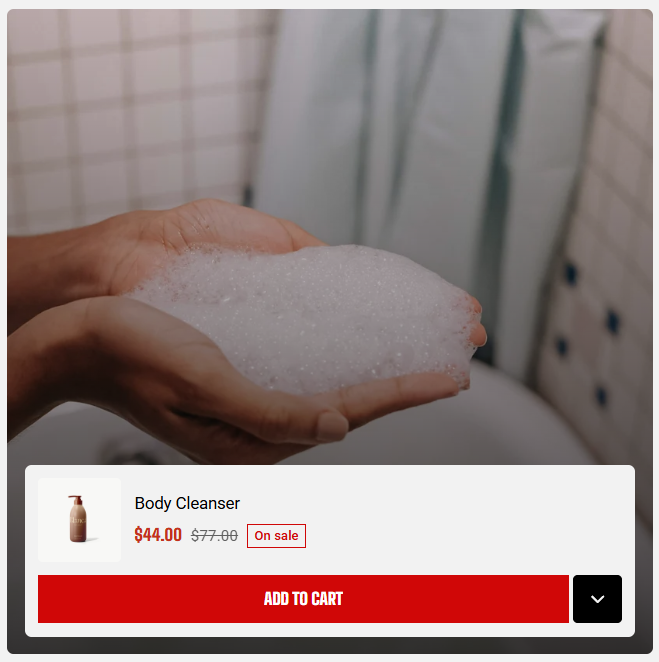
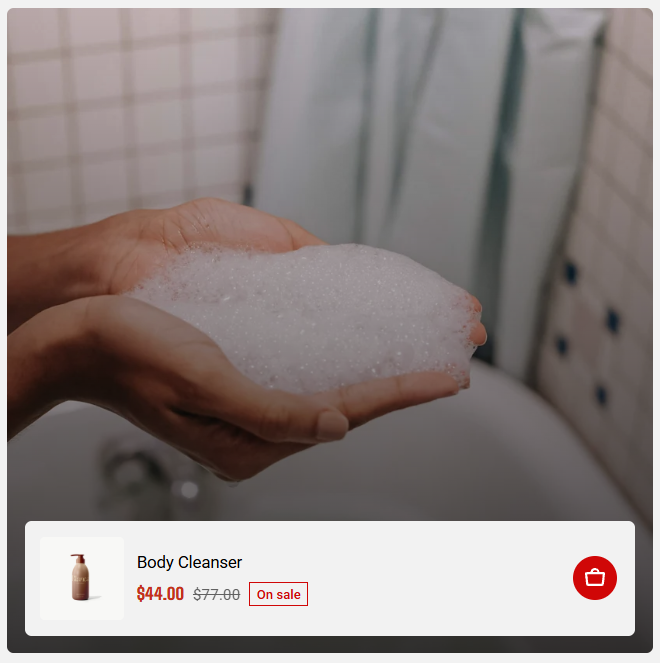
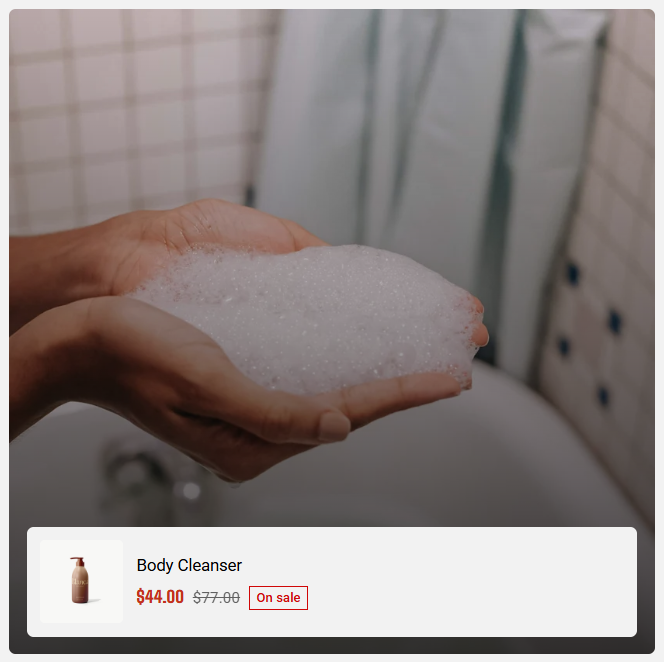
| **Action style** | Controls what customers can do from the panel | **Variant toggle** opens the variant picker
**Quick add** adds the product directly to cart
**None** shows the product summary only. |
| **Thumbnail size** | Sets the product thumbnail size in the panel. | 40px - 96px |
| **Thumbnail size (mobile**) | Sets the product thumbnail size on phones. | 40px - 96px |
| **Show sale badge** | Displays a sale badge when the product is discounted. | On/Off |
## Appearance
| Setting | Description | Option |
| ------------------------ | ----------------------------------------------------------------------------------------------- | ------------------- |
| **Color scheme** | Sets the colors of the product panel. | Select color scheme |
| **Corner radius** | Rounds the card's corners. | 0px - 32px |
| **Enable preload image** | Loads the card's image or video cover image earlier when the card is visible as the page opens. | On/Off |