# Prices
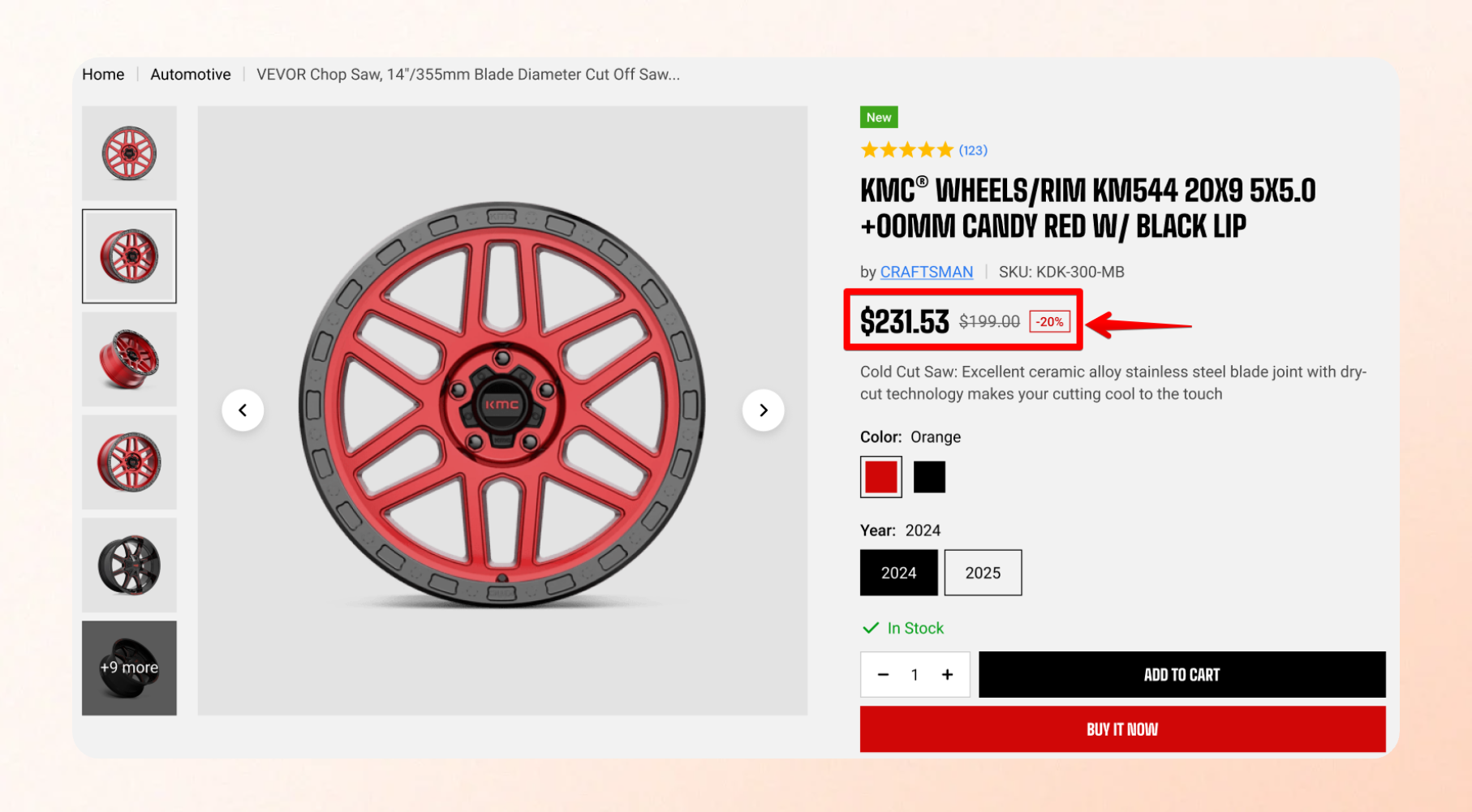
Customize how prices appear across your store to improve clarity and make currency information easier for customers to understand.
Set up currencies in **Shopify admin >** [**Markets**](https://admin.shopify.com/markets) before enabling this theme setting. If your store doesn't sell in multiple currencies, you can leave it turned off.
For more information, see [Shopify's guide to setting up currencies for Markets](https://help.shopify.com/en/manual/markets/customizations/local-currencies).
| Setting | Description | Option |
| ---------------------- | ----------------------------------------------------------------------------------- | -------- |
| **Show currency code** | Show the currency code next to the price, such as `$10.00 USD` instead of `$10.00`. | On / Off |
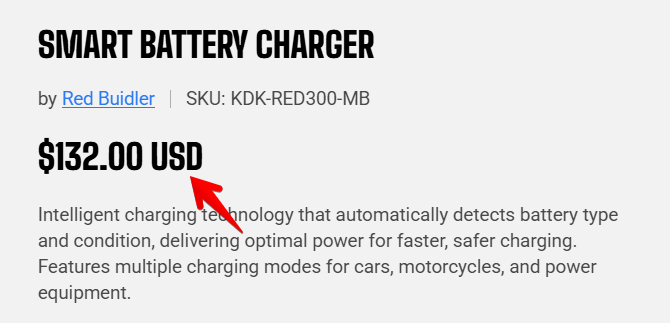
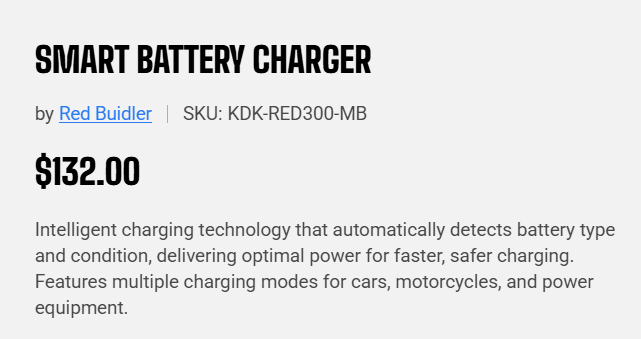
**Show the currency code** if you sell in multiple currencies that use the **same symbol**, such as USD, CAD, or AUD. The code helps customers identify which currency they're viewing.