# Dialogs
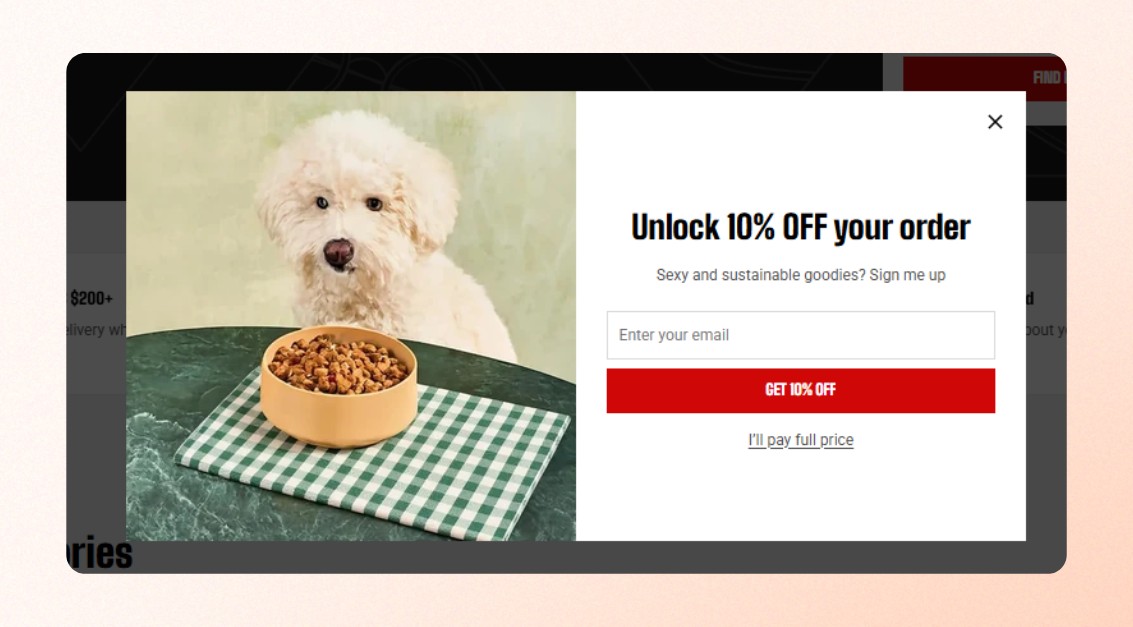
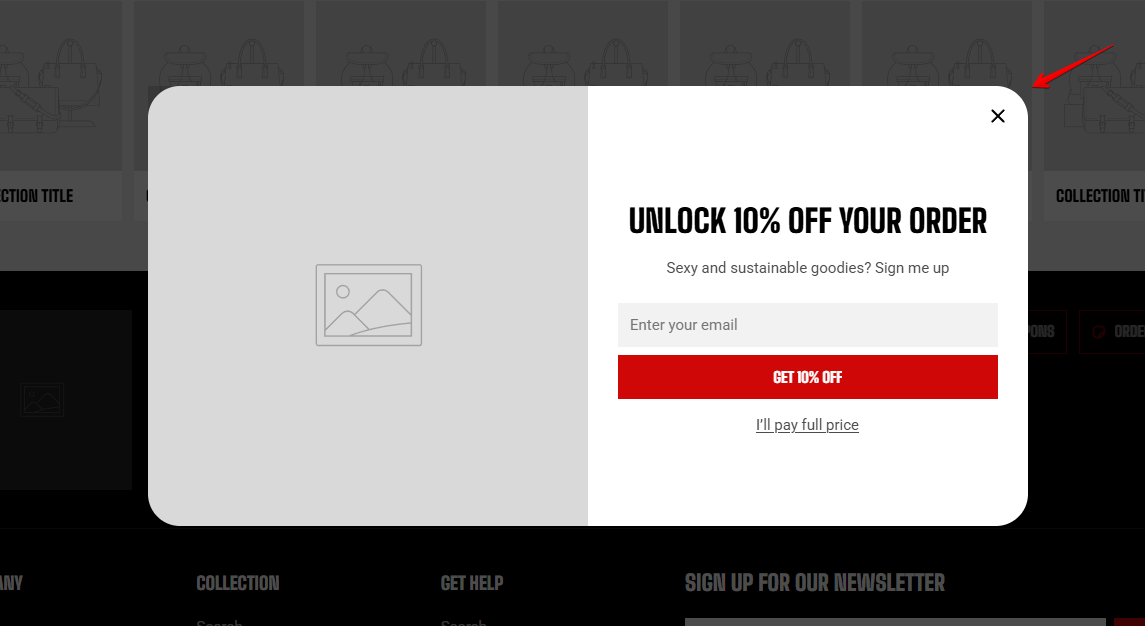
Dialogs are popups and slide-out panels (overlay group) that appear over the current page, such as **Quick View**, the **cart drawer**, and the **mobile menu**.
Use these settings to control the color scheme and corner radius shared across dialogs and panels.
| Setting | Description | Option |
| ------------------------ | -------------------------------------------------------------------------------------- | ---------------------------------------------------------------------------------------------------------------------------------------------------------------------------------------------------------------- |
| **Inherit color scheme** | Choose whether dialogs use the color scheme of the section or element that opens them. | **On:** Each dialog inherits the color scheme of the element that opens it, helping it blend with the surrounding design.
**Off:** All dialogs use the color scheme selected in **Color scheme** below. |
| **Color scheme** | Select the color scheme used for dialogs when **Inherit color scheme** is turned off. | Select a color scheme |
| **Corner radius** | Control how rounded the corners of dialogs and slide-out panels appear. | 0px - 32px |