# Newsletter
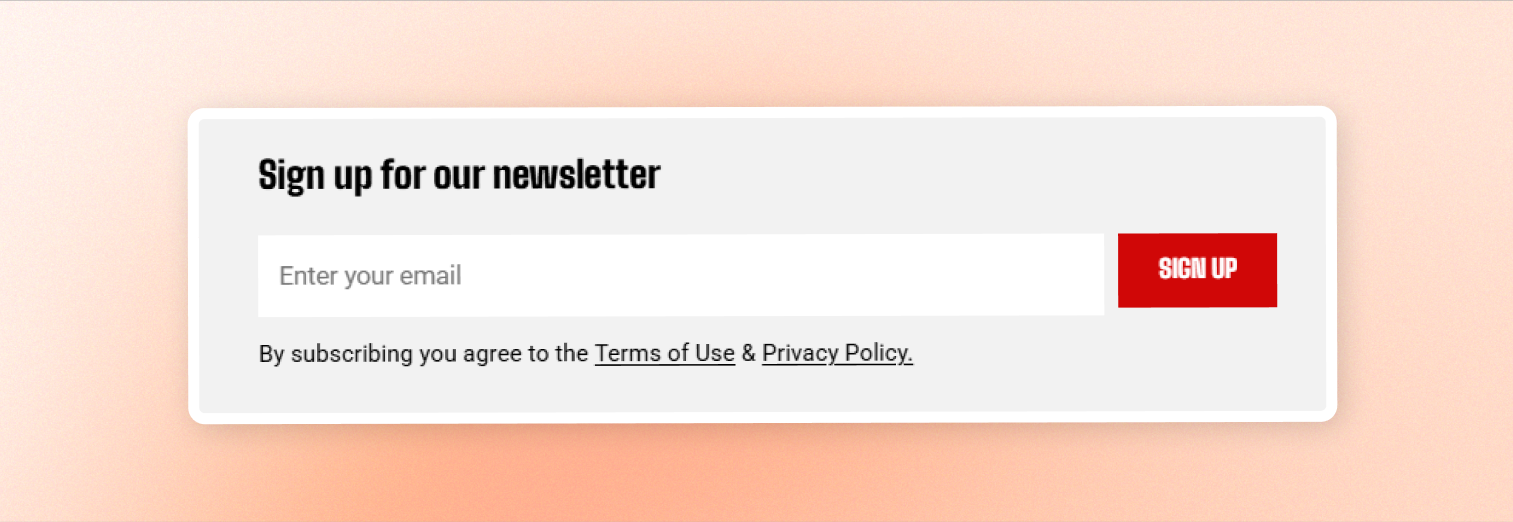Collect email addresses and grow your mailing list with a newsletter sign-up form.
**The email address collected through the form is added to your store's customer list automatically**. No extra setup is required.
Choose a layout that fits your page, customize the subscribe button, and add an optional terms or privacy note below the form.
## General
| Setting | Description | Options |
| ------------------ | ----------------------- | -------------------------- |
| **Design** | Choose the form layout. | Design 1/Design 2/Design 3 |
| **Text alignment** | Align the form content. | Left/Center |
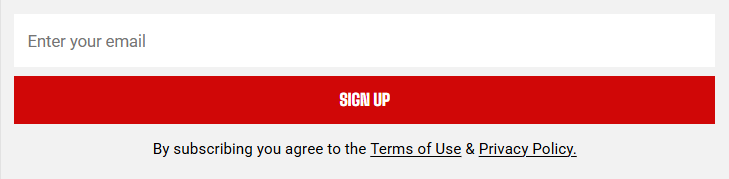

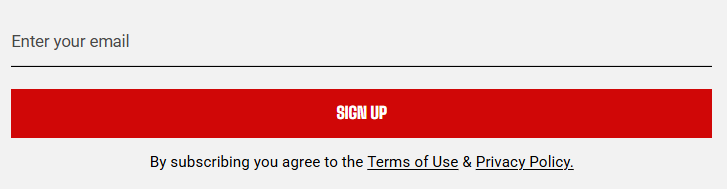
You can change the form placeholder text and success messages in the **Edit default theme content > Blocks > Email signup**.
## Button
| Setting | Description | Options |
| --------- | --------------------------------------------------------------------------- | ---------- |
| **Label** | Set the text on the subscribe button. Leave empty to use the default label. | Enter Text |
Use a short, action-focused label such as **Subscribe** or **Join our newsletter** so customers know what happens when they click.
## Terms & Policy
| Setting | Description | Options |
| --------- | ---------------------------------------------------------------------------------------------------------------- | ------------ |
| **Text** | Add a note below the form, such as a link to your Terms of Use and Privacy Policy.
Leave empty to hide it. | Enter Text |
| **Color** | Choose the text color for the terms and policy note. | Text/Subtext |
Keep the note short so it doesn't distract from the sign-up form. Leave the field empty if you don't need to show one.
## Size
| Setting | Description | Options |
| ---------------- | ----------------------------------------------------------------------------------- | --------------- |
| **Width** | Set the newsletter block width. | Fit/Fill/Custom |
| **Custom width** | Appears when Width \= Custom. Set the block width as a percentage. | 0% - 100% |
| **Width mobile** | Set the newsletter block width on phones. | Fit/Fill/Custom |
| **Custom width** | Appears when Width mobile \= Custom. Set the block width on phones as a percentage. | 0% - 100% |
Use **Custom** when the full-width form looks too wide for the surrounding content.