
Global SectionsHeader
Currency selector
1 min read
_aanxBypo.jpg)
To sell in multiple currencies, you need to use Shopify Payments in your online store and activate international sales tools.
How to add more currencies to your site
To add more currencies to your site, refer to this documentation.
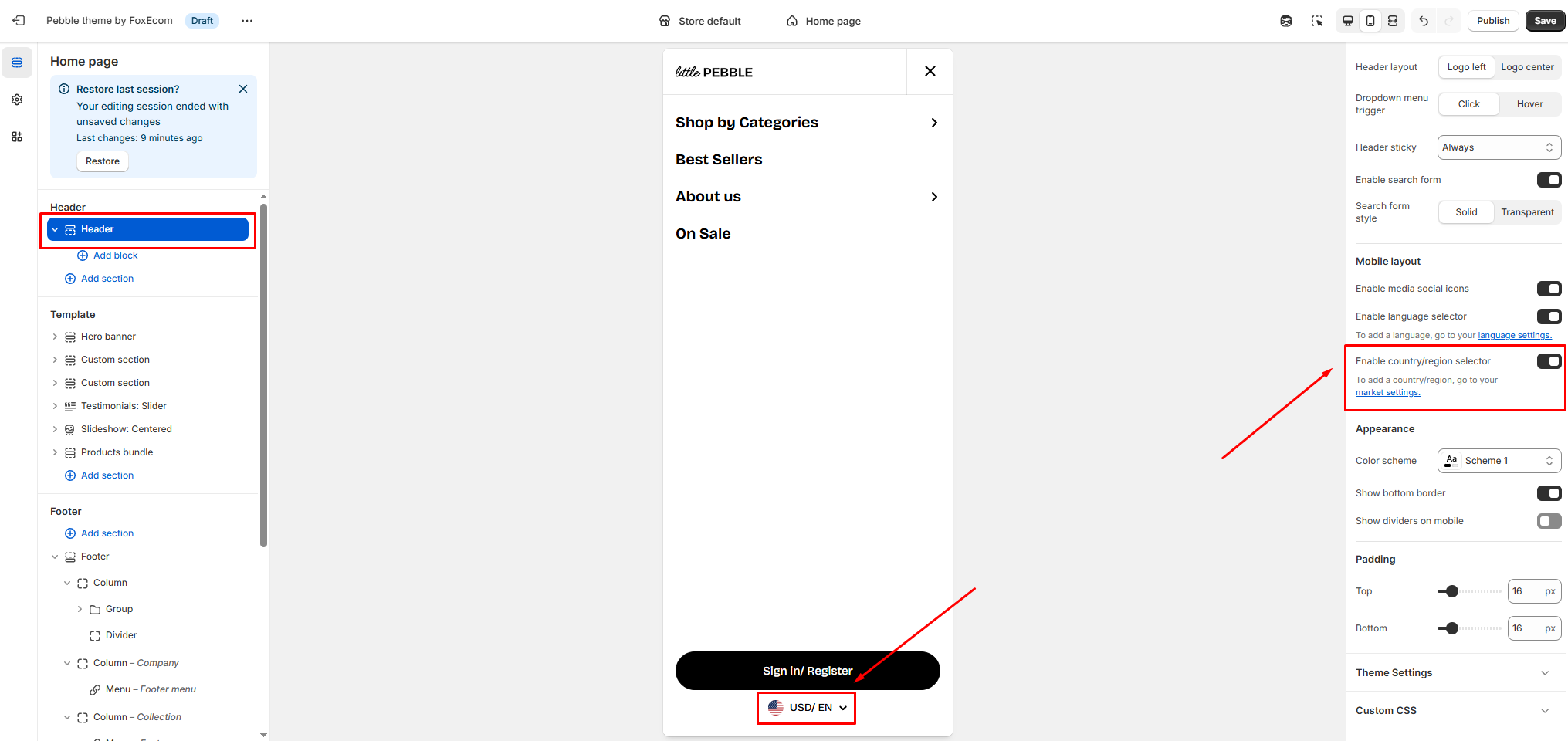
Enable a currency selector for your store
- From the Shopify admin, go to Online store > Themes > Customize.
- In the Header section, enable the 'Enable country/region selector' setting.
- In the Footer section, check the option 'Enable country/region selector' in the Footer on both views.
- Save the change.
Last updated