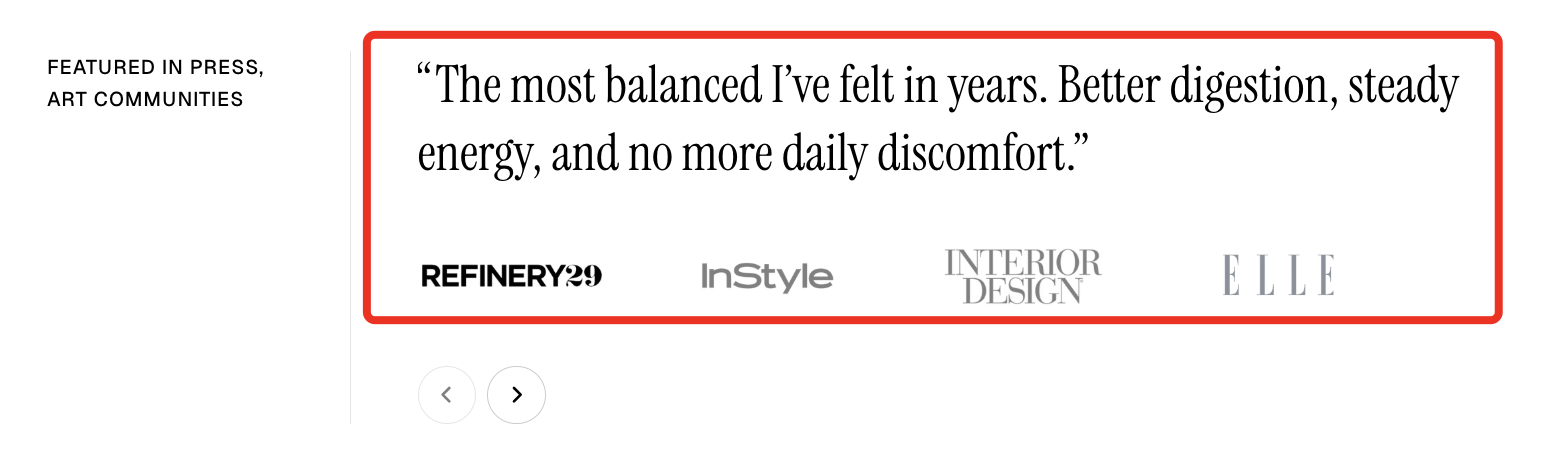
# Press

<figure><img src="/files/QhOYwQpm8XDj9szhWfTT" alt=""><figcaption></figcaption></figure>

Showcase press mentions, testimonials, or featured media logos to build credibility and highlight brand recognition.

## How to add a Press section to your Shopify store

{% hint style="success" %}

1. In the theme editor **(Customize)**, click **Add section.**
2. Select **Press** section.
3. Make necessary changes.
4. **Save.**
   {% endhint %}

## How to customize a Press section <a href="#how-to-customize-a-banner-with-tabs-section" id="how-to-customize-a-banner-with-tabs-section"></a>

### Section settings

#### Carousel settings

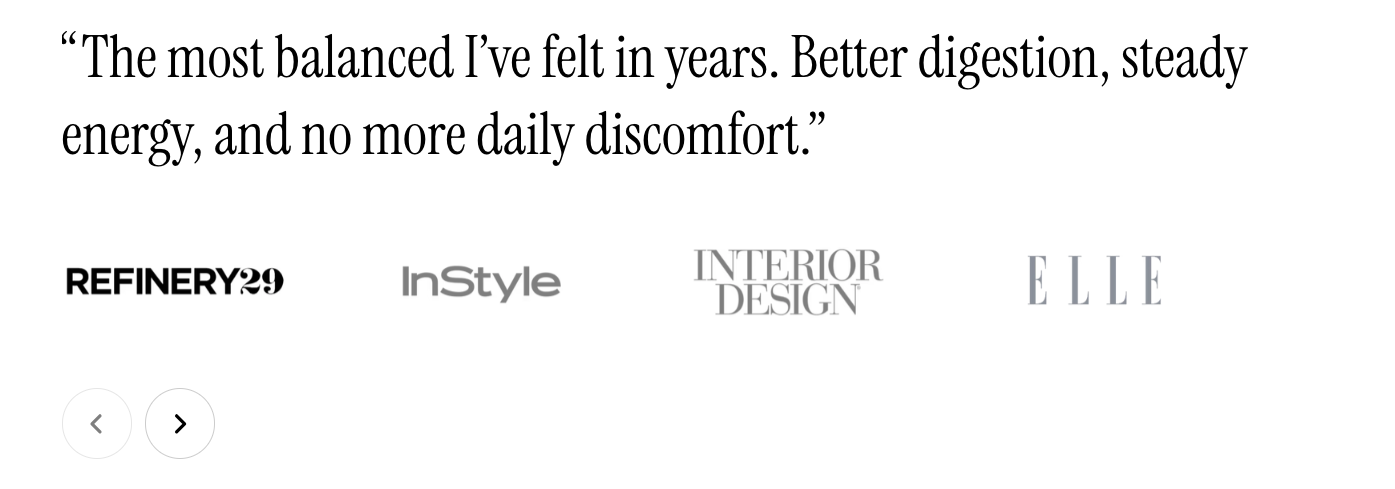
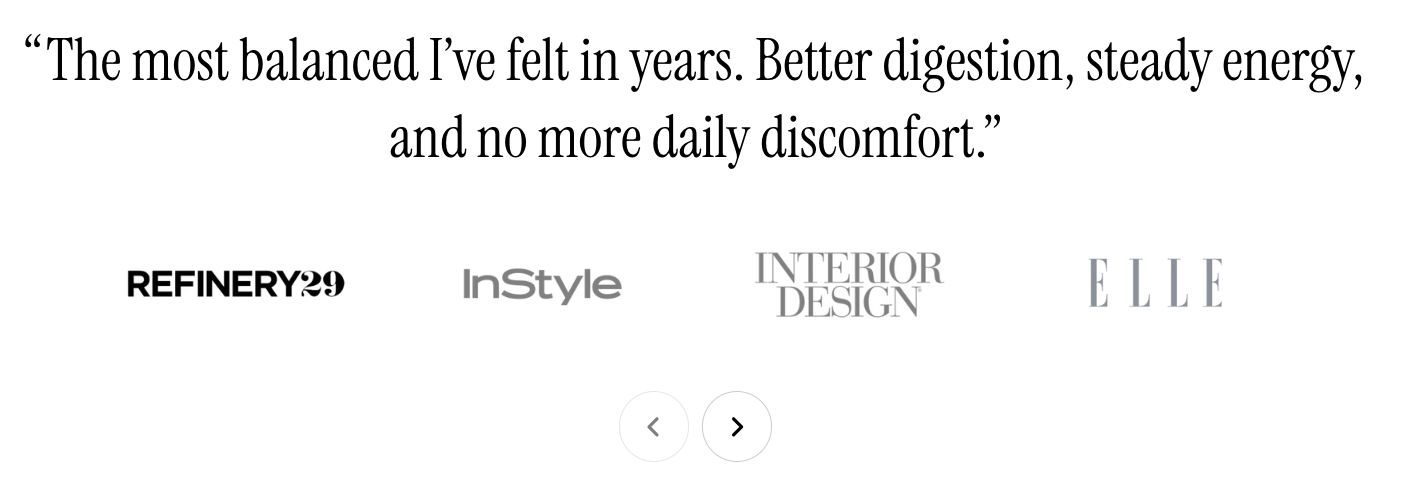
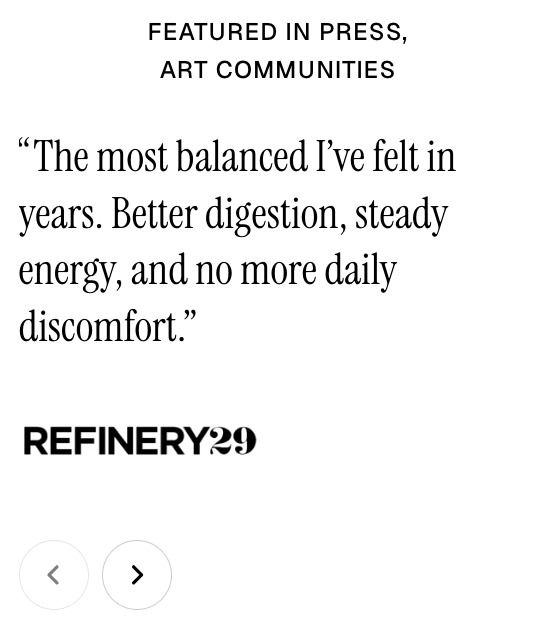
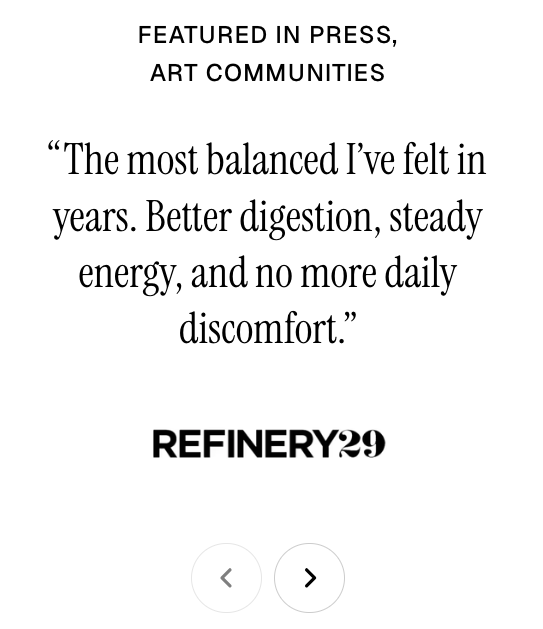
<table><thead><tr><th width="218.28009033203125">Setting</th><th>Description</th></tr></thead><tbody><tr><td><strong>Alignment</strong></td><td>Set the horizontal alignment of carousel content on desktop (left or center).</td></tr><tr><td><strong>Alignment mobile</strong></td><td>Choose the alignment of carousel content on mobile devices.</td></tr></tbody></table>

{% tabs %}
{% tab title="Alignment - Left" %}

<figure><img src="/files/y0dhETdywPN376QCPmXT" alt=""><figcaption></figcaption></figure>
{% endtab %}

{% tab title="Alignment - Center" %}

<figure><img src="/files/4xlVFLDlVqqoD27GzkPk" alt=""><figcaption></figcaption></figure>
{% endtab %}

{% tab title="Alignment mobile - Left" %}

<figure><img src="/files/PcW50t8nJ6Ct5uGrNODh" alt=""><figcaption></figcaption></figure>
{% endtab %}

{% tab title="Alignment mobile - Center" %}

<figure><img src="/files/2sBWJqoGmO4b3P2ItGIi" alt=""><figcaption></figcaption></figure>
{% endtab %}
{% endtabs %}

{% hint style="info" %}
Check out other section settings: [Overview](/pebble-theme/theme-sections/overview.md#common-settings-available-in-most-sections)
{% endhint %}

### Block settings

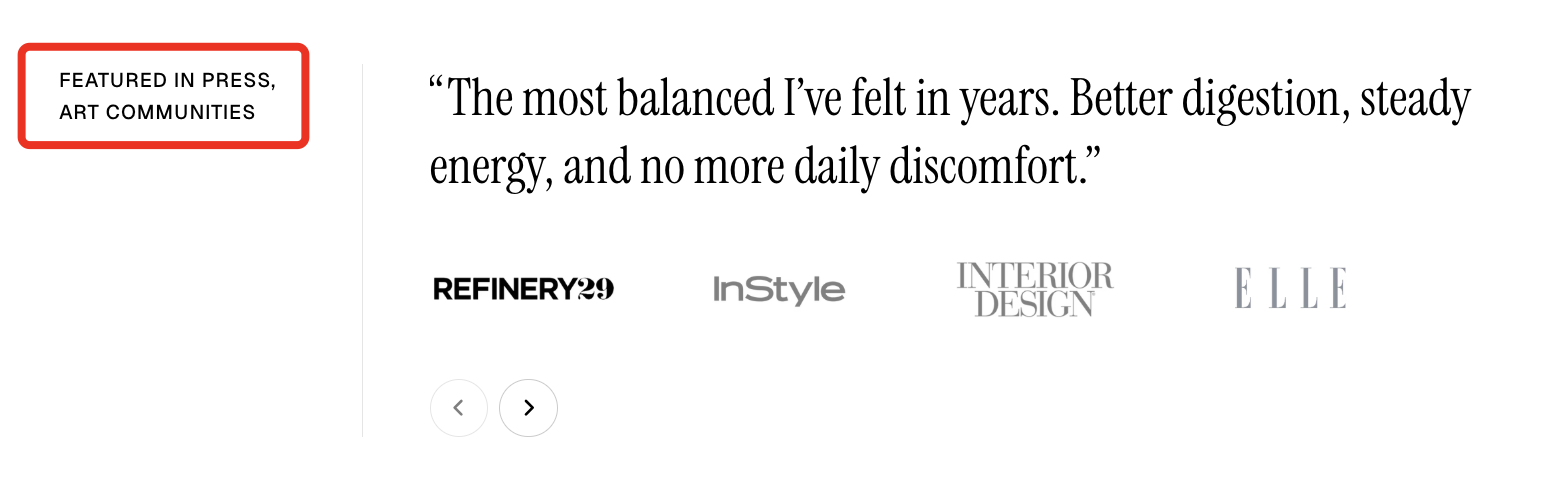
The Press section consists of a **Header** block for titles and a **Press** block to display testimonials or featured media mentions.
{% tabs %}
{% tab title="Header" %}

<figure><img src="/files/JrcMSuv4e2Lo5gsh7EEM" alt=""><figcaption></figcaption></figure>

Use the **Header** block to create and customize the section’s heading and introductory content.

<table><thead><tr><th width="214.1806640625">Setting</th><th>Description</th></tr></thead><tbody><tr><td><strong>Alignment</strong></td><td>Set the header alignment: left, center, or right.</td></tr><tr><td><strong>Devices</strong></td><td>Switch between desktop and mobile padding settings.</td></tr><tr><td><strong>Bottom</strong></td><td>Adjust the spacing below the header.</td></tr></tbody></table>

{% hint style="info" %}

#### 📦 Nested dynamic blocks

* **Heading** – Add a main title
* **Subheading** – Provide supporting text above or below the heading
* **Text** – Include additional descriptions or details
* **Button** – Add a call-to-action
  {% endhint %}

Learn more: [Basic](/pebble-theme/theme-blocks/basic.md)
{% endtab %}

{% tab title="Press" %}

<figure><img src="/files/8w8QpmZ9eOacjJOvTp34" alt=""><figcaption></figcaption></figure>

Display testimonials with supporting press logos to build trust and credibility.

{% hint style="info" %}

#### 📦 Nested dynamic blocks

* **Text** – Include additional descriptions or details
* **Information** – Display author or source details, including an image, name, and supporting text.
  {% endhint %}

Learn more: [Basic](/pebble-theme/theme-blocks/basic.md#press)
{% endtab %}
{% endtabs %}


---

# Agent Instructions: Querying This Documentation

If you need additional information that is not directly available in this page, you can query the documentation dynamically by asking a question.

Perform an HTTP GET request on the current page URL with the `ask` query parameter:

```
GET https://docs.foxecom.com/pebble-theme/theme-sections/press.md?ask=<question>
```

The question should be specific, self-contained, and written in natural language.
The response will contain a direct answer to the question and relevant excerpts and sources from the documentation.

Use this mechanism when the answer is not explicitly present in the current page, you need clarification or additional context, or you want to retrieve related documentation sections.