# Collection tabs
_xYn1mGmi.jpg)
Easily showcase multiple collections in switchable tabs to help customers browse categories effortlessly.
## How to add a Collection tabs section to your Shopify store
1. In the theme editor **(Customize)**, click **Add section.**
2. Select **Collection tabs: Carousel/Collection tabs: Grid** section.
3. Make necessary changes.
4. **Save.**
## How to customize a Collection tabs section
_Cy1cobNt.jpg)
_xYn1mGmi.jpg)
### Section settings
* **Container:** Determines whether the section spans the full width of the page or stays within a fixed content width.
* **Section header:**
* **Heading:** The main title text displayed at the top of the section.
* **Highlight style:** Applies an optional animated highlight effect to any text wrapped in italics.
* **Preset:** Selects the text style for the heading
* **Animation type:** Determines how the heading appears on screen using visual entrance effects.
* **Animation delay:** Sets the delay (in milliseconds) before the heading animation begins.
* **Layout:**
* **Type:** Sets the layout style to either a grid or a carousel.
* **Columns:** Determines how many products appear per row in grid mode.
* **Horizontal gap:** Controls the spacing between products from left to right.
* **Vertical gap:** Controls the spacing between product rows from top to bottom.
* **Control type:** Selects the carousel navigation style, such as default arrows or a floating control **(only available when using the carousel layout)**.
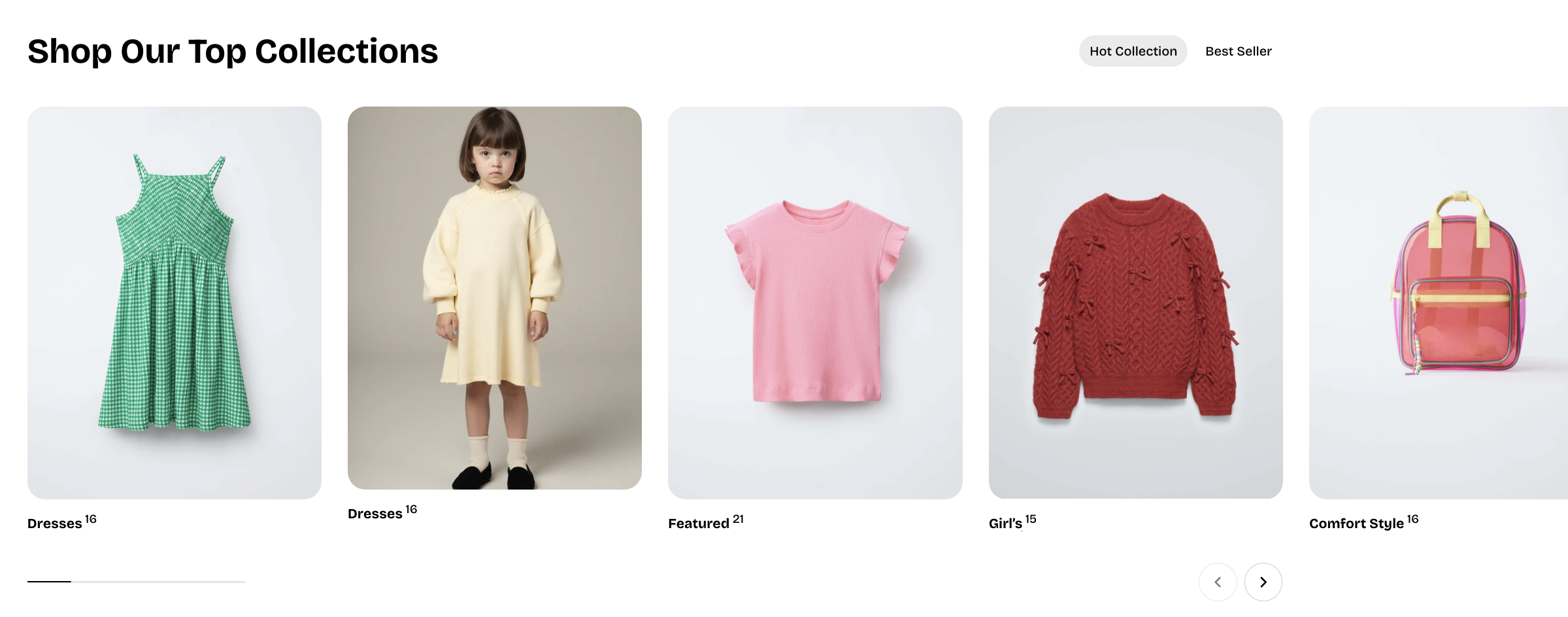
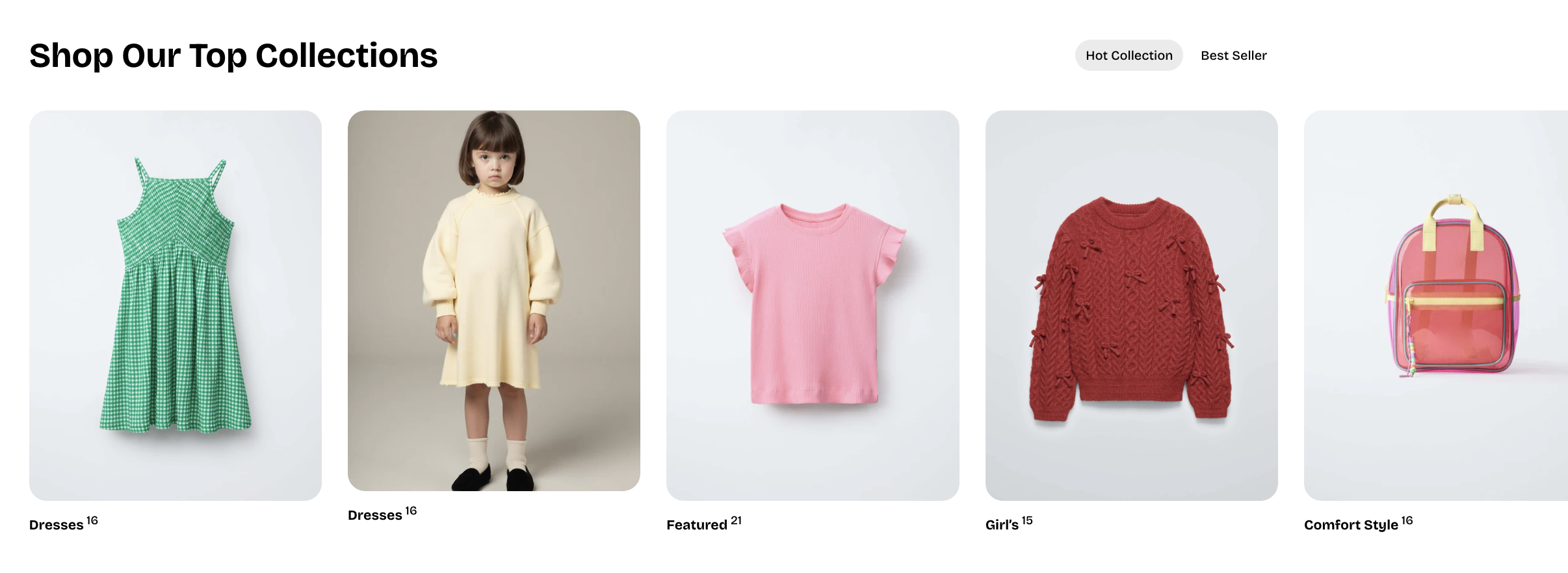
* **Card settings:**
* **Alignment:** Controls the horizontal alignment of the collection title.
* **Show product count:** Toggles whether the number of products in the collection is displayed.
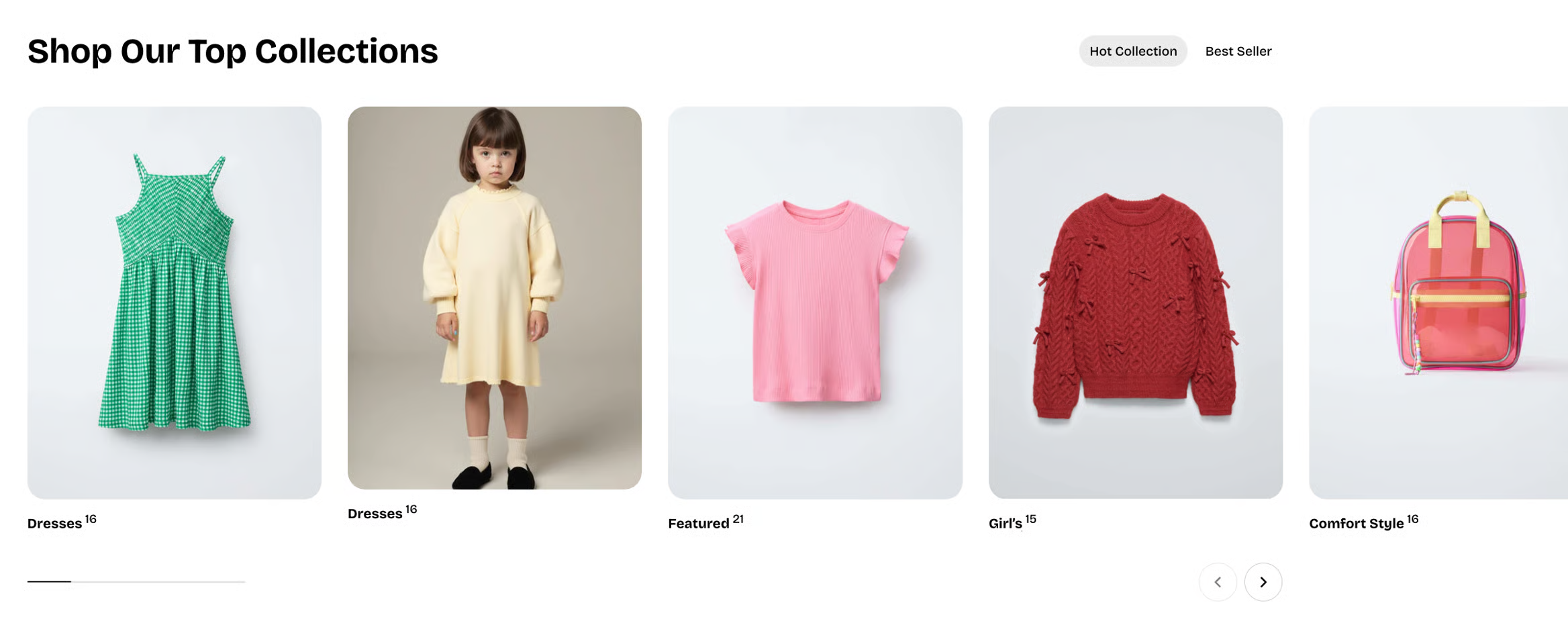
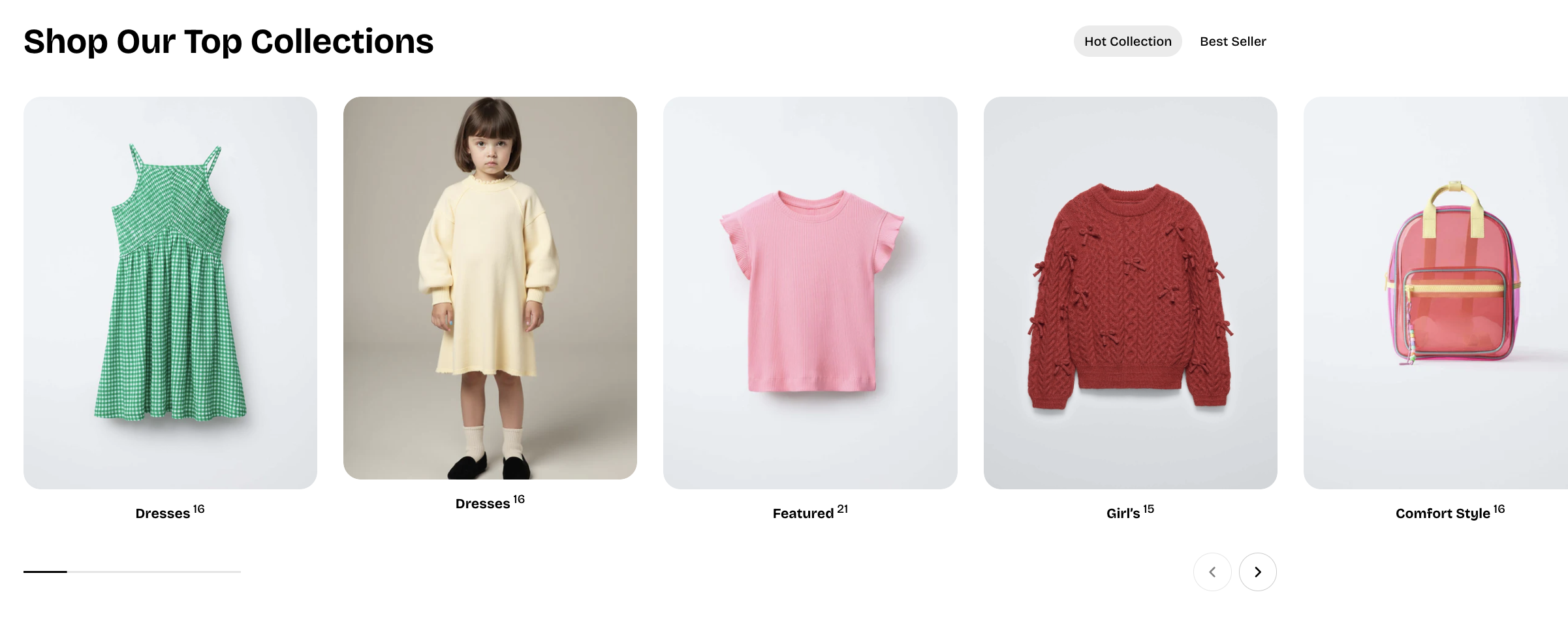
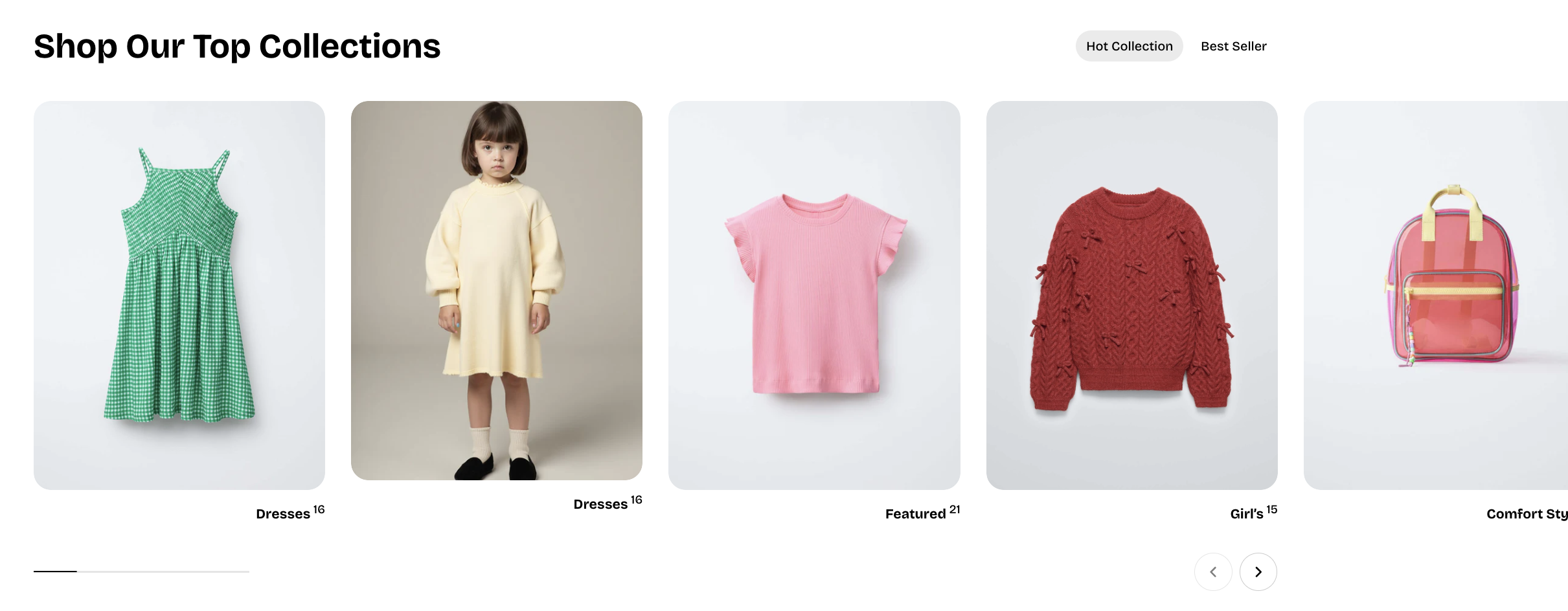
* **Mobile layout:**
* **Enable swipe on mobile:** Allows horizontal swiping to navigate products on mobile.
* **Mobile columns:** Sets how many products appear per row on mobile devices.
* **Horizontal gap (mobile):** Controls left-to-right spacing between products on mobile.
* **Vertical gap (mobile):** Controls top-to-bottom spacing between product rows on mobile.
### Block settings
#### Collections
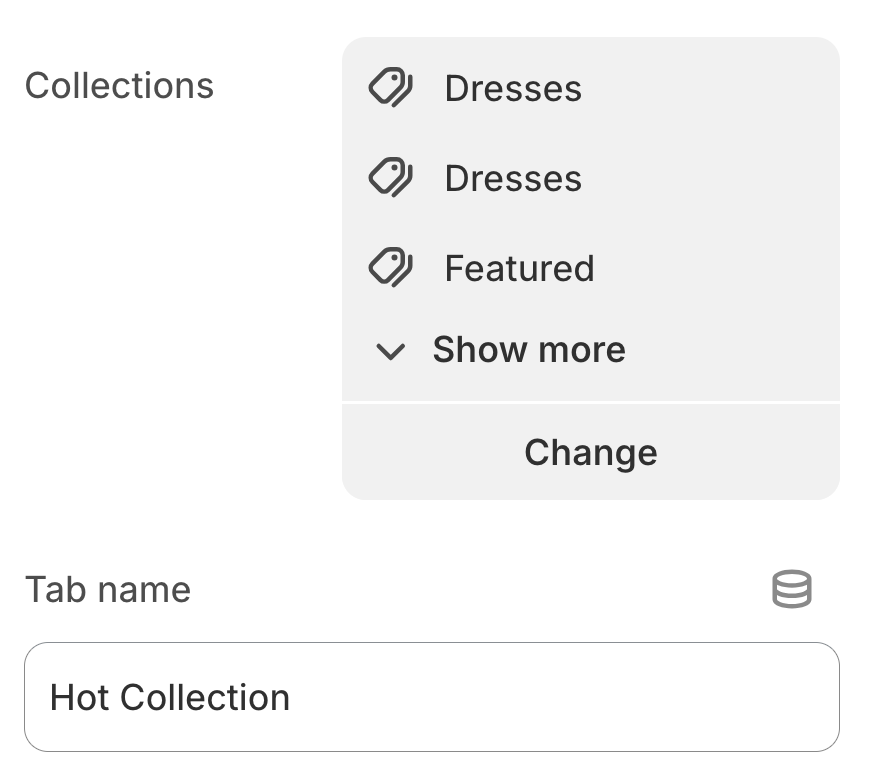
* **Collection:** Selects the product collections to display in this tab.
* **Title:** Allows you to set a custom tab title; leave it blank to use the collection’s default name.