# Product suggestion
The **Product suggestion** section lets you showcase curated product collections in a customizable grid or carousel, helping customers easily discover items that pair well together or fit their shopping interests.
_WYrpv7ry.jpg)
## How to add a Product suggestion section to your Shopify store
1. In the theme editor **(Customize)**, click **Add section.**
2. Select **Product suggestion** section.
3. Make necessary changes.
4. **Save.**
## How to customize a Product suggestion section
### Section settings
* **Product count:** Controls how many products are displayed
* **Type**: Choose whether they appear in a grid or a carousel.
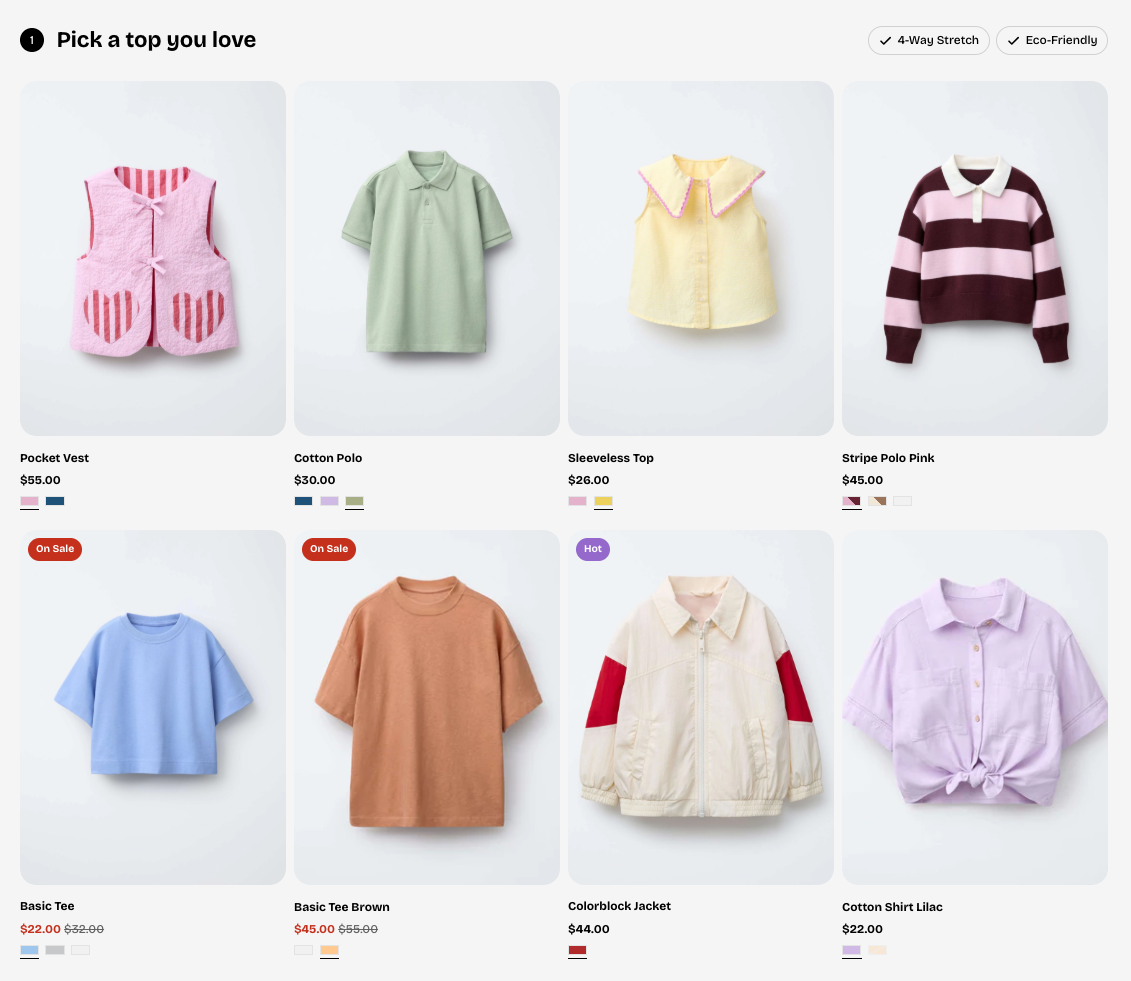
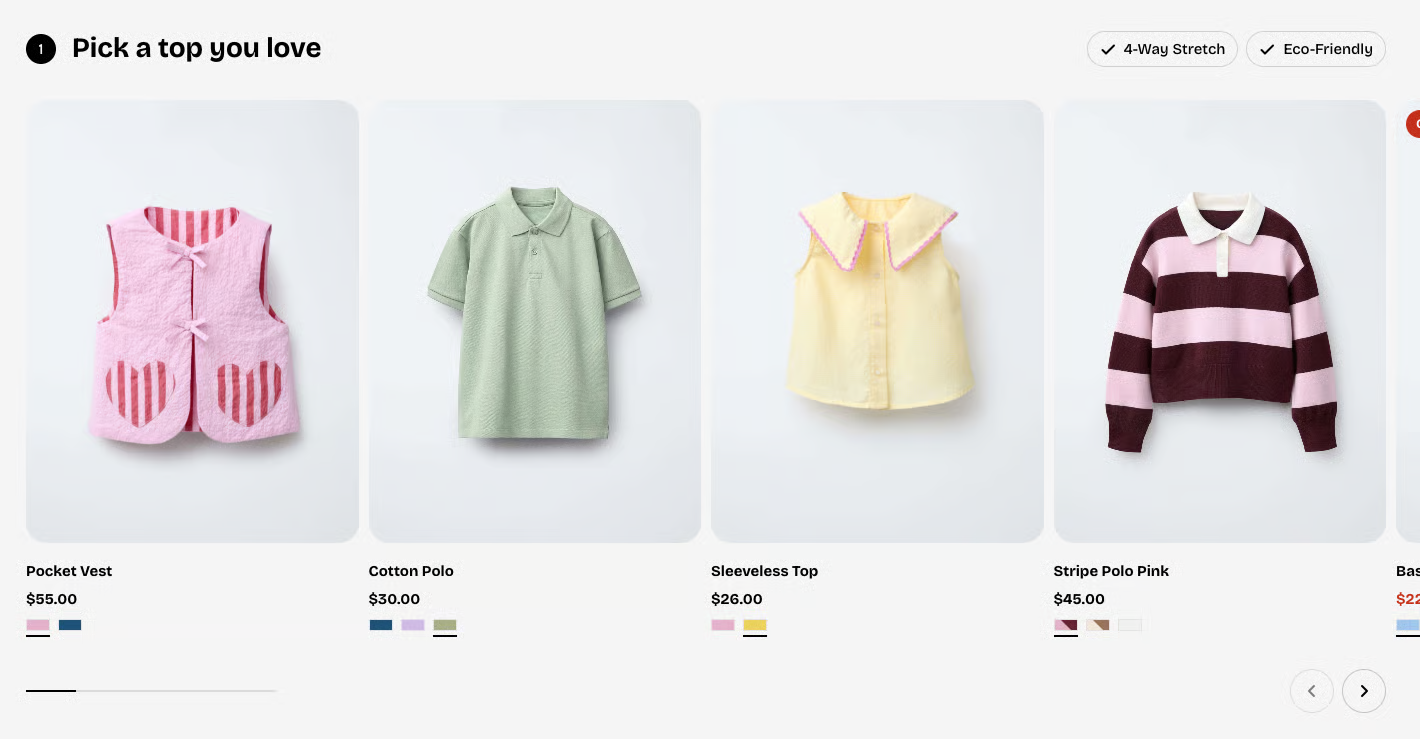
* **Columns:** Sets how many products appear in each row.
* **Column gap:** Controls the horizontal spacing between product cards.
* **Row gap:** Controls the vertical spacing between product rows.
* **Enable swipe on mobile:** Allows users to swipe horizontally through products on mobile.
* **Mobile columns:** Sets how many products appear per row on mobile devices.
* **Column gap mobile:** Controls the horizontal spacing between product cards on mobile.
* **Row gap mobile:** Controls the vertical spacing between product rows on mobile.
### Block settings
#### Header
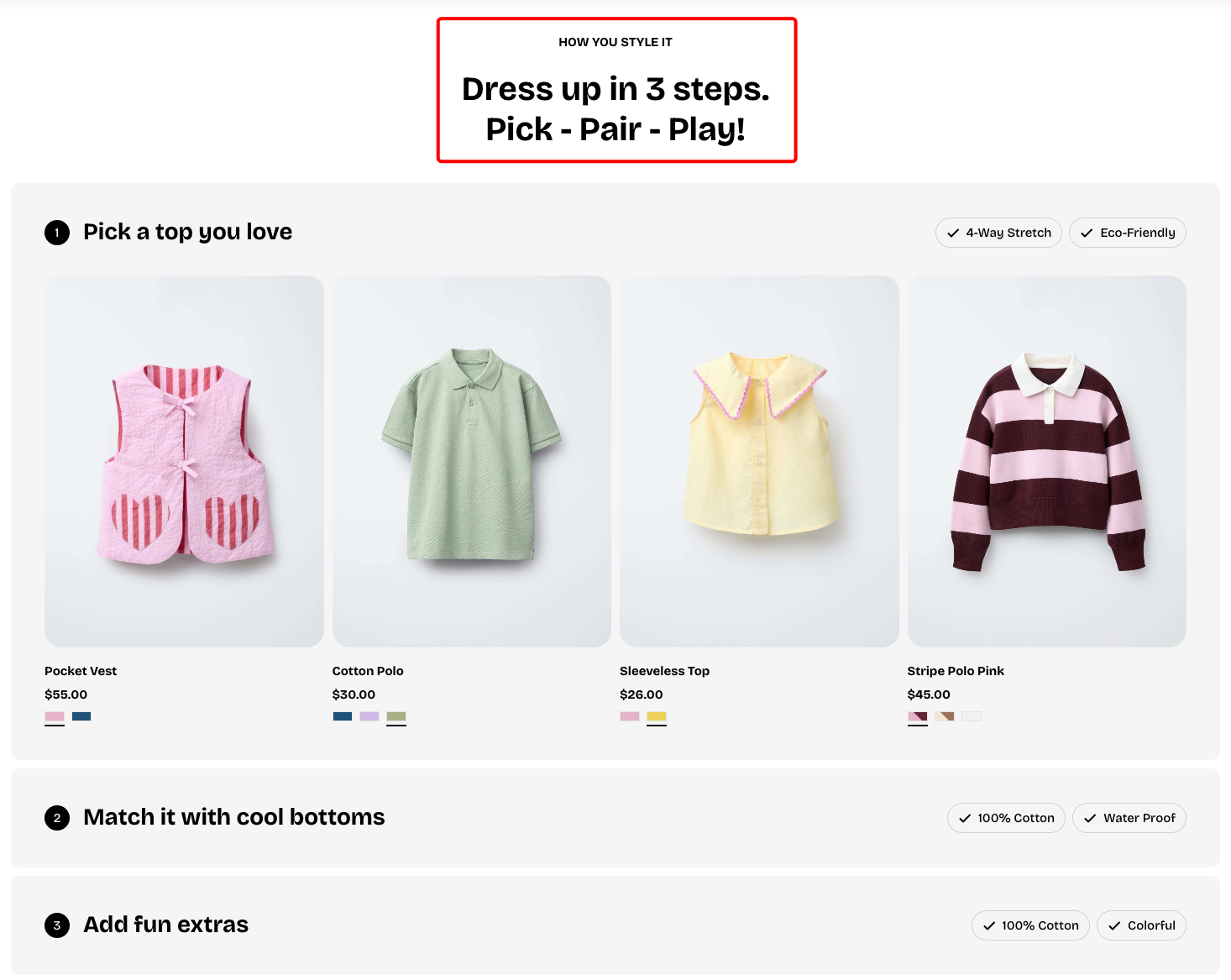
The **Header** block supports 4 nested block types:
| Dynamic blocks | Purpose |
| --- | --- |
| **Heading** | Primary title text used to introduce the section or key content. |
| **Subheading** | Secondary text that provides additional context or supports the main heading. |
| **Text** | Regular body text used for descriptions, details, or any supplementary information within the block. |
| **Button** | A call-to-action element that users can click to open another page. |
#### Product suggestion
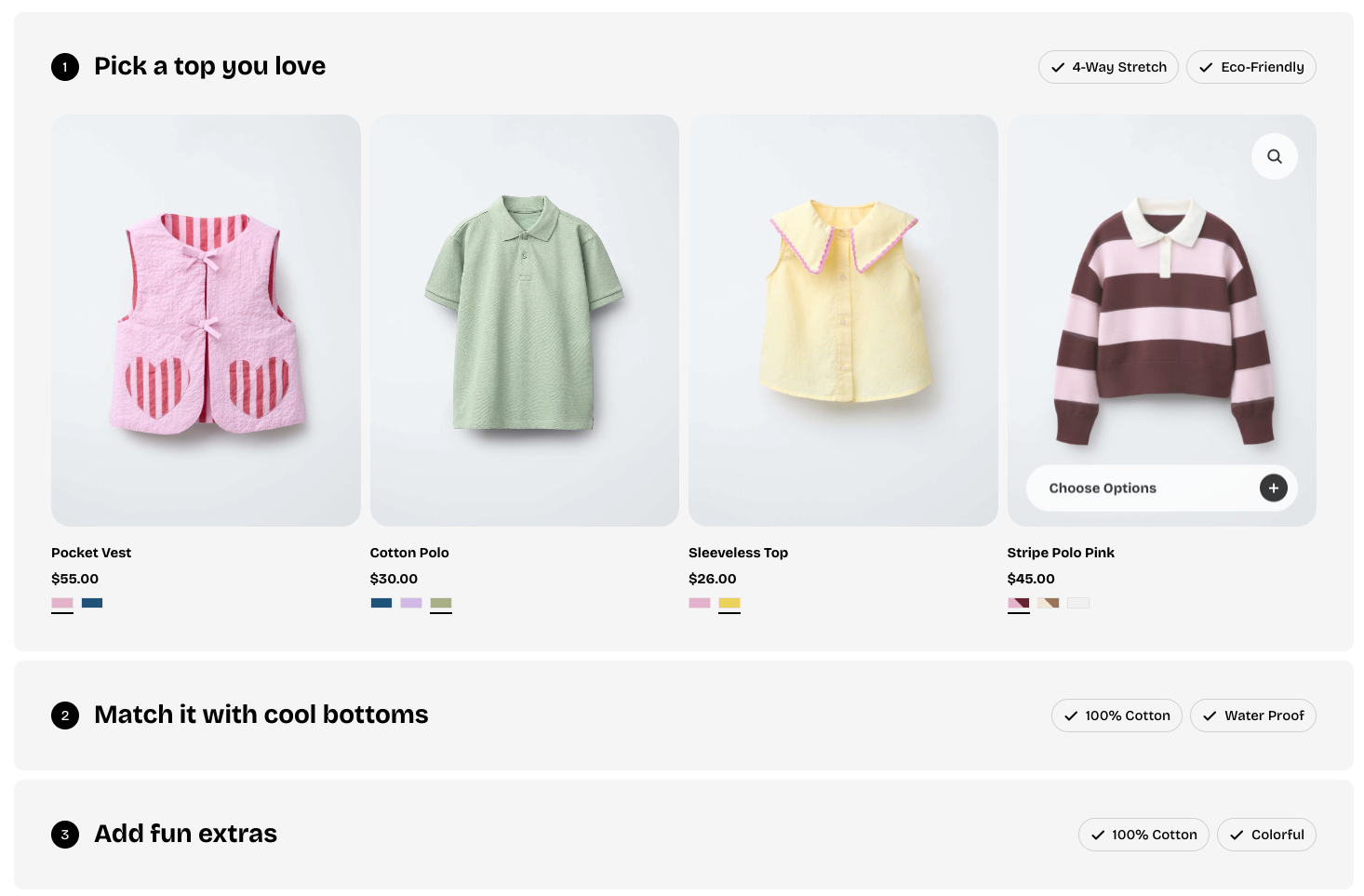
* **Collection:** Selects which collection to display in this suggestion block.
* **Title:** Lets you set a custom heading for the block; leave it blank to use the collection’s default title.
* **Preset:** Determines the text style applied to the title.
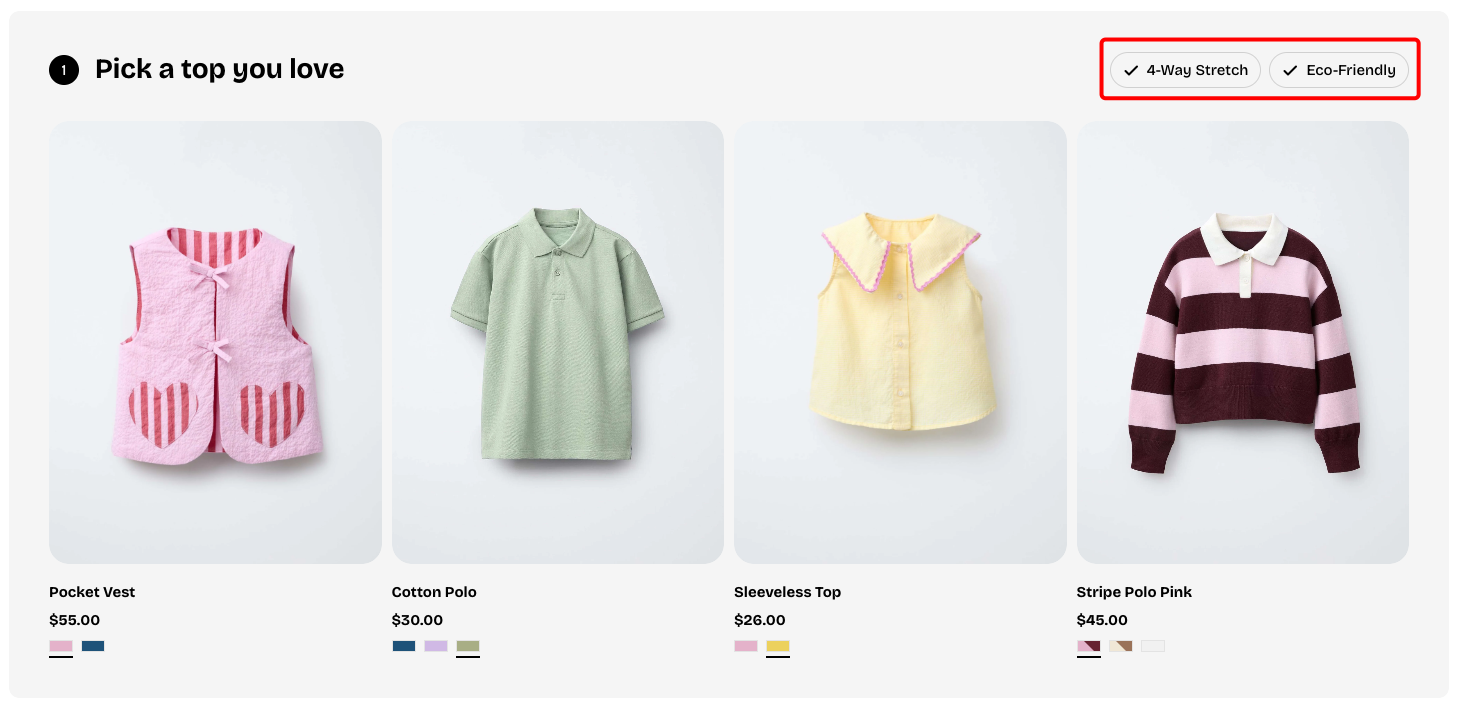
**Badge block:** Defines the text displayed on the badge