# Newsletter
_zgEudg3B.jpg)
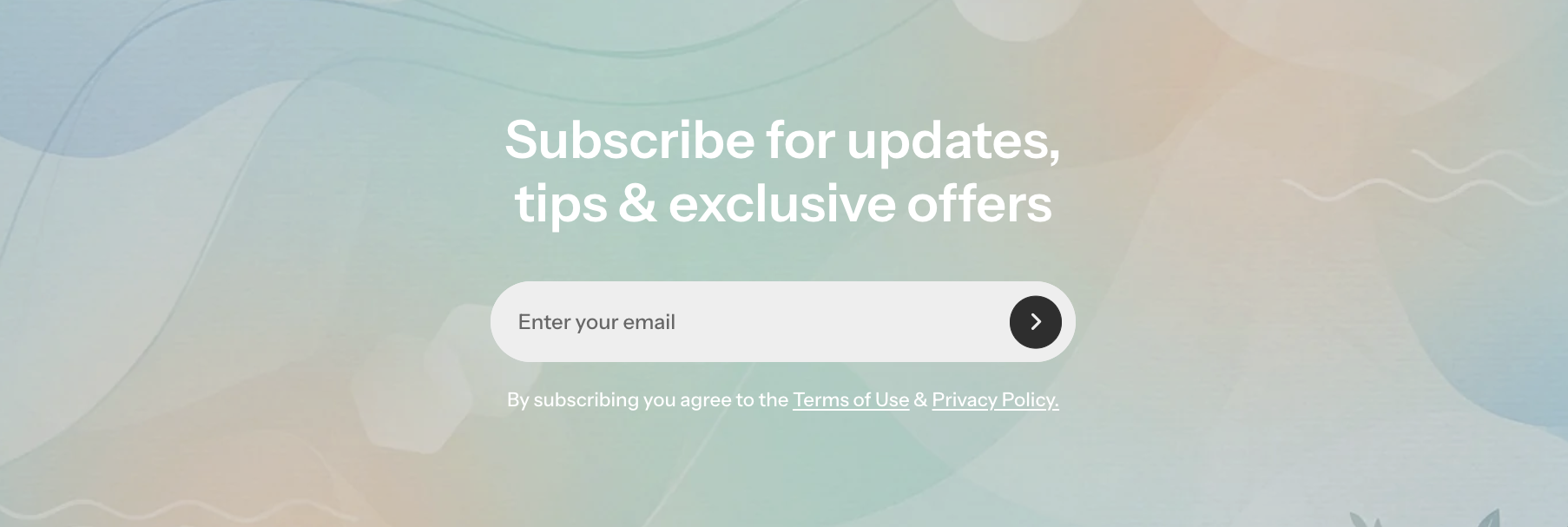
Add a visually appealing email signup block that encourages customers to subscribe and stay connected with your latest updates and promotions.
## How to add a Newsletter section to your Shopify store
1. In the theme editor **(Customize)**, click **Add section.**
2. Select **Newsletter** section.
3. Make necessary changes.
4. **Save.**
## How to customize a Newsletter section
### Section settings
* **Desktop content width:** Adjusts the maximum width of the newsletter section on desktop by percentage
* **Background media:** Choose the background type for the newsletter block, including none, image, or video.


### Block settings
#### Layered images
* **Columns:** Select how many columns the layered images will display on mobile.
* **Enable swipe on mobile:** Allows users to swipe horizontally through the images when viewed on mobile.
_CU620Yi9.jpg)
_NwZxSFjw.jpg)
_sRxJOlGC.jpg)
#### Nested dynamic blocks
You can add multiple dynamic blocks within this section, including the Newsletter form.
[Forms](https://docs.foxecom.com/pebble-theme/theme-blocks/forms#newsletter)
Learn more about each block type here:
Theme blocks