# Scrolling cards: Layered
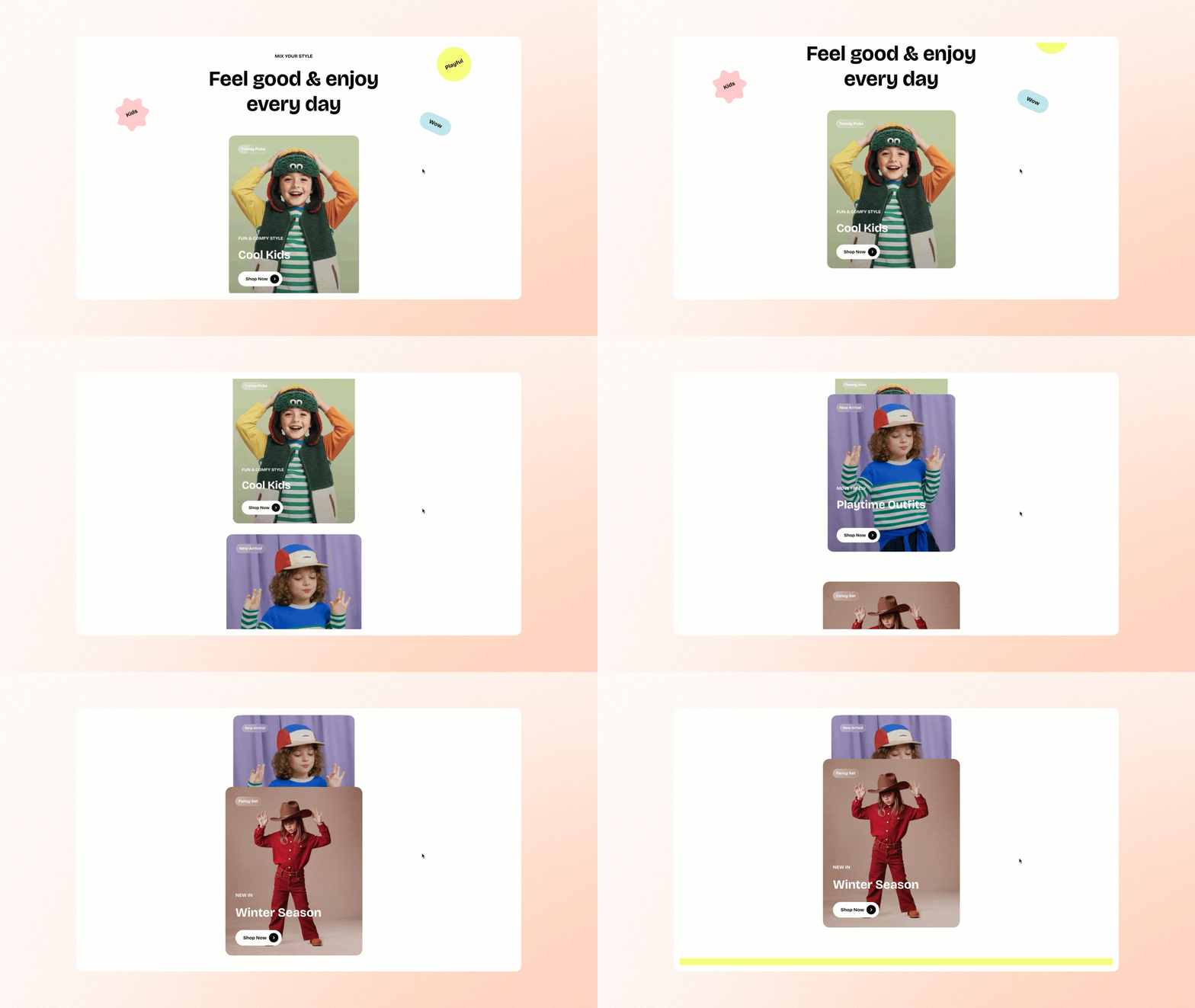
Create an eye-catching layered card layout with smooth scrolling to showcase collections, promotions, or featured content in a dynamic, interactive way.
## How to add a Scrolling cards: Layered section to your Shopify store
1. In the theme editor **(Customize)**, click **Add section.**
2. Select **Scrolling cards: Layered** section.
3. Make necessary changes.
4. **Save.**
## How to customize a Scrolling cards: Layered section
### Section settings
[Common settings available in most sections](https://docs.foxecom.com/pebble-theme/theme-sections/overview#common-settings-available-in-most-sections)
### Block settings
The **Scrolling cards: Layered** section supports **Scrolling cards** blocks and multiple block types, allowing you to combine various content elements to create a flexible, dynamic, and engaging layout.
Learn more: [Theme blocks](https://docs.foxecom.com/pebble-theme/theme-blocks/overview)
_ufhhjkbi.jpg)
The **Scrolling cards** block includes **Image cards** blocks to showcase images, text, and buttons in a dynamic, layered scrolling layout.
Learn more: [Basic](https://docs.foxecom.com/pebble-theme/theme-blocks/basic#image-card)