# Search
_50yeSQjJ.jpg)
Product search is essential for helping customers quickly find what they are looking for in your store.
By providing relevant search suggestions and recommendations, you can make it easier for them to explore products, discover new items, and complete their purchases faster.
Customizing search behavior ensures a seamless, efficient experience, whether they’re searching for specific items, categories, or trending products.
## How to edit Search settings
Steps
1. In the theme editor (**Customize**), click **Theme settings**.
2. Locate **Search**.
3. Make necessary changes.
4. Click **Save**.
## Search settings options
### Enable search suggestions
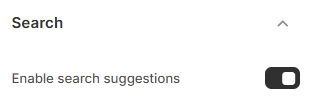
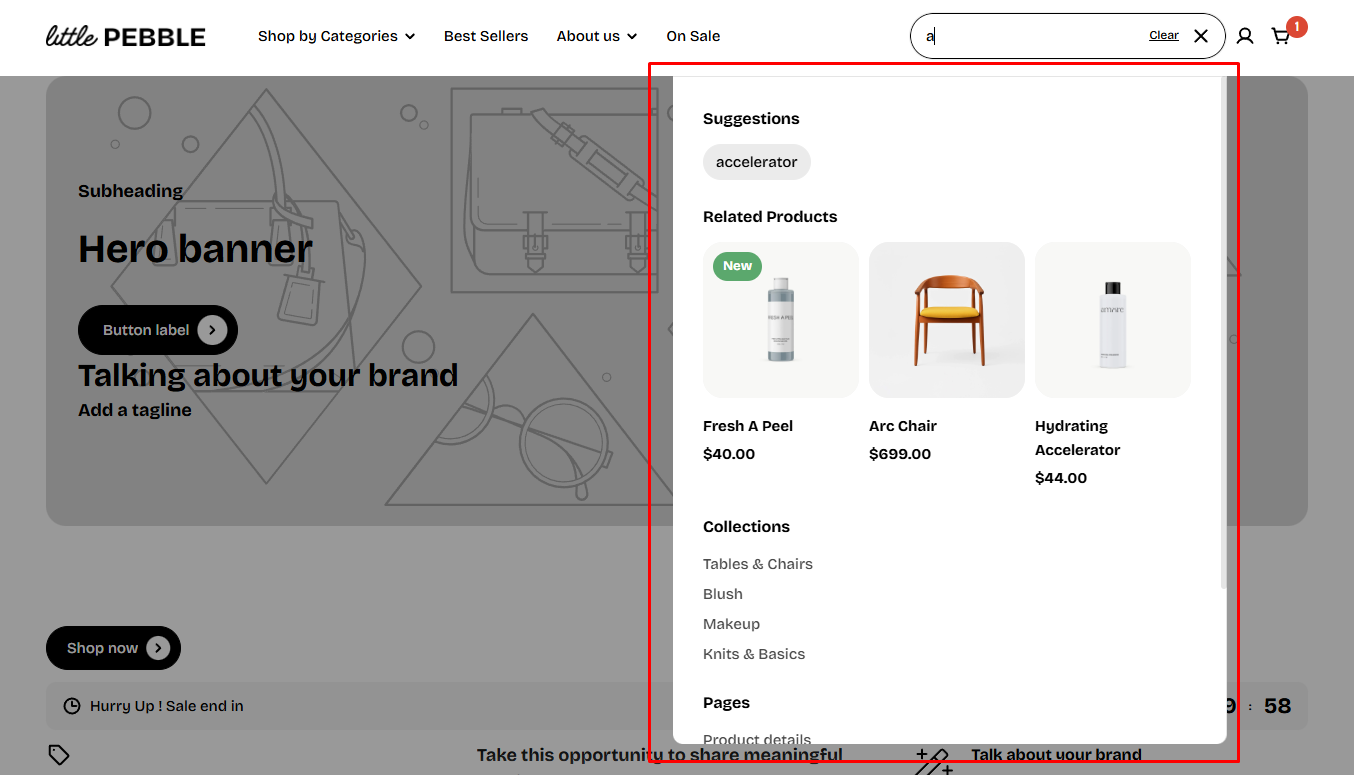
Displaying search suggestions on the search results can give more ideas and encourage them to view more products.
Predictive search shows suggested results as you type.
It helps your customers refine their search without being redirected to a search results page, and quickly explore your store by seeing top results for suggested search terms, products, collections, and more.
* **Turn on** this feature to display suggestions while typing.
* **Turn off** this feature if you want to disable the suggestions.
 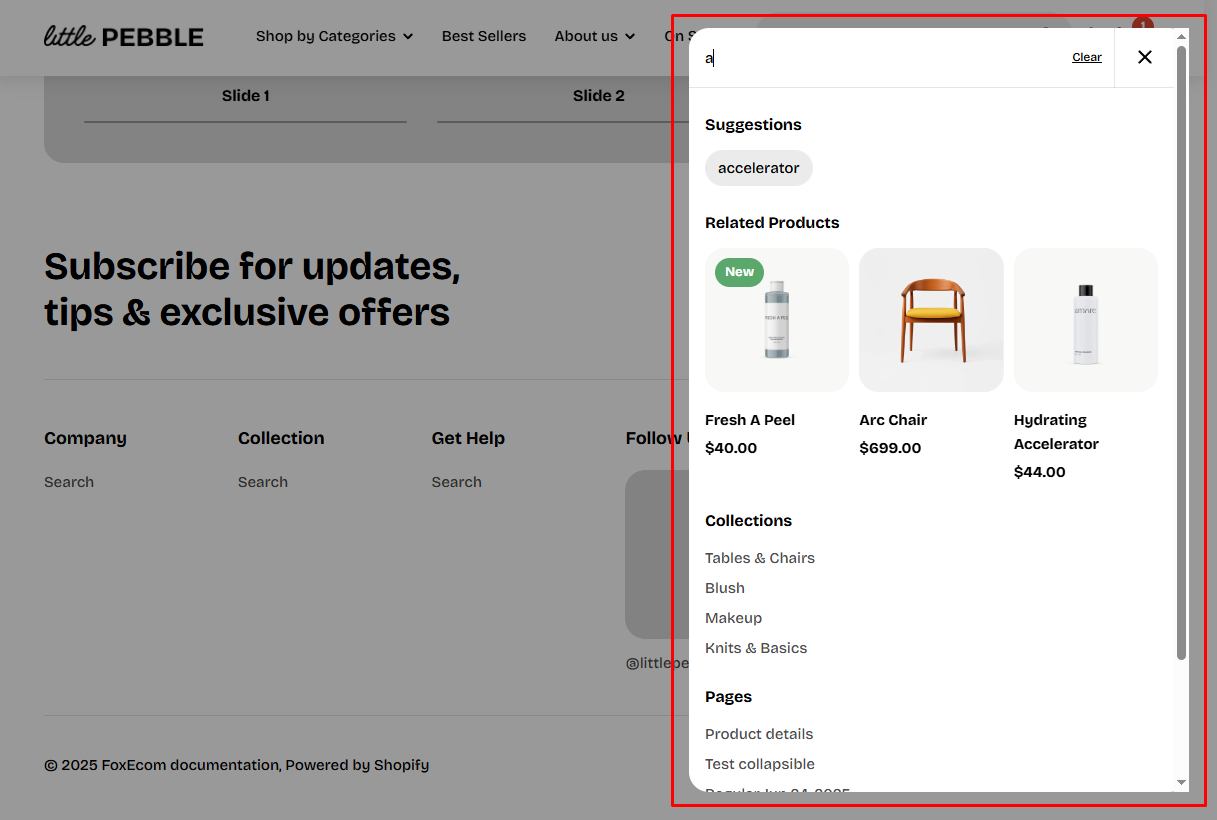
You can customize the behavior of predictive search with the [Search & Discovery app](https://help.shopify.com/en/manual/online-store/search-and-discovery) from Shopify.
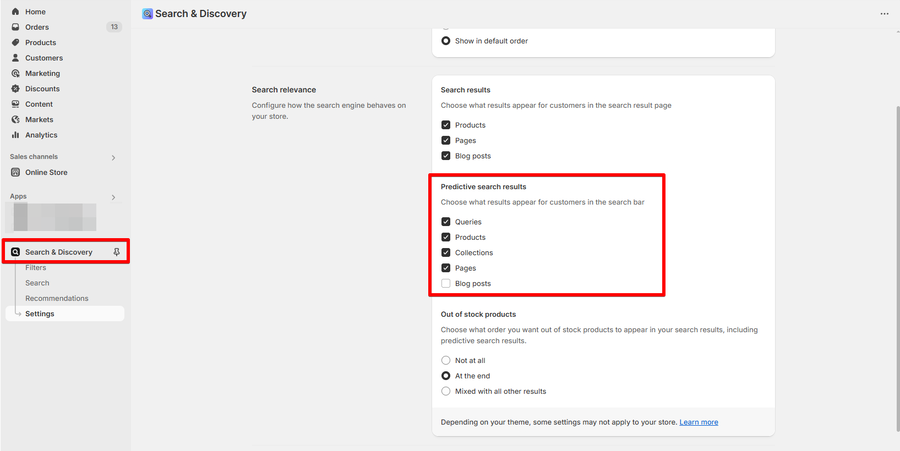
Predictive search isn't available in all languages. See the complete [list of supported languages](https://shopify.dev/docs/api/ajax/reference/predictive-search#supported-languages).
### Number of results to show
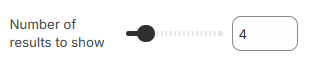
This setting controls how many search results are shown to customers as suggestions while they type. You can select a value from 3 to 10.
* A higher number of results gives customers more options to choose from.
* A smaller number keeps the suggestions more focused and less cluttered.
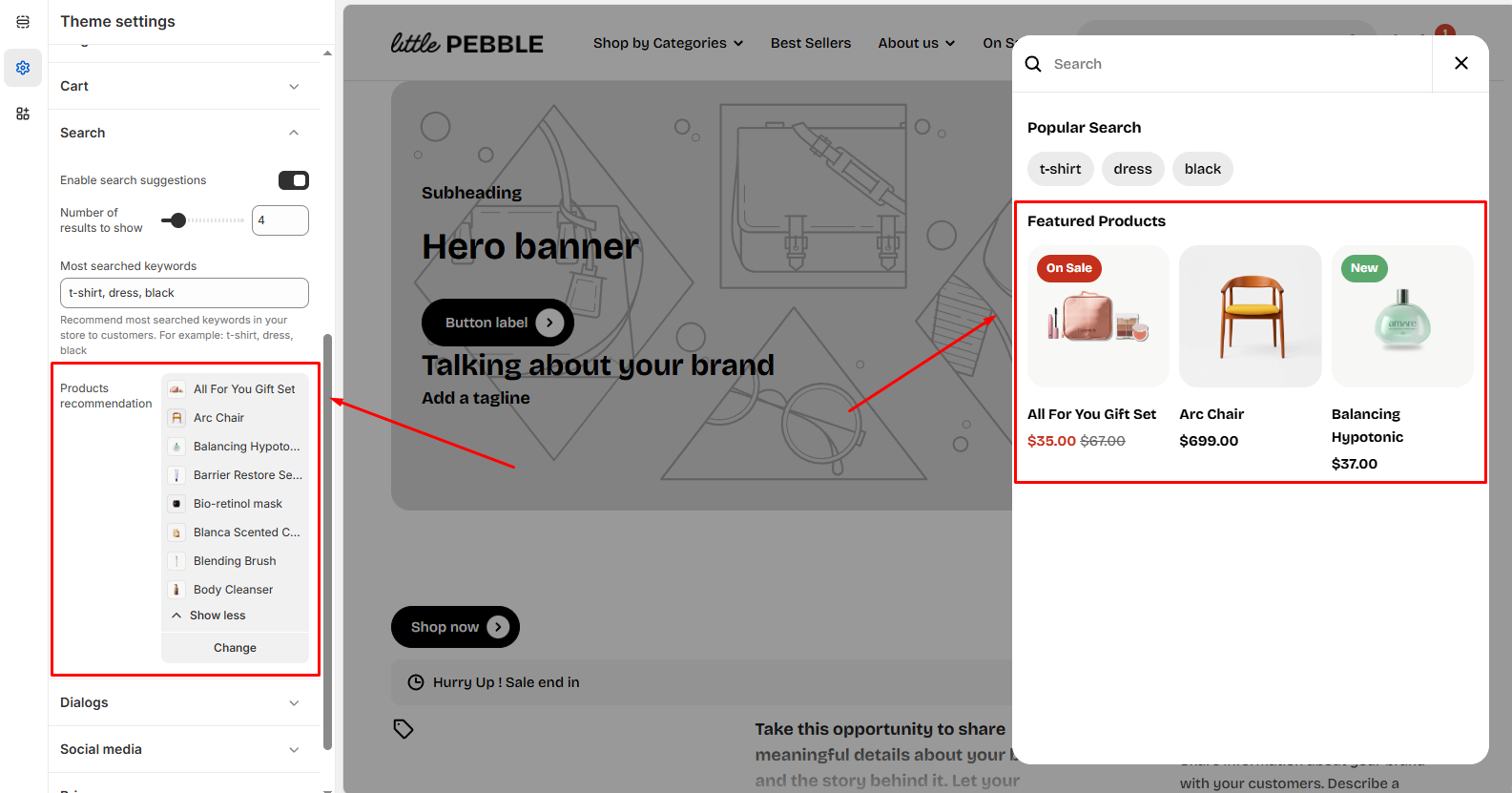
### Most searched keywords
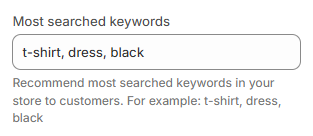
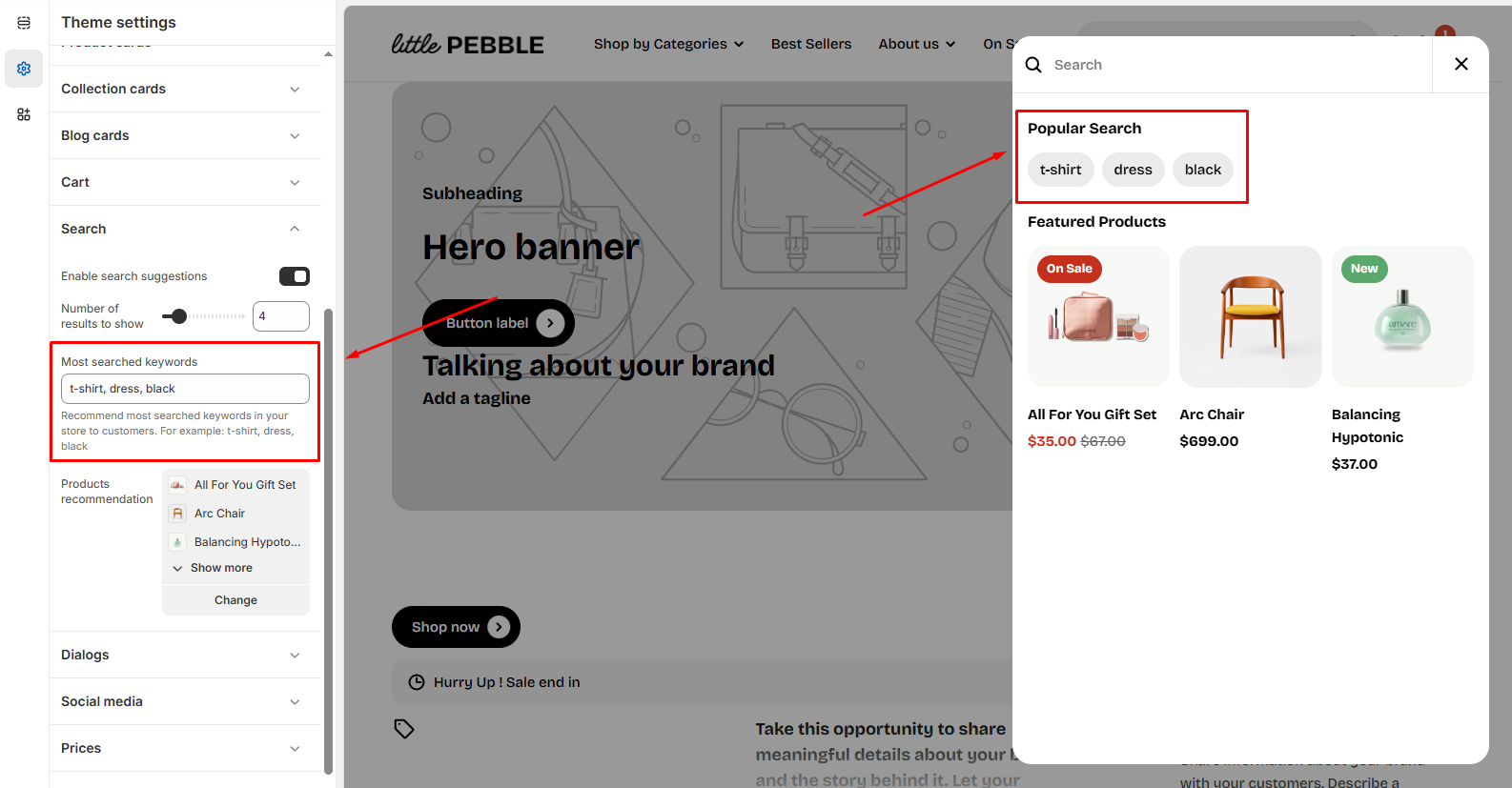
This feature lets you recommend the most frequently searched keywords to your customers.
For example, if customers often search for terms like "t-shirt," "dress," or "black," you can display those suggestions directly in the search bar.
* Simply enter the most popular search terms in this field to recommend them.
### Products recommendation
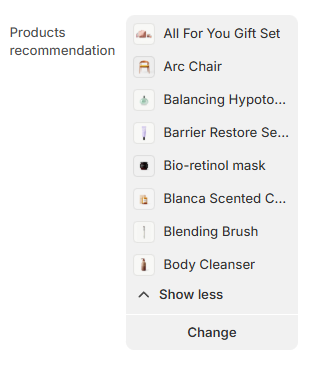
You can choose to display specific products as recommendations in the search results. This helps customers discover popular or trending items related to their search.
* Click **Select** to choose specific products to feature in the search results.
* You can select up to **8 products** to showcase, encouraging customers to explore more items and potentially make additional purchases.