# Social media
Social media is one of the most effective tools for marketing and brand awareness.
By connecting your social accounts to your store, you can help customers easily engage with your brand and stay updated on your latest news, promotions, and products.
## How to add Social media options
Steps:
1. In the theme editor (**Customize**), click **Theme settings**.
2. Locate **Social media**.
3. Make necessary changes.
4. Click **Save**.
## Social media settings options
### Social accounts
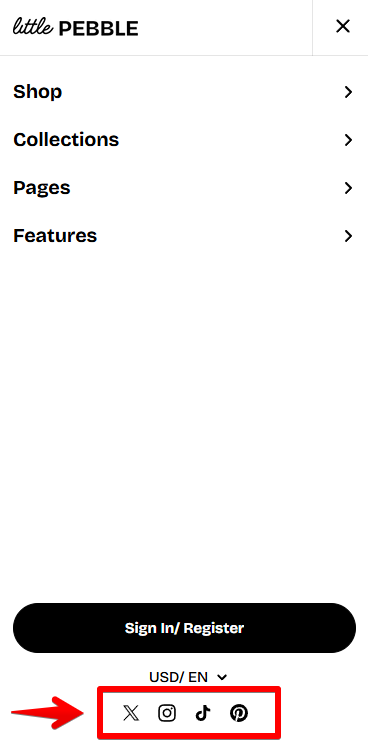 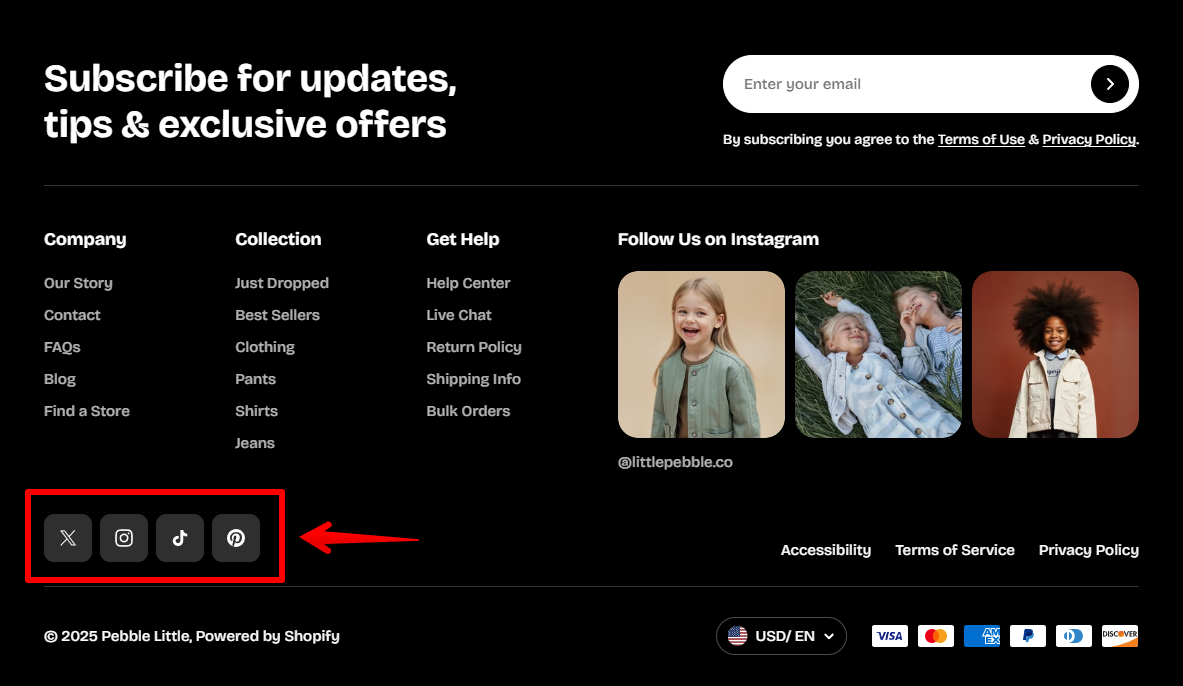
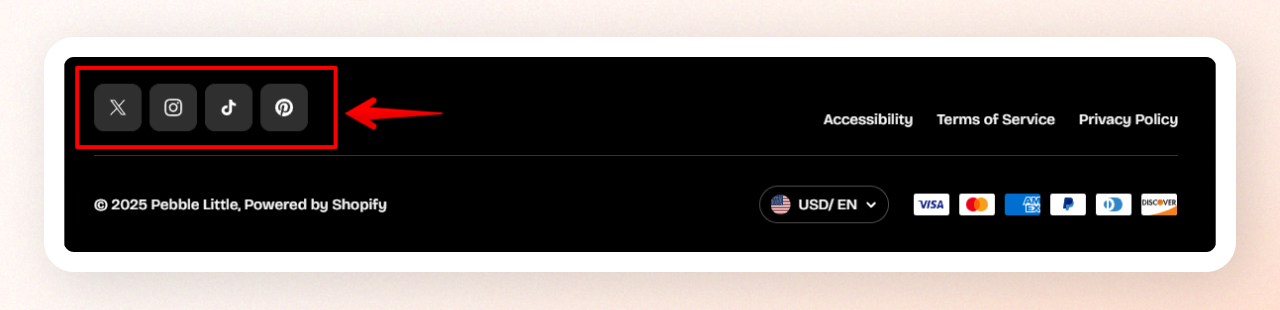
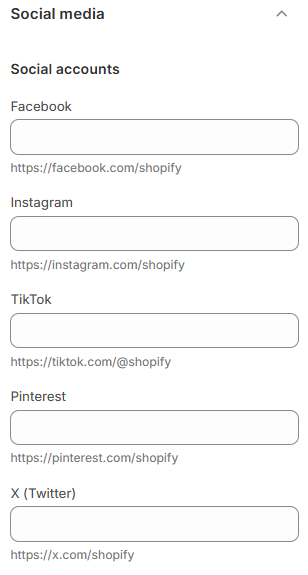
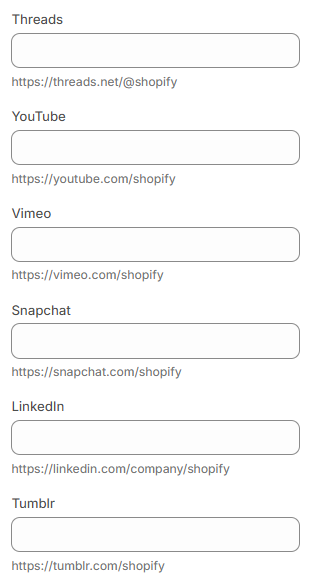
Add links to your store’s social media channels so visitors can easily connect with your brand.
You can include platforms such as **Facebook**, **Instagram**, **TikTok**, **Pinterest**, **X (Twitter)**, **Threads**, **YouTube**, **Vimeo**, **Snapchat**, **LinkedIn**, and **Tumblr**.
These links help strengthen your online presence and provide additional ways for customers to reach out, follow, or interact with your brand.
### Sharing options
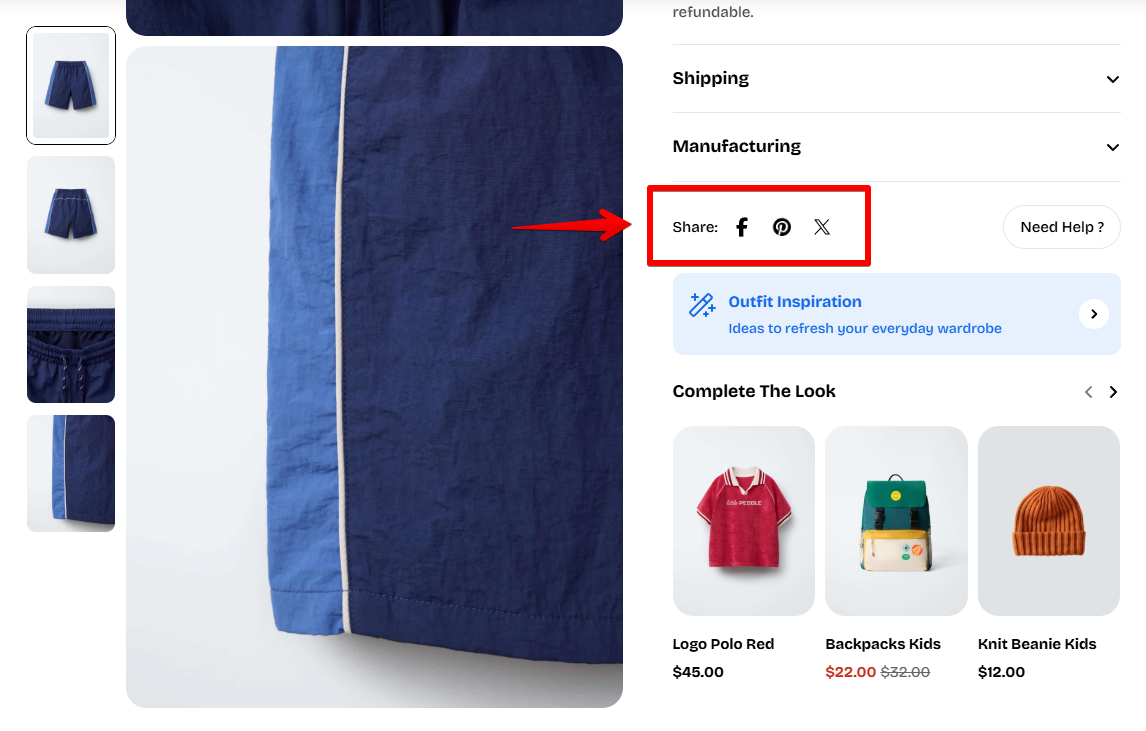
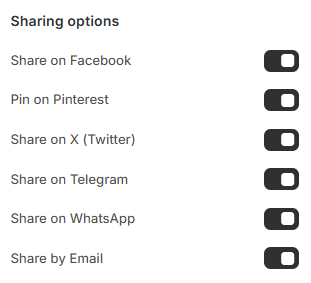
You can also enable sharing buttons to allow customers to share your products or blog posts directly on their favorite social media platforms.
Available options include:
* **Share on Facebook**
* **Pin on Pinterest**
* **Share on X (Twitter)**
* **Share on Telegram**
* **Share on WhatsApp**
* **Share by Email**