

Custom section

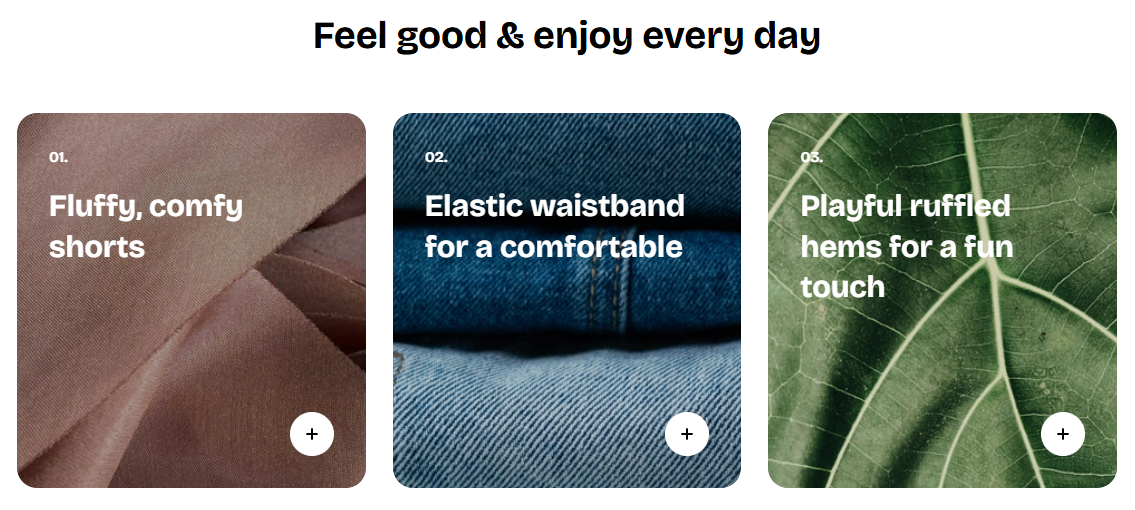
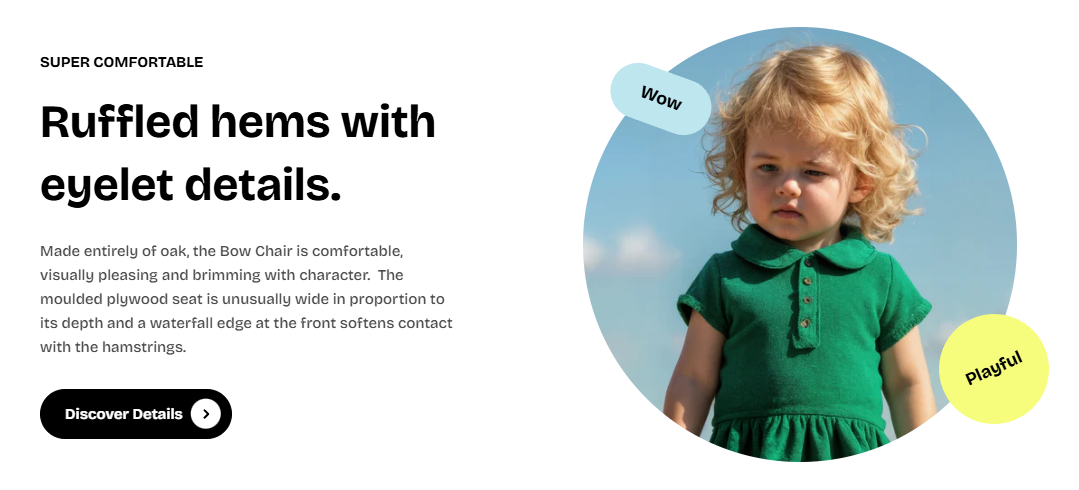
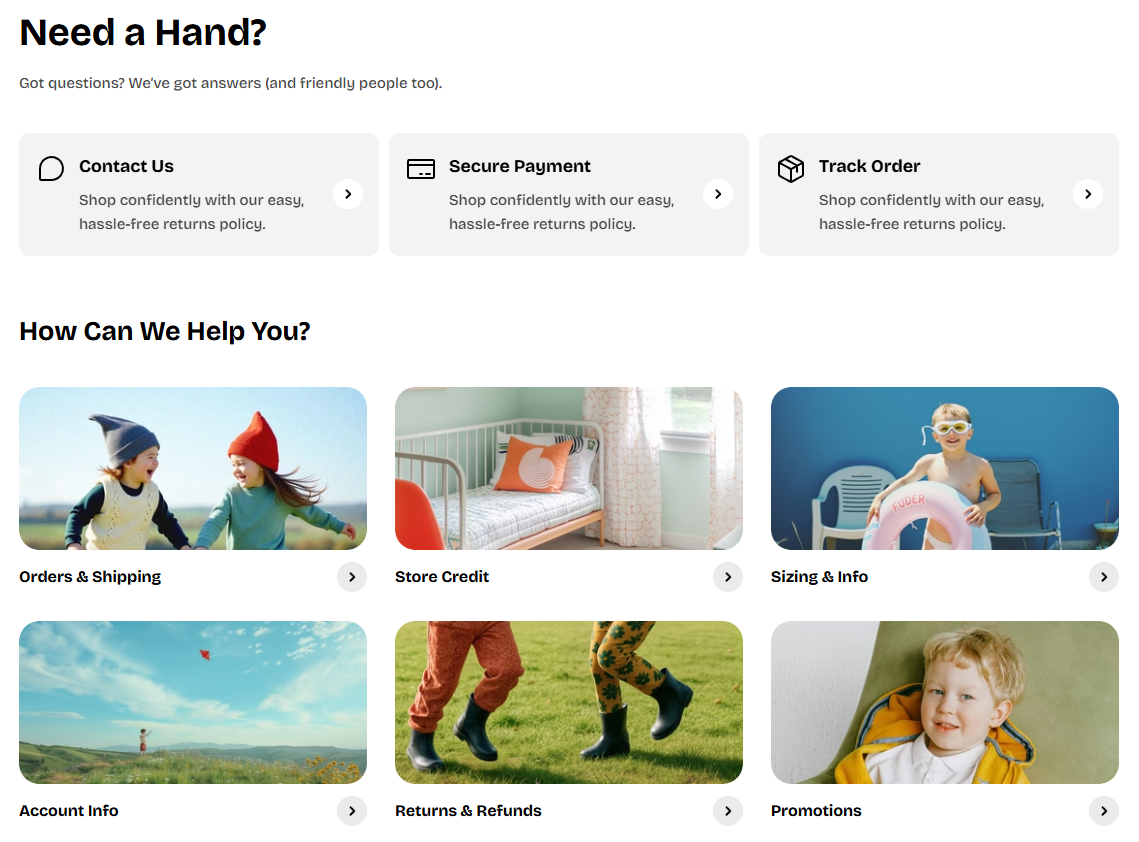
This section opens up creative possibilities far beyond standard templates, allowing you to craft rich, dynamic, and visually captivating layouts.

With the flexibility to add, reorder, and style multiple content blocks, you can build pages that not only reflect your brand’s personality but also deliver an engaging experience tailored to your business goals.

How to add a Custom section to your Shopify store

circle-check

How to edit a Custom section

Section settings

  • Desktop content width: Adjusts the maximum width of the newsletter section on desktop by percentage.

  • Container: Choose between a full-width layout or a fixed-width container.

  • Direction: Set the layout direction of form elements to either Vertical or Horizontal.

  • Vertical on mobile: Enable this option to force a vertical layout specifically on mobile devices.

  • Alignment: Controls the alignment of the content (Left, Center, or Right).

  • Position: Adjusts the placement of the content (Top, Center, or Bottom).

  • Horizontal gap: Sets the horizontal spacing between elements in pixels.

  • Vertical gap: Sets the vertical spacing between elements in pixels.

  • Mobile layout:

    • Horizontal gap: Controls the horizontal spacing between elements on mobile.

    • Vertical gap: Controls the vertical spacing between elements on mobile.

Nested dynamic blocks

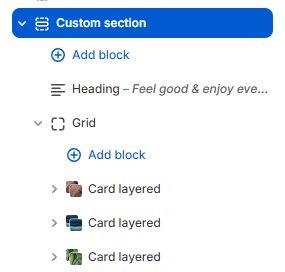
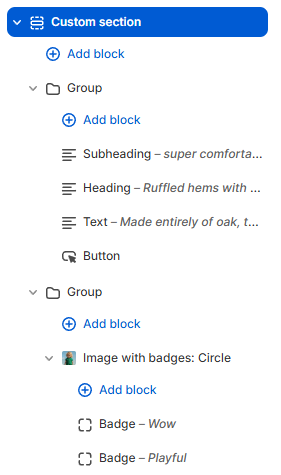
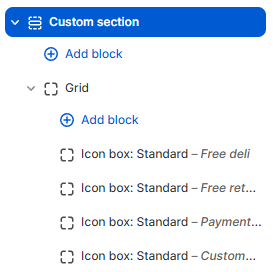
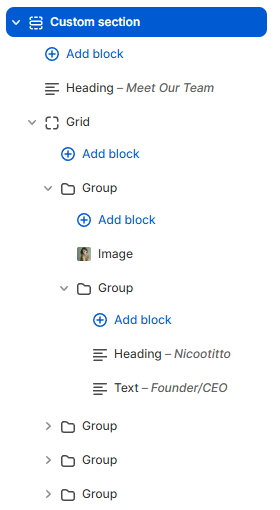
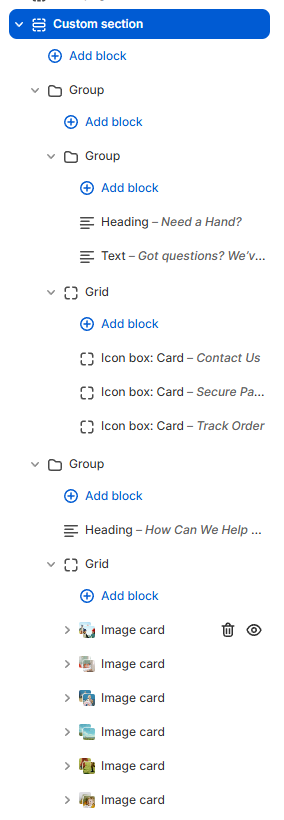
You can add multiple dynamic blocks within this section. Learn more about each block type here.

Theme blockschevron-right
chevron-rightDemo preferenceshashtag

Last updated