# Products highlight
_ucknaHcn.jpg)
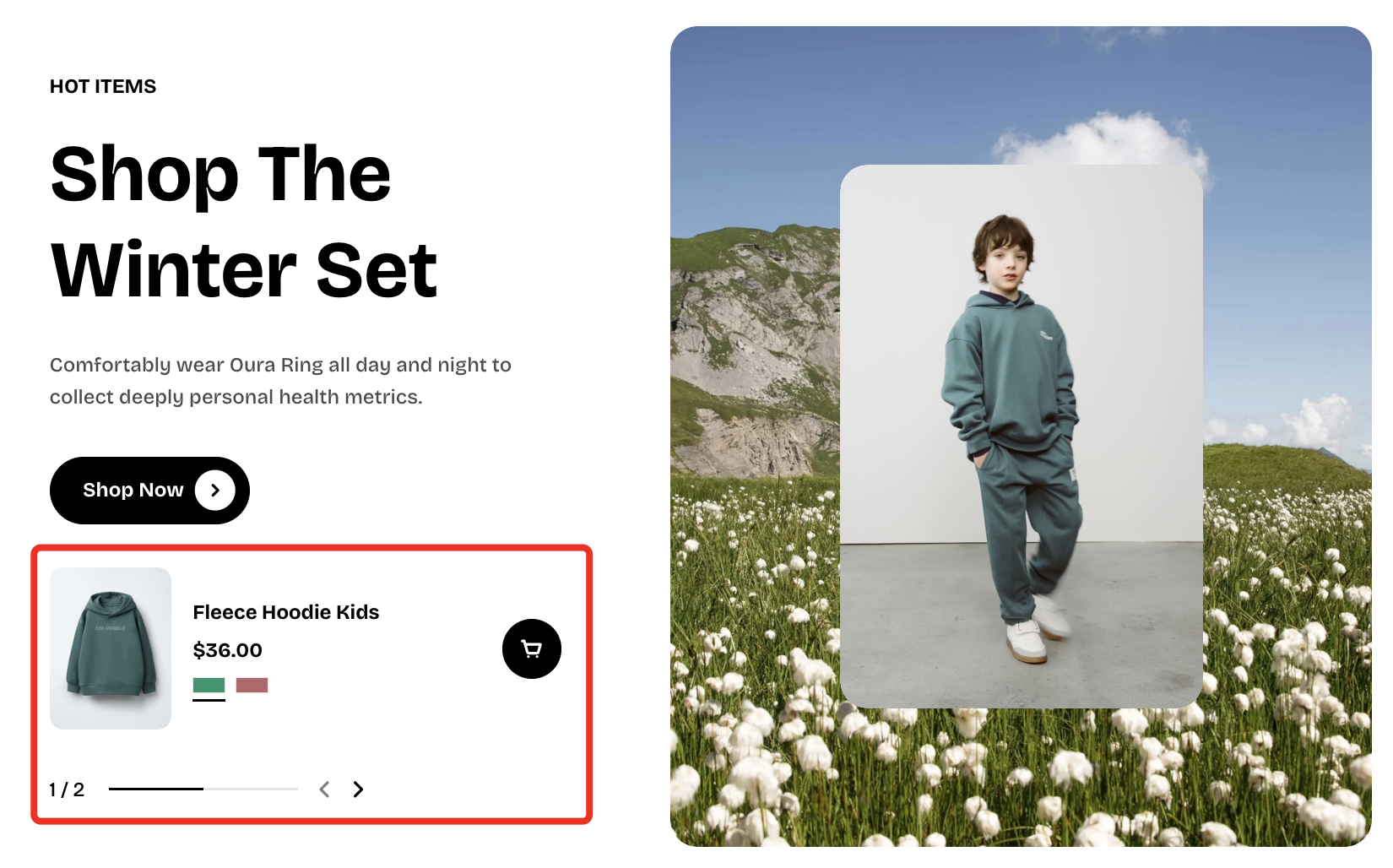
Display featured products in a visually engaging layout designed to capture attention, showcase product details, and guide customers toward making a purchase.
## How to add a Products highlight section to your Shopify store
1. In the theme editor **(Customize)**, click **Add section.**
2. Select **Products highlight** section.
3. Make necessary changes.
4. **Save.**
## How to customize a Products highlight section
### Section settings
| Setting | Description |
| -------------------------- | ----------------------------------------------------------------------------------------------------------------------------------------------------------------------------- |
| **Products** | Select the products you want to highlight in this section (up to 50 items). |
| **Desktop image position** | Choose between **left** or **right** for the image layout. |
| **Color scheme** | Choose a color scheme to apply to the section's background and text.
Learn more: [Colors](https://docs.foxecom.com/pebble-theme/theme-settings/colors)
|
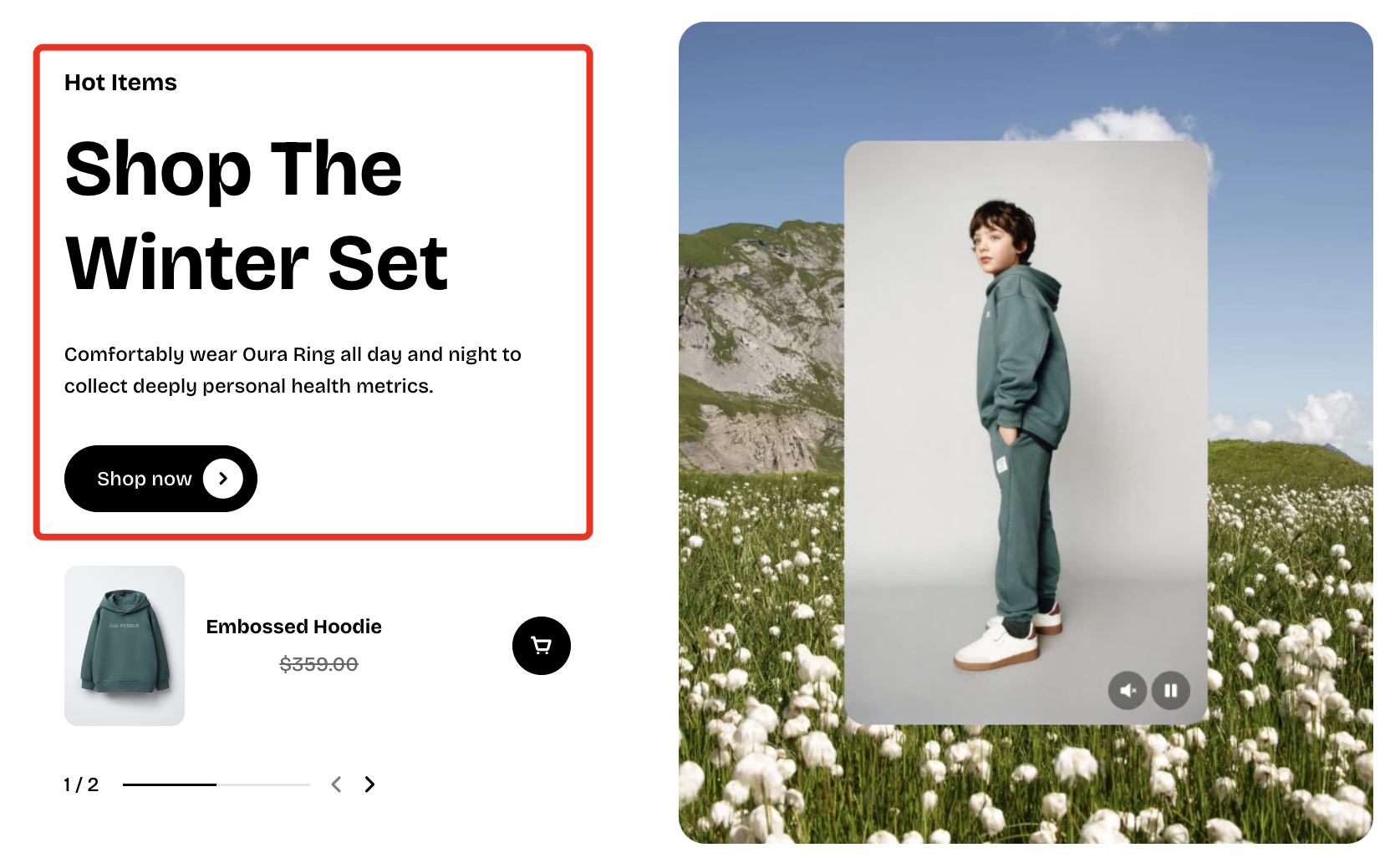
### The **Products** highlight **section** includes
* **2 static blocks:**
#### 📦 Nested dynamic blocks
The **Header** block supports **4 nested block types**:
| Dynamic blocks | Purpose |
| --- | --- |
| **Heading** | Primary title text used to introduce the section or key content. |
| **Subheading** | Secondary text that provides additional context or supports the main heading. |
| **Text** | Regular body text used for descriptions, details, or any supplementary information within the block. |
| **Button** | A call-to-action element that users can click to open another page. |
Learn more: [Basic](https://docs.foxecom.com/pebble-theme/theme-blocks/basic#text) [Basic](https://docs.foxecom.com/pebble-theme/theme-blocks/basic#button)
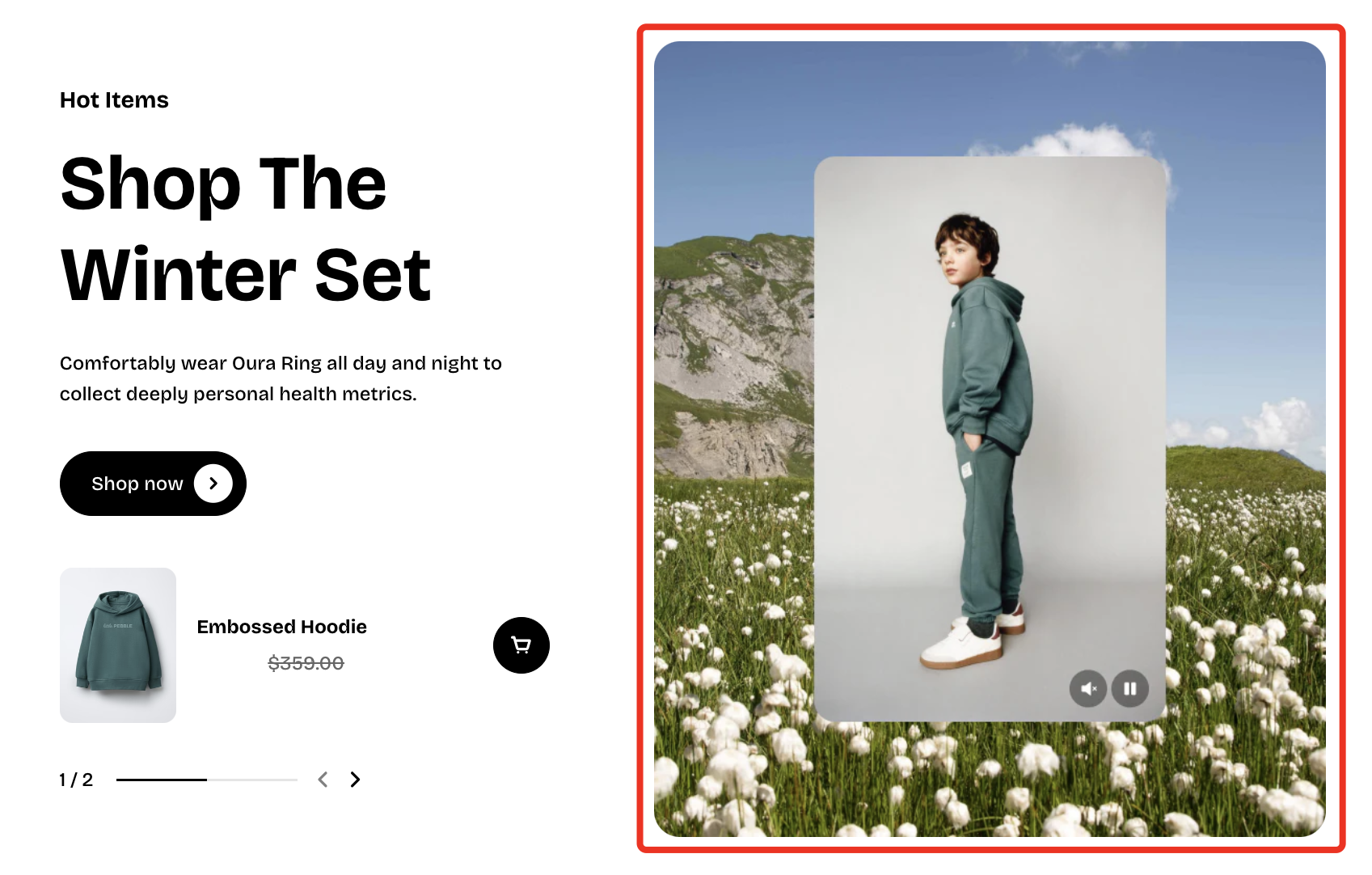
| Setting | Description |
| ---------------------- | ------------------------------------------------------- |
| **Image** | Upload the banner image. |
| **Image mobile** | Upload a separate image optimized for mobile devices. |
| **Aspect ratio** | Sets the image’s ratio. |
| **Source** | Choose the video source (Uploaded/External URL). |
| **Video** | Upload the video used inside the banner. |
| **Video autoplay** | Automatically plays the video. Videos muted by default. |
| **Video looping** | Keeps the video playing continuously. |
| **Video aspect ratio** | Sets the video’s display ratio. |
| **Corner radius** | Adjusts how rounded the banner’s corners appear. |
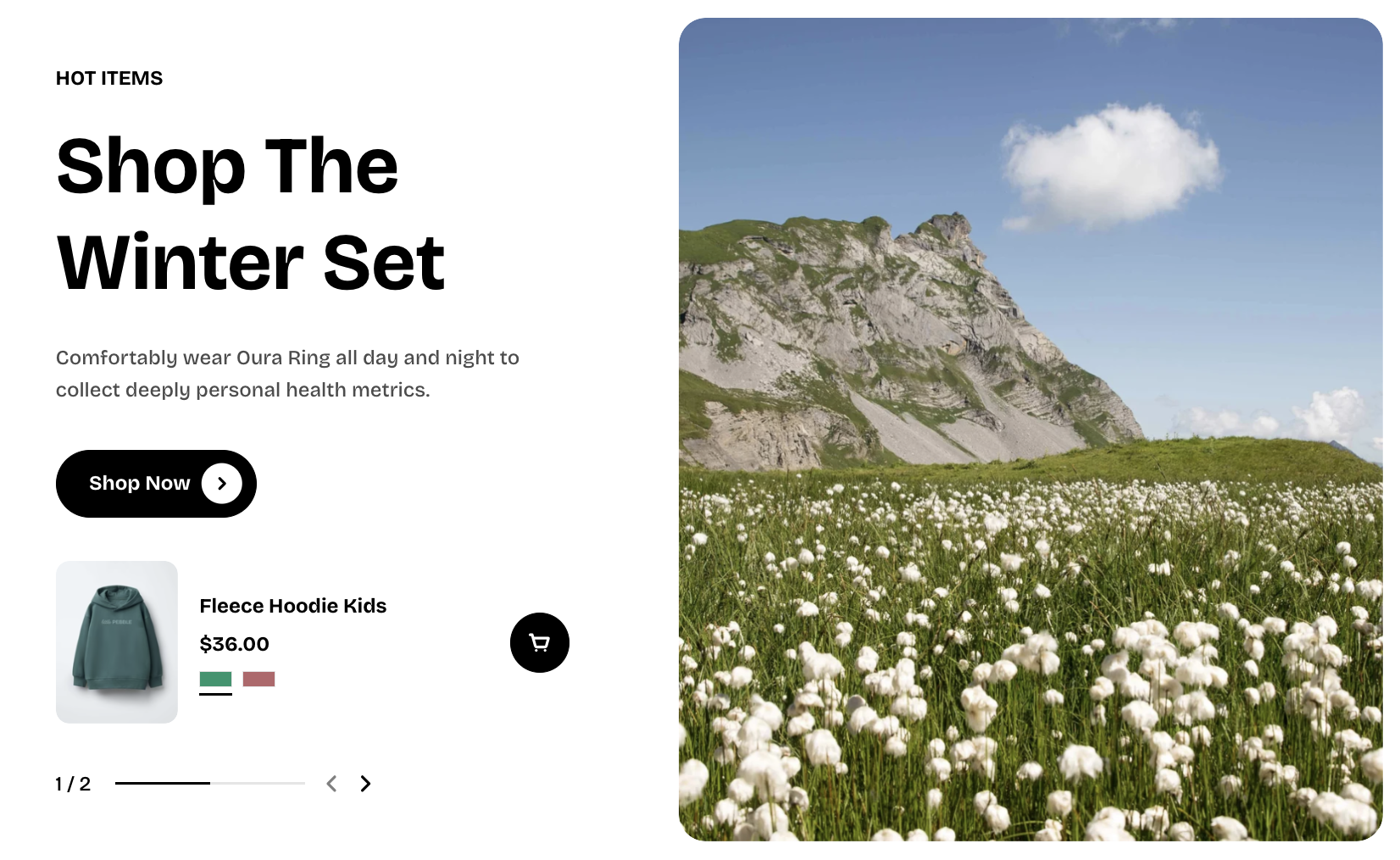
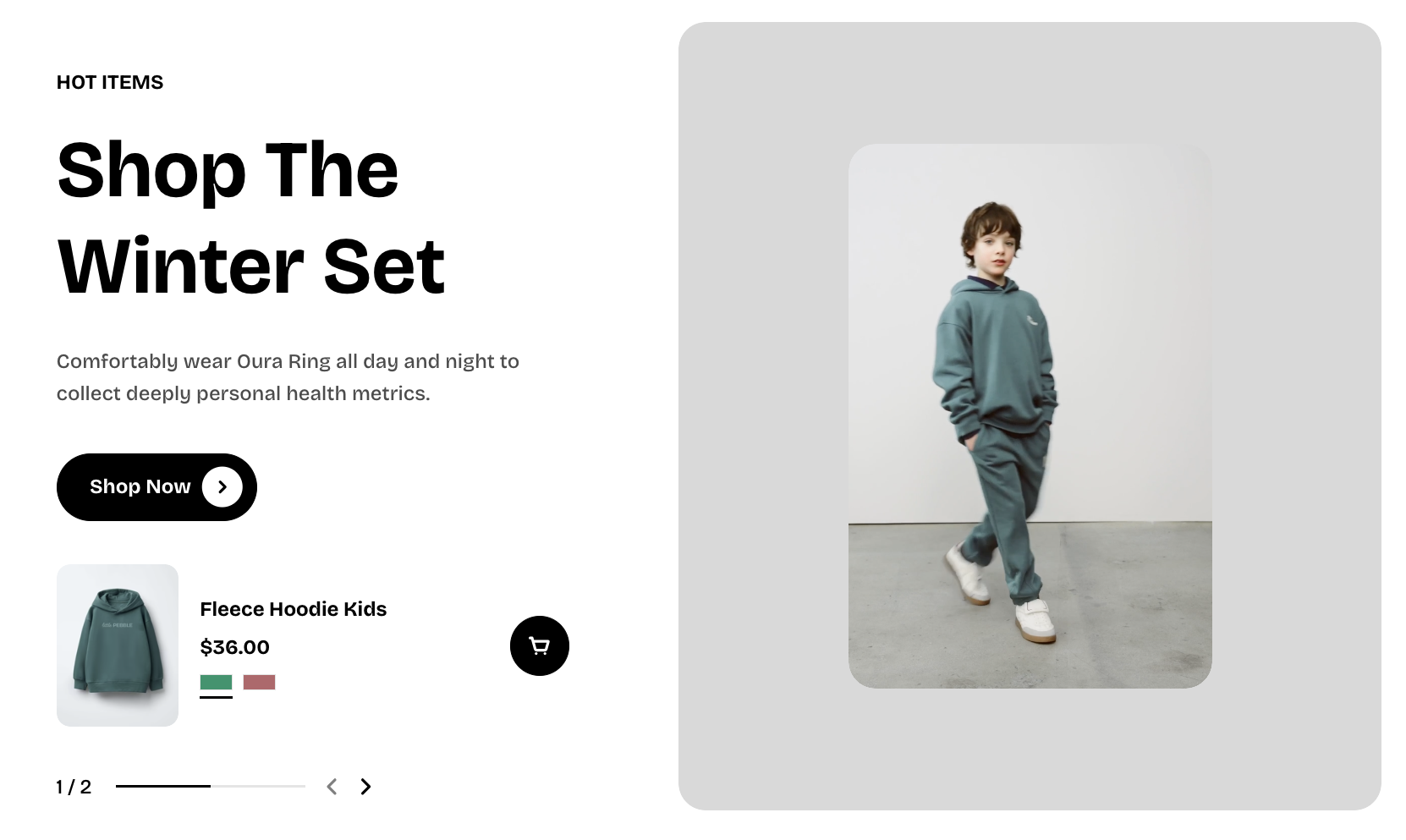
For the best result, use **both an image and a video** in the Banner block, or simply use **an image on its own**.
The video plays **inside the banner image area**, so adding an image helps keep the layout looking great. If you add **only a video**, an image placeholder will be shown instead.
| Image only | Video only |
| --------------------------------------------------------------------------------------------------- | --------------------------------------------------------------------------------------------------- |
| 
| 
|
### Best practices
#### Number of products
* Recommended: 1–5 products
* Products highlight section is designed to **highlight** key items, not replace a full product grid. Try to feature **products that appear in the banner image or video**.
* Fewer products help keep the message clear and impactful.
#### Media quality
* **Images**
* Use **high-quality images**
* Prefer **`.webp` format** when available for better performance
* **Videos**
* Enable **video looping** for a smooth, seamless viewing experience.
* Avoid large file sizes to maintain fast loading
* The **image container is always larger than the video**.
* If the video size is set larger than the image, the **image aspect ratio setting will not apply**.
*Example:*
* Video ratio: **Portrait (4:5)**
* Image ratio: **Landscape (16:9)**
In this case, the image ratio will be **automatically adjusted to fit the video**, and the selected image aspect ratio will not work as expected.
👉 **Tip:** For best results, keep the image and video aspect ratios consistent.