# Image size guidelines
We understand how important it is for your store to maintain a polished and consistent appearance. This guide outlines recommended image sizes and best practices tailored specifically for the Pebble theme, taking into account its layout system, section configurations, and responsive behavior.
As Pebble relies heavily on aspect ratio settings and height controls, it’s essential to prepare your images in alignment with these parameters to ensure optimal display across all devices.
## Recommended image sizes for different sections & blocks
On the **Pebble** theme, we recommend you apply the particular image sizes to different sections as follows:
[1. Slideshow: Minimal / Slideshow: Centered](#id-1.-slideshow-minimal-slideshow-centered)
[2. Hero banner / Hero banner: With marquee](#id-2.-hero-banner-hero-banner-with-marquee)
[3. Image cards: Carousel](#id-3.-image-cards-carousel)
[4. Collection links](#id-4.-collection-links)
[5. Blog post featured image](#id-5.-blog-post-featured-image)
[6. Shop the look](#id-6.-shop-the-look)
[7. Scrolling cards / Scrolling cards: Layered](#id-7.-scrolling-cards-scrolling-cards-layered)
[8. Countdown timer](#id-8.-countdown-timer)
[9. FAQ: Image / FAQ: Banner](#id-9.-faq-image-faq-banner)
[10. Store locators](#id-10.-store-locators)
[11. Comparison galerry](#id-11.-comparison-galerry)
[12. Video cards: Flex carousel](#id-12.-video-cards-flex-carousel)
[13. Testimonial: Parallax](#id-13.-testimonial-parallax)
[14. Comparison table](#id-14.-comparison-table)
[15. Product images](#id-15.-product-images)
### 1. Slideshow: Minimal / Slideshow: Centered
For these sections, the Pebble theme provides flexible height options and supports separate images for desktop and mobile to ensure the best visual presentation across devices.
#### Recommended image sizes:
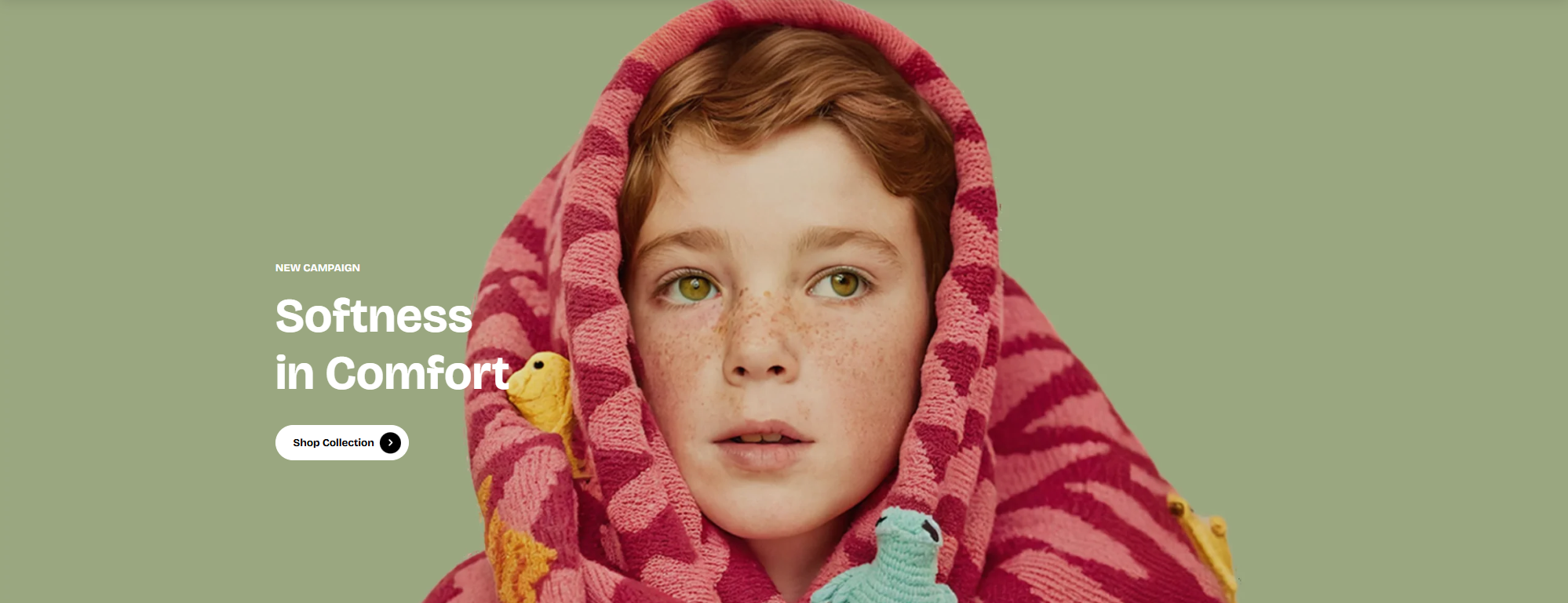
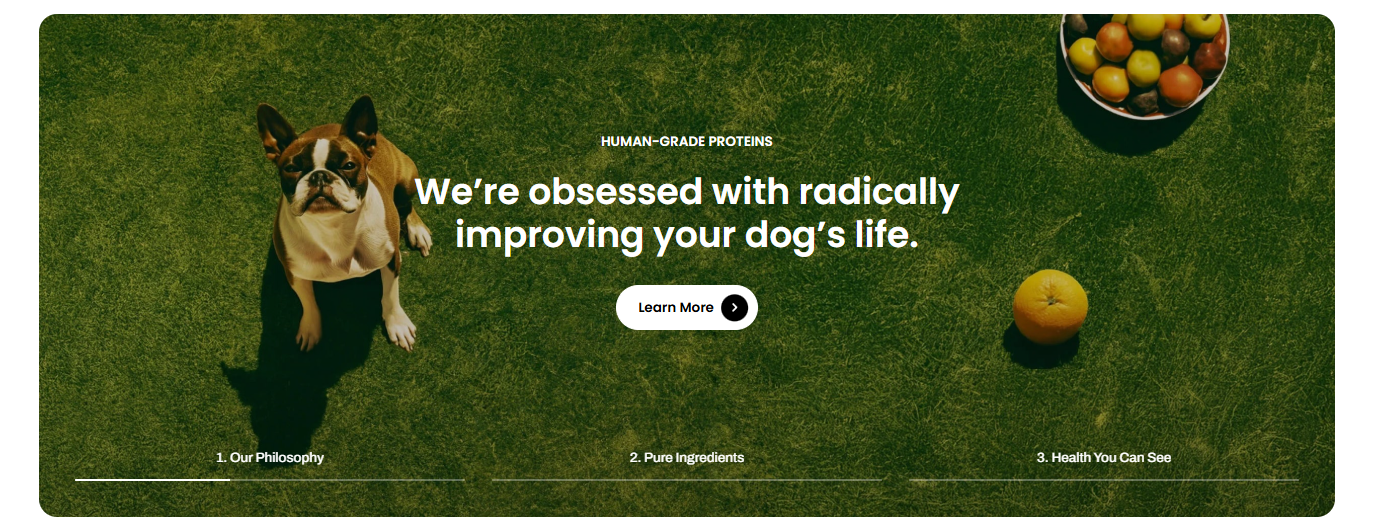
* **Desktop image:** 1920 × 900 px or 2680 × 1120 px
* **Mobile image:** 600 × 480 px or 686 × 940 px
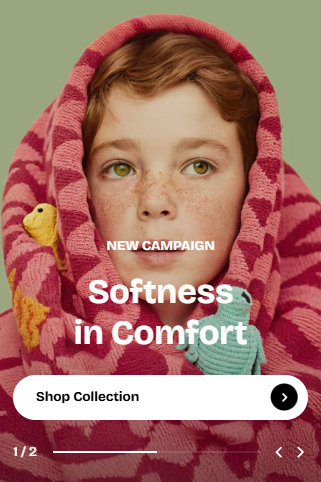

We strongly recommend uploading **separate images for desktop and mobile**. If the same image is used, it will be **center-cropped on mobile**, which may cut off important details.
#### Slide height options:
How it works:
* **Adapt to first image:** Preserving the original proportions of your first image slide. All other slides will follow the same aspect ratio as the first image.
* **Small / Medium / Large:** Applying fixed heights, so images may be cropped depending on their ratio.
| Option | Desktop height | Mobile height | Behavior |
| -------------------- | -------------- | ------------- | -------------------------------------- |
| Adapt to first image | Auto | Auto | Height adapts to the first image ratio |
| Small | 570px | 420px | Cropped to fixed height |
| Medium | 660px | 520px | Cropped to fixed height |
| Large | 750px | 620px | Cropped to fixed height |
### 2. Hero banner / Hero banner: With marquee
**Recommended image sizes:**
* **Desktop image:** 2680 × 1060 px
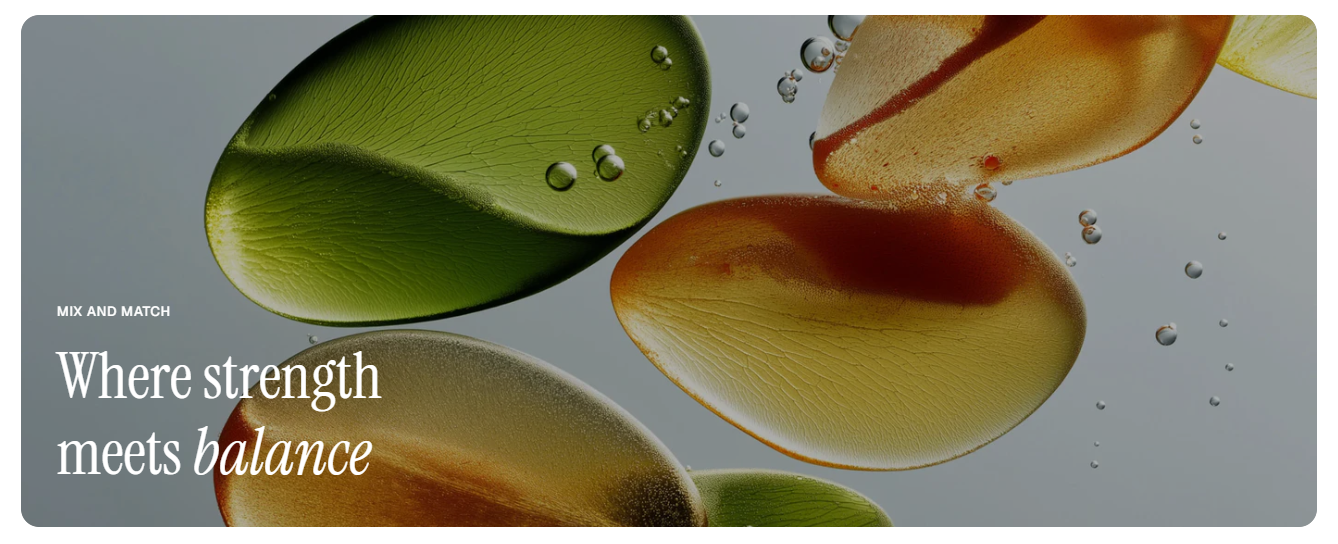
* **Mobile image:** 600 × 848 px

We recommend uploading **separate images for desktop and mobile** to ensure the best composition and **avoid unwanted cropping** on smaller screens.
Image height options:
| Option | Desktop height | Mobile height | Behavior |
| -------------------- | -------------- | ------------- | -------------------------------------- |
| Adapt to first image | Auto | Auto | Height adapts to the first image ratio |
| Small | 350px | 300px | Cropped to fixed height |
| Medium | 450px | 340px | Cropped to fixed height |
| Large | 520px | 480px | Cropped to fixed height |
How it works:
* **Adapt to first image:** Preserving the original proportions of your first image slide. All other slides will follow the same aspect ratio as the first image.
* **Small / Medium / Large:** Applying fixed heights, so images may be cropped depending on their ratio.
### 3. Image cards: Carousel
**Recommended image sizes:**
* **Auto:** keeps original ratio (Recommended size: 1020 × 1369 px)
* **Square (1/1):** 1200 × 1200 px
* **Portrait (4/5):** 1200 × 1500 px
* **Portrait (3/4):** 1200 x 1600 px
* **Landscape (16/9):** 1600 × 900 px
* **Landscape (4/3):** 1600 × 1200 px
* **Landscape (21/9):** 1600 × 686 px
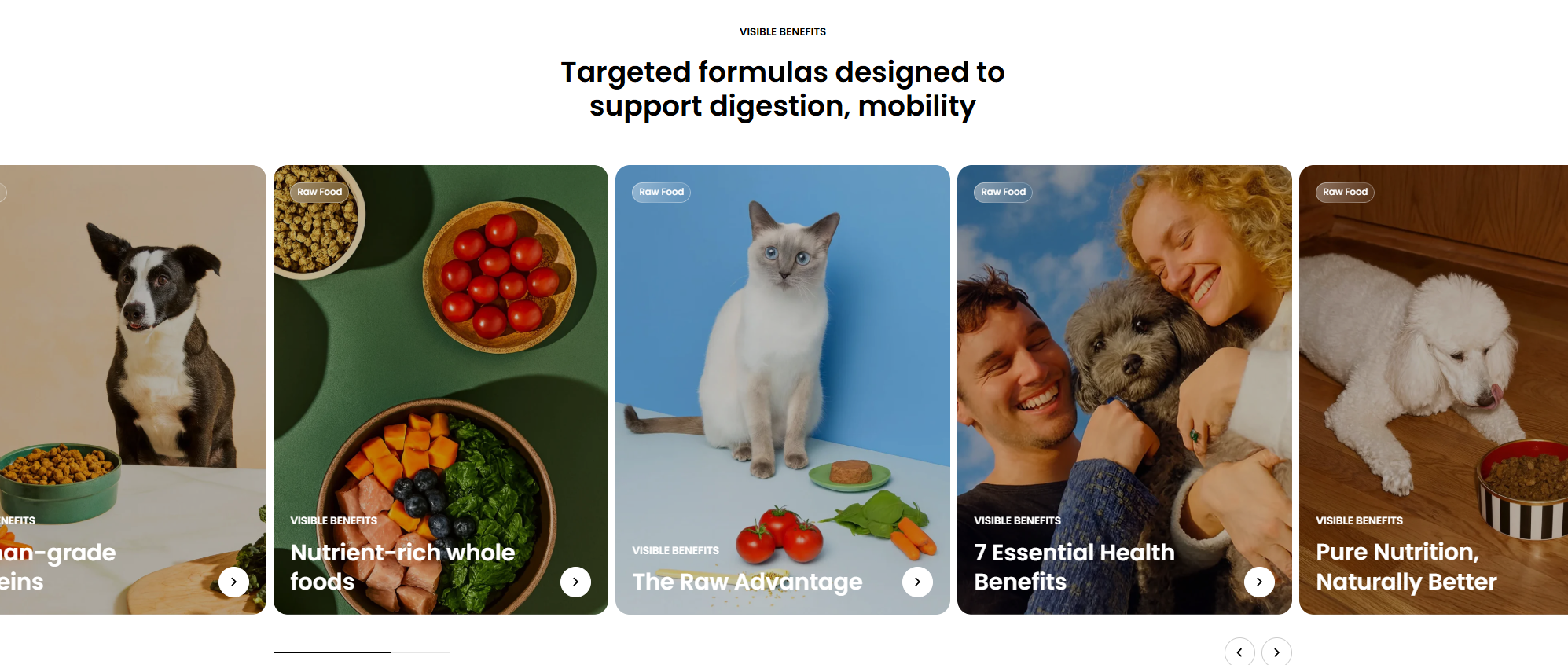
When **Auto** is enabled, image sizes will automatically adjust to the original image proportions, which may result in uneven layouts. \
\
We recommend using consistent sizing across all cards to achieve the best visual appearance.
### 4. Collection links
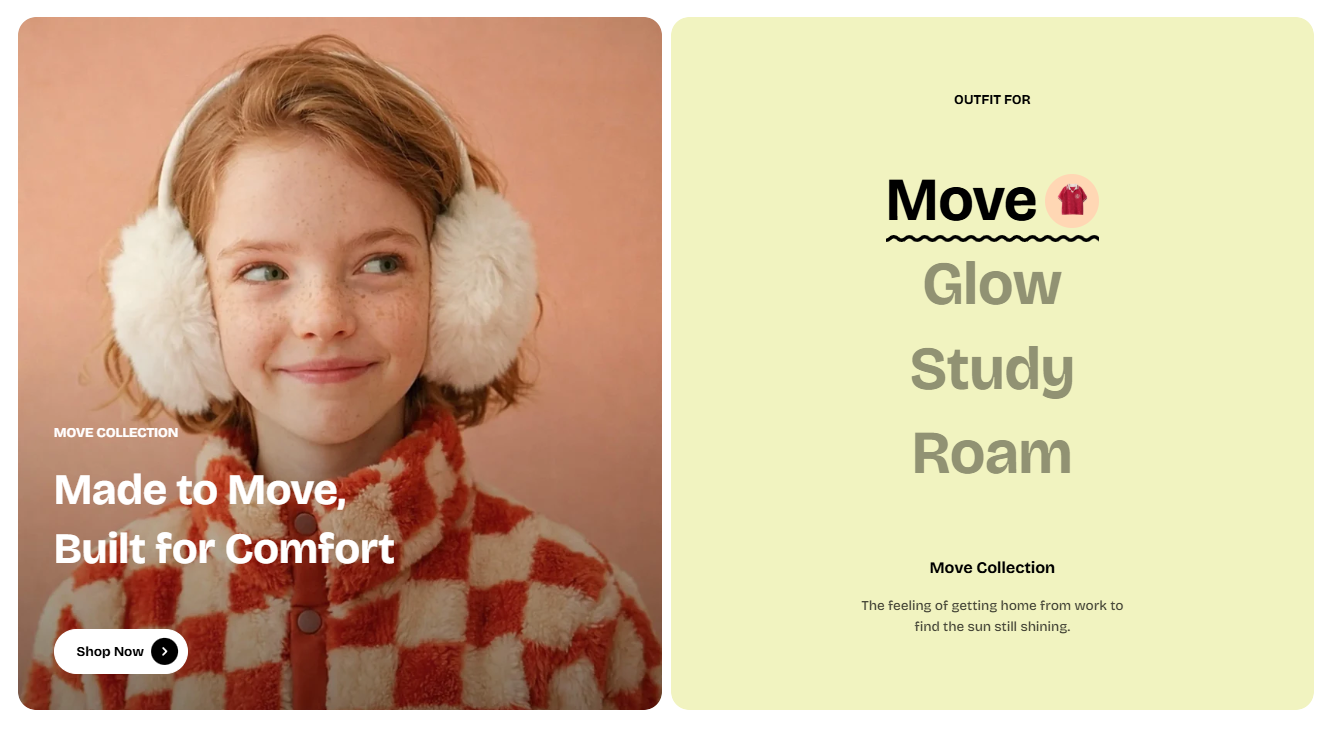
**Recommended image sizes:**
* **Square (1/1):** 1200 × 1200 px
* **Portrait (4/5):** 1200 × 1500 px
* **Portrait (3/4):** 1200 x 1600 px
* **Landscape (16/9):** 1600 × 900 px
* **Landscape (4/3):** 1600 × 1200 px
The image ratio in this section is set to **adapt to the first slide item’s image**. This means all other slides will follow the same aspect ratio as the first image.
### 5. Blog post featured image
To set the blog post featured image, go to **Online Store > Blog posts** in your Shopify admin. Then open the post and locate the **Featured image** field on the right-hand side to upload your image.
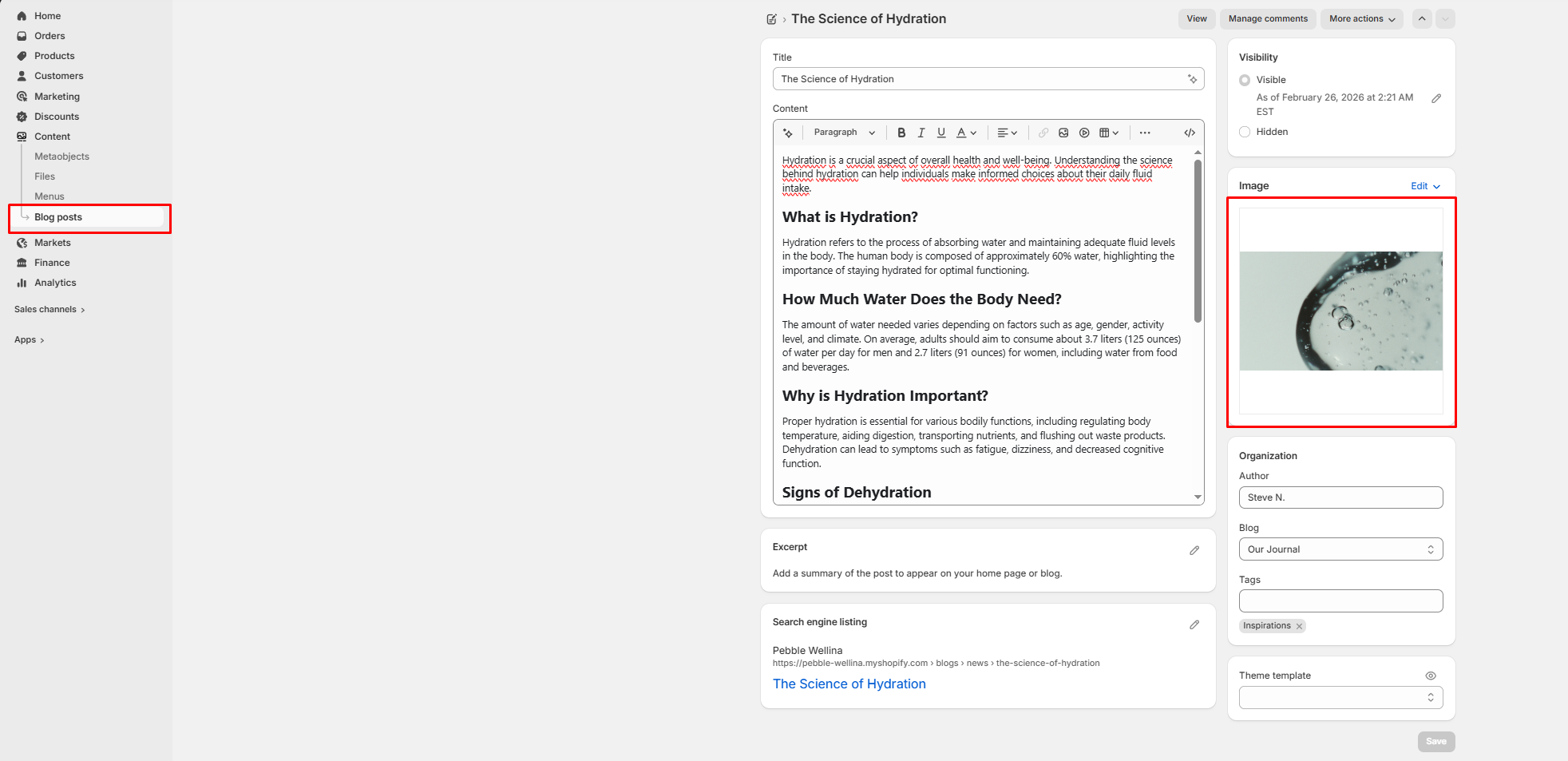
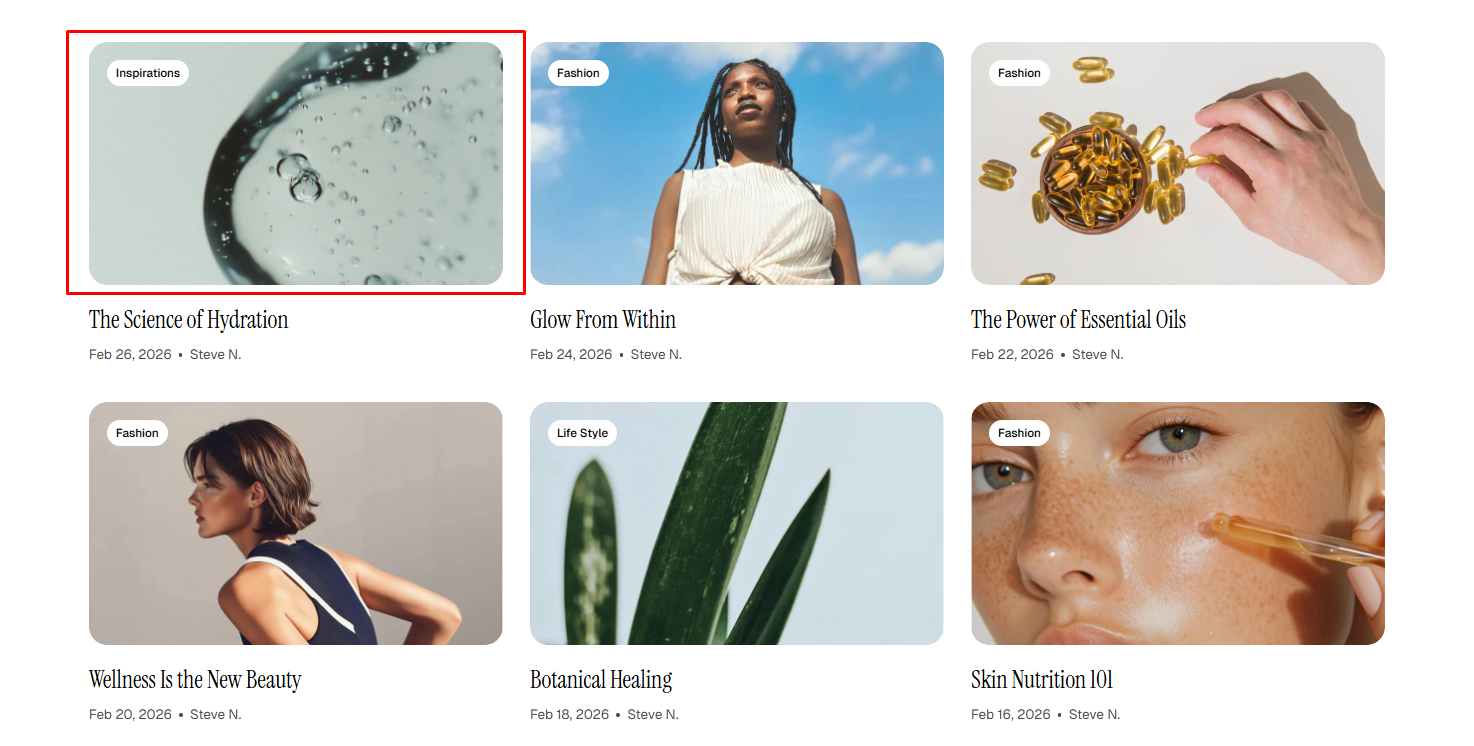
On your website, the blog post featured image is displayed in two places:
* **Post’s thumbnail image (Blog listing page):**
Displayed in blog cards. The appearance depends on **Theme settings > Blog cards >Aspect ratio**.
* **Post’s featured image banner (Blog post page):**
Displayed as the main image at the top of the article. This is controlled by the **Image ratio** setting in the blog post template.
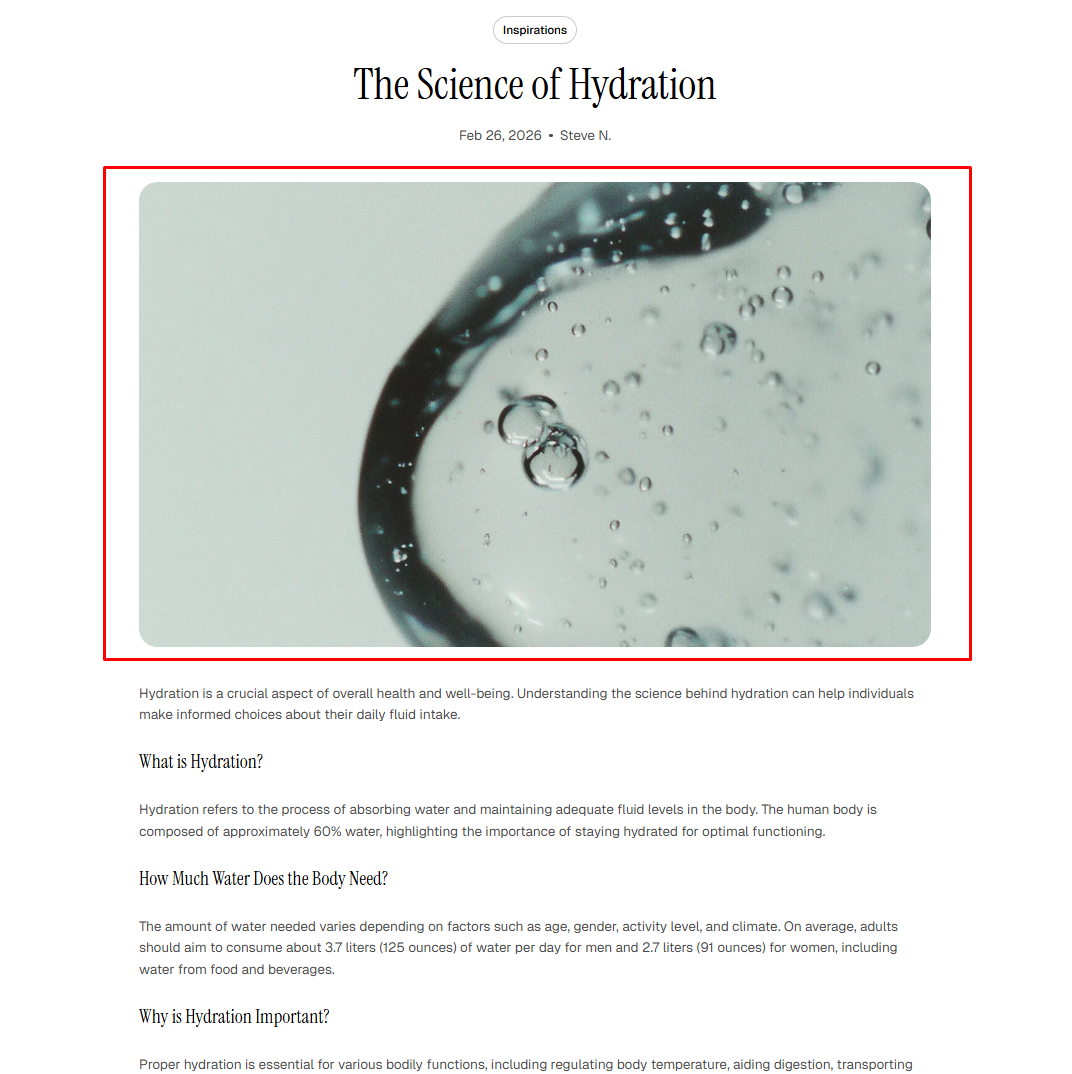
You can choose images with **square, portrait, or landscape ratios** to achieve the best visual result.
The recommended sizes are:
* **Square (1/1)**: at least 2000 x 2000 px
* **Portrait (4/5):** at least 2400 × 3000 px
* **Portrait (3/4)**: at least 2000 × 2667 px
* **Landscape (16/9):** at least 2400 × 1800 px
* **Landscape (4/3)**: at least 2400 x 1800 px
* You can also use **Adapt to image** to preserve the original image ratio.
### 6. Shop the look
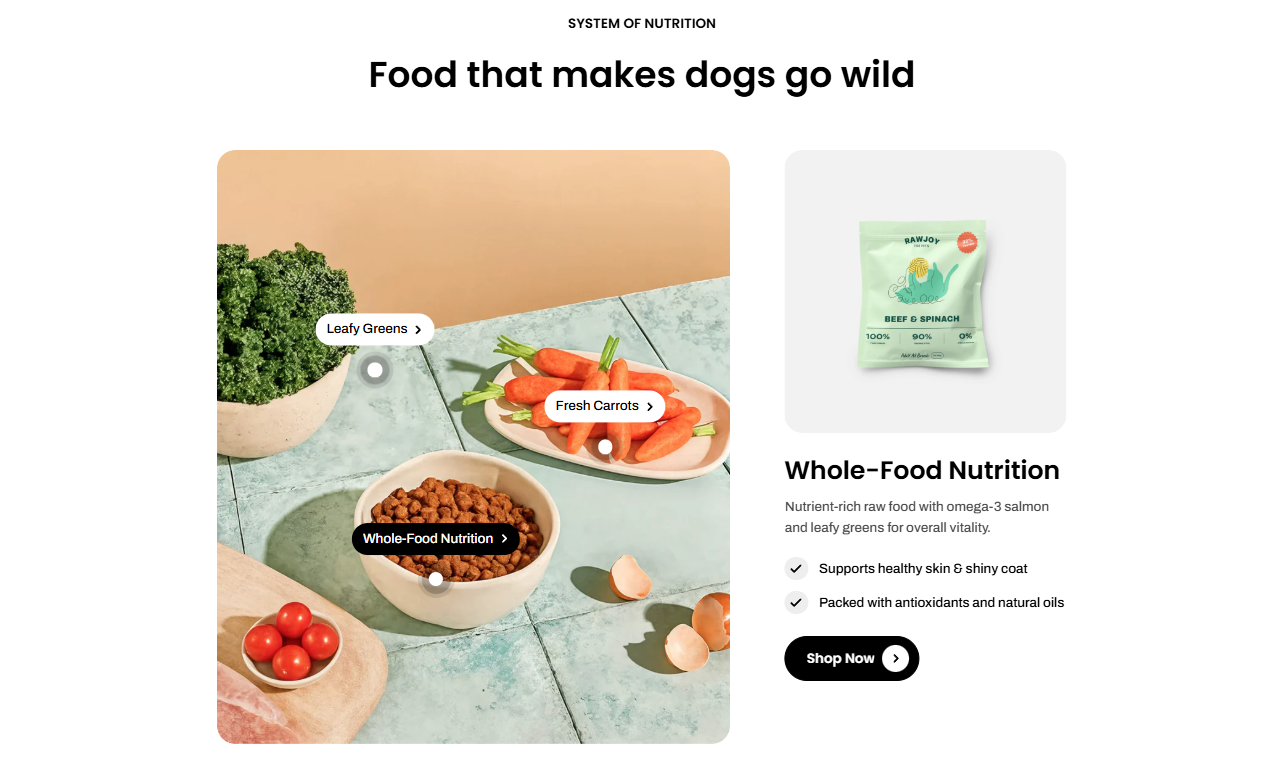
**Recommended image sizes:**
* **Auto:** keeps original ratio (Recommended size: 2000 x 2000 px)
* **Square (1/1):** 2000 x 2000 px
* **Portrait (4/5):** 1800 × 2250 px
* **Portrait (3/4):** 1800 × 2400 px
* **Landscape (16/9):** 1920 × 1080 px
* **Landscape (4/3):** 1600 × 1200 px
* **Landscape (21/9):** 1920 × 823 px
* **Auto:** keeps original ratio (Recommended size: 1710 × 1980 px)
* **Square (1/1):** 1500 × 1500 px
* **Portrait (4/5):** 1800 × 2250 px
* **Portrait (3/4):** 1800 × 2400 px
* **Landscape (16/9):** 1920 × 1080 px
* **Landscape (4/3):** 2048 × 1536 px
* **Landscape (21/9):** 2560 × 1080 px
When **Auto** is enabled, image sizes will automatically adjust based on the original image proportions, which may lead to uneven layouts.\
\
We recommend using consistent sizing across all cards to achieve the best visual appearance.
### 7. Scrolling cards / Scrolling cards: Layered
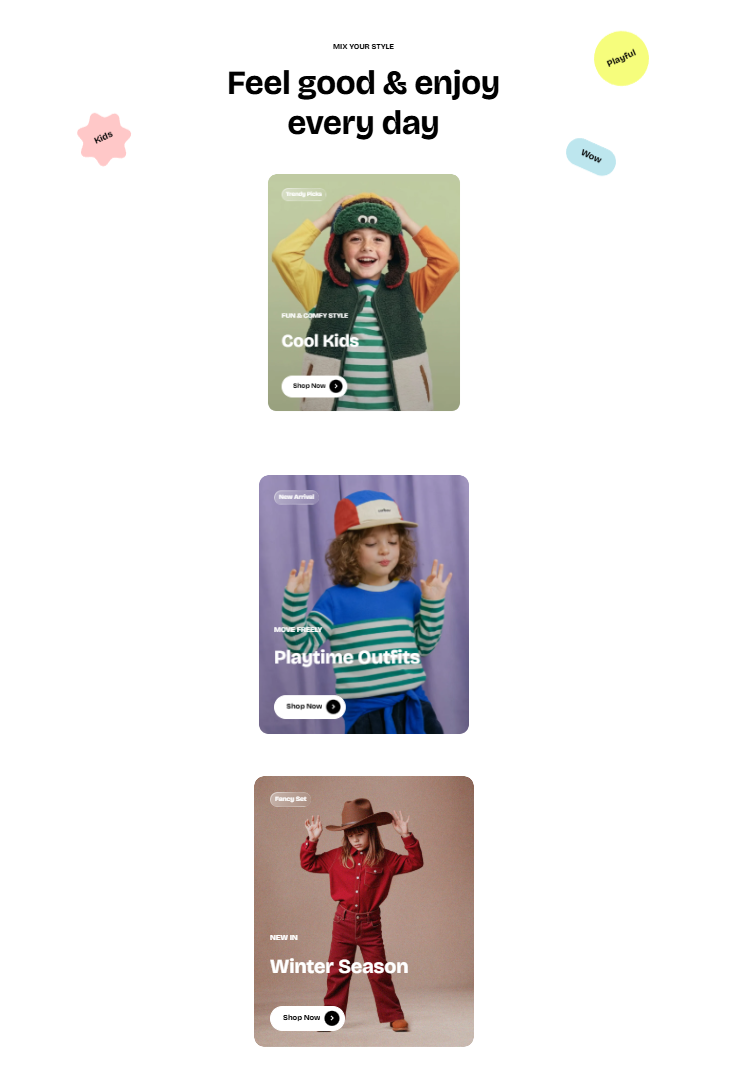
**Recommended image sizes:**
* **Auto:** keeps original ratio (Recommended size: 1560 × 1920 px)
* **Square (1/1):** 1500 x 1500 px
* **Portrait (4/5):** 1500 × 1875 px
* **Portrait (3/4):** 1536 × 2048 px
* **Landscape (16/9):** 1920 × 1080 px
* **Landscape (4/3):** 2048 × 1536 px
* **Landscape (21/9):** 1920 × 823 px
When **Auto** is enabled, image sizes will automatically adjust based on the original image proportions, which may lead to uneven layouts.\
\
We recommend using consistent sizing across all cards to achieve the best visual appearance.
### 8. Countdown timer
**Recommended image size**:
* Desktop image: 940 × 1300 px or 940 x 665 px
* Mobile image: 1000 x 1000 px
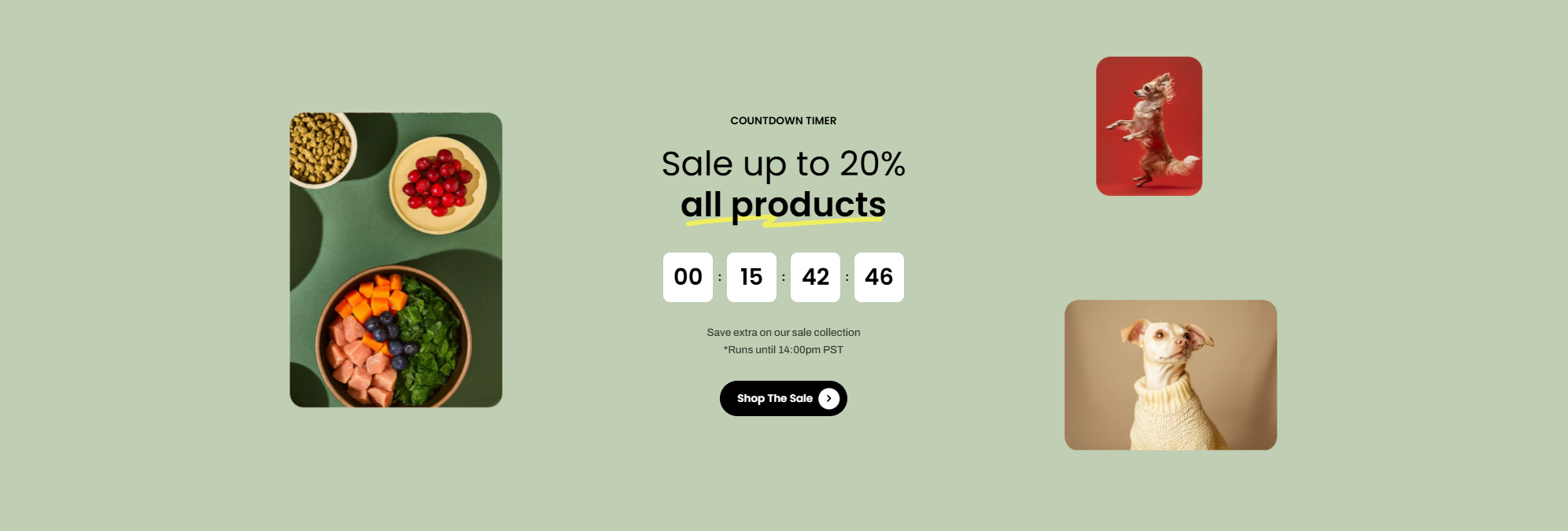
This section supports flexible image sizes and automatically adapts to the original image ratio.
### 9. FAQ: Image / FAQ: Banner
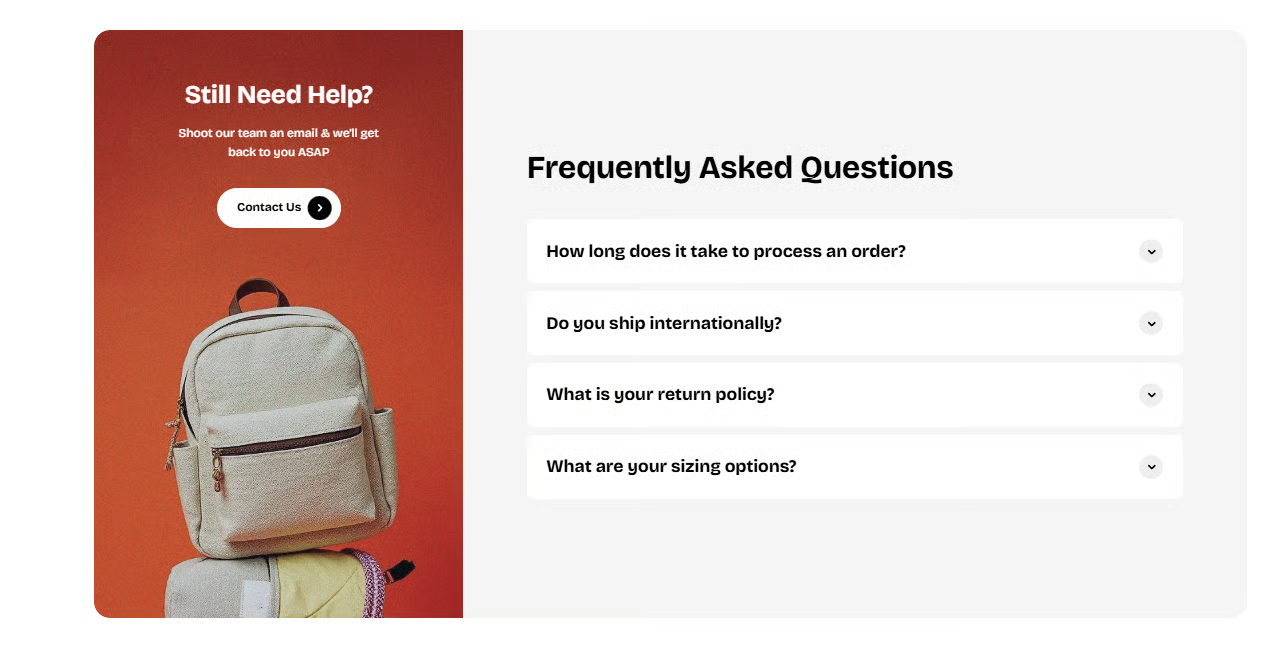
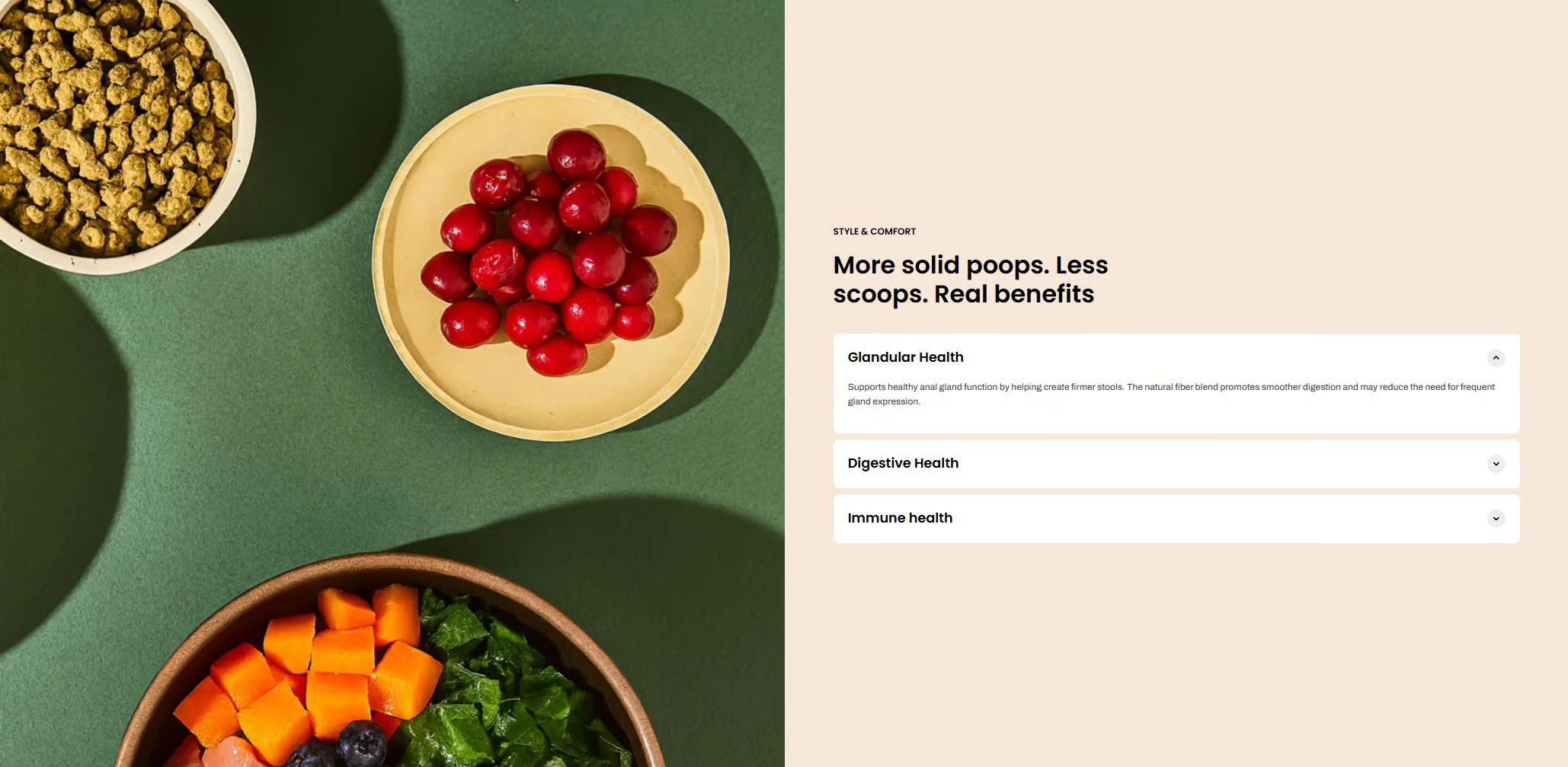
**Recommended image sizes:**
* **Desktop image:**
* **Mobile image:**
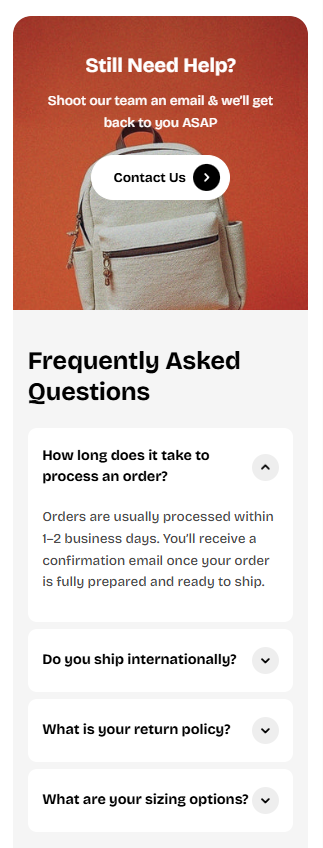
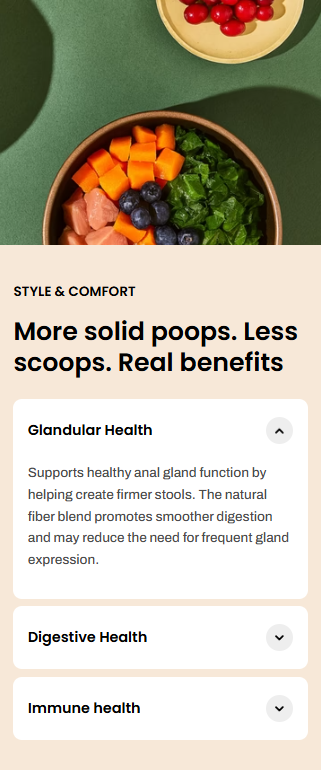
We strongly recommend uploading **separate images for desktop and mobile**. If the same image is used, it will be **center-cropped on mobile**, which may cut off important details.
### 10. Store locators
**Recommended image sizes:**
* **Auto:** keeps original ratio (Recommended size: 800 x 1000 px)
* **Square (1/1):** 1500 x 1500 px
* **Portrait (4/5):** 1500 × 1875 px
* **Portrait (3/4):** 1536 × 2048 px
* **Landscape (16/9):** 1920 × 1080 px
* **Landscape (4/3):** 2048 × 1536 px
* **Landscape (21/9):** 1920 × 823 px
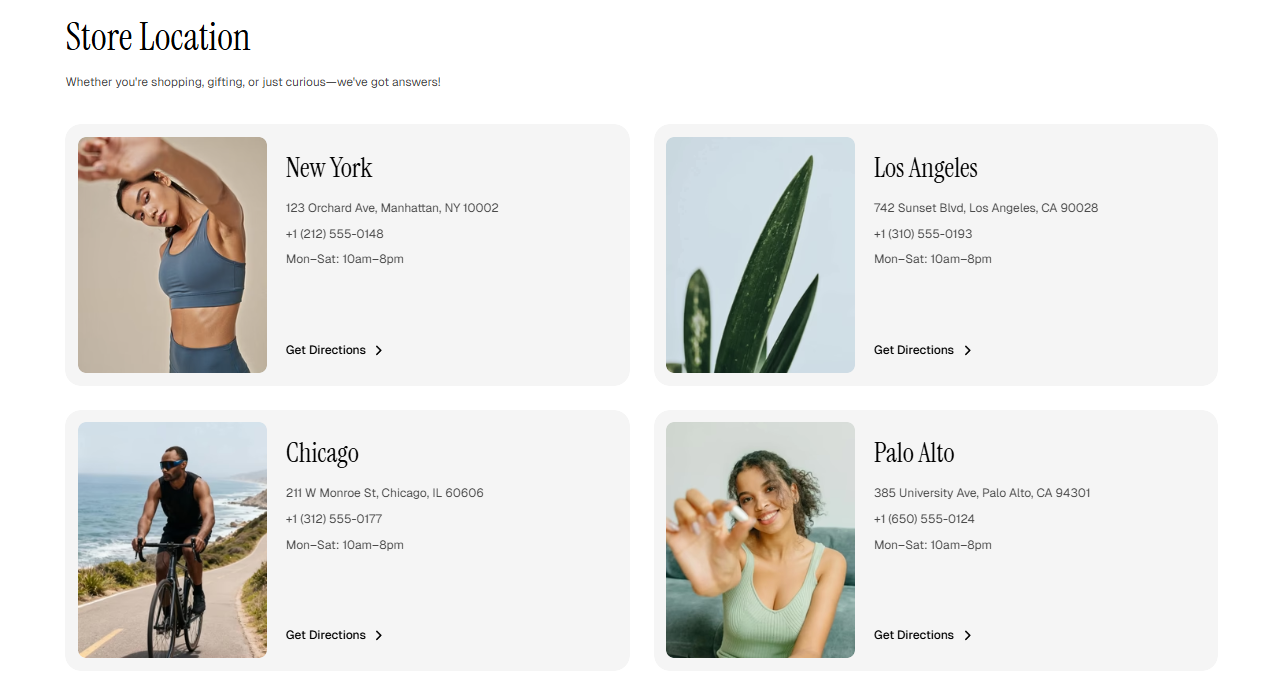
When **Auto** is enabled, image sizes will automatically adjust based on the original image proportions, which may lead to uneven layouts.\
\
We recommend using consistent sizing across all cards to achieve the best visual appearance.
### 11. Comparison galerry
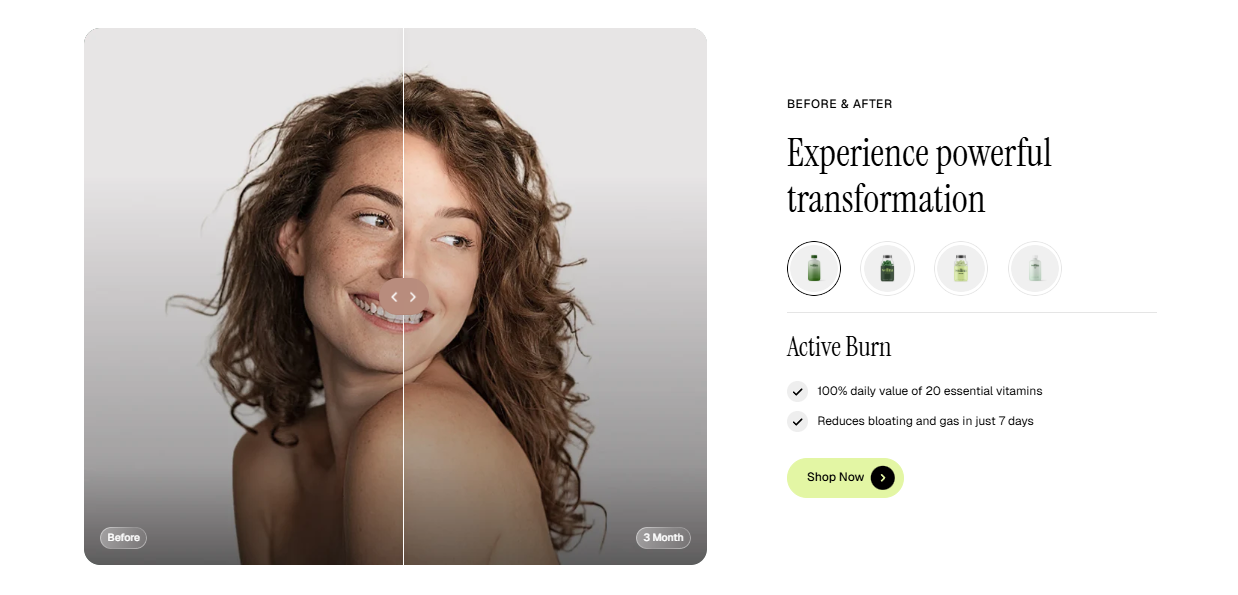
Using separate desktop and mobile images is strongly recommended to ensure optimal composition on different screen sizes.
**Recommended image sizes:**
* **Auto:** keeps original ratio (Recommended size: 1600 × 1380 px)
* **Square (1/1):** 1500 x 1500 px
* **Portrait (4/5):** 1500 × 1875 px
* **Portrait (3/4):** 1536 × 2048 px
* **Landscape (16/9):** 1920 × 1080 px
* **Landscape (4/3):** 2048 × 1536 px
* **Landscape (21/9):** 1920 × 823 px
When **Auto** is enabled, the height of the before/after images will automatically adjust based on the aspect ratio of the first image block.\
\
We recommend using consistent sizing across all cards to achieve the best visual appearance.
### 12. Video cards: Flex carousel
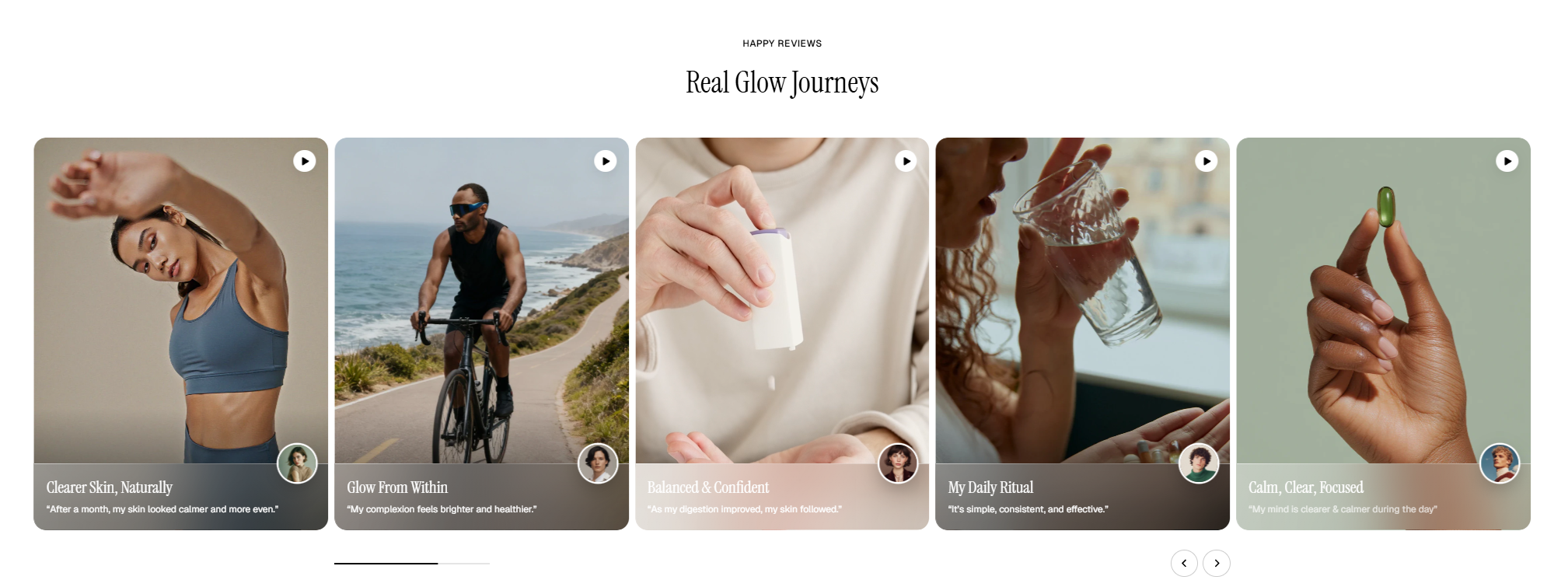
**Recommended image sizes:**
* **Cover image:**
* **Auto:** keeps original ratio (Recommended size: 880 × 1180 px)
* **Square (1/1):** 1200 × 1200 px
* **Portrait (4/5):** 1200 × 1500 px
* **Portrait (3/4):** 1200 x 1600 px
* **Landscape (16/9):** 1600 × 900 px
* **Landscape (4/3):** 1600 × 1200 px
* **Landscape (21/9):** 1920 × 823 px
* **Information image:** 500 x 500px
When **Auto** is enabled, image sizes will automatically adjust based on the original image proportions, which may lead to uneven layouts.
We recommend using consistent sizing across all cards to achieve the best visual appearance.
### 13. Testimonial: Parallax
**Recommended image sizes:** 1000 x 1000 px
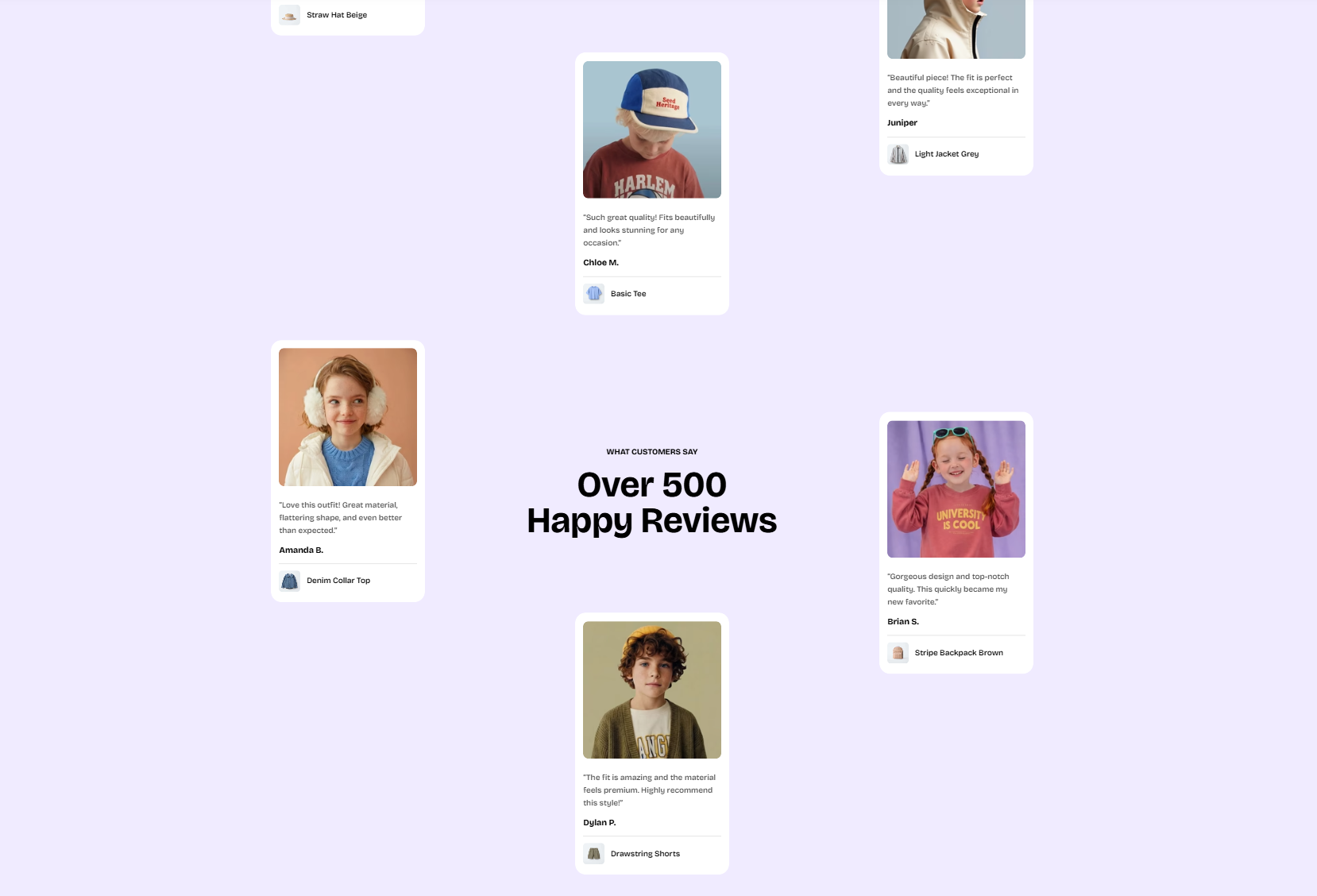
This section supports flexible image sizes and automatically adapts to the original image ratio.
### 14. Comparison table
**Recommended image sizes:**
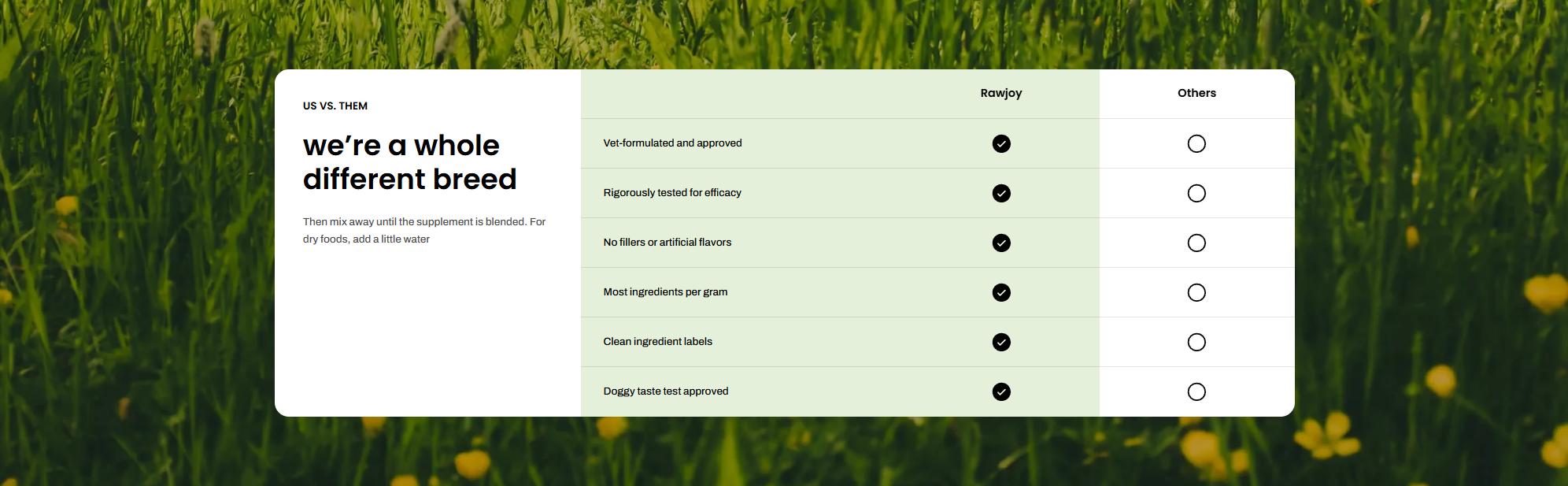
* **Desktop image:** 2880 × 1380 px
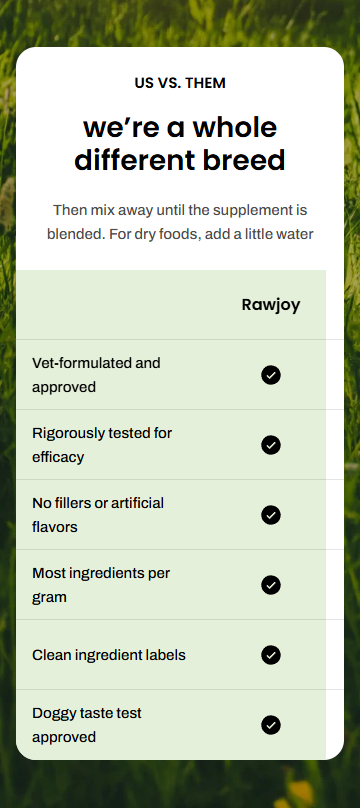
* **Mobile image:** 750 × 1675 px
This section supports flexible image sizes and automatically adapts to the original image ratio.
### 15. Product images
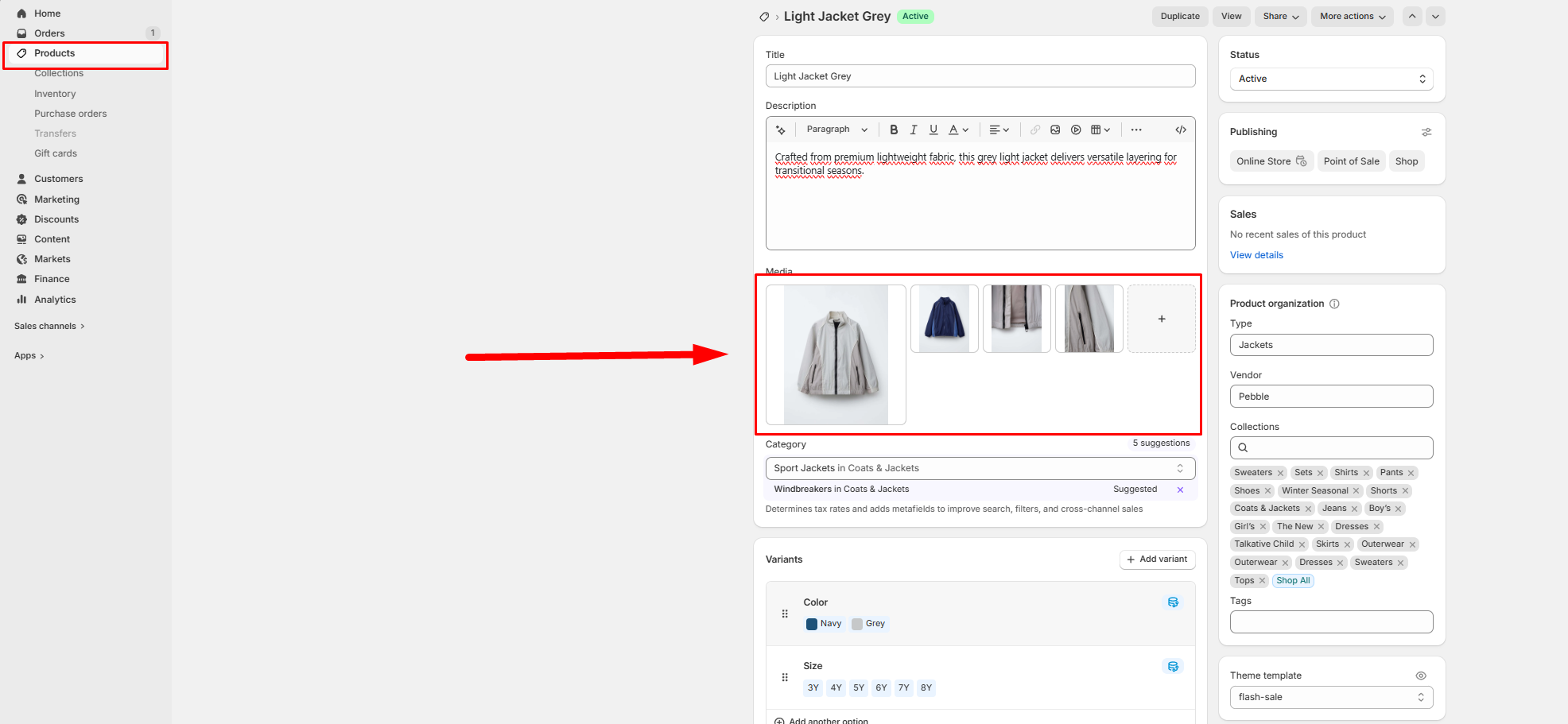
From the **Products** tab in your Shopify admin, you can easily add new products along with their images. These products will automatically appear across product-related sections in your Pebble theme, such as *Featured Collection, Multiple Product Bundles, Favorite Products, Product Bundles, Bundle Selection,* and *Recently Viewed Products.*
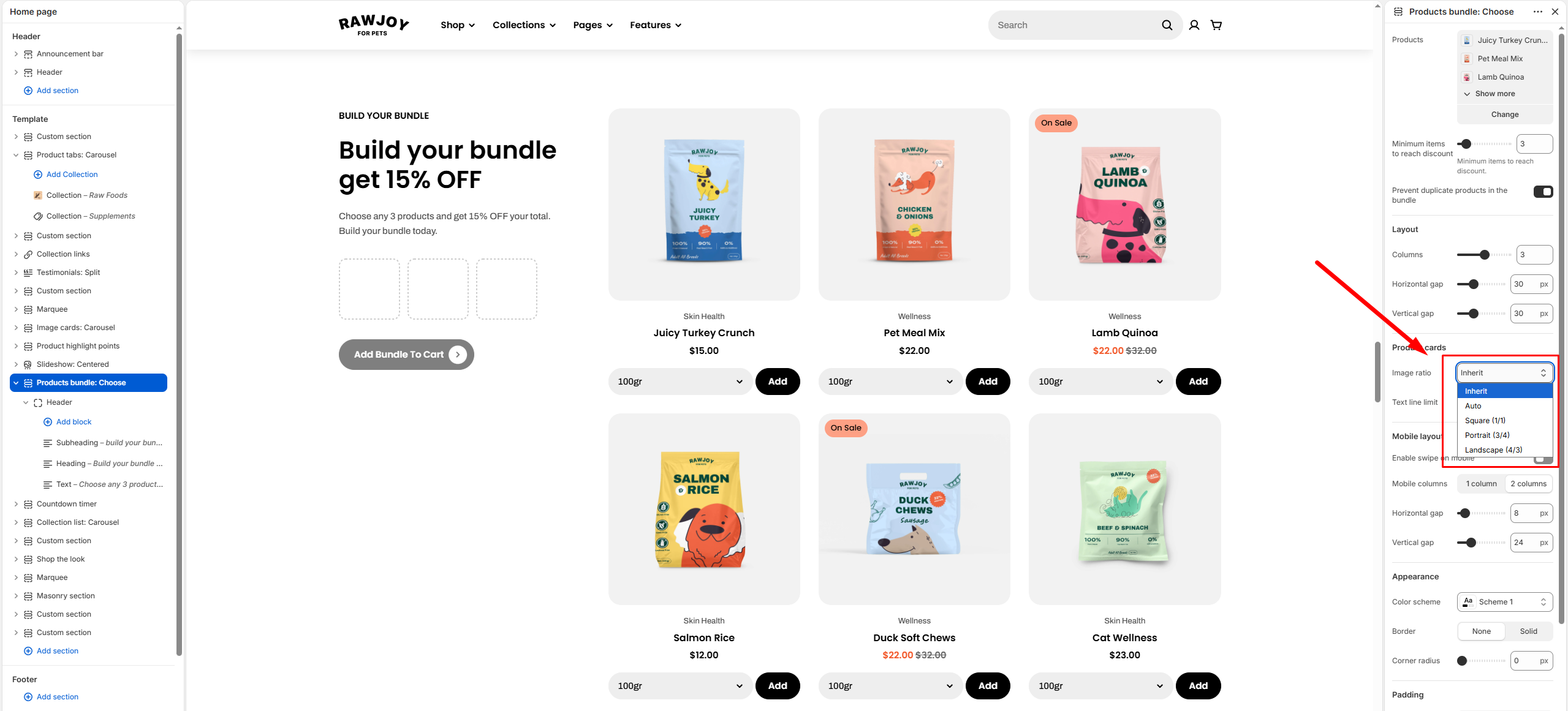
Within Theme settings or individual section settings, you can also control how product images are displayed. Available image ratio options include:
* **Inherit**
* **Auto**
* **Square**
* **Portrait**
* **Landscape**
These settings allow you to present your product images in the format that best fits your store’s design.
For optimal display quality on the Pebble theme, we recommend the following image sizes:
* **Square (1/1)**: at least 2000 x 2000 px
* **Portrait (3/4)**: at least 2000 × 2667 px
* **Landscape (4/3)**: at least 2400 x 1800 px
These are general recommendations to ensure your images look sharp and consistent across all sections.
## Best practices
To ensure a clean, consistent, and professional storefront, we recommend following these guidelines:
* **Maintain consistency:** Use the same image dimensions and aspect ratio within each section for a uniform layout.
* **“Adapt to first image”:** When enabled, the first image defines the layout ratio. Ensure it has the correct proportions.
* **Prepare images properly:** Design images based on the selected ratio settings to avoid unexpected cropping.
* **Desktop & mobile images:** Upload separate versions when possible for better control across screen sizes.
* **High-resolution images:** Use images at approximately 2× the recommended size for sharp display on high-density screens.
* **Avoid mixing ratios:** Different aspect ratios in one section can create uneven layouts.
* **Safe viewing area:** Keep key content (text, focal points) centered to prevent cropping.
* **Slides & galleries:** Keep image sizes and ratios consistent for visual balance.