# Cart drawer
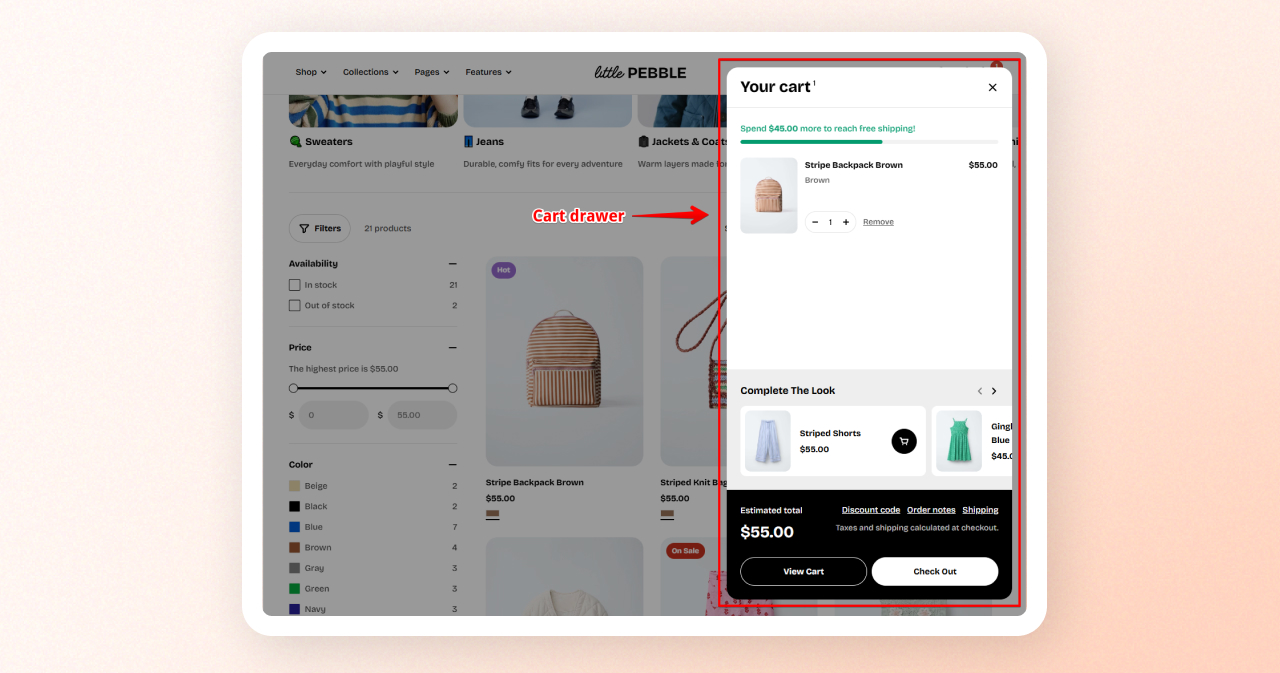
Cart drawer (also known as the slide-out cart, or side cart) allows customers to view and manage their shopping cart without leaving the current page.
Overall, a cart drawer is useful for improving the user experience and increasing conversions to an online store. By giving an enhanced customer experience, you can reduce the cart abandonment rate of your store.
## How to enable the Cart drawer
Steps:
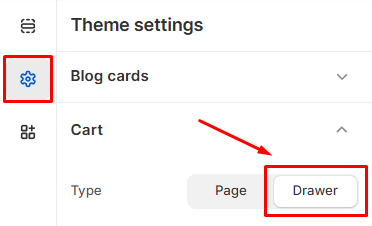
1. From the theme editor (**Customize**), navigate to **Theme settings** > **Cart**.
2. Set the **Type** as **Drawer**.
3. **Save** the changes.
*Learn more about Cart settings:*
Cart
## How to customize the Cart drawer
Steps:
1. In the theme editor (**Customize**), scroll down to the **Overlay group** area.
2. Select the **Cart drawer** section.
3. Make necessary changes.
4. Click **Save**.
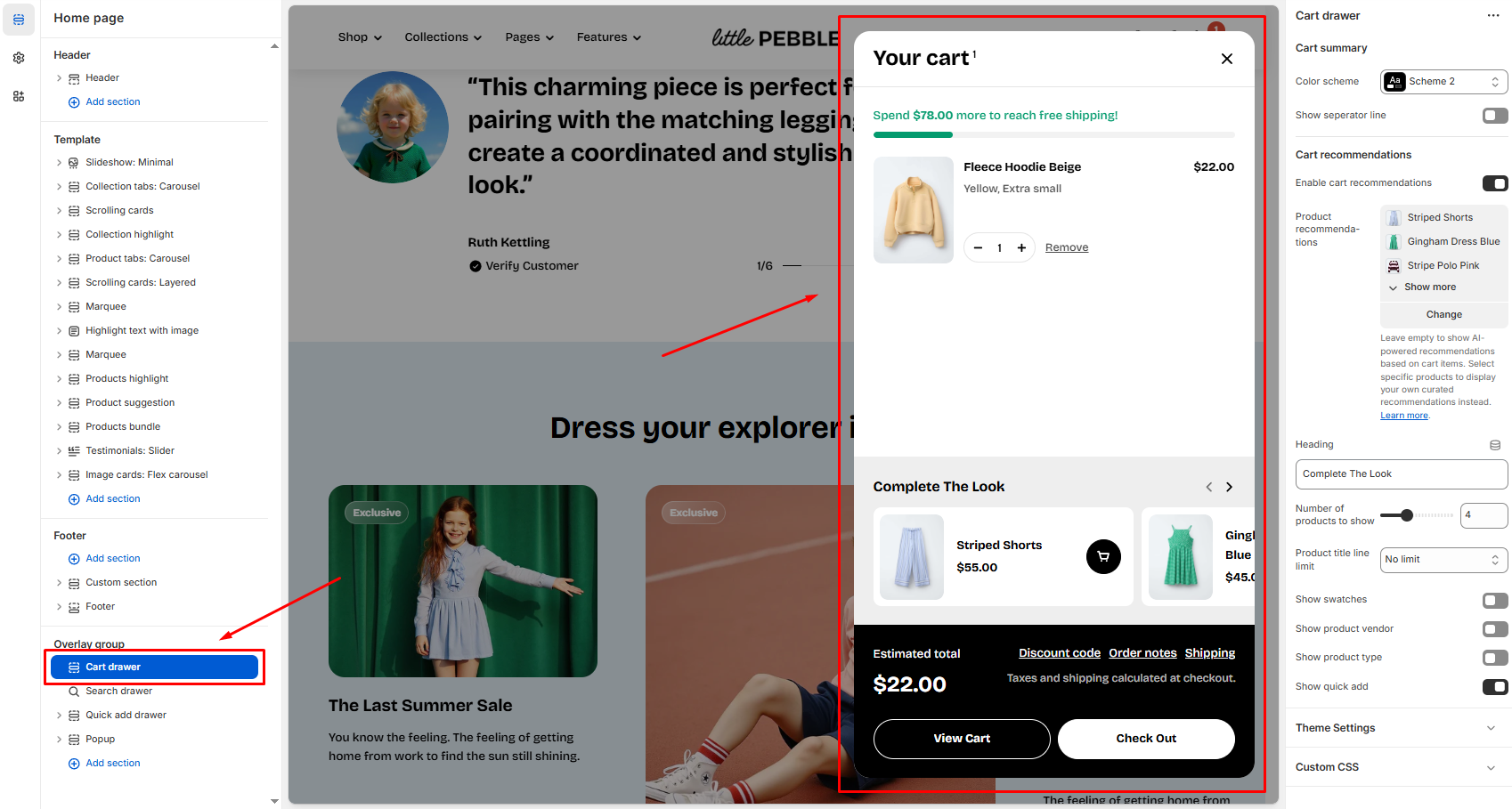
The Cart drawer settings are organized into two main sections:
* **Cart summary**
* **Cart recommendations**
Each section is described below.
### Cart summary
#### Color scheme

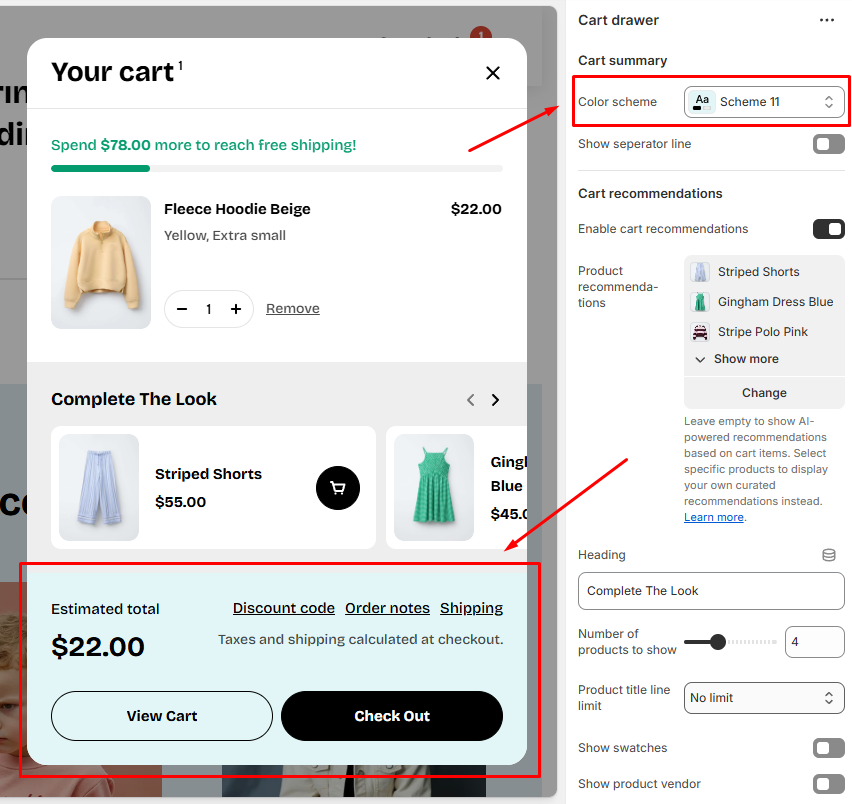
Choose a color scheme (e.g., *Scheme 11*) to define the background, text, and accent colors used in the **cart drawer summary**.
To edit the color schemes, go to **Theme settings** > [Colors](https://docs.foxecom.com/pebble-theme/theme-settings/colors)
#### Show separator line

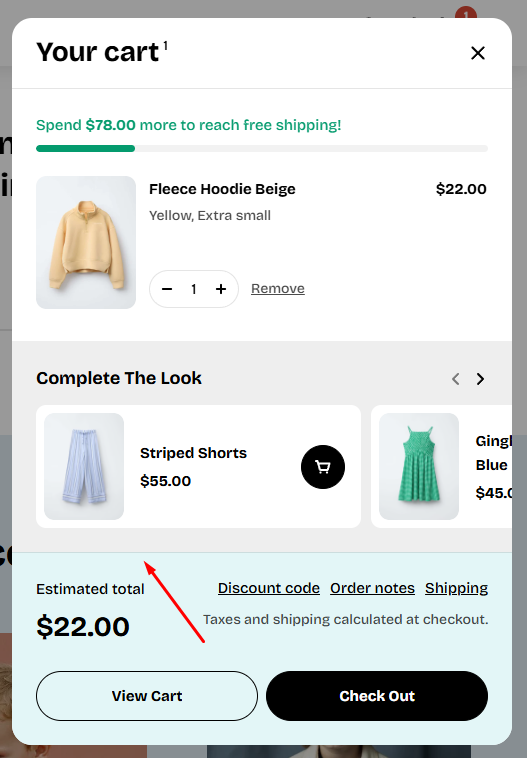
Toggle this option to show or hide the dividing line between the cart contents above and the cart drawer summary.
### Cart recommendations
#### Enable cart recommendations
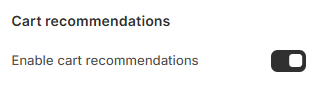
Turn this on to display recommended products inside the cart drawer.
#### Product recommendations
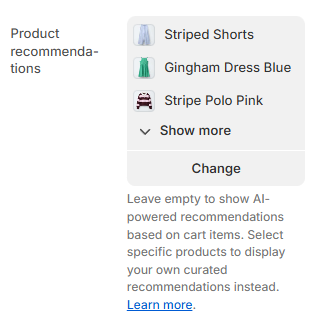
Select up to 10 products to display as curated recommendations in the cart drawer.
If you leave this list empty, the cart drawer will automatically display **AI-powered product recommendations** based on the items currently in the customer’s cart.
For more information on how Shopify generates automated recommendations, refer to [Shopify help guide](https://help.shopify.com/en/manual/online-store/storefront-search/search-and-discovery-recommendations).
#### Heading
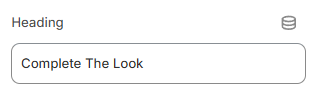
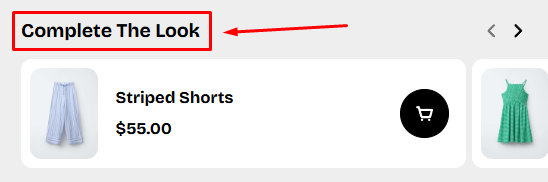
Customize the title shown above the recommendations section (e.g., Complete The Look).
#### Number of products to show
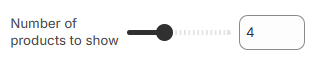
Use the slider to choose how many products appear in the recommendations carousel (Range: 1 – 10 products).
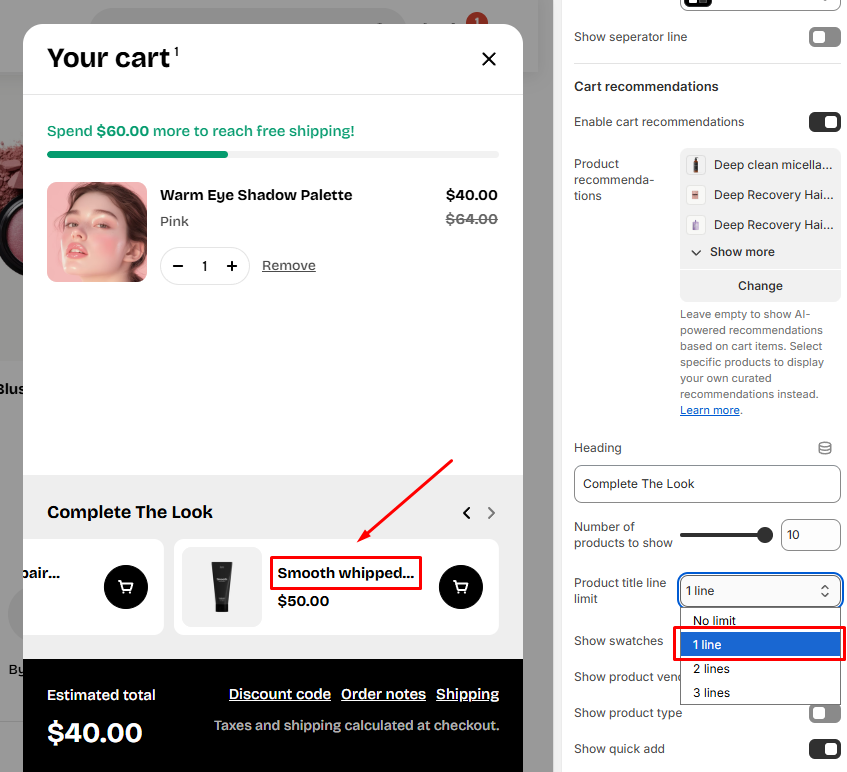
#### Product title line limit
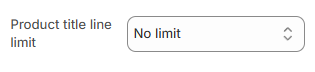
Choose how many lines of text are allowed for product titles. This is useful if you want a more compact layout.
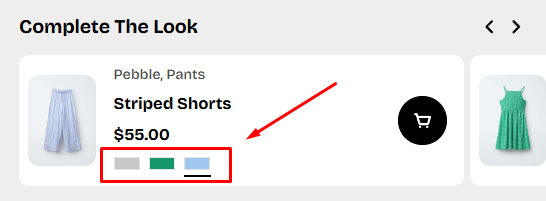
#### Show swatches

Toggle to display color or material swatches under each recommended product (if available).
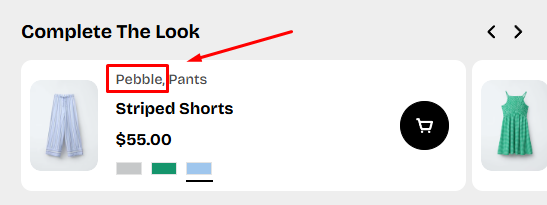
#### Show product vendor

Displays the vendor name (brand) in each recommended product.
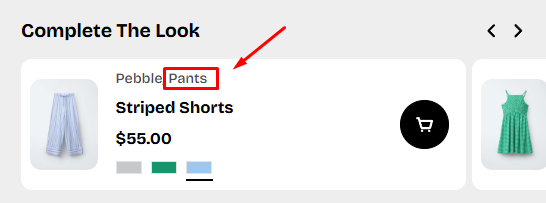
#### Show product types

Shows the product type (e.g., Pants, Dress, Tops) in each recommended product.
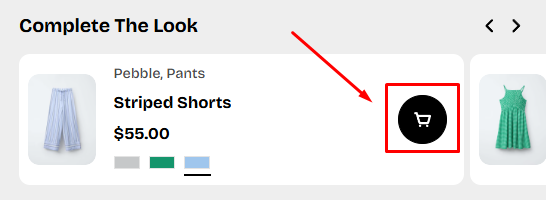
#### Show quick add

Adds a "Quick Add" button so customers can add recommended products directly to their cart without leaving the drawer.