# Contact form
_cvMyIosQ.jpg)
Let customers easily reach out with inquiries, order details, or support requests with a flexible Contact Form section.
## How to add a Contact form section to your Shopify store
1. In the theme editor **(Customize)**, click **Add section.**
2. Select **Contact form** section.
3. Make necessary changes.
4. **Save.**
## How to customize a Contact form section
### Section settings
* **Container:** Choose between a *Full* width layout or a *Fixed* width container for the contact form.
* **Direction:** Set the layout direction of form elements to either *Vertical* or *Horizontal*.
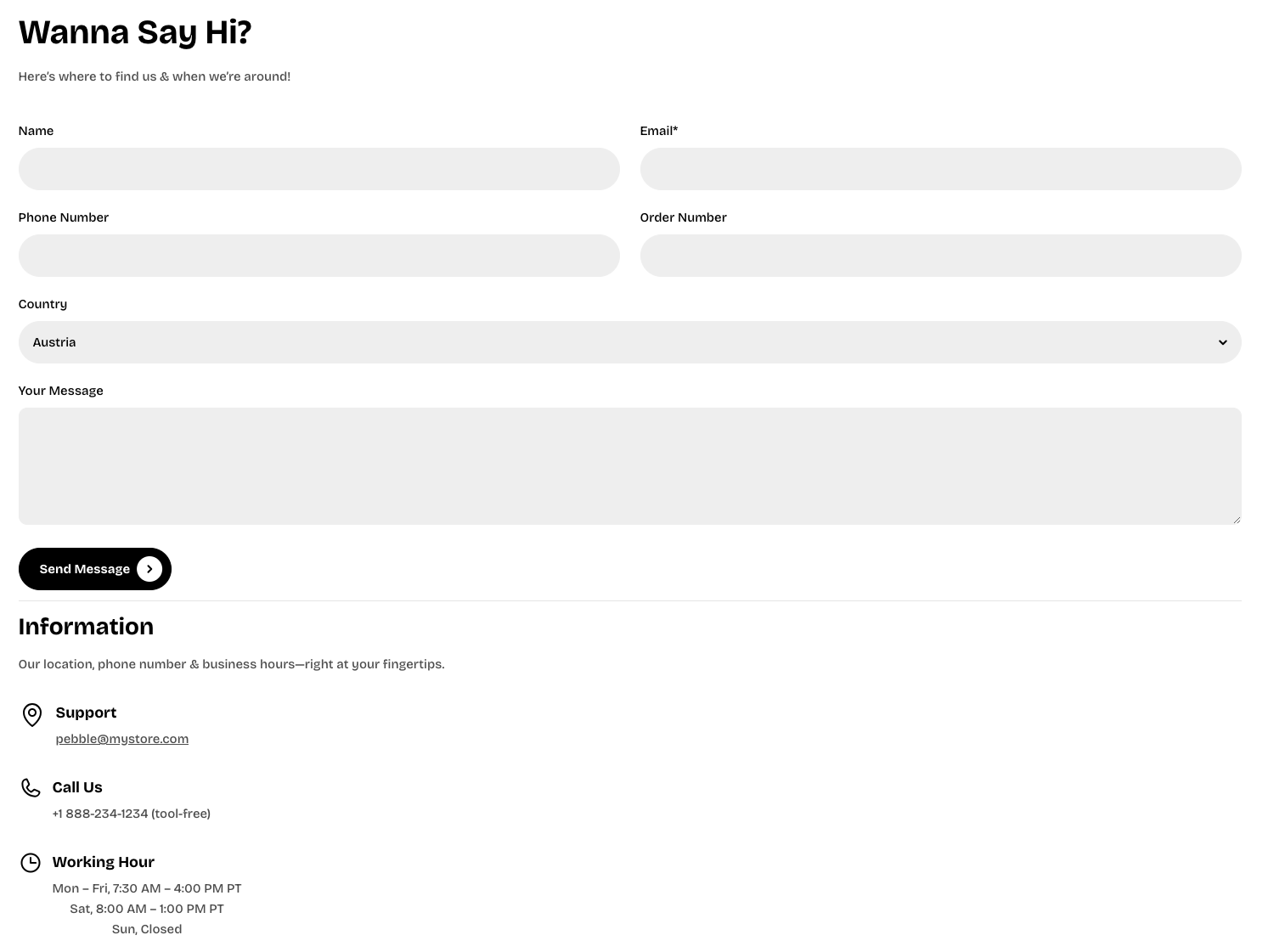
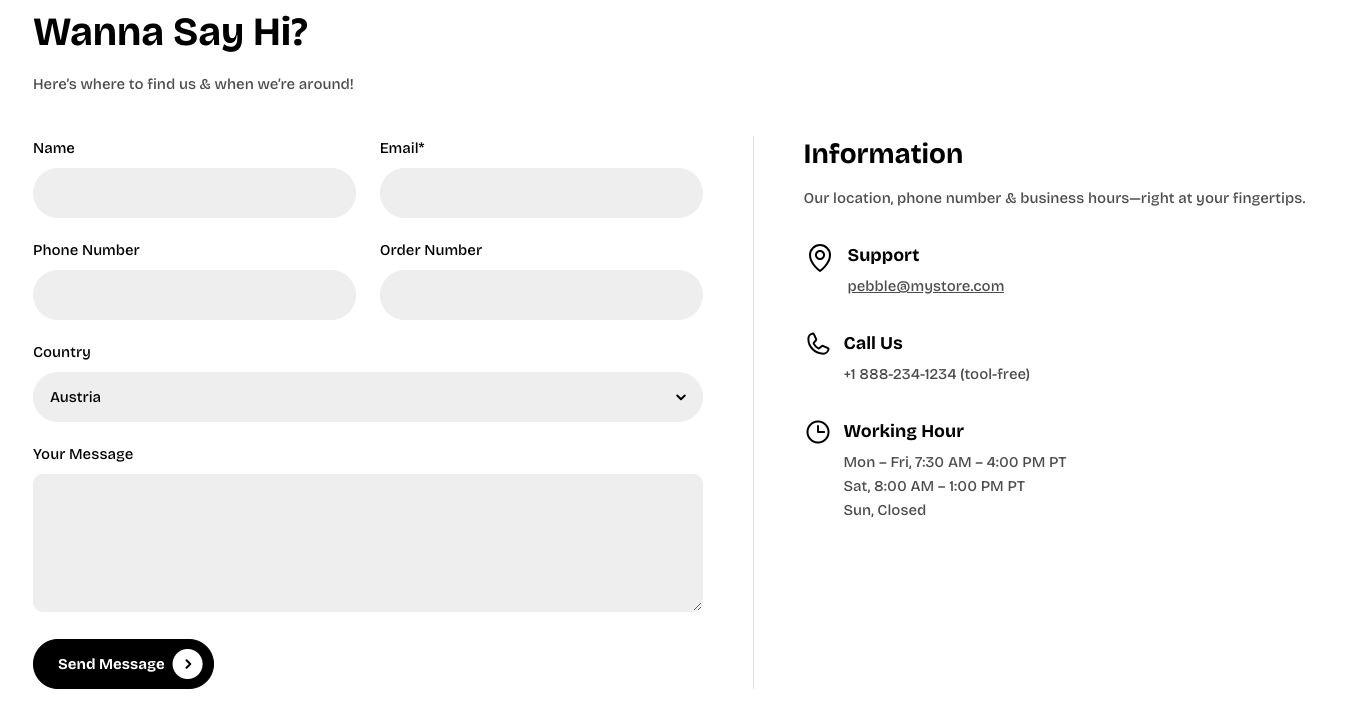
* **Vertical on mobile:** Enable this option to force a vertical layout specifically on mobile devices.
* **Alignment:** Controls the alignment of the content (Left, Center, or Right).
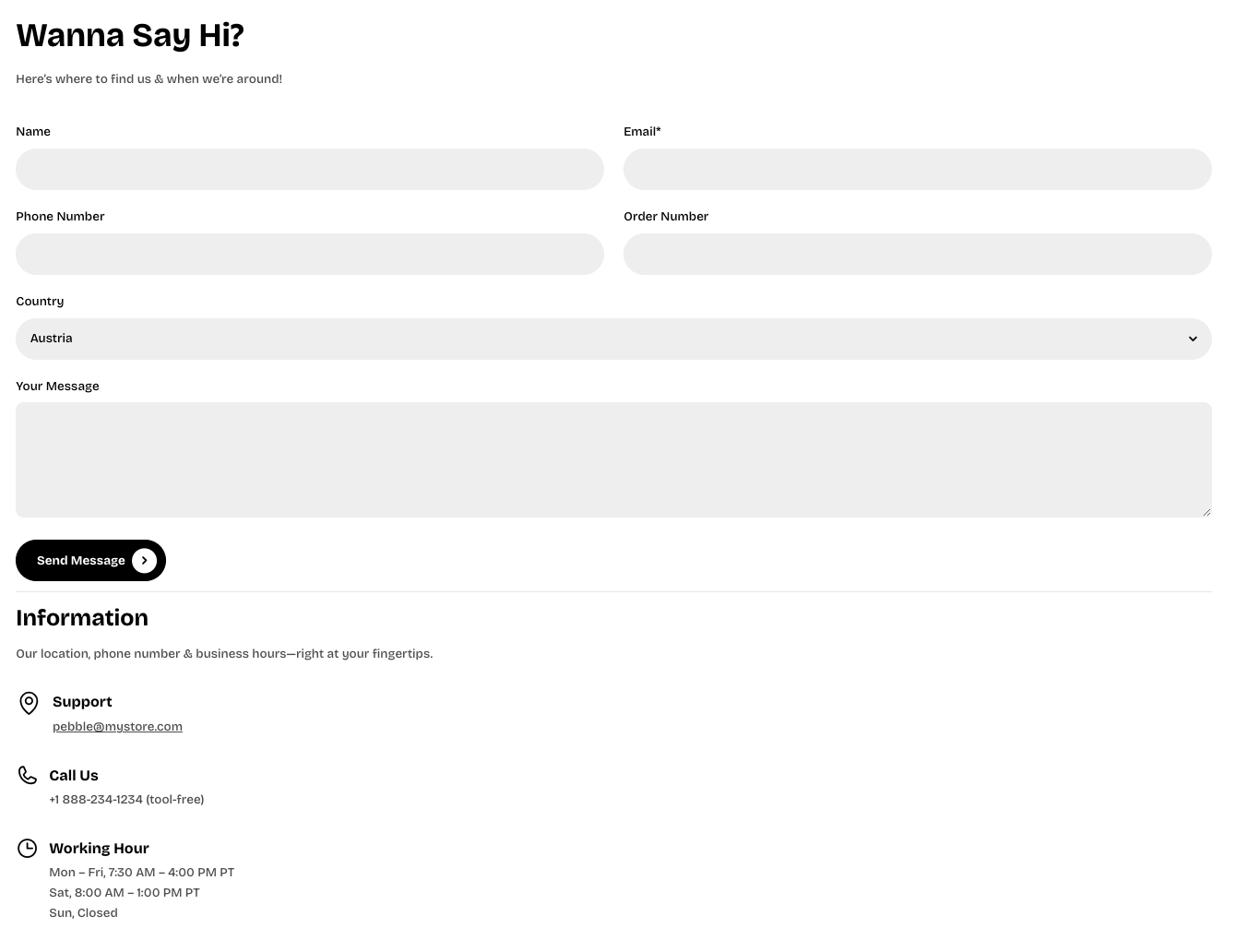
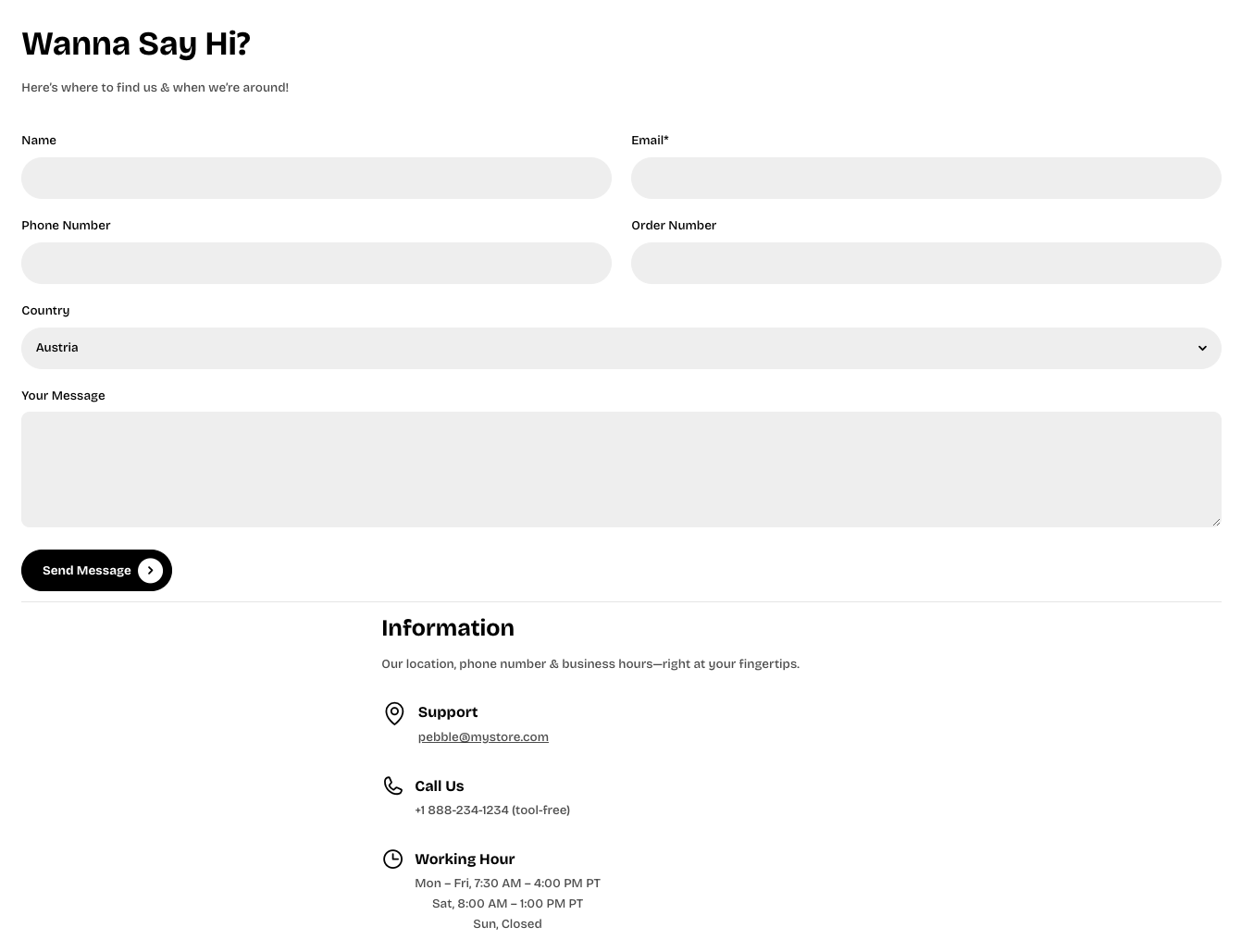
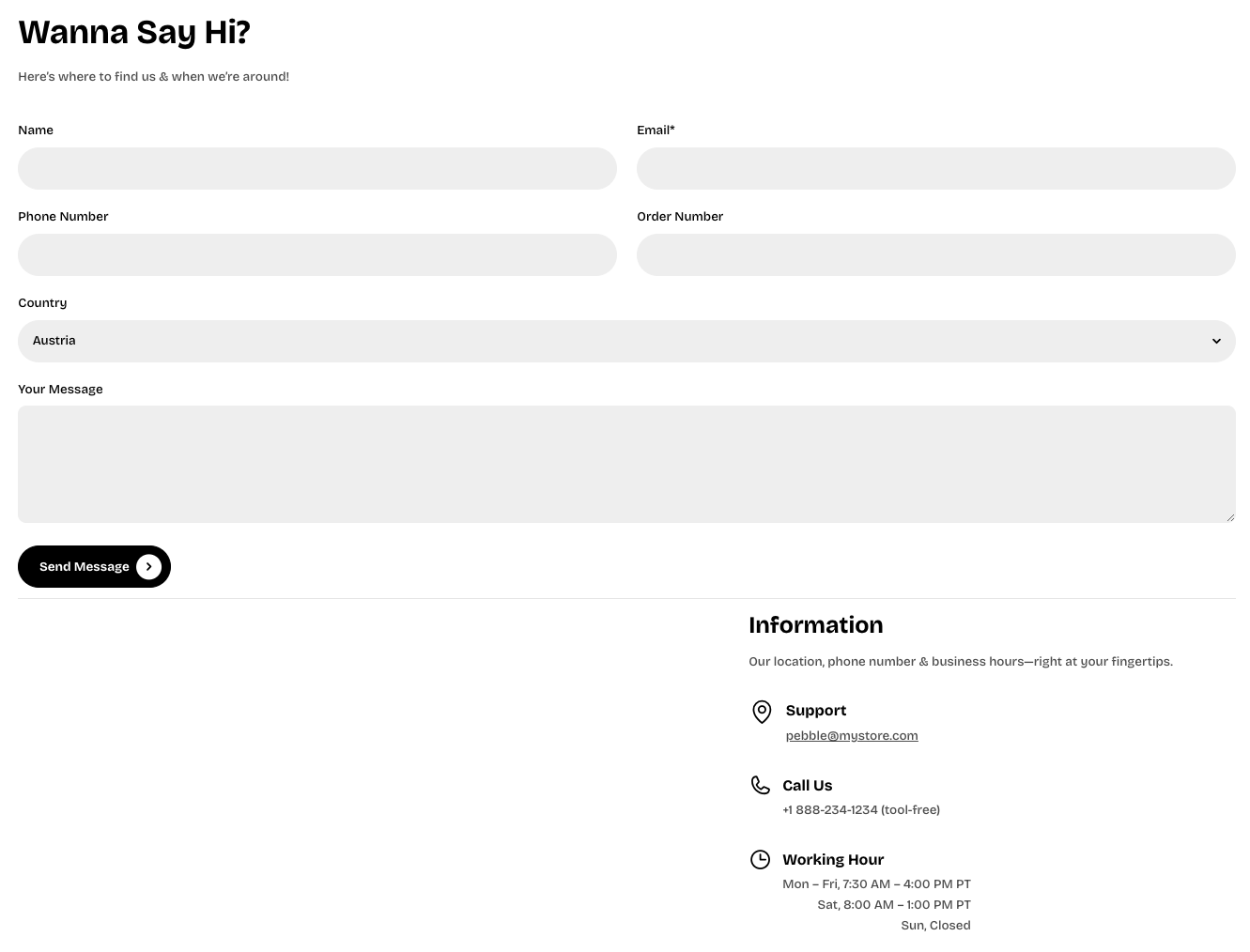
* **Position:** Adjusts the placement of the form content (Top, Center, or Bottom).
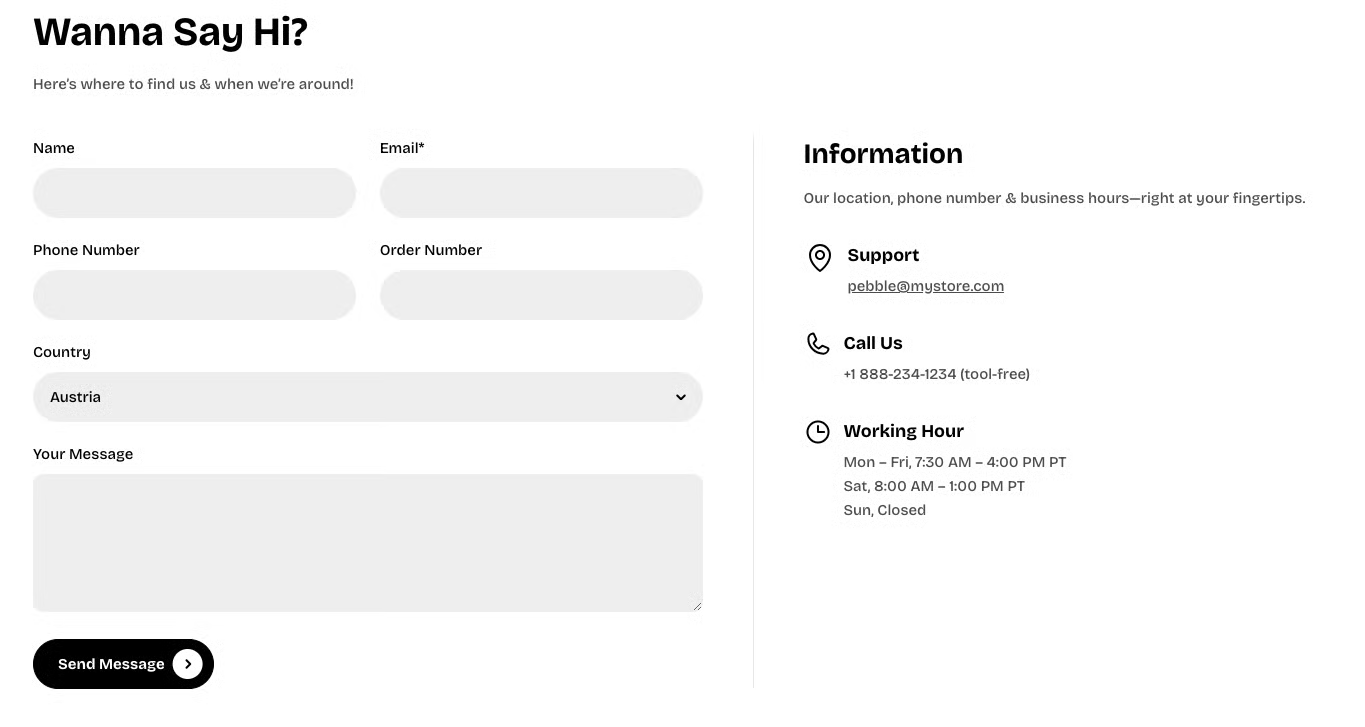
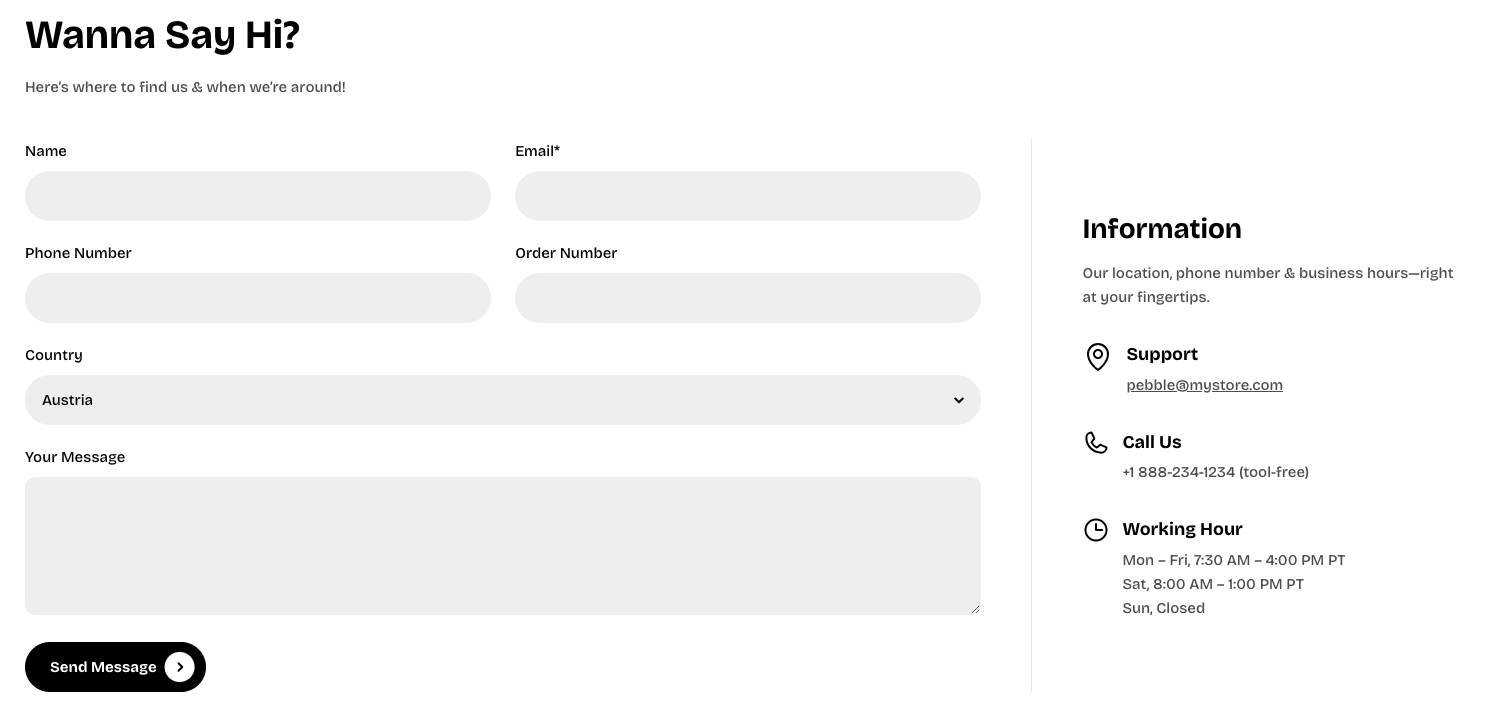
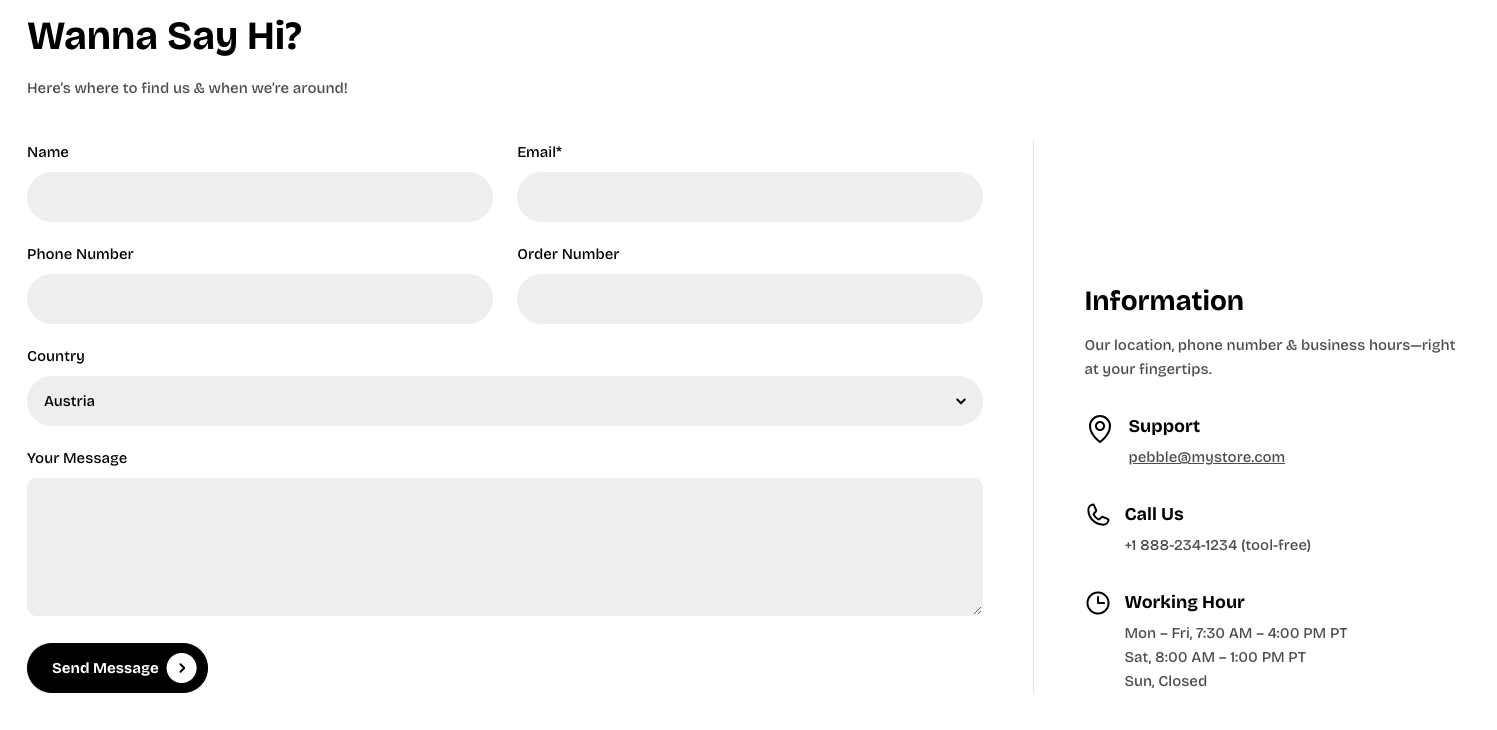
* **Horizontal gap:** Sets the horizontal spacing between elements in pixels.
* **Vertical gap:** Sets the vertical spacing between elements in pixels.
* **Mobile layout:**
* **Horizontal gap:** Controls the horizontal spacing between elements on mobile.
* **Vertical gap:** Controls the vertical spacing between elements on mobile.
### Nested dynamic blocks
#### Contact form
📝 Learn more about Contact form block: [Contact form](https://docs.foxecom.com/pebble-theme/theme-blocks/forms#contact-form)
#### Other blocks
You can add multiple dynamic blocks within this section. Learn more about each block type here.
Theme blocks