# Image cards: Flex carousel
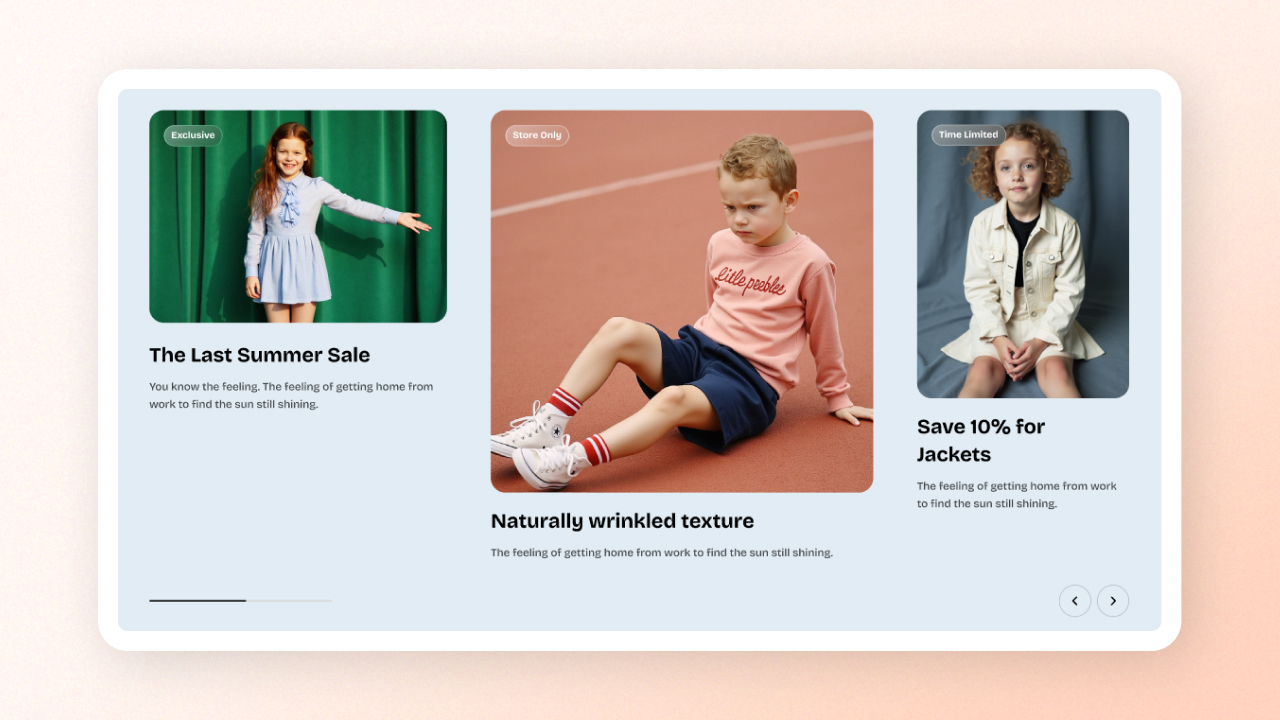
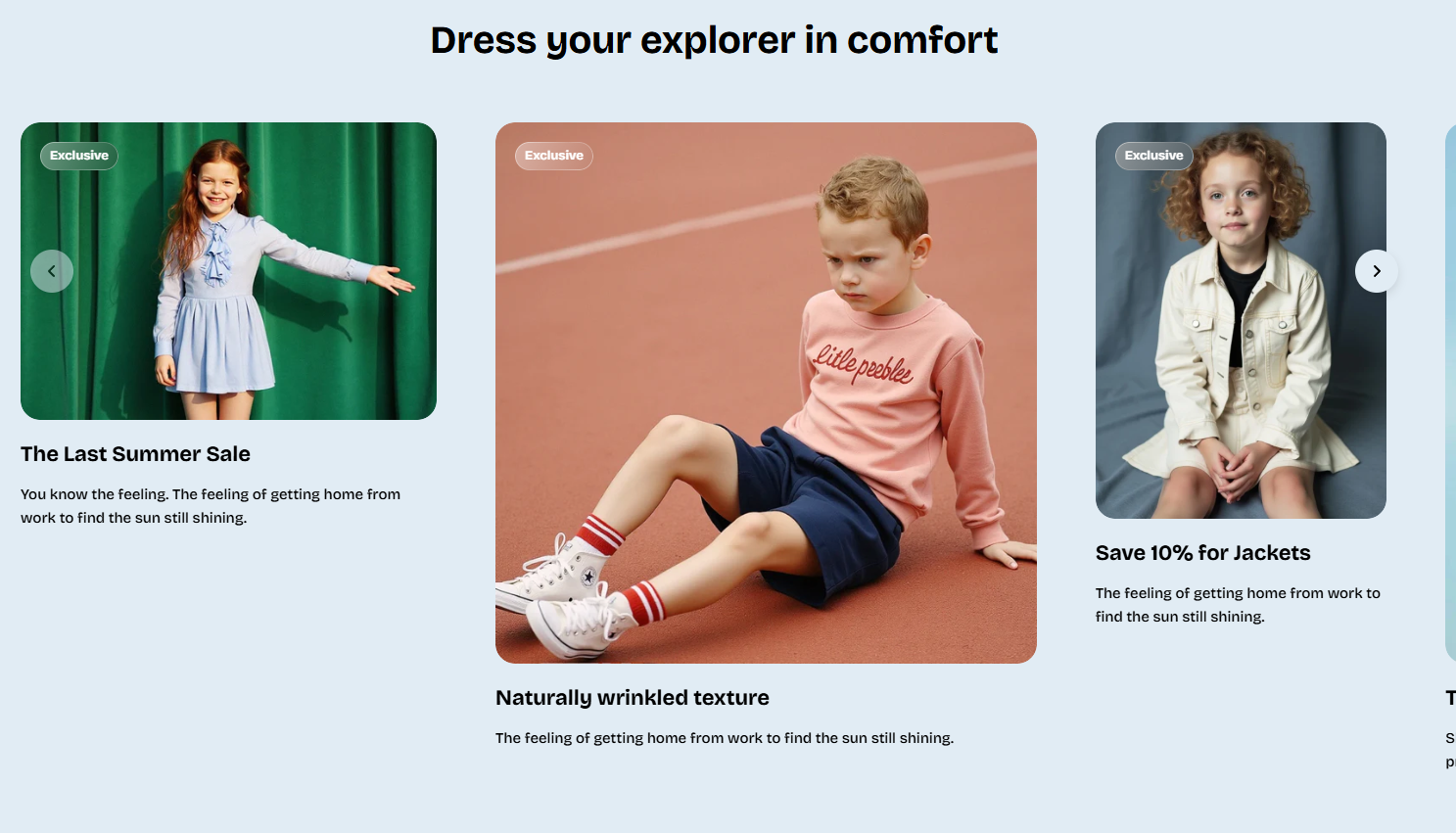
Showcase products, collections, or image-based storytelling using a flexible, swipe-ready carousel layout.
## How to add an Image cards: Flex carousel section to your Shopify store
1. In the theme editor **(Customize)**, click **Add section.**
2. Select **Image cards: Flex carousel** section.
3. Make necessary changes.
4. **Save.**
## How to edit the section Image cards: Flex carousel
### Section settings
#### **Carousel settings**
| Setting | Description |
| --- | --- |
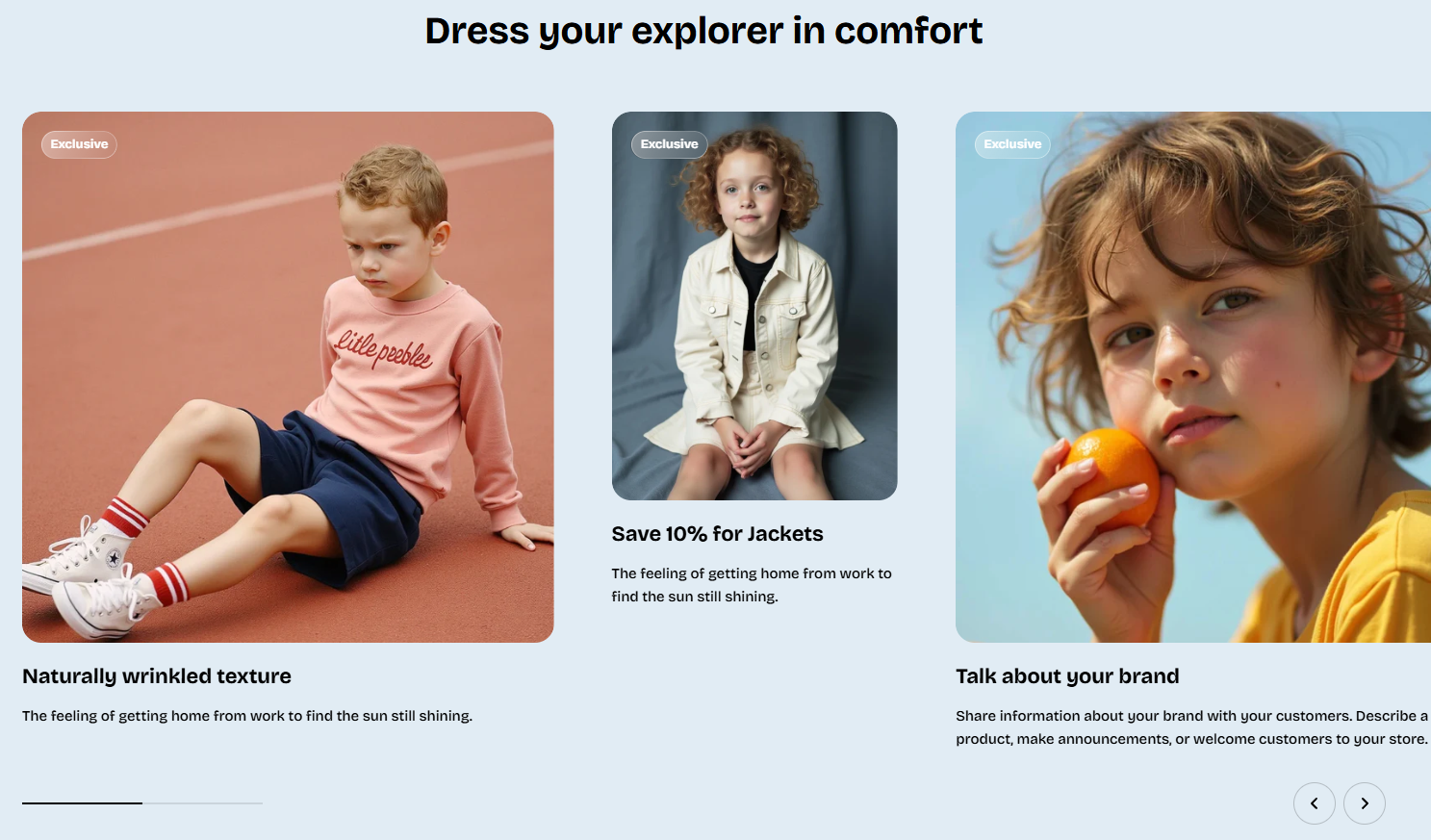
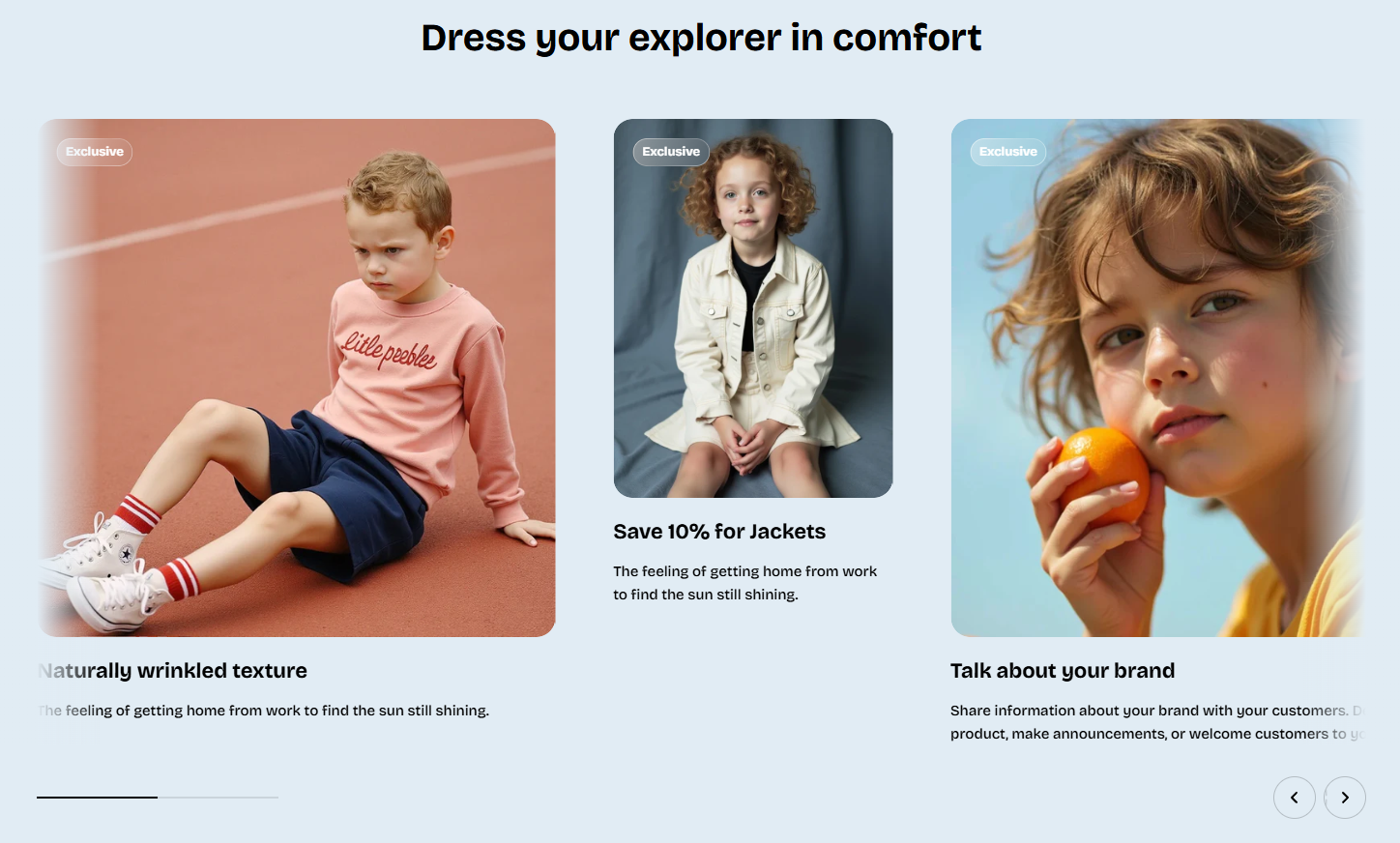
| **Overflow content** | Control whether items slightly peek outside the container (`visible`) or use edge shadows (`edge-shadows`). |
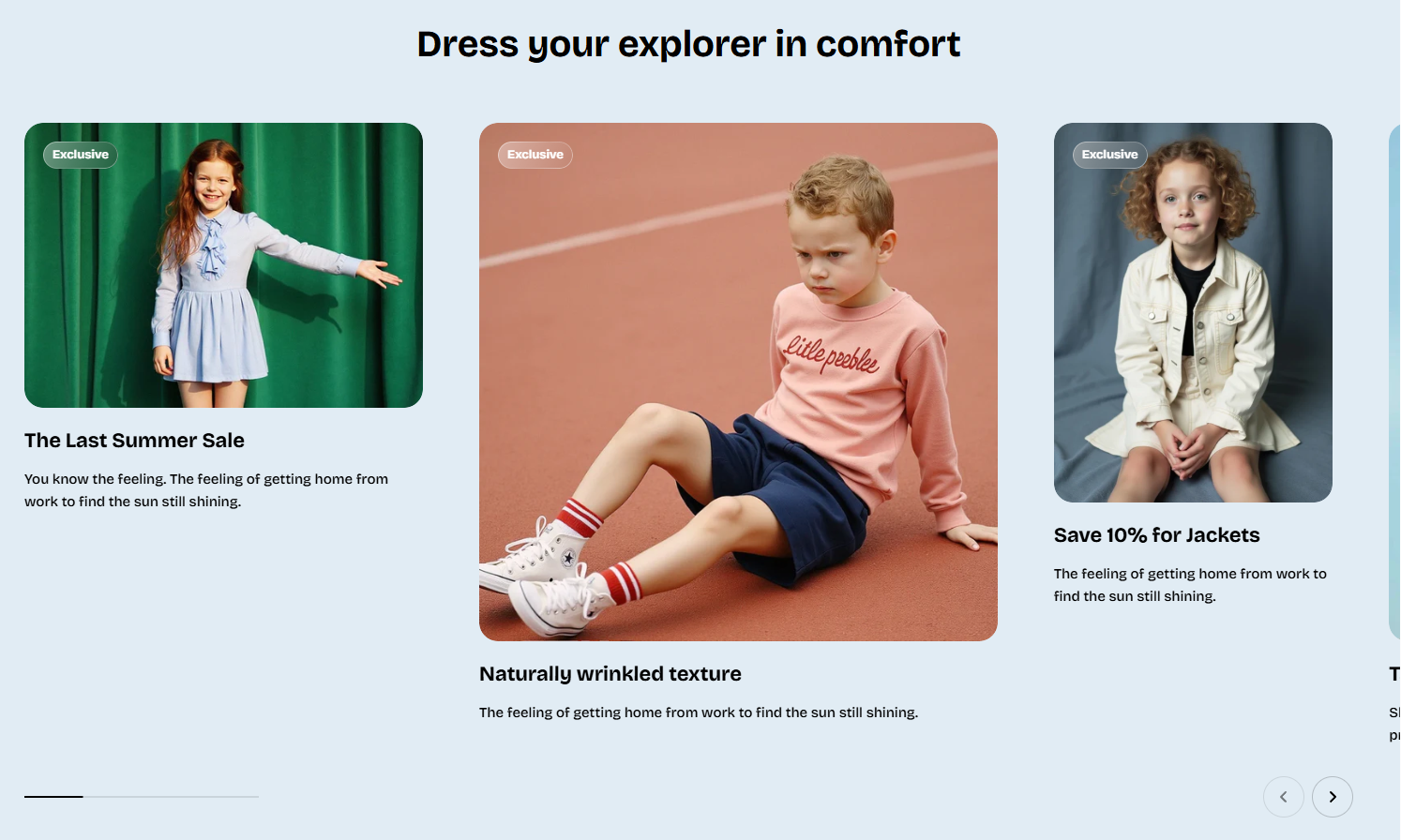
| **Slides per view** | Choose `auto` (free-size cards) or fixed `columns`. |
| **Columns** | Number of desktop columns (2–4). Visible only if using fixed columns. |
| **Column gap** | Horizontal space between cards on desktop. |
#### **Carousel controls**
| Setting | Description |
| --- | --- |
| **Control type** | Choose navigation style: none, standard arrows, or floating arrows. |
### Block settings
Beside the static **Header** block. The carousel supports 3 block types:
* [Image card](https://docs.foxecom.com/pebble-theme/theme-blocks/basic#image-card)
* [Collection card](https://docs.foxecom.com/pebble-theme/theme-blocks/collection#collection-card)
* Collection item (custom card)
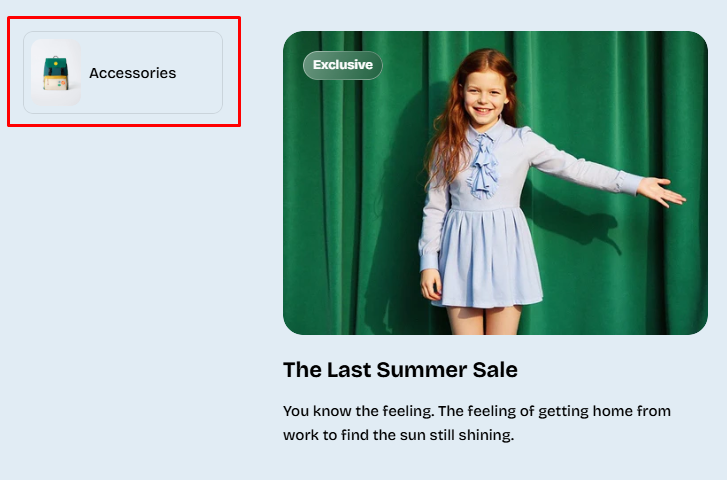
Display a compact, clickable collection pill with an image and title.
| Setting | Description |
| --- | --- |
| **Collection** | Select a collection to link to. If set, the entire block becomes a clickable link. |
| **Image** | Upload a custom image. If left blank, Pebble auto-pulls: collection image → first product image. |
| **Aspect ratio** | Controls image shape. |
| **Collection title** | Optional custom title. If blank, the collection’s real name is used. |