# Featured collection
_T8OHG4fQ.jpg)
Showcase a selected product collection in a clean, customizable layout that highlights your best items.
## How to add a Featured collection section to your Shopify store
1. In the theme editor **(Customize)**, click **Add section.**
2. Select **Featured collection: Carousel/Featured collection: Grid** section.
3. Make necessary changes.
4. **Save.**
## How to customize a Featured collection section
_WJeqDCWE.jpg)
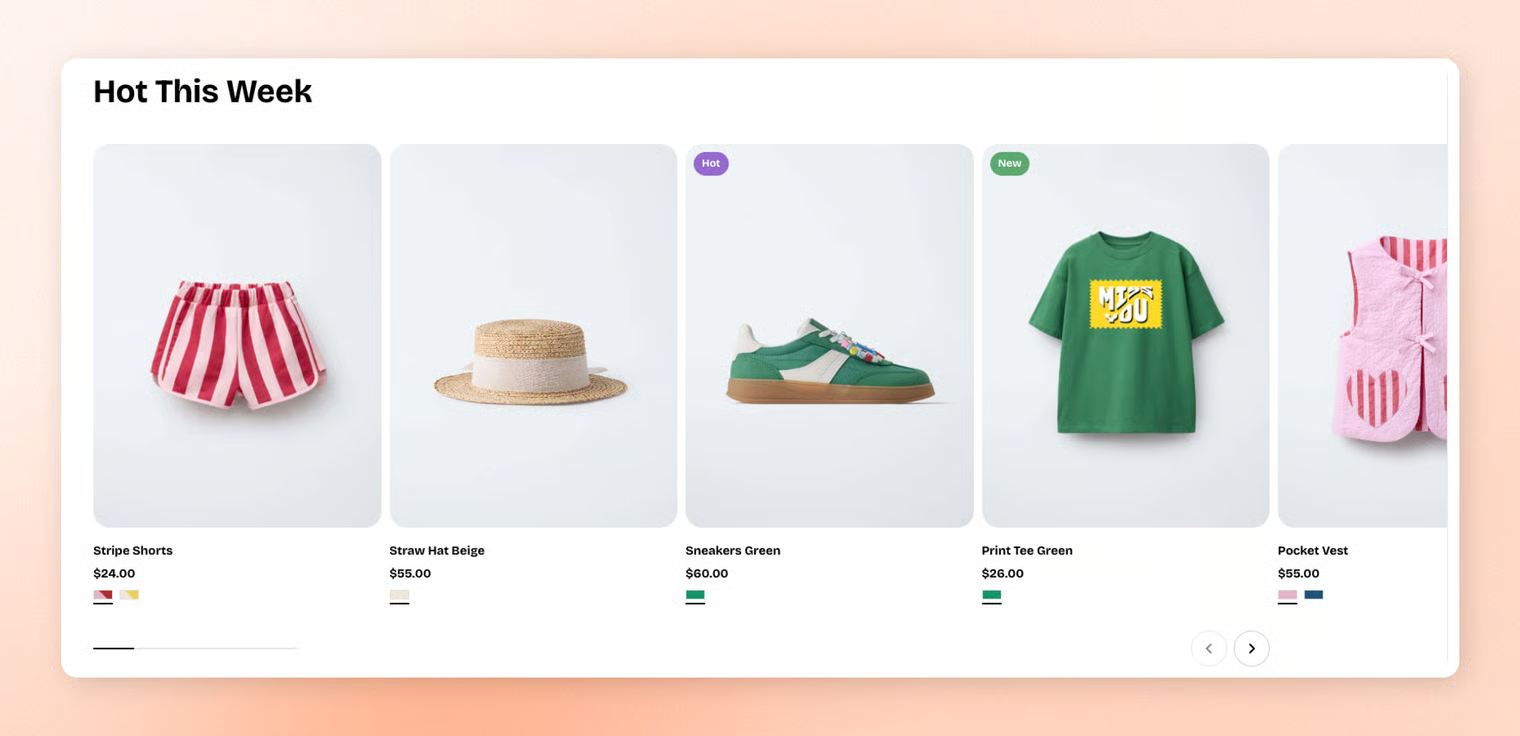
### Section settings
* **Collection:** Selects which product collection to feature in this section.
* **Product count:** Controls how many products from the collection are displayed.
* **Layout:**
* **Container:** Chooses whether the section spans the full page width or stays within a fixed content width.
* **Type:** Sets the layout style to either a grid or a carousel.
* **Columns:** Determines how many products appear per row in grid mode.
* **Horizontal gap:** Controls the spacing between products from left to right.
* **Vertical gap:** Controls the spacing between product rows from top to bottom.
* **Mobile layout:**
* **Enable swipe on mobile:** Allows horizontal swiping to navigate products on mobile.
* **Mobile columns:** Sets how many products appear per row on mobile devices.
* **Horizontal gap (mobile):** Controls left-to-right spacing between products on mobile.
* **Vertical gap (mobile):** Controls top-to-bottom spacing between product rows on mobile.
### Block settings
#### Default nested blocks
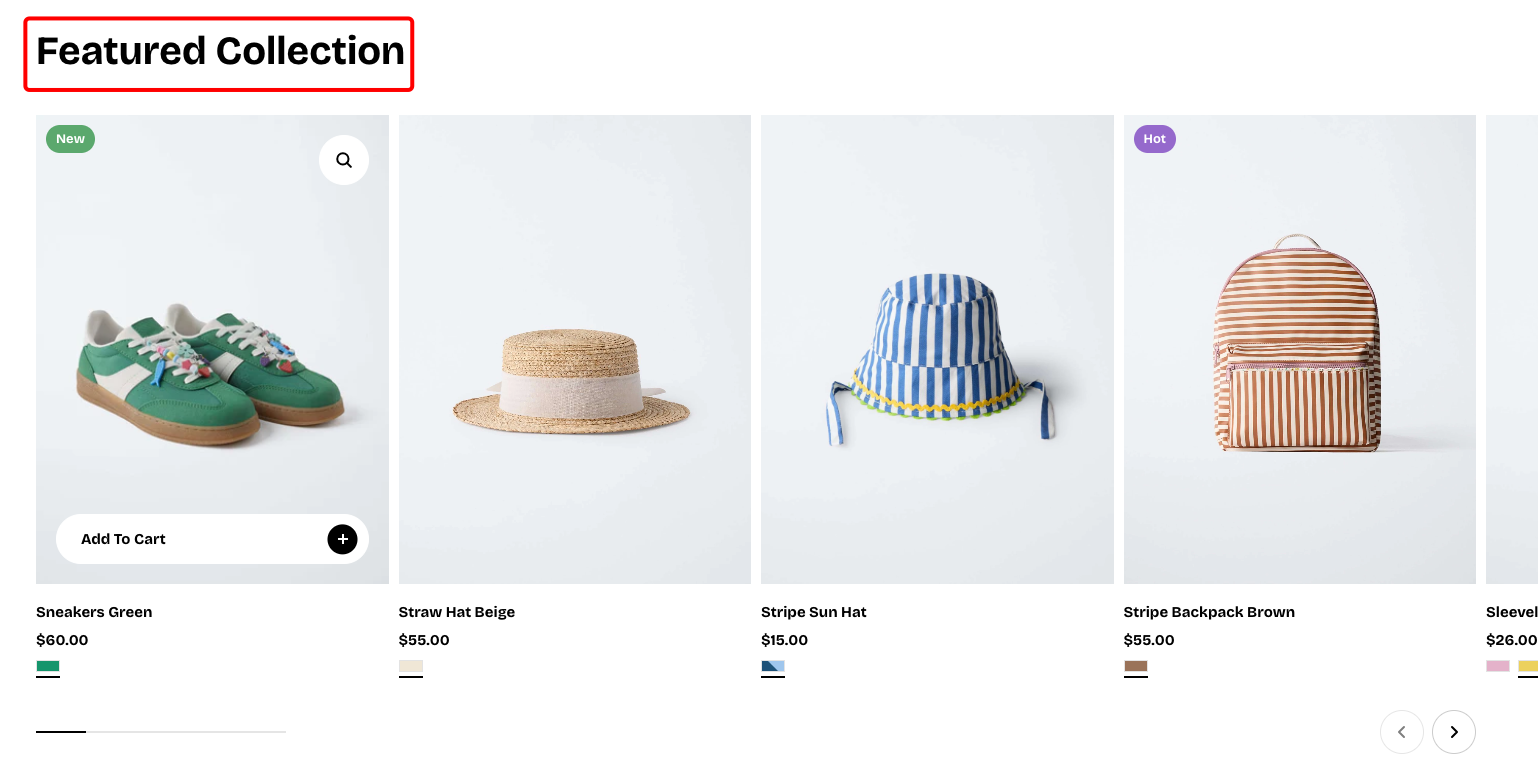
📝 Learn more about customizing the header block: [Text block](https://docs.foxecom.com/pebble-theme/theme-blocks/basic#text)
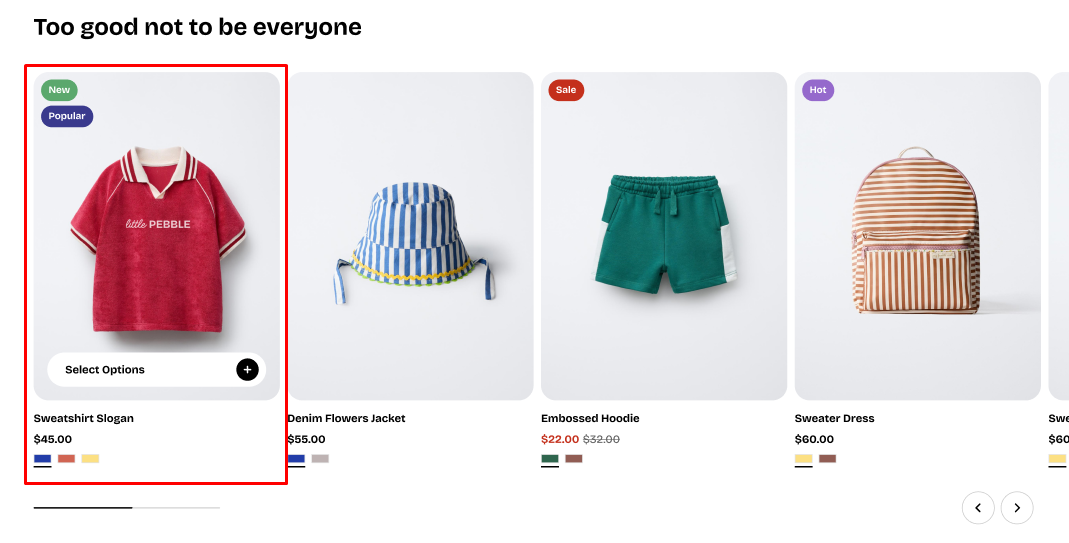
You can go to **Theme Settings > Product cards** to customize your product card.
You’ll find all the available settings that let you personalize how your product cards look and behave, so you can create a layout that fits your brand perfectly.
Product cards
#### Nested dynamic blocks
You can add multiple dynamic blocks within this section. Learn more about each block type here.
Theme blocks