# Scrolling layers
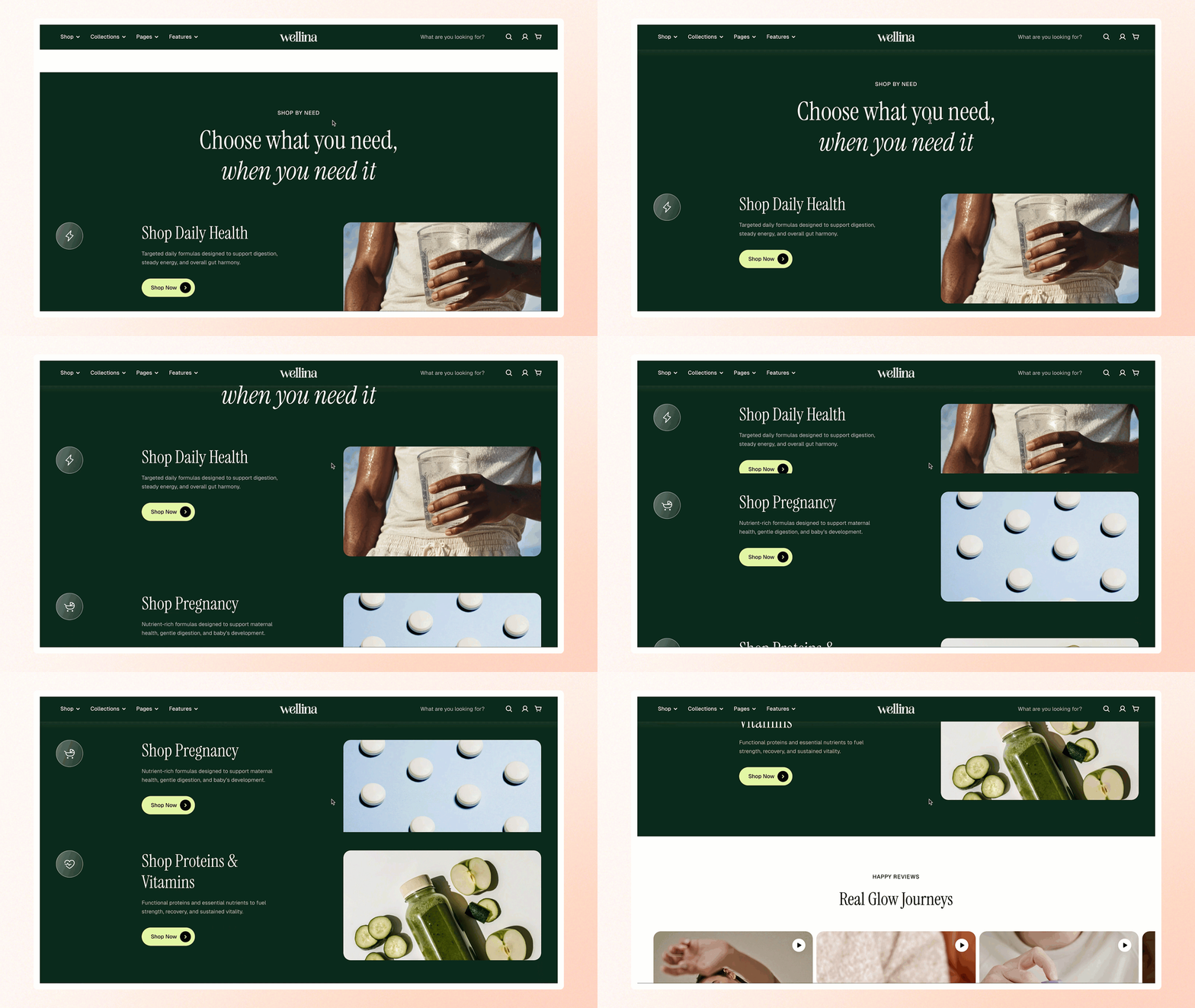
Create an engaging visual experience with scrolling layers to highlight products, promotions, and key brand messages.
## How to add a Scrolling layers section to your Shopify store
1. In the theme editor **(Customize)**, click **Add section.**
2. Select **Scrolling layers** section.
3. Make necessary changes.
4. **Save.**
## How to customize a Scrolling layers section
### Section settings
[Common settings available in most sections](https://docs.foxecom.com/pebble-theme/theme-sections/overview#common-settings-available-in-most-sections)
### Block settings
The Scrolling layers section includes two blocks: **Header** and **Scrolling layer item**.
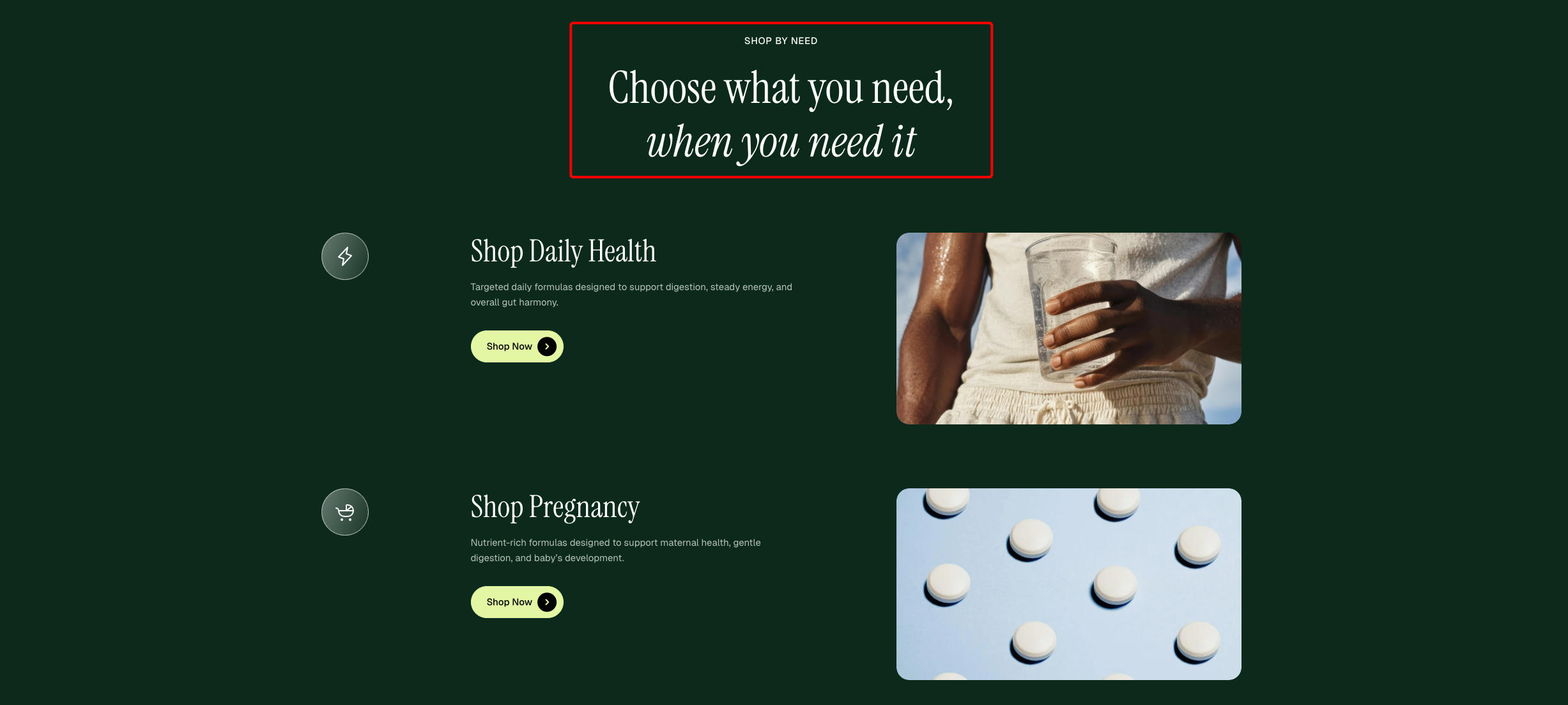
Use the **Header** block to create and customize the section’s heading and introductory content.
| Setting | Description |
| --- | --- |
| **Alignment** | Set the header alignment: left, center, or right. |
| **Devices** | Switch between desktop and mobile padding settings. |
| **Bottom** | Adjust the spacing below the header. |
* **Heading** – Add a main title
* **Subheading** – Provide supporting text above or below the heading
* **Text** – Include additional descriptions or details
* **Image** – Display an image or icon
* **Button** – Add a call-to-action
Learn more: [Basic](https://docs.foxecom.com/pebble-theme/theme-blocks/basic)
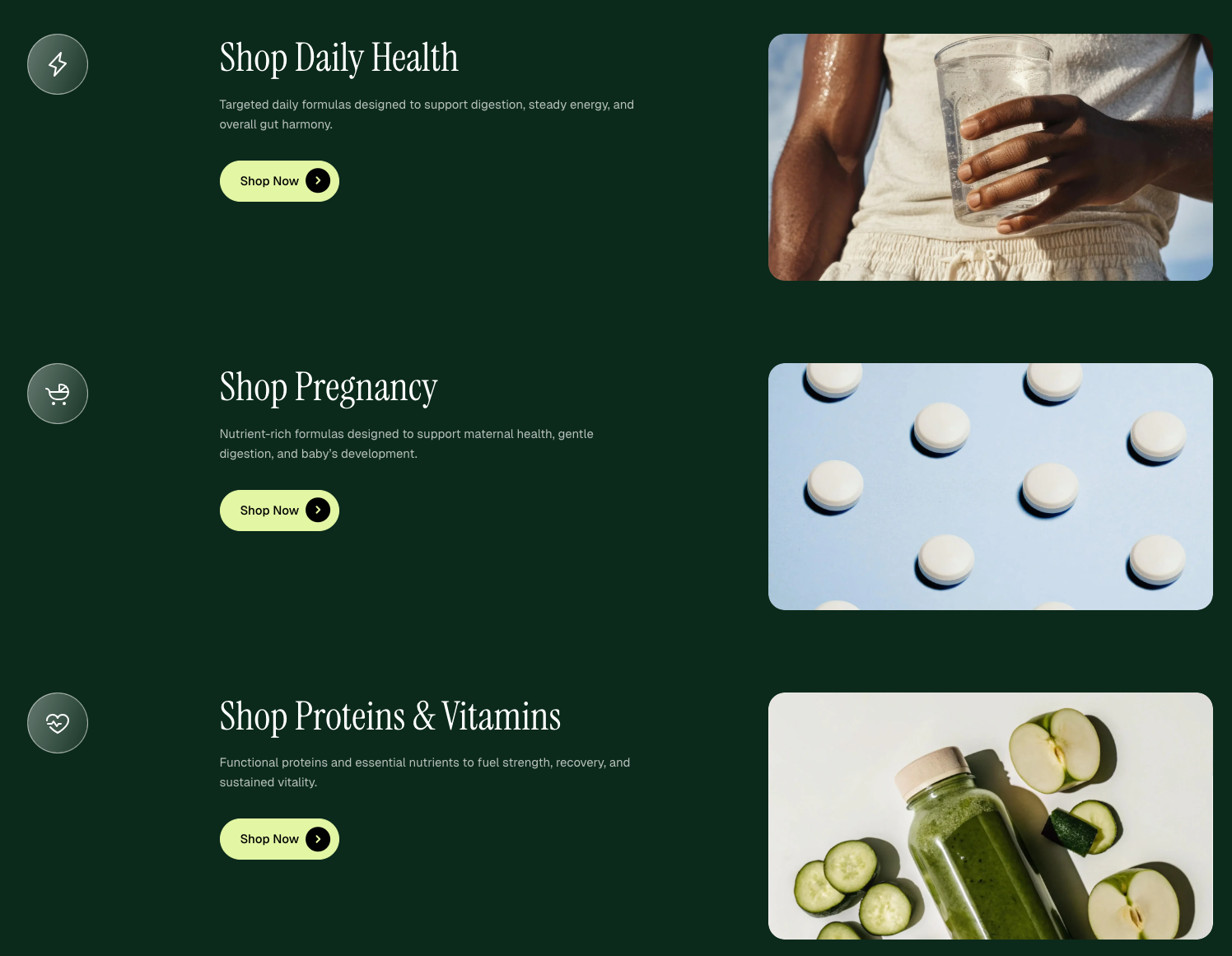
Add a scrolling layer item with image, text, and icon to highlight key content.
| Setting | Description |
| --- | --- |
| **Image** | Select or upload an image to display in the scrolling layer item.
Use a **minimum width of 800px** to keep it sharp and properly fitted. |
| **Aspect ratio** | Choose how the image is scaled. |
| **Corner radius** | Adjust the roundness of the image corners. |
| **Icon** | Select an icon to display alongside the content. |
| **Icon size** | Set the size of the icon (preset or custom). |
| **Width** | Adjust the icon width. |
| **Width mobile** | Adjust the icon width on mobile devices. |
* **Heading** – Add a main title
* **Subheading** – Provide supporting text above or below the heading
* **Text** – Include additional descriptions or details
* **Button** – Add a call-to-action
Learn more: [Basic](https://docs.foxecom.com/pebble-theme/theme-blocks/basic)