# FAQ
_D9R21SSp.jpg)
_bYb11UXB.jpg)
_bHUx6u0L.jpg)
_EttfY4KE.jpg)
Provide answers to common questions with a clean, organized layout, helping customers quickly find the information they need.
## How to add a FAQ section to your Shopify store
1. In the theme editor **(Customize)**, click **Add section.**
2. Select **FAQ** section.
3. Make necessary changes.
4. **Save.**
## How to customize a FAQ section
### Section settings
| Setting | Description |
| --- | --- |
| **Container** | Choose the section width: full width or fixed within the page. |
| **Direction** | Set how items are arranged: vertically stacked or horizontally aligned. |
| **Vertical on mobile** *(Horizontal only)* | Enable vertical stacking layout on mobile devices for better responsiveness. |
| **Alignment** | Define how content is aligned within the container. |
| **Position** *(Horizontal only)* | Control the vertical placement of content inside the banner (top, center, or bottom). |
| **Horizontal gap** | Adjust spacing between items horizontally. |
| **Vertical gap** | Adjust spacing between items vertically. |
| **Mobile horizontal gap** | Set horizontal spacing between items on mobile devices. |
| **Mobile vertical gap** | Set vertical spacing between items on mobile devices. |
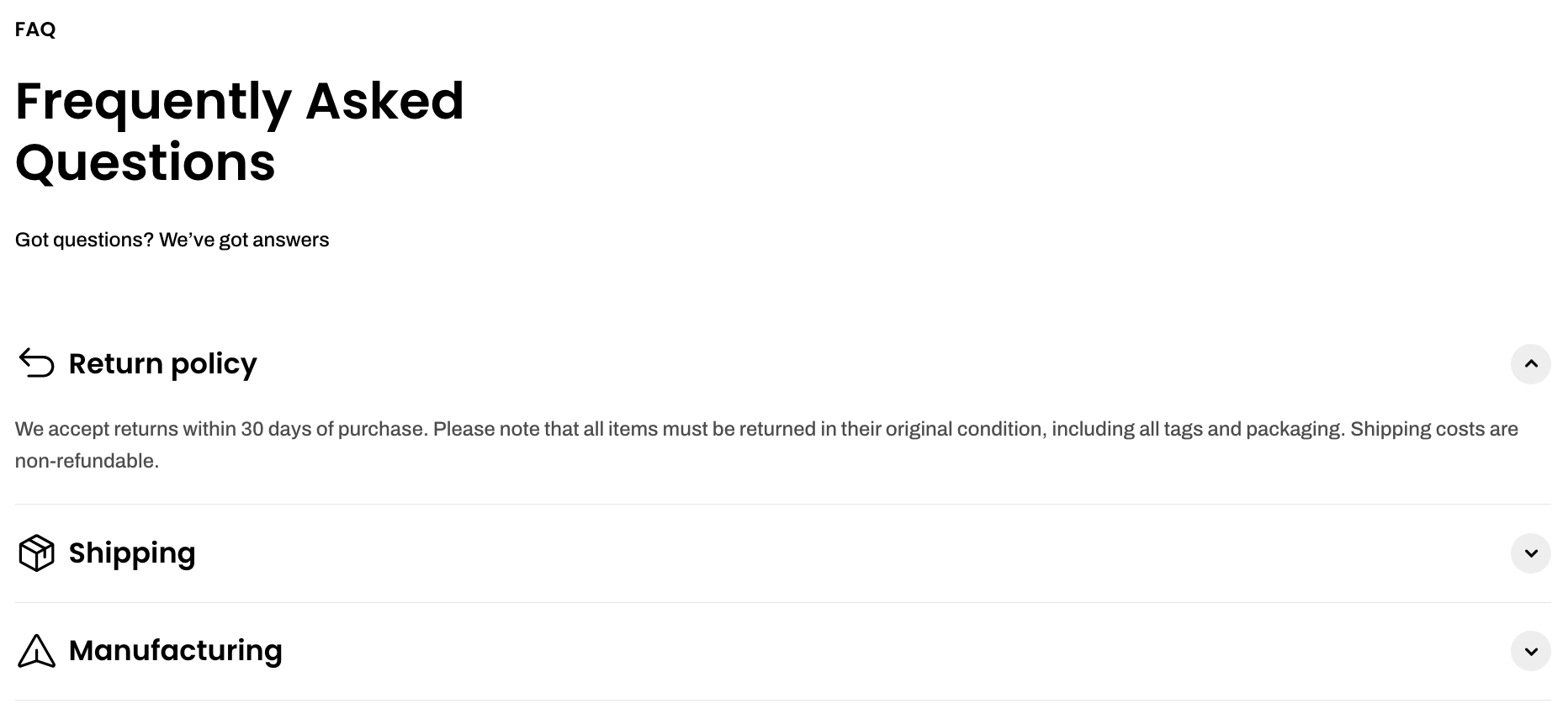
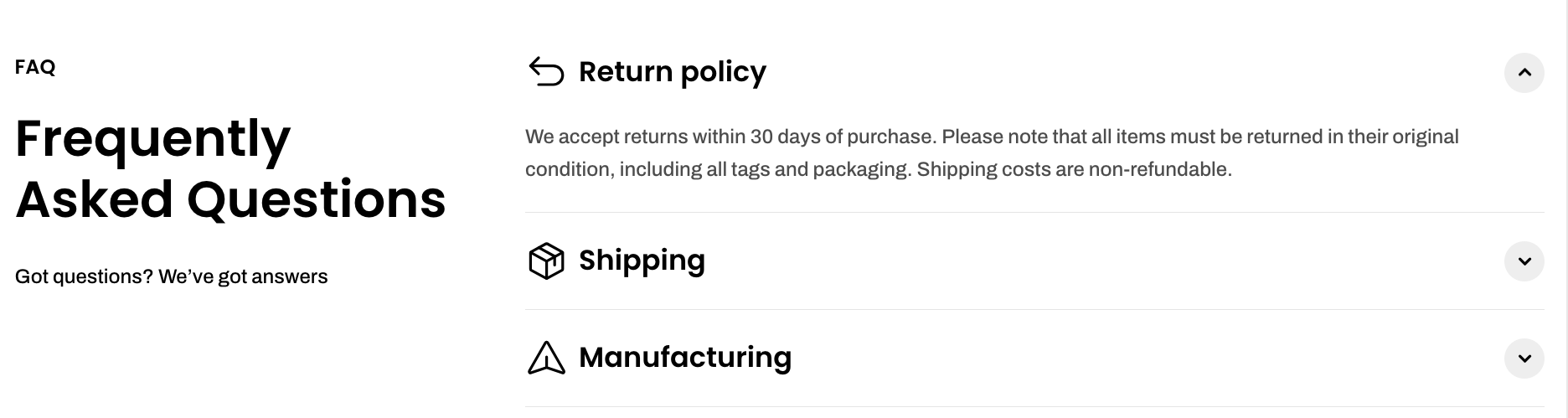
Check out other FAQ section settings: [Common settings available in most sections](https://docs.foxecom.com/pebble-theme/theme-sections/overview#common-settings-available-in-most-sections)
### Block settings
* **Image card** – Container for banner content and layout
* **Subheading** – Add a small supporting text
* **Heading** – Add the main banner title
* **Text** – Provide additional description or message
* **Button** – Add a call-to-action button
* **Badge** – Highlight a label or status
* **Countdown timer** – Display a time-based promotion
* **Group**
* **Section header** – Add a title for the FAQ section
* **Accordion** – Display expandable FAQ items
📝 Learn more: [Theme blocks](https://docs.foxecom.com/pebble-theme/theme-blocks/overview)
* **Image card** – Container for banner content and layout
* **Subheading** – Add a small supporting text
* **Heading** – Add the main banner title
* **Text** – Provide additional description or message
* **Button** – Add a call-to-action button
* **Badge** – Highlight a label or status
* **Countdown timer** – Display a time-based promotion
* **Group**
* **Section header** – Add a title for the FAQ section
* **Accordion** – Display expandable FAQ items
📝 Learn more: [Theme blocks](https://docs.foxecom.com/pebble-theme/theme-blocks/overview)
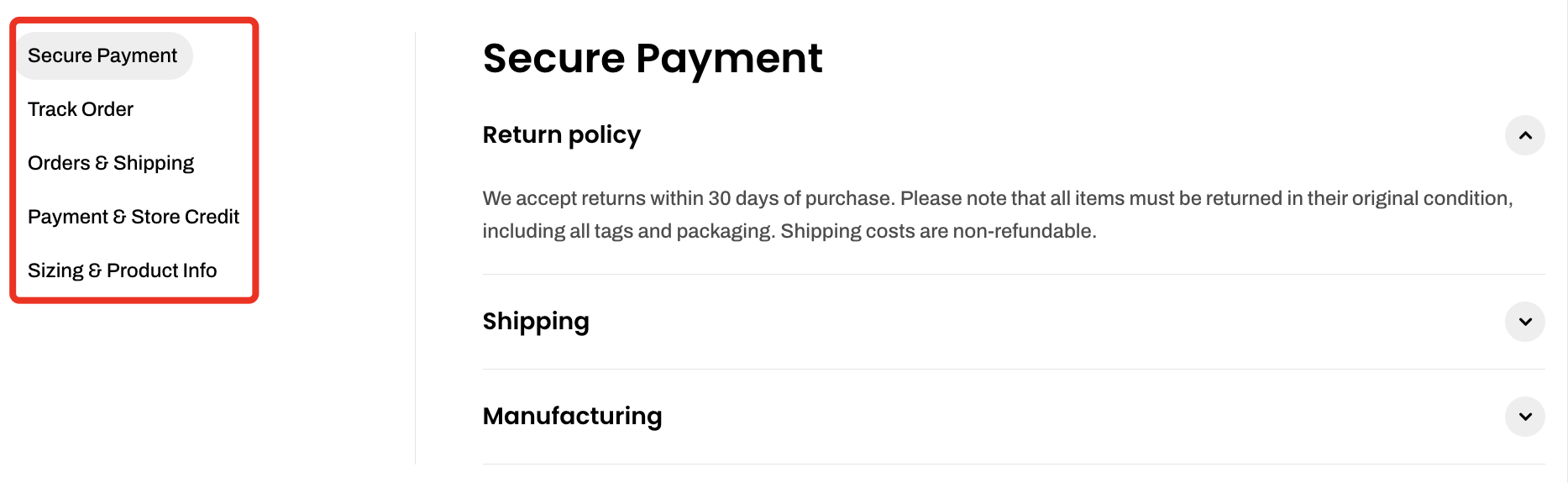
* **Tab** – Create a tab with specific FAQ content
* **Section header: Vertical** – Group and organize header content
* **Heading** – Add a main title
* **Accordion** – Display expandable FAQ items
* **Accordion row** – Add a question and answer
* **Text** – Add detailed content inside the accordion row
* **Badge** – Highlight a label or status
* **Countdown timer** – Display a time-based promotion
* **Group**
* **Section header** – Add a title for the FAQ section
* **Accordion** – Display expandable FAQ items
📝 Learn more: [Theme blocks](https://docs.foxecom.com/pebble-theme/theme-blocks/overview)
* **Section header: Vertical** – Group and organize header content
* **Heading** – Add a main title
* **Subheading** – Provide supporting text
* **Text** – Add additional description or content
* **Accordion** – Display expandable FAQ items
* **Accordion row** – Add a question and answer
* **Text** – Add detailed content inside the accordion row
📝 Learn more: [Theme blocks](https://docs.foxecom.com/pebble-theme/theme-blocks/overview)