# Section
This setting is only available in **Minimog v3.0.0** onwards. View [Changelog](/minimog-theme/changelog)
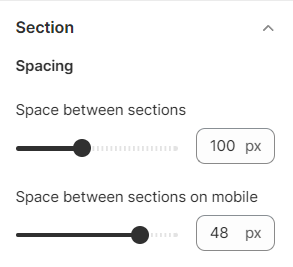
You could change the spacing between sections of your store.
Steps
1. In the theme editor (**Customize**), click **Theme settings**
2. Locate **Section**
3. Make necessary changes
4. **Save.**
Set the space values between sections on desktop view and mobile view.