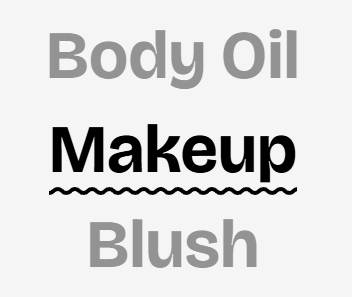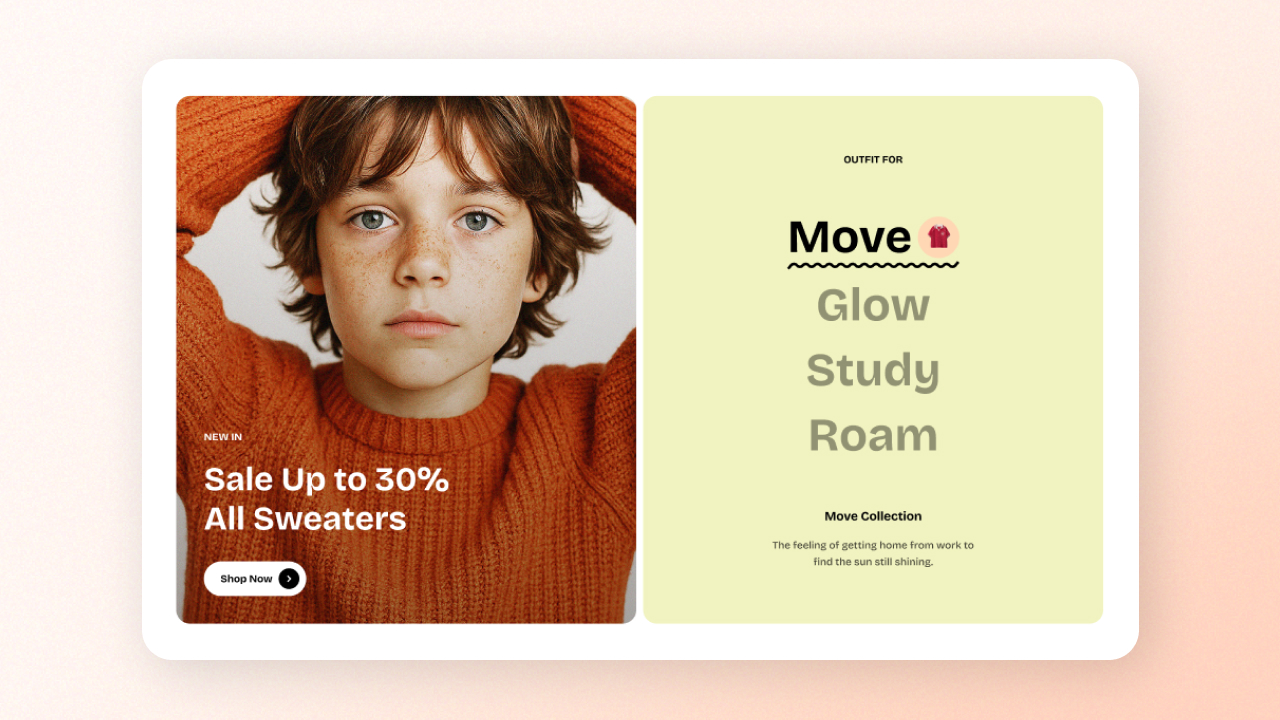
Collection highlight

Showcase multiple collections with visually engaging images and descriptions. Ideal for driving attention to key products or promotions.

How to add a Collection highlight to your Shopify store

circle-check

How to edit the section Collection highlight

Section settings

Setting
Description

Desktop image position

Choose between left or right for the image layout.

Image aspect ratio

Select an aspect ratio for the images.

Subheading

Add a subheading to give context or introduce the section.

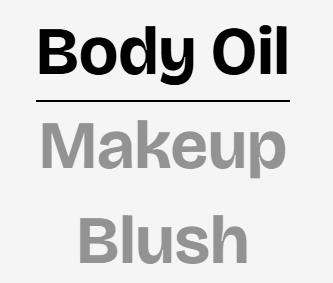
Collection link style

Choose the style for the collection title:

  • Underline

  • Wavy underline

Color scheme

Choose a color scheme to apply to the section's background and text. Learn more: Colors

Block settings

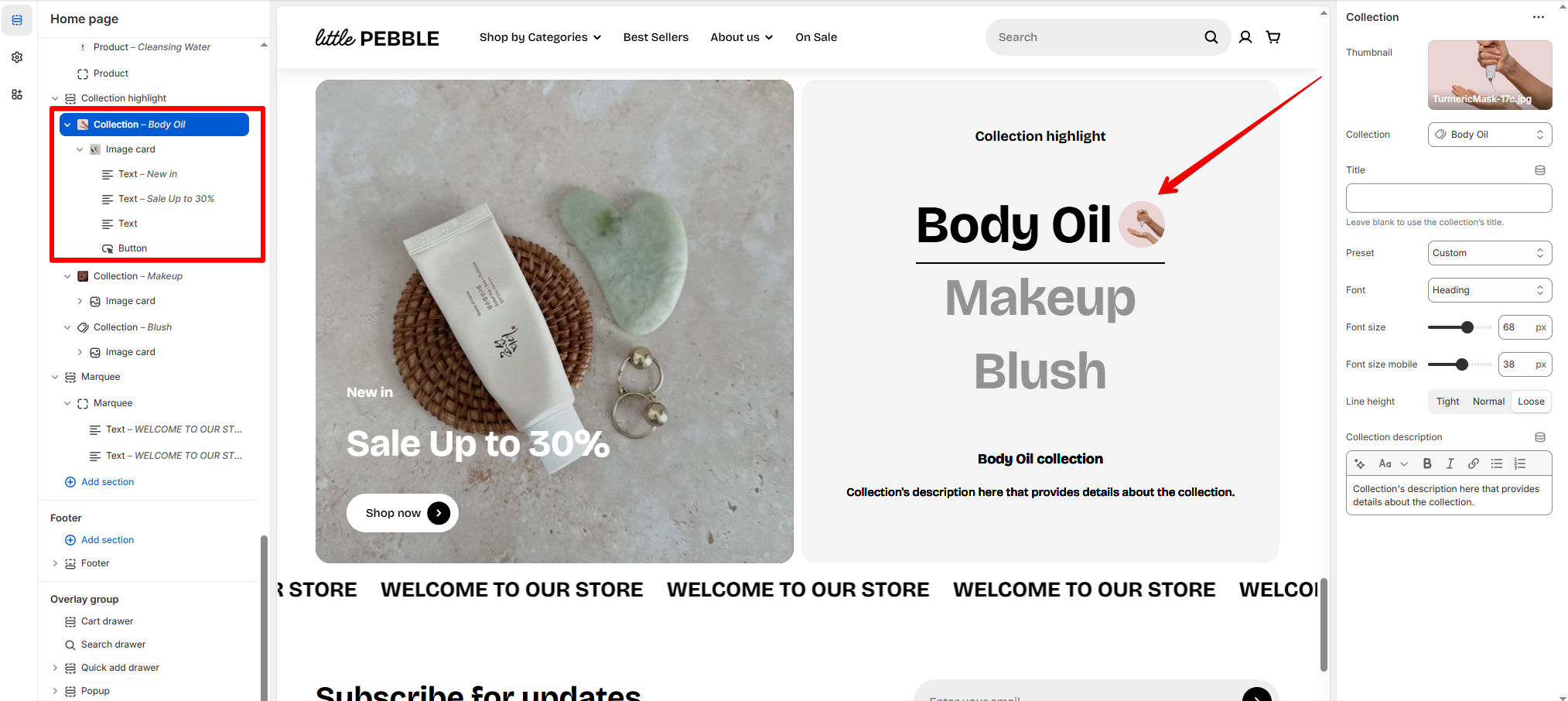
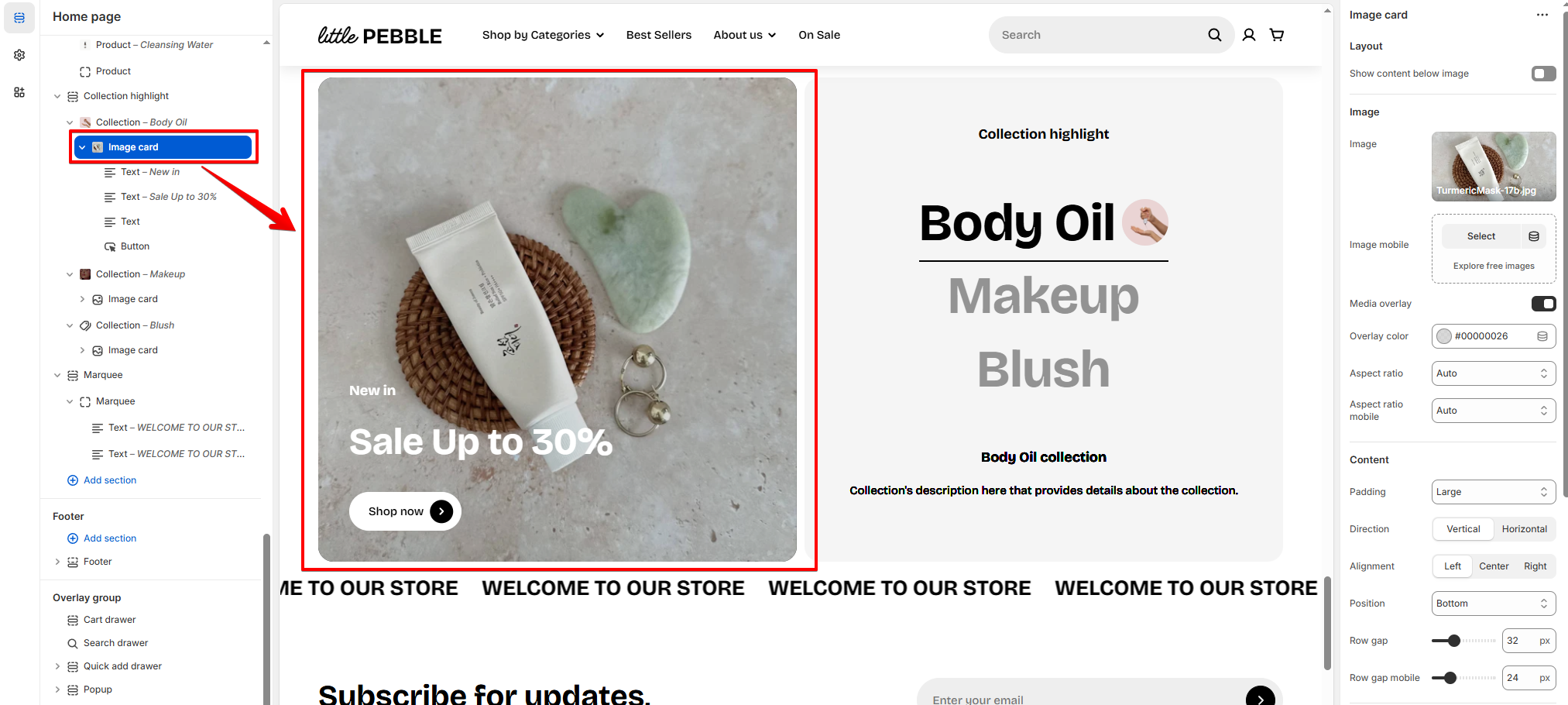
The section includes multiple Collection blocks with nested Image cards.

  • In each Collection block, pick a collection you want to feature and upload a thumbnail to display next to the collection title (optional).

circle-info

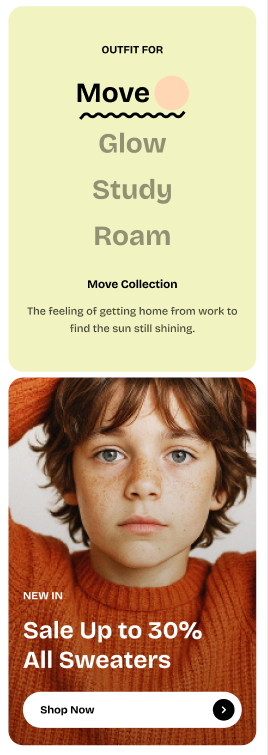
On mobile view, the image cards are displayed under the collection titles.

Last updated