# New customer accounts component

<figure><img src="/files/vRdJiDsplsnpM1PLX3hA" alt="" width="445"><figcaption></figcaption></figure>

{% hint style="info" %}
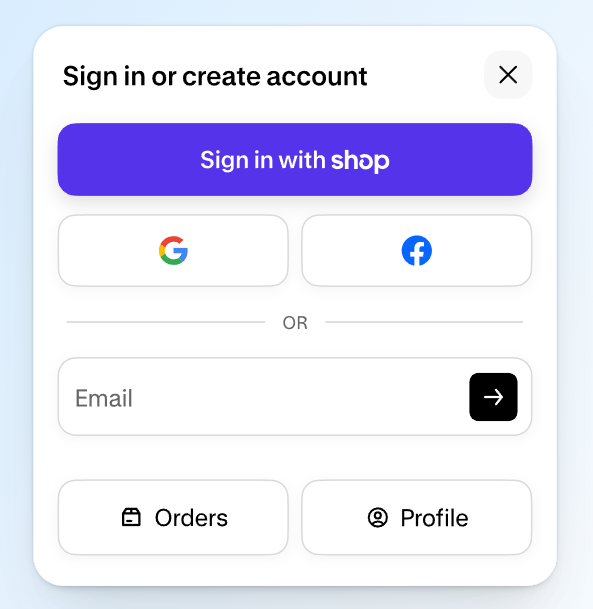
Starting from **Sleek v2.2.0**, the theme supports Shopify's new `shopify-account` web component — a modern, built-in way to handle customer sign-in directly on your storefront without redirecting customers away from your store.

See our [Changelog](/sleek-theme/changelog.md)
{% endhint %}

## Requirements

1. **Sleek v2.2.0 or later**. See how to [Update Sleek theme](/sleek-theme/getting-started/update-sleek-theme.md)
2. **New customer accounts enabled** in Shopify admin > **Settings > Customer accounts.**

{% hint style="warning" %}
This component does **not** work with legacy customer accounts.
{% endhint %}

## Supported sign-in methods

#### Passwordless login

Customer enters email → receives a one-time 6-digit code. It's active by default once new customer accounts are enabled.

#### Sign in with Shop

One-tap sign-in for customers with a Shop account.

No setup needed. Automatically available for stores with Shop Pay enabled.

#### Social login (Google & Facebook)

1. In Shopify admin, go to **Settings > Customer accounts > Manage.**
2. Click **Connect** next to Google or Facebook.
3. Follow the on-screen instructions.

{% hint style="info" %}
💡 You'll need a [Google Cloud](https://console.cloud.google.com/) or [Meta for Developers](https://developers.facebook.com/) account to complete this step.
{% endhint %}

## How it works

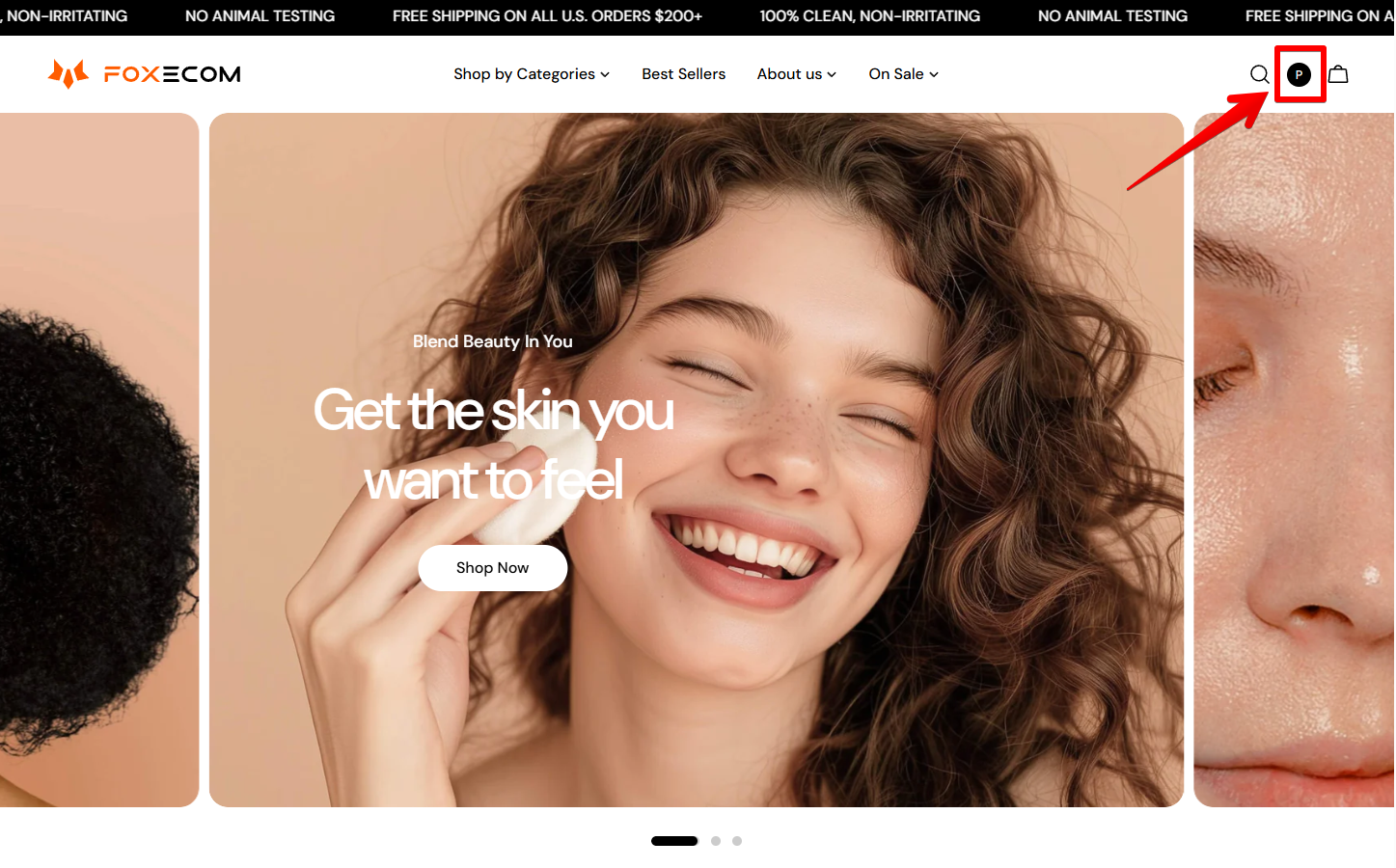
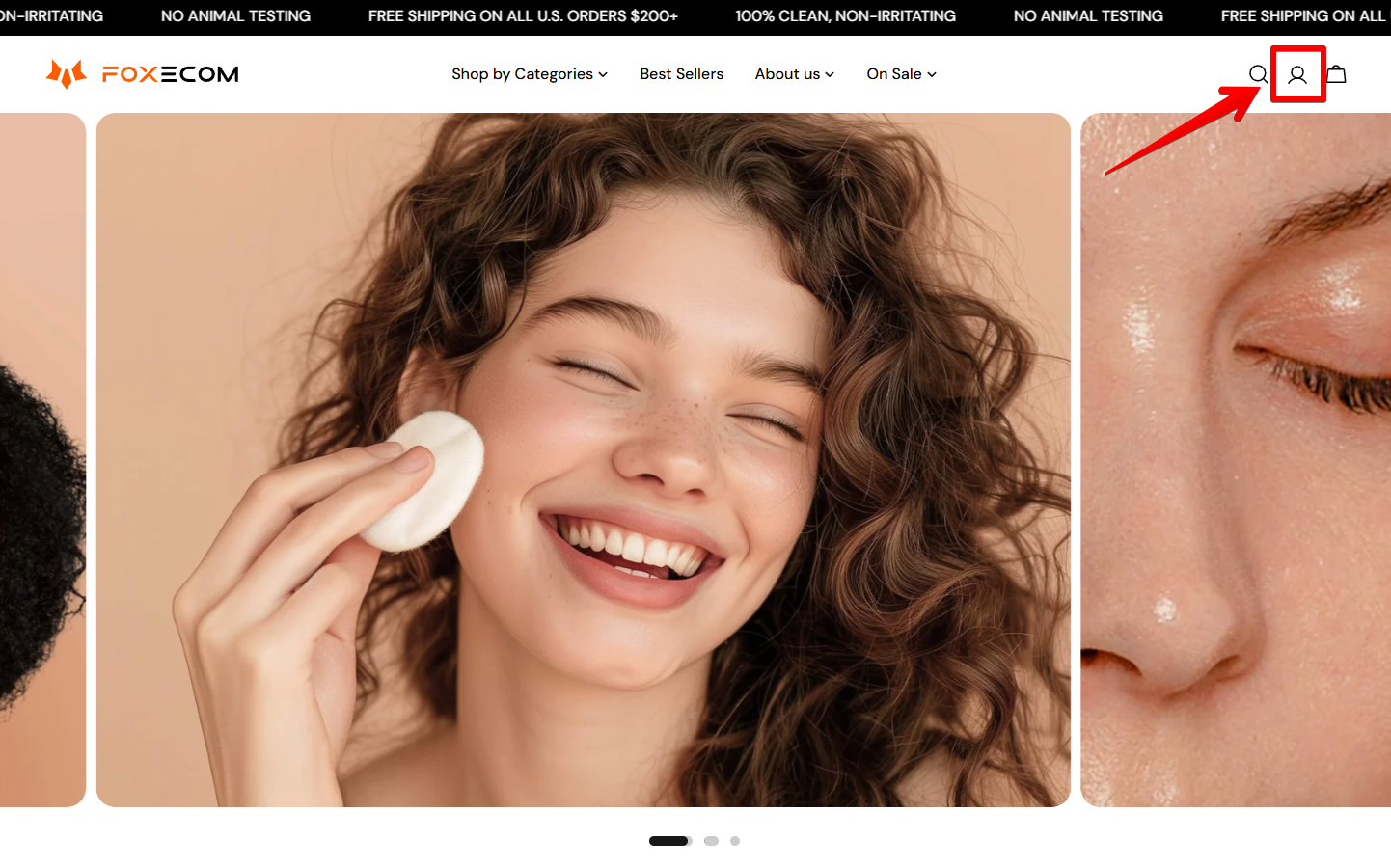
* The account icon appears in the store header on all pages.
* Signed out → shows a default account icon
* Signed in → shows the customer's initial or Shop profile photo.
<div><figure><img src="/files/QDXXDI2khhaCY5wM4yMu" alt=""><figcaption></figcaption></figure> <figure><img src="/files/VWmT9qqAGcMTvmuWsPq7" alt=""><figcaption></figcaption></figure></div>


---

# Agent Instructions: Querying This Documentation

If you need additional information that is not directly available in this page, you can query the documentation dynamically by asking a question.

Perform an HTTP GET request on the current page URL with the `ask` query parameter:

```
GET https://docs.foxecom.com/sleek-theme/faqs/generic/new-customer-accounts-component.md?ask=<question>
```

The question should be specific, self-contained, and written in natural language.
The response will contain a direct answer to the question and relevant excerpts and sources from the documentation.

Use this mechanism when the answer is not explicitly present in the current page, you need clarification or additional context, or you want to retrieve related documentation sections.