#How to hide out-of-stock products from your collections?
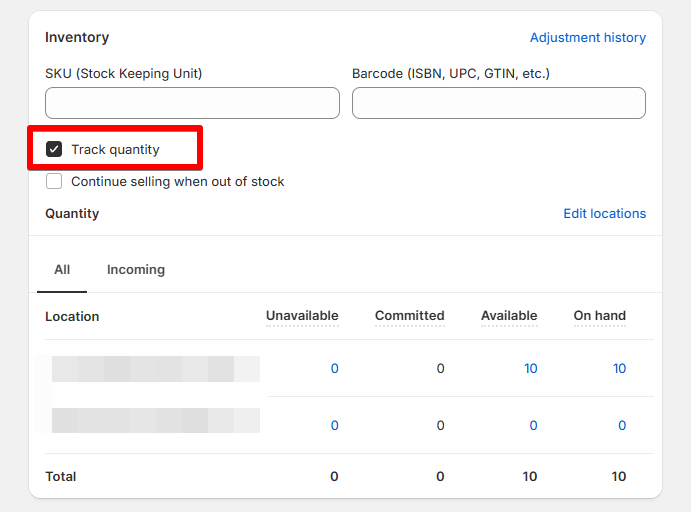
To hide out-of-stock products from your collections, you first need to ensure that inventory tracking is enabled in your Shopify admin. This allows Shopify to automatically monitor the inventory levels of your products.
By hiding products that are out of stock, your collections will remain relevant and clutter-free for customers. These unavailable items will automatically reappear once inventory is replenished.
For each smart collection, update the conditions as follows:
Set Products must match to all conditions.
For Inventory stock, choose is greater than and enter 0.
Note: This method only works if you set Products must match to all conditions. If it’s set to match any condition, out-of-stock products may still appear.