# Image with text

<div data-full-width="true"><figure><img src="https://1749964694-files.gitbook.io/~/files/v0/b/gitbook-x-prod.appspot.com/o/spaces%2FfgpgvtRaQLc36GYyIktZ%2Fuploads%2FETk3RTZrTHUxALnqCtTH%2FFoxEcom%20changelog%20%20%201250%20x%20200.png?alt=media&#x26;token=a72791be-b9fe-4806-8a28-f1592e470b10" alt=""><figcaption><p><a href="https://foxecom.com/pages/affiliate?utm_source=foxecom&#x26;utm_medium=help_center_foxify_image_with_text&#x26;utm_campaign=anchor-text&#x26;utm_term=explore_foxecom_affiliate_program_perks_now">Explore FoxEcom Affiliate program perks now</a> <span data-gb-custom-inline data-tag="emoji" data-code="2728">✨</span></p></figcaption></figure></div>

<figure><img src="https://1749964694-files.gitbook.io/~/files/v0/b/gitbook-x-prod.appspot.com/o/spaces%2FfgpgvtRaQLc36GYyIktZ%2Fuploads%2FhQjiDnU1BtfYzusQ2fAW%2Fimage.png?alt=media&#x26;token=f64a101d-f5ae-4bfa-ab19-27f25b9133fc" alt=""><figcaption></figcaption></figure>

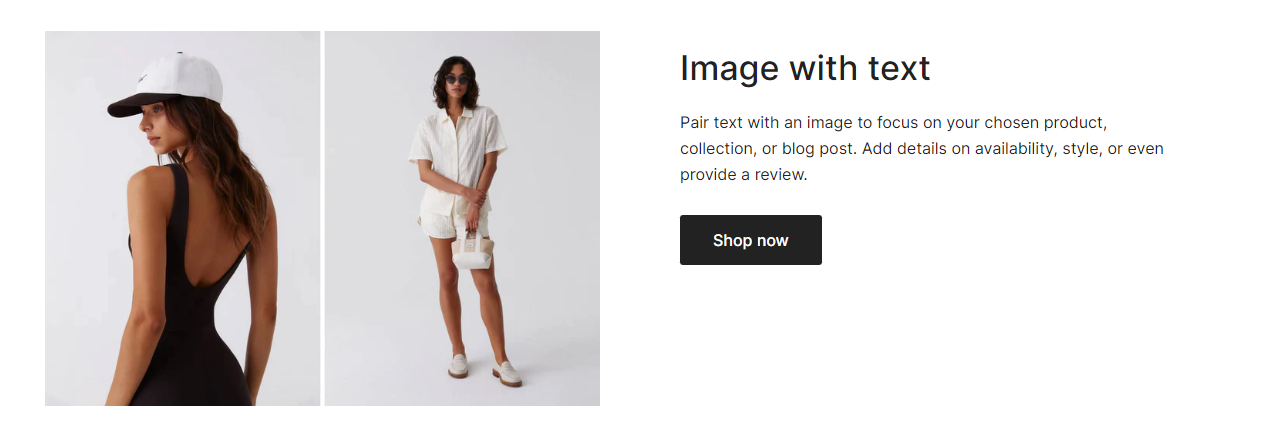
The image with text section provides an appealing and dynamic approach mixing media, message, and a call-to-action button. This is a great way to promote a product/collection or any exciting feature on your online store.

## How to customize an image with text&#x20;

An image with text section's layout is defined by the grid layout you set. A grid comes with a number of columns.&#x20;

### Section settings

#### Grid layout

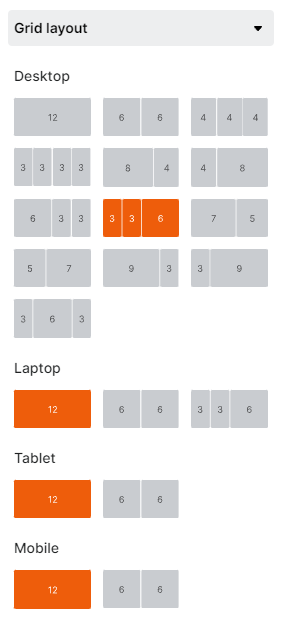
The settings let you decide on your grid layout on different screen sizes. Use the device mode selector on the top bar to view the section on desktop/laptop/tablet/mobile.&#x20;

<figure><img src="https://1749964694-files.gitbook.io/~/files/v0/b/gitbook-x-prod.appspot.com/o/spaces%2FfgpgvtRaQLc36GYyIktZ%2Fuploads%2FJauN9DUhUOXnmsIQsjOn%2Fimage.png?alt=media&#x26;token=e1b5b0a7-54f8-4d35-b031-a0dac60d4ba3" alt=""><figcaption></figcaption></figure>

#### Content position

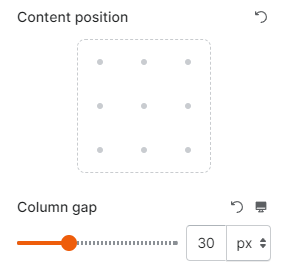
You can also adjust the content position and gap between columns of that grid (between 0 and 100px).&#x20;

<figure><img src="https://1749964694-files.gitbook.io/~/files/v0/b/gitbook-x-prod.appspot.com/o/spaces%2FfgpgvtRaQLc36GYyIktZ%2Fuploads%2FdTCYgxpGyGNLh0BOw8Nu%2Fimage.png?alt=media&#x26;token=76414273-f894-4aca-988e-27e1a3044b90" alt=""><figcaption></figcaption></figure>

Then, you can add child blocks to each of the columns accordingly to create an image with text section as you wish.&#x20;

### Block settings

You can add different child blocks in one column that you can mix and match:

* Buttons
* Image
* Text
* Heading
* Custom code

<figure><img src="https://1749964694-files.gitbook.io/~/files/v0/b/gitbook-x-prod.appspot.com/o/spaces%2FfgpgvtRaQLc36GYyIktZ%2Fuploads%2FK1Z1dtZcbvMpYr5yiQbg%2Fimage.png?alt=media&#x26;token=bbcd93e2-87a5-4a3e-be44-2fdd4a6aa597" alt=""><figcaption></figcaption></figure>

## Some practices of the Image with text section

Here are some ways to use the image with text section for your storefront:

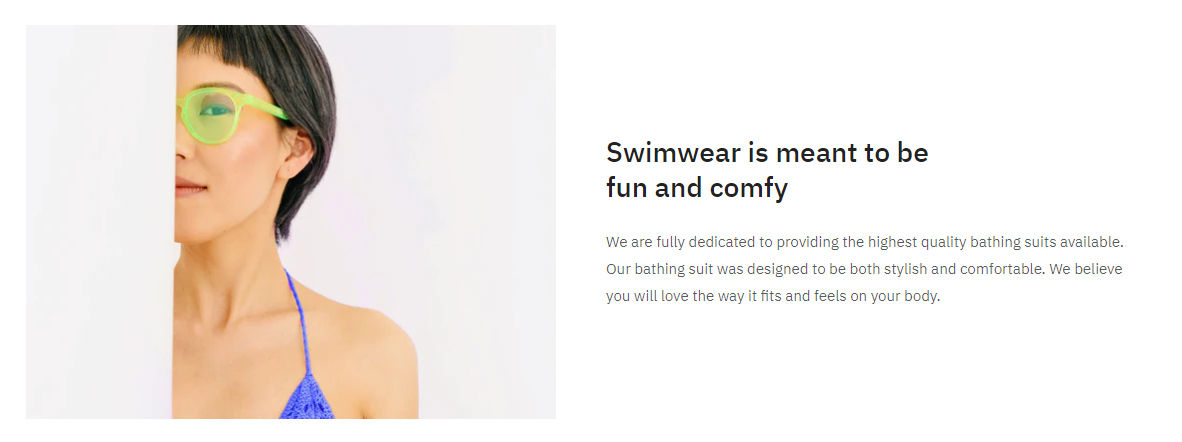
* About us content: Use a picture with a short paragraph of text to let visitors know more about your brand.

<figure><img src="https://1749964694-files.gitbook.io/~/files/v0/b/gitbook-x-prod.appspot.com/o/spaces%2FfgpgvtRaQLc36GYyIktZ%2Fuploads%2Fh059oqczUsc0D5S7Nb7E%2Fimage.png?alt=media&#x26;token=65fba9aa-2fdf-47f2-97cc-0d321944d59f" alt=""><figcaption></figcaption></figure>

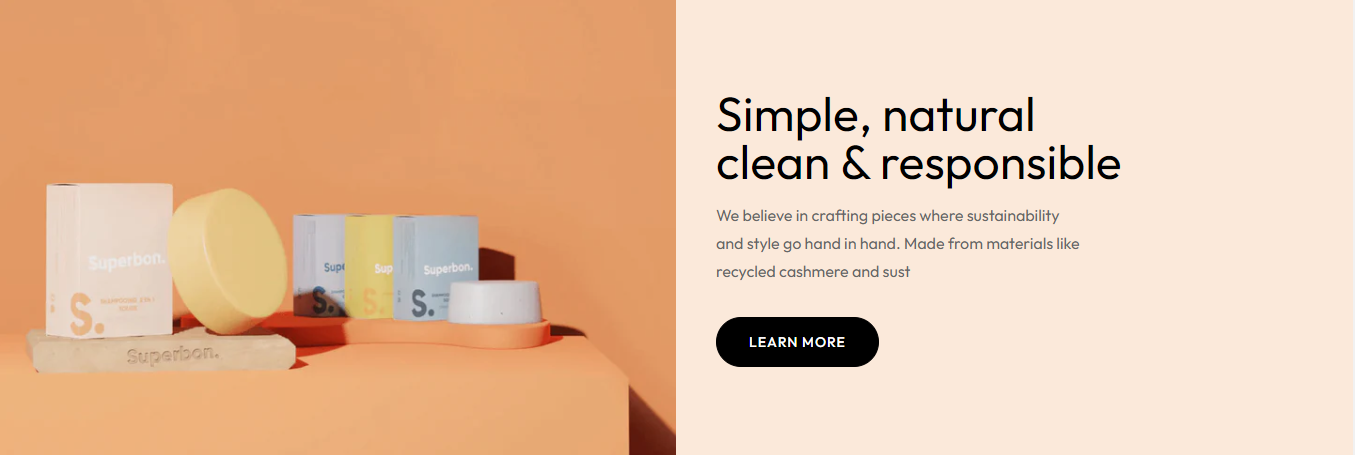
* Explainers and introduction: Explain how your products are made.

<figure><img src="https://1749964694-files.gitbook.io/~/files/v0/b/gitbook-x-prod.appspot.com/o/spaces%2FfgpgvtRaQLc36GYyIktZ%2Fuploads%2F57wraPCHQqfv7iLE46xu%2Fimage.png?alt=media&#x26;token=3209f1da-5c83-4abc-a431-9482a4e9d7ae" alt=""><figcaption></figcaption></figure>

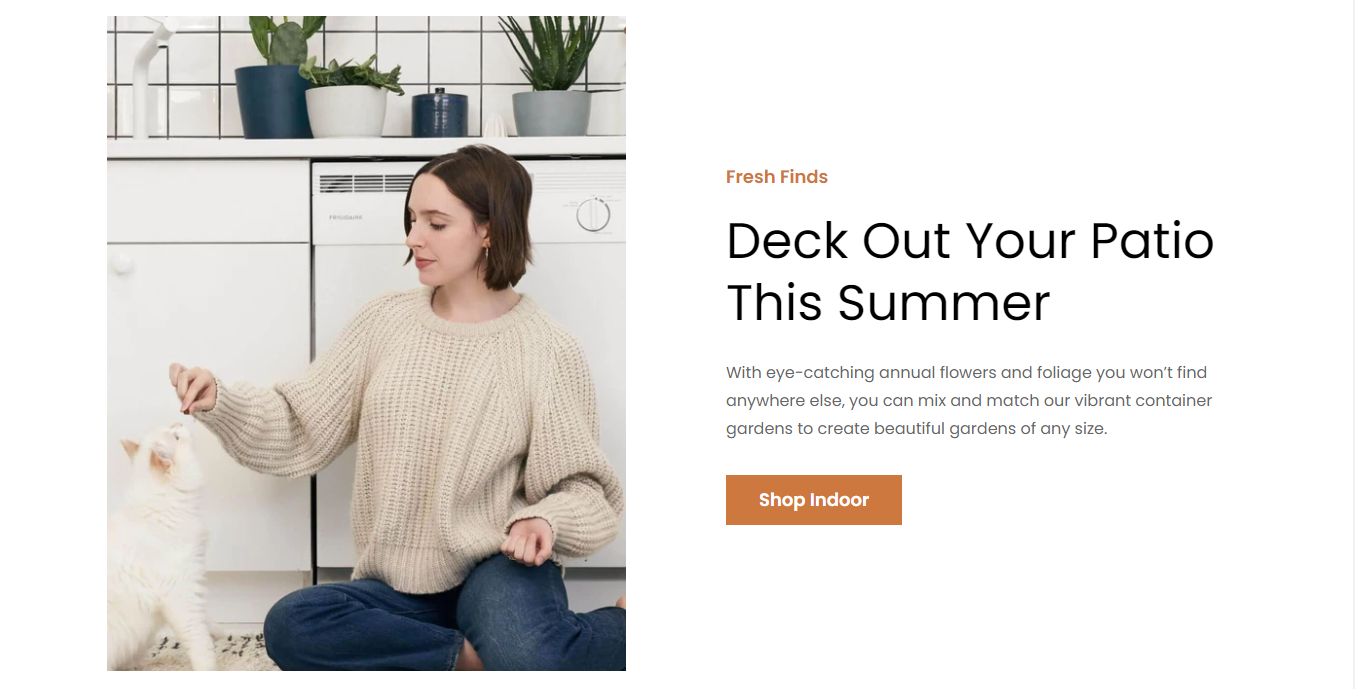
* Spotlight products: Display your featured products with a button to direct customers to the product pages/collection page.&#x20;

<figure><img src="https://1749964694-files.gitbook.io/~/files/v0/b/gitbook-x-prod.appspot.com/o/spaces%2FfgpgvtRaQLc36GYyIktZ%2Fuploads%2FY0812yC056Z7vMuCgxPY%2Fimage.png?alt=media&#x26;token=405fe53e-7195-4754-8ef7-e2b24bd9819f" alt=""><figcaption></figcaption></figure>

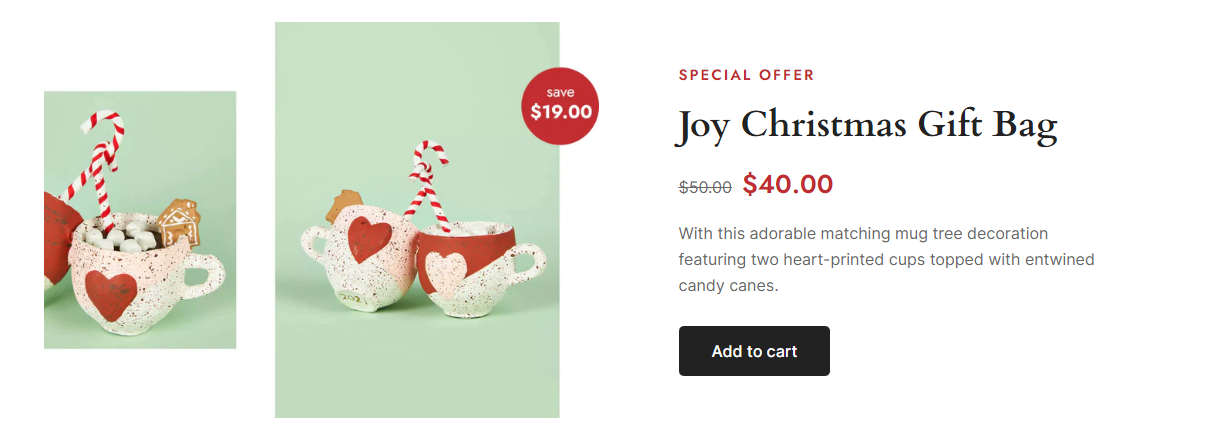
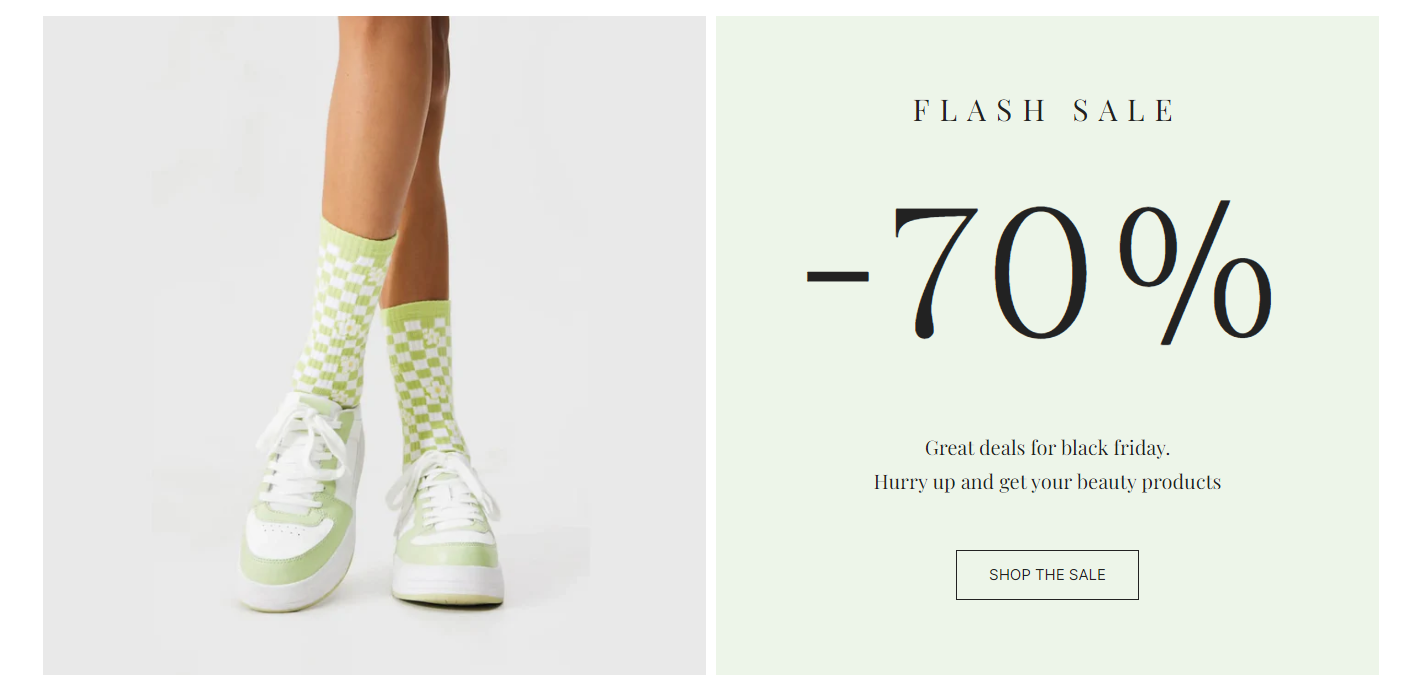
* Sale promotions: Promote an event or sale by showcasing your special offers.

<figure><img src="https://1749964694-files.gitbook.io/~/files/v0/b/gitbook-x-prod.appspot.com/o/spaces%2FfgpgvtRaQLc36GYyIktZ%2Fuploads%2FYbijFVXZRK9L0VO11wdI%2Fimage.png?alt=media&#x26;token=7bc25755-6d36-46a3-a50d-3dfef7312ac3" alt=""><figcaption></figcaption></figure>