# Featured product

<div data-full-width="true"><figure><img src="/files/dHaPBf9wiTvRsPXBrcnP" alt=""><figcaption><p><a href="https://foxecom.com/pages/affiliate?utm_source=foxecom&#x26;utm_medium=help_center_foxify_featured_product&#x26;utm_campaign=anchor-text&#x26;utm_term=explore_foxecom_affiliate_program_perks_now">Explore FoxEcom Affiliate program perks now</a> <span data-gb-custom-inline data-tag="emoji" data-code="2728">✨</span></p></figcaption></figure></div>

<figure><img src="/files/Q1rhvu5mN0chljCAk5Fm" alt=""><figcaption></figcaption></figure>

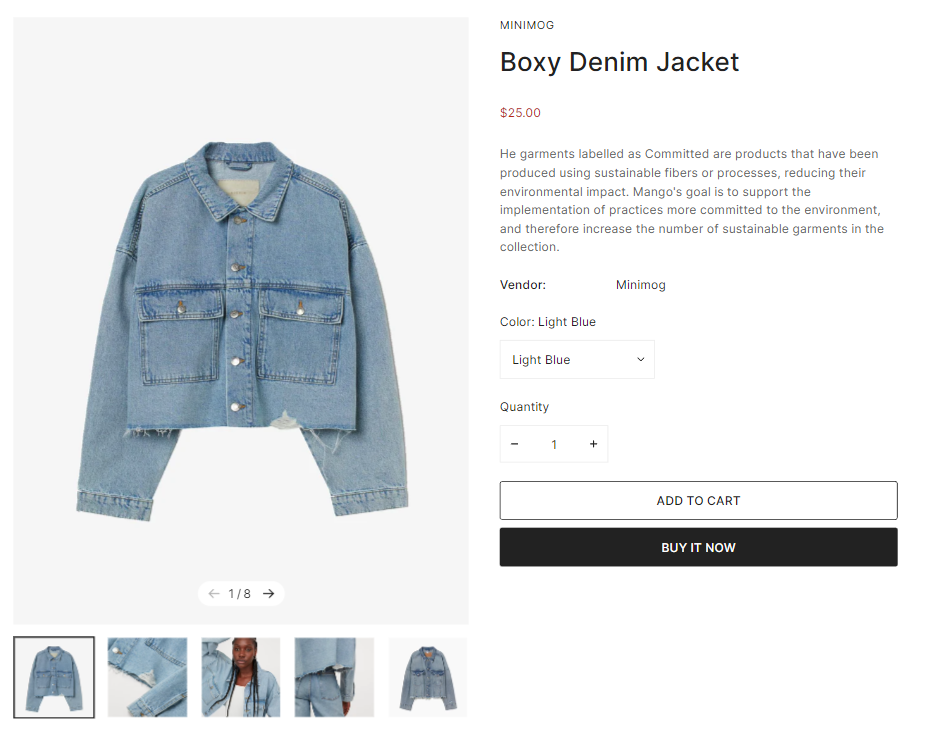
The featured product section is great for showcasing the product you want to promote and boost sales. Customers delve into the product's details and can add them to their cart without leaving the page.&#x20;

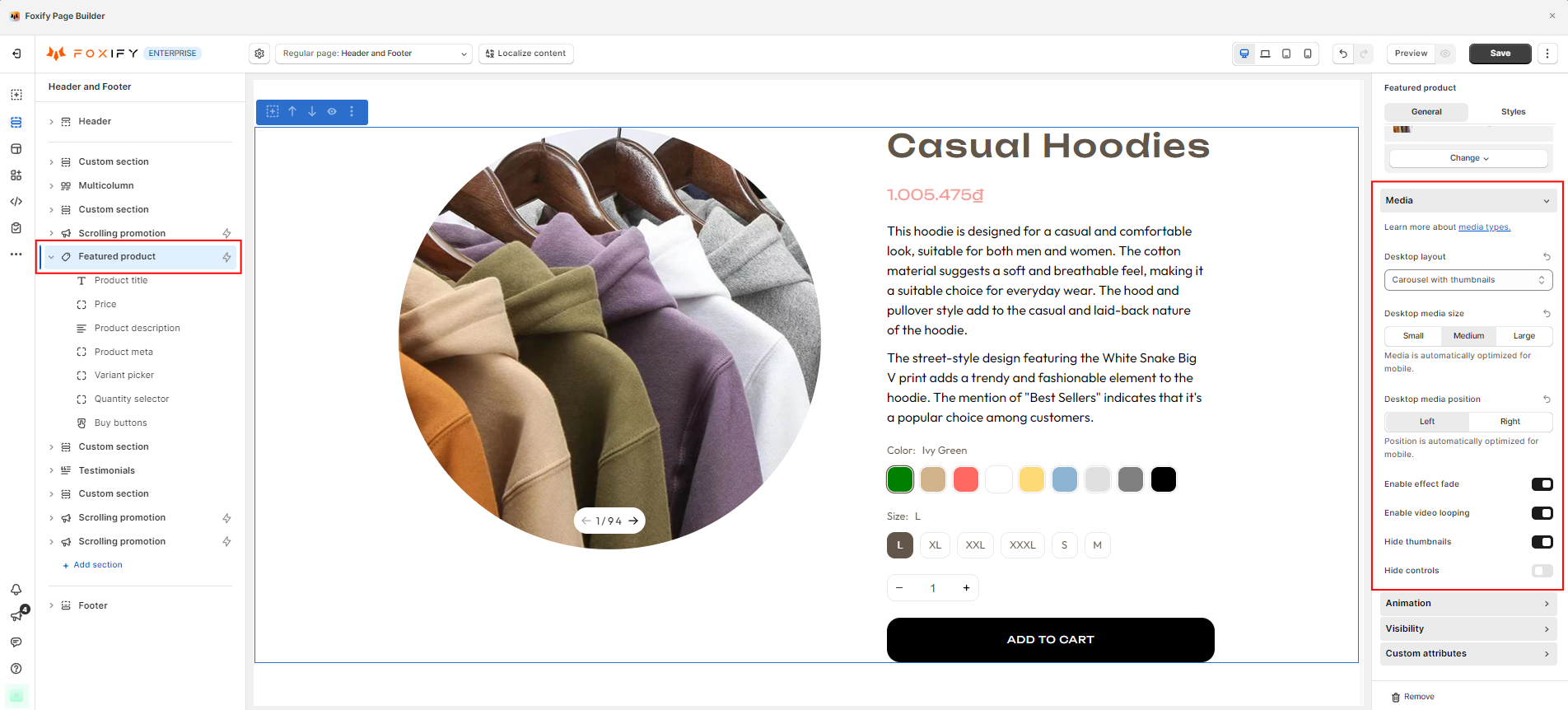
After adding a featured product section, you can start customizing it by selecting a product you want to showcase.

In the **General** tab settings, you can easily change the following:&#x20;

* Layout
* Media size and media position
* Add-ons

<figure><img src="/files/TPYqOL6O2eBL7WfsuFoS" alt=""><figcaption></figcaption></figure>

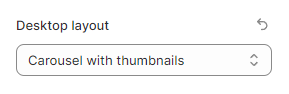
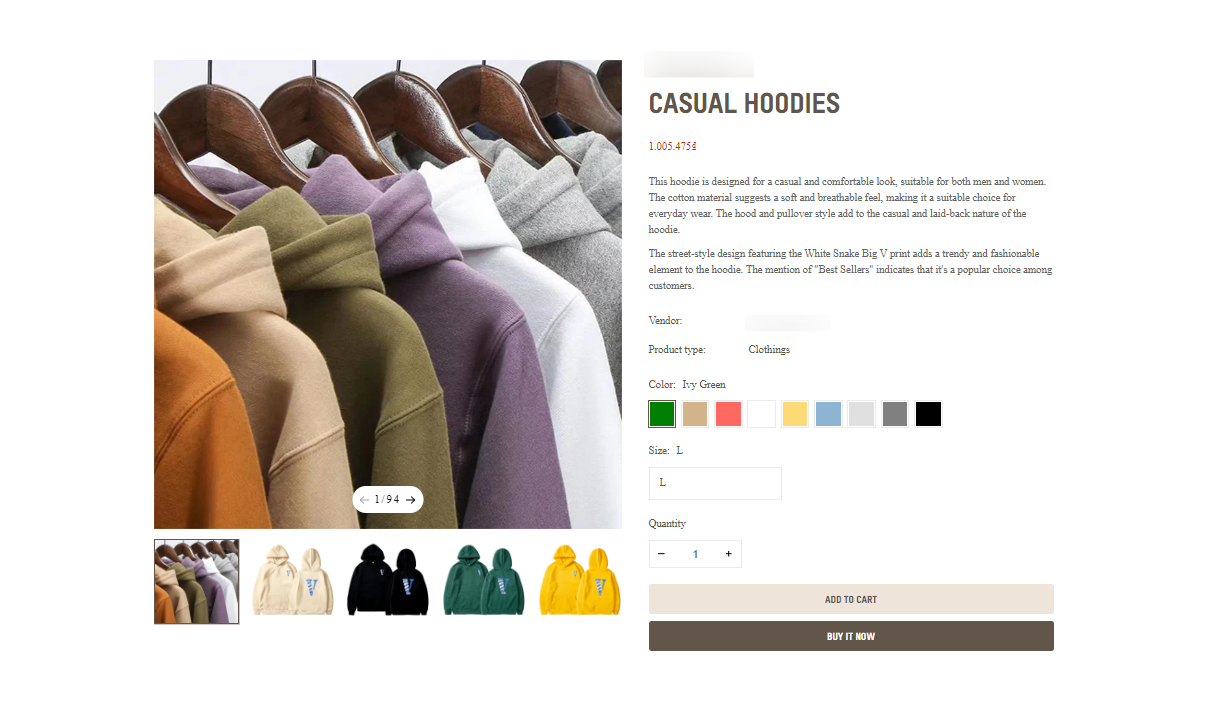
* **Desktop layout** - There are 4 main layouts on the desktop:
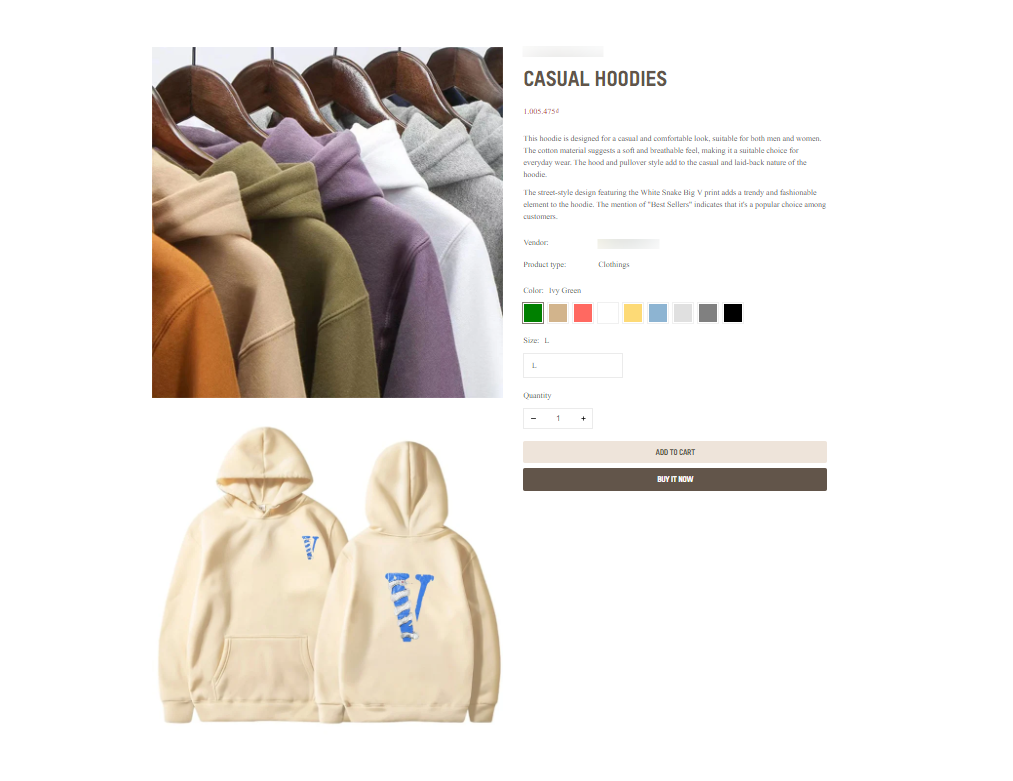
  * Carousel with thumbnails
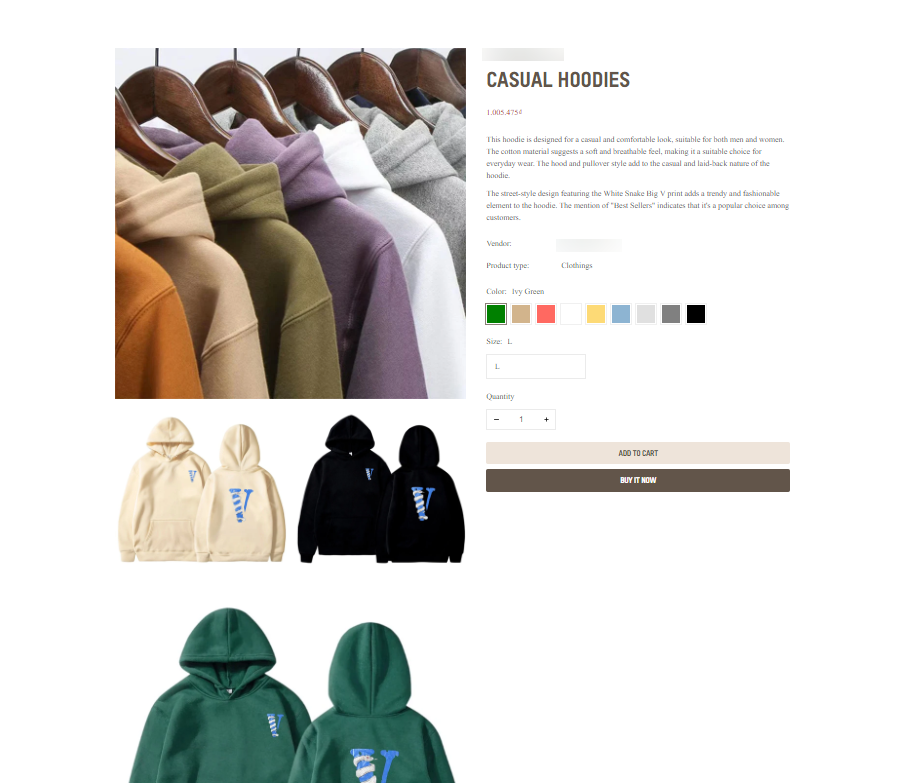
  * Stacked
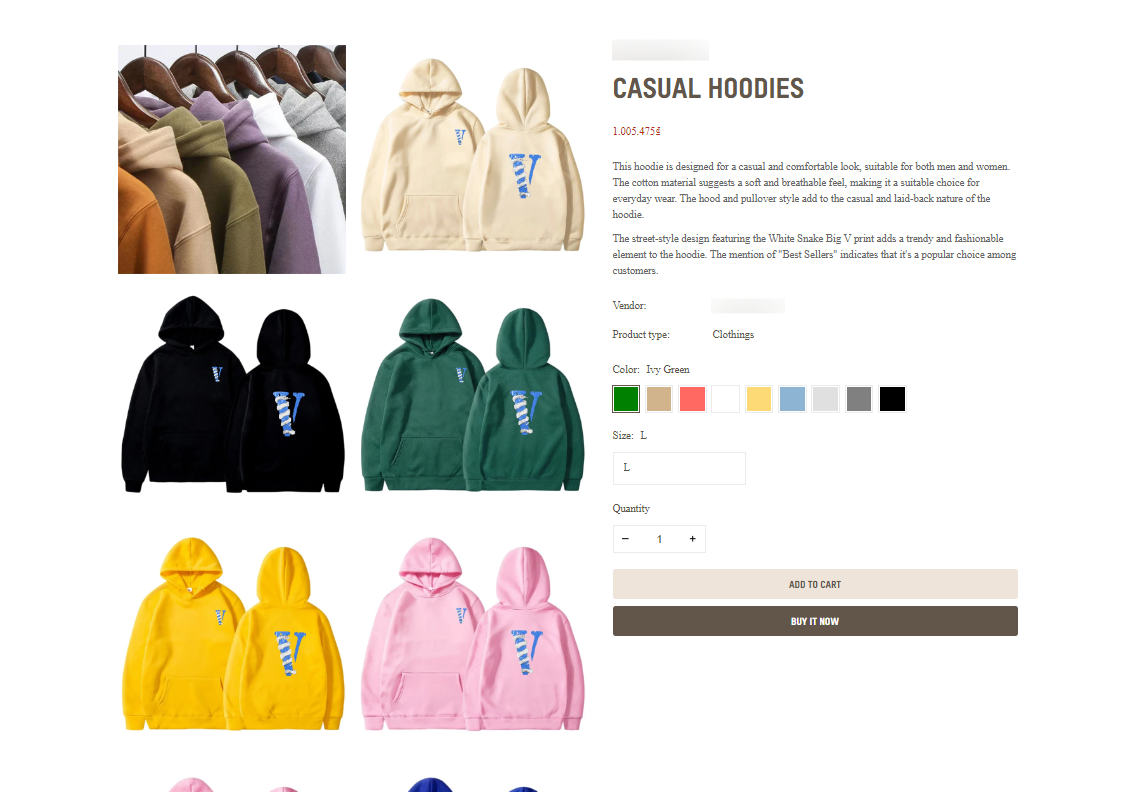
  * Grid mix
  * Grid 2 columns

<figure><img src="/files/qxzuQeMlfnR7sXPqc96f" alt=""><figcaption></figcaption></figure>

{% tabs %}
{% tab title="Carousel with thumbnails" %}

<figure><img src="/files/MpXj9mr2F8pBuCEvtSCw" alt=""><figcaption></figcaption></figure>
{% endtab %}

{% tab title="Stacked" %}

<figure><img src="/files/cesYR4xp1lB1ZLsTQZEi" alt=""><figcaption></figcaption></figure>
{% endtab %}

{% tab title="Grid mix" %}

<figure><img src="/files/6JZlGkd9QdPCHMy17HMc" alt=""><figcaption></figcaption></figure>
{% endtab %}

{% tab title="Grid 2 columns" %}

<figure><img src="/files/EeW3BIJcLKuqphJt13al" alt=""><figcaption></figcaption></figure>
{% endtab %}
{% endtabs %}

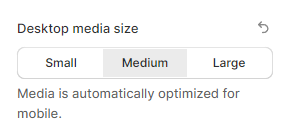
* **Desktop media size** - You can change the different sizes for media on the desktop. Media is automatically optimized for mobile.

  * Small
  * Medium
  * Large

  <figure><img src="/files/mUFgxBUG2uuLw15LvjQT" alt=""><figcaption></figcaption></figure>
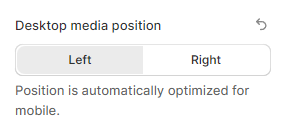
* **Desktop media position** - You can change the position to **Left** or **Right** for media on the desktop. The position is automatically optimized for mobile.

<figure><img src="/files/PbGBJhnGa9bzTp9tzaKI" alt=""><figcaption></figcaption></figure>

* **Enable effect fade** - Change the effect to fading when sliding product images.

<figure><img src="/files/xVSHxn5sITyrUN3jeoUL" alt=""><figcaption></figcaption></figure>

<figure><img src="/files/0AxShAkUgSgUDL2Lenzc" alt=""><figcaption></figcaption></figure>

* **Enable video looping** - You can make product videos play in a loop in the product media gallery.

<figure><img src="/files/XGBAvaHLIZFD28V27tXp" alt=""><figcaption></figcaption></figure>

* **Hide thumbnails -** Hide the product thumbnail images from the product media gallery.&#x20;

<figure><img src="/files/gQEhXUVKeL3zbTev99ch" alt=""><figcaption></figcaption></figure>

* **Hide controls** - Hide the image slider controls from the product media gallery.

<figure><img src="/files/iaB6ATcUtj6VhVFJmxkl" alt=""><figcaption></figcaption></figure>

Then, add the child blocks to the section, customize and reorder them to your preferences.

<figure><img src="/files/MTBU3GDYze2gNwP3B25o" alt=""><figcaption></figcaption></figure>


---

# Agent Instructions: Querying This Documentation

If you need additional information that is not directly available in this page, you can query the documentation dynamically by asking a question.

Perform an HTTP GET request on the current page URL with the `ask` query parameter:

```
GET https://docs.foxecom.com/foxify-app/legacy-editor/sections-and-presets/featured-product.md?ask=<question>
```

The question should be specific, self-contained, and written in natural language.
The response will contain a direct answer to the question and relevant excerpts and sources from the documentation.

Use this mechanism when the answer is not explicitly present in the current page, you need clarification or additional context, or you want to retrieve related documentation sections.