# Countdown timer

<div data-full-width="true"><figure><img src="https://1749964694-files.gitbook.io/~/files/v0/b/gitbook-x-prod.appspot.com/o/spaces%2FfgpgvtRaQLc36GYyIktZ%2Fuploads%2FETk3RTZrTHUxALnqCtTH%2FFoxEcom%20changelog%20%20%201250%20x%20200.png?alt=media&#x26;token=a72791be-b9fe-4806-8a28-f1592e470b10" alt=""><figcaption><p><a href="https://foxecom.com/pages/affiliate?utm_source=foxecom&#x26;utm_medium=help_center_foxify_countdown_timer&#x26;utm_campaign=anchor-text&#x26;utm_term=explore_foxecom_affiliate_program_perks_now">Explore FoxEcom Affiliate program perks now</a> <span data-gb-custom-inline data-tag="emoji" data-code="2728">✨</span></p></figcaption></figure></div>

{% embed url="<https://www.youtube.com/watch?v=9_zBQDibH0o>" %}

<figure><img src="https://1749964694-files.gitbook.io/~/files/v0/b/gitbook-x-prod.appspot.com/o/spaces%2FfgpgvtRaQLc36GYyIktZ%2Fuploads%2FnwLXEUZgzYcXVkrphz6G%2Fimage.png?alt=media&#x26;token=8aad6e9b-6a16-4406-bf3a-4d3b06a04557" alt=""><figcaption></figcaption></figure>

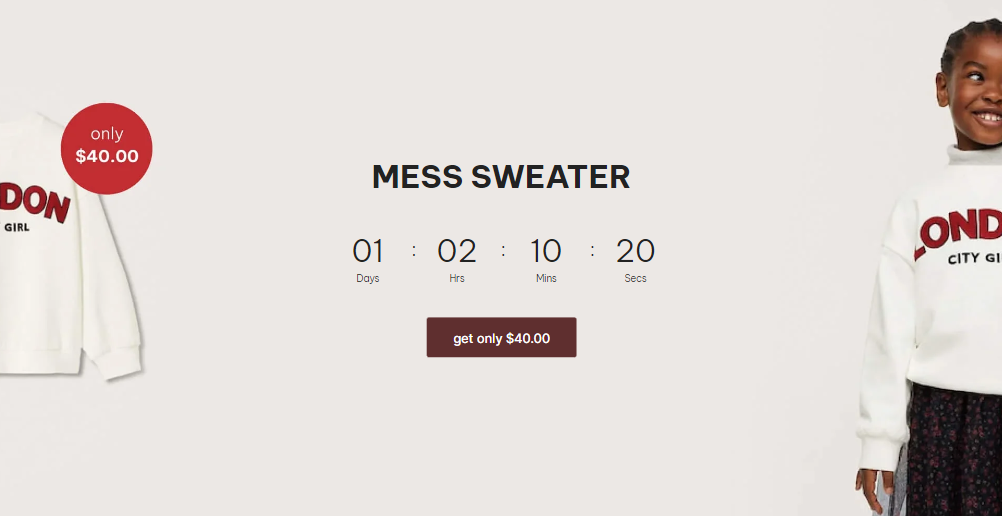
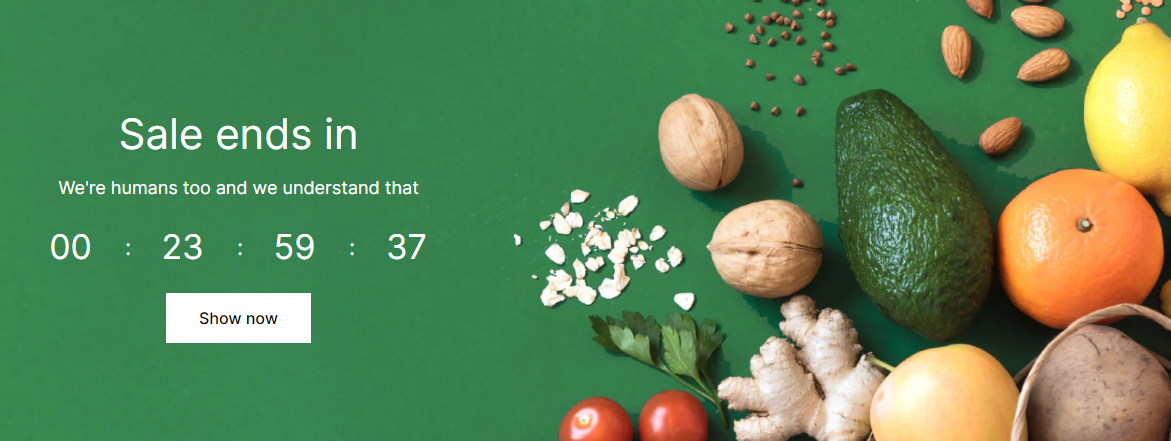
A Countdown timer helps you add a sense of urgency to your customers so that they feel motivated to complete their orders.

&#x20;When customers are aware that the products they’re interested in are getting sold out quickly or the discounted price is active for a limited time only, they are more likely to make a purchase.

## Customize your Countdown timer section

Each Countdown timer contains the following blocks:

* Heading: add a Heading to the timer and define its heading tag
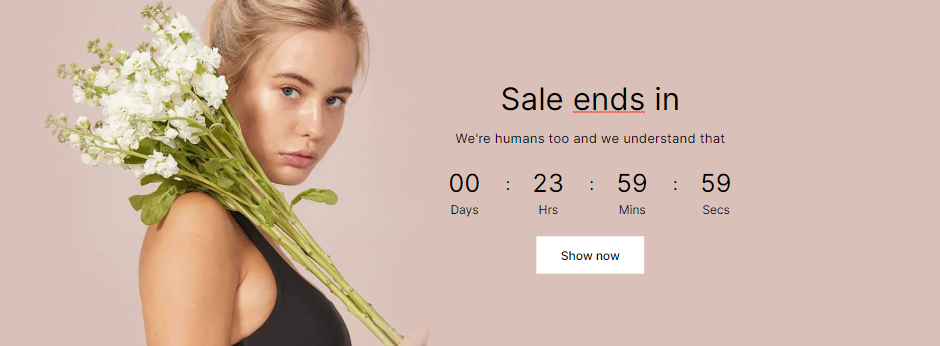
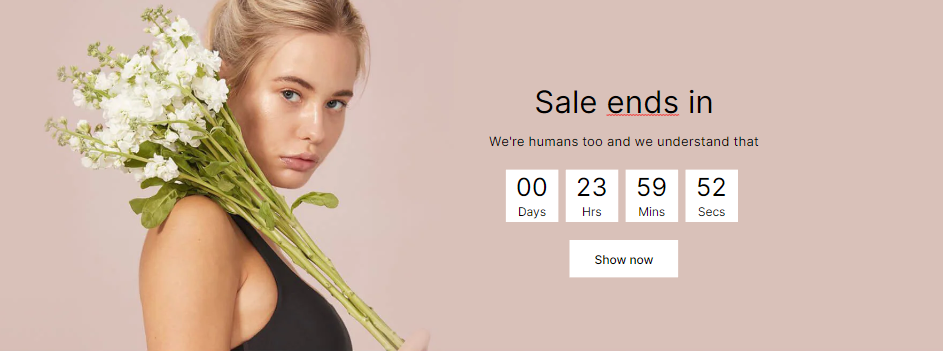
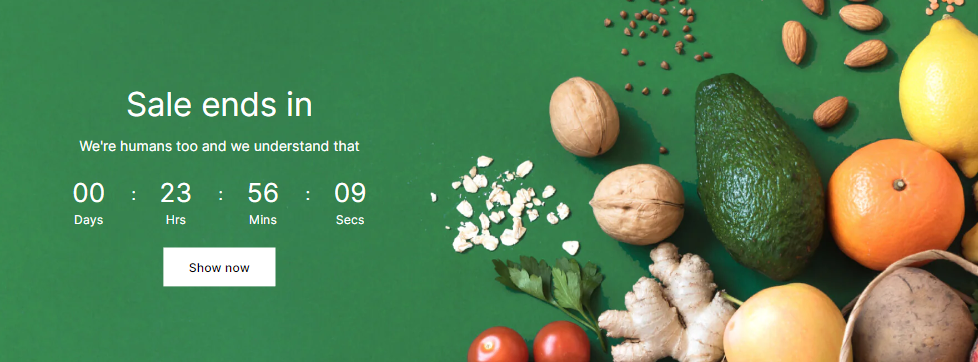
* Countdown: set the End time, Style, and Labels of the timer.
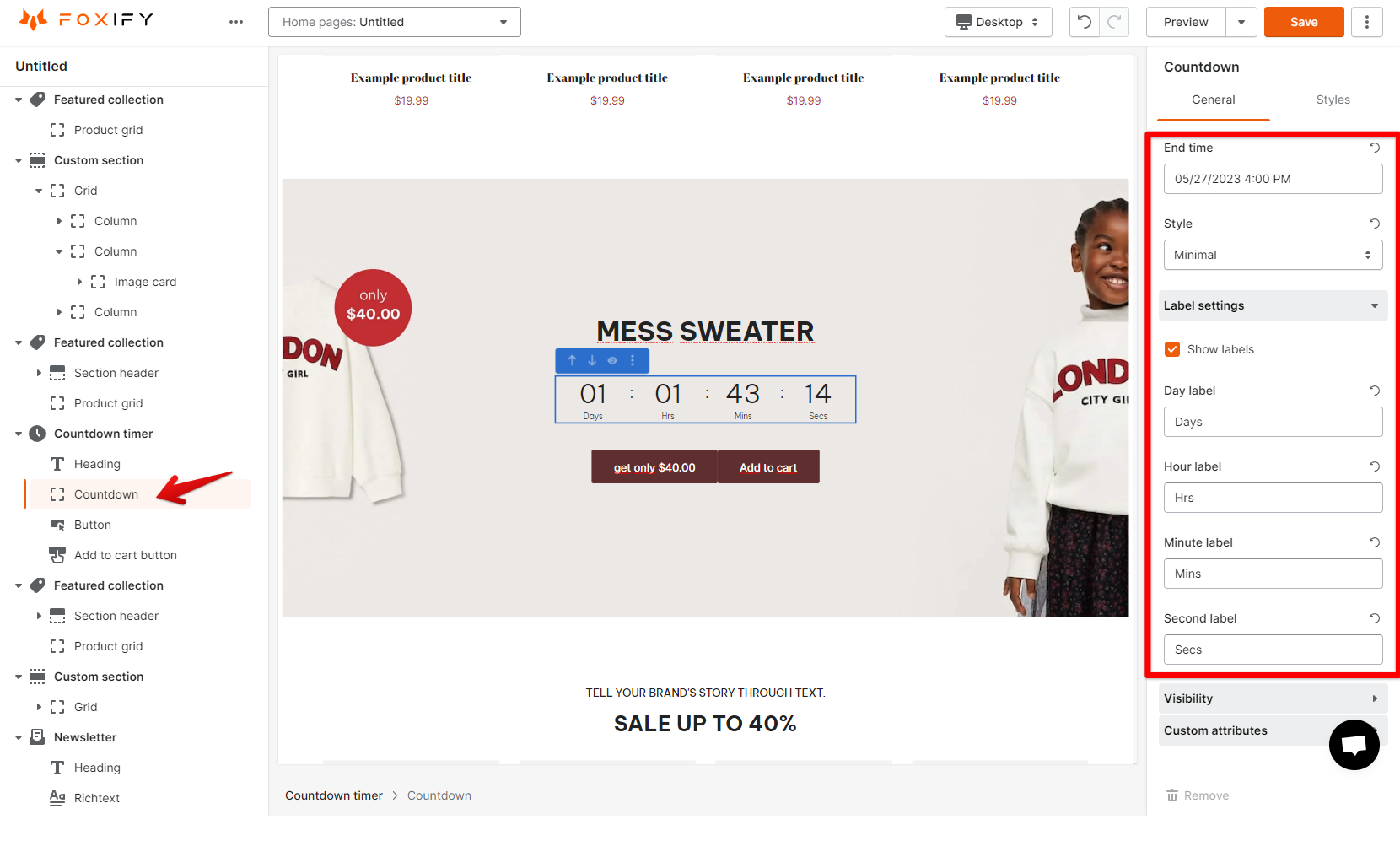
<figure><img src="https://1749964694-files.gitbook.io/~/files/v0/b/gitbook-x-prod.appspot.com/o/spaces%2FfgpgvtRaQLc36GYyIktZ%2Fuploads%2FvCrfW6j19eAVSBx69RvR%2Fimage.png?alt=media&#x26;token=2f3194ad-a7a8-4866-b59e-cdabf2a3e6c2" alt=""><figcaption></figcaption></figure>

Two countdown styles are: Minimal and Rich.

{% tabs %}
{% tab title="Minimal" %}

<figure><img src="https://1749964694-files.gitbook.io/~/files/v0/b/gitbook-x-prod.appspot.com/o/spaces%2FfgpgvtRaQLc36GYyIktZ%2Fuploads%2F3wHo7i6hzkJtUmJOnU3n%2Fimage.png?alt=media&#x26;token=677f3f3c-0886-4754-a9cd-55878b88bd65" alt=""><figcaption></figcaption></figure>
{% endtab %}

{% tab title="Rich" %}

<figure><img src="https://1749964694-files.gitbook.io/~/files/v0/b/gitbook-x-prod.appspot.com/o/spaces%2FfgpgvtRaQLc36GYyIktZ%2Fuploads%2FvSm5UjGJyzpO01E4qx11%2Fimage.png?alt=media&#x26;token=022648fe-83a1-41f9-b07e-0bb84ff50bac" alt=""><figcaption></figcaption></figure>
{% endtab %}
{% endtabs %}

{% tabs %}
{% tab title="Countdown with labels" %}

<figure><img src="https://1749964694-files.gitbook.io/~/files/v0/b/gitbook-x-prod.appspot.com/o/spaces%2FfgpgvtRaQLc36GYyIktZ%2Fuploads%2FqxQvqQCsoUUPmGO8z0bG%2Fimage.png?alt=media&#x26;token=285f194f-eb2c-4a24-a7b2-0b50299dfca9" alt=""><figcaption></figcaption></figure>
{% endtab %}

{% tab title="Countdown without labels" %}

<figure><img src="https://1749964694-files.gitbook.io/~/files/v0/b/gitbook-x-prod.appspot.com/o/spaces%2FfgpgvtRaQLc36GYyIktZ%2Fuploads%2FoLjUMMxQsVoSoiejTnNL%2Fimage.png?alt=media&#x26;token=1e927676-41b9-4368-95e9-a03534a3d8f3" alt=""><figcaption></figcaption></figure>
{% endtab %}
{% endtabs %}

* Text: add plain text for promotional messages or descriptions.
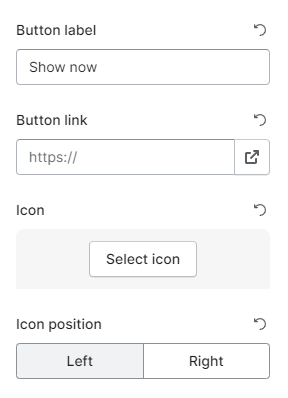
* Button: add a button that directs customers to your desired page.
* Add to cart button: to let customers add a product to their cart directly.
<figure><img src="https://1749964694-files.gitbook.io/~/files/v0/b/gitbook-x-prod.appspot.com/o/spaces%2FfgpgvtRaQLc36GYyIktZ%2Fuploads%2F4JAH3WyRByK6cLTQQcWc%2Fimage.png?alt=media&#x26;token=0c9b5a36-dbc0-421a-ba4a-36cccda7e9b6" alt=""><figcaption></figcaption></figure>