
Build your store pages
Design a page that builds trust
3 min read
Sections that build trust
Testimonials or reviews
Foxify has a dedicated Testimonials element built for this: image, quote, author name, bio, and avatar per item, with 6 layout designs and an optional carousel/side-scroll for multiple testimonials. See how to add and customize element Testimonials.

Press or "as featured in"

Trust badges and guarantees
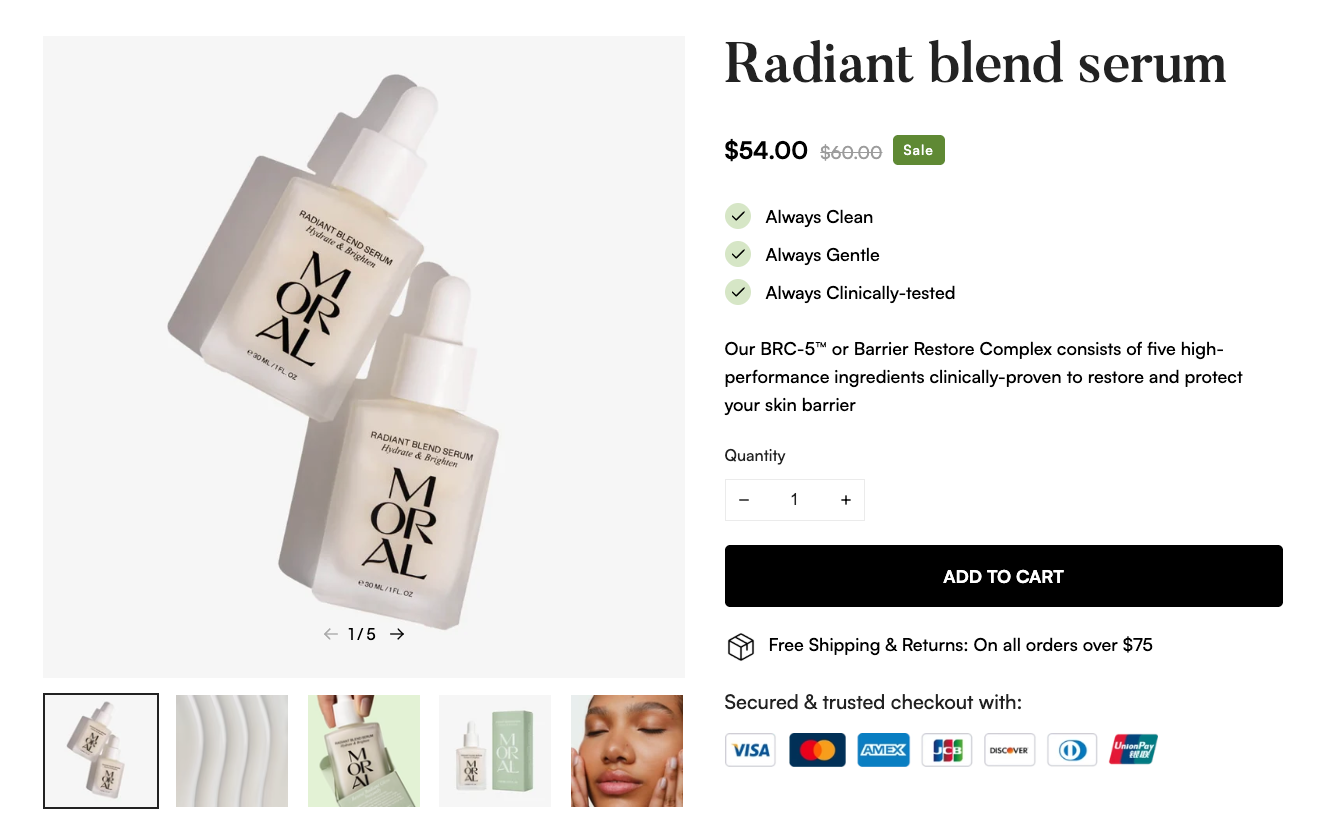
Payment icons, security badges, and guarantee labels (money-back, free returns, secure checkout) reduce purchase anxiety, especially near checkout. Add these through the Image element (upload your own badge or icons image), or through an integration like SEOAnt - Trust Badges & Icon for ready-made, auto-updating icon sets.
FAQ or objection handling
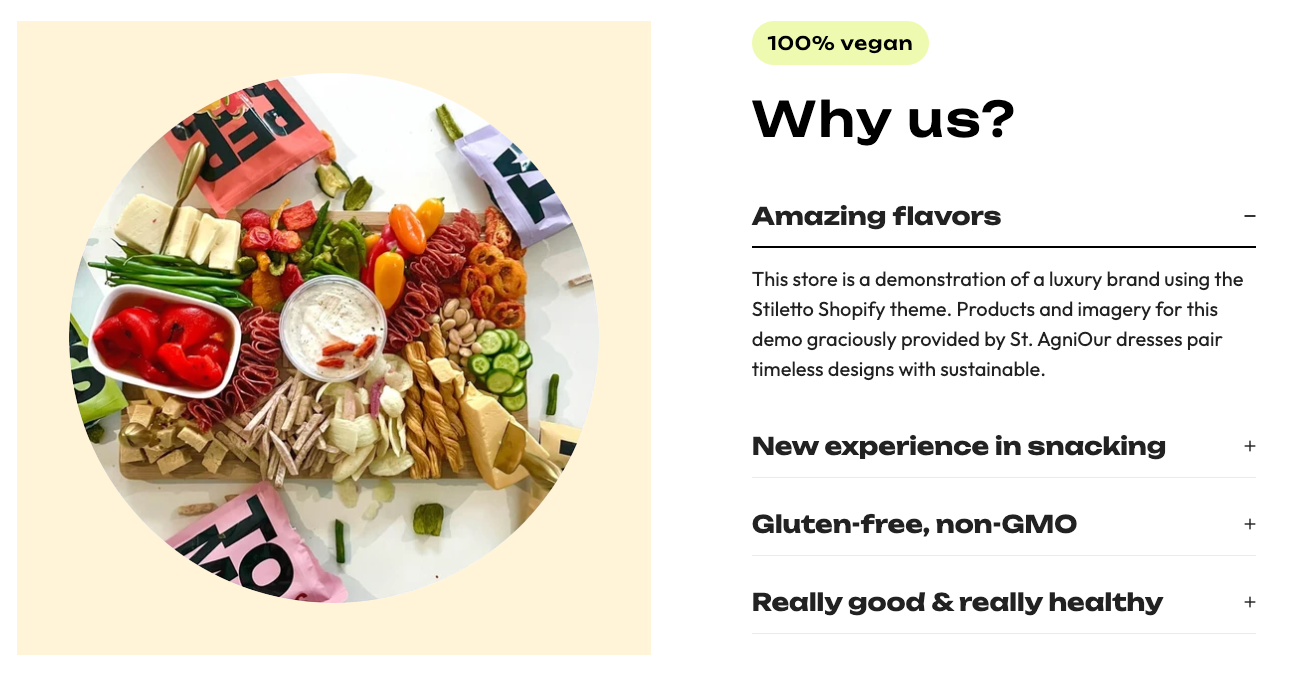
Answering common concerns (shipping time, returns, sizing) upfront removes friction before it becomes a reason to bounce. Use a Collapsible content or Tabs element to keep this compact.
Social proof numbers
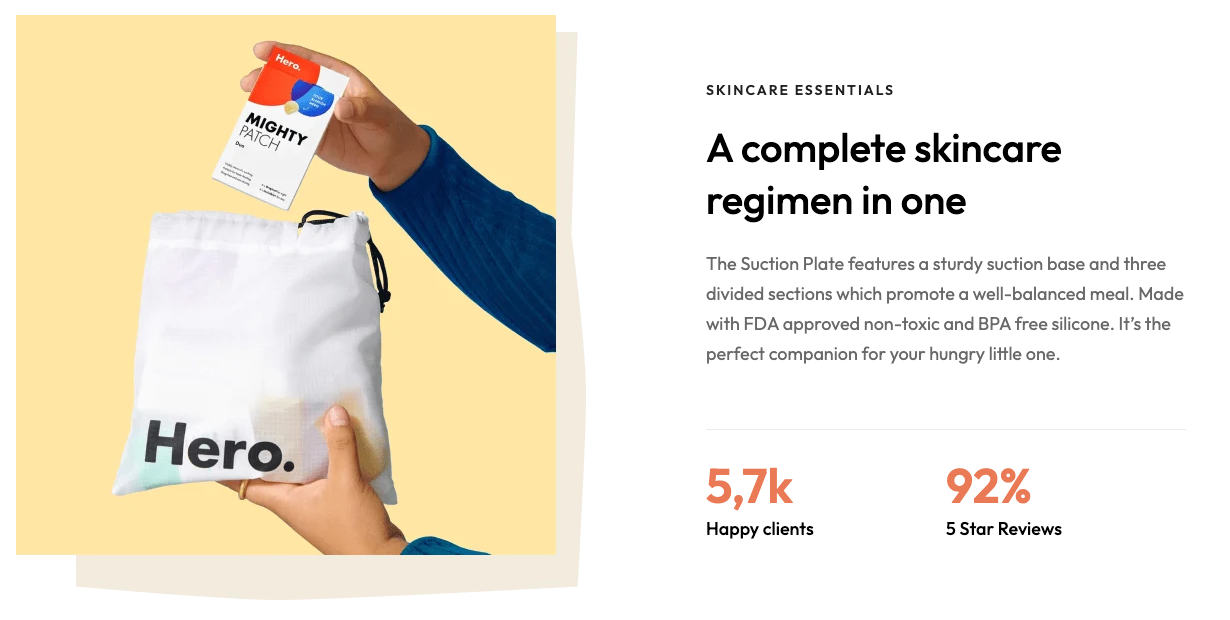
Simple stats — customers served, 5-star reviews, orders shipped — build credibility fast. Combine a Text and Stack element to lay these out as a short, scannable row.
About us or founder story
A page or section introducing who's behind the store adds a human, transparent layer of trust that's hard to fake. Pair an Image with a Text element for a simple founder-story block.

Bring in reviews automatically
- Judge.me Product Reviews — star ratings, photo/video reviews, generous free plan
- Yotpo ‑ Product Reviews — AI-powered review widgets
- Rivyo Product Reviews — star ratings, photo/video reviews, and Q&A
- Loox Product Reviews — visual, photo-first reviews
FAQs
Related articles
Last updated