A store where every page uses a slightly different blue, heading size, or button style feels less trustworthy — even if each page looks fine on its own. Foxify has tools built for this at every level, from brand-wide design tokens down to whole-page templates: set it once, then reuse it everywhere instead of restyling each page by hand.
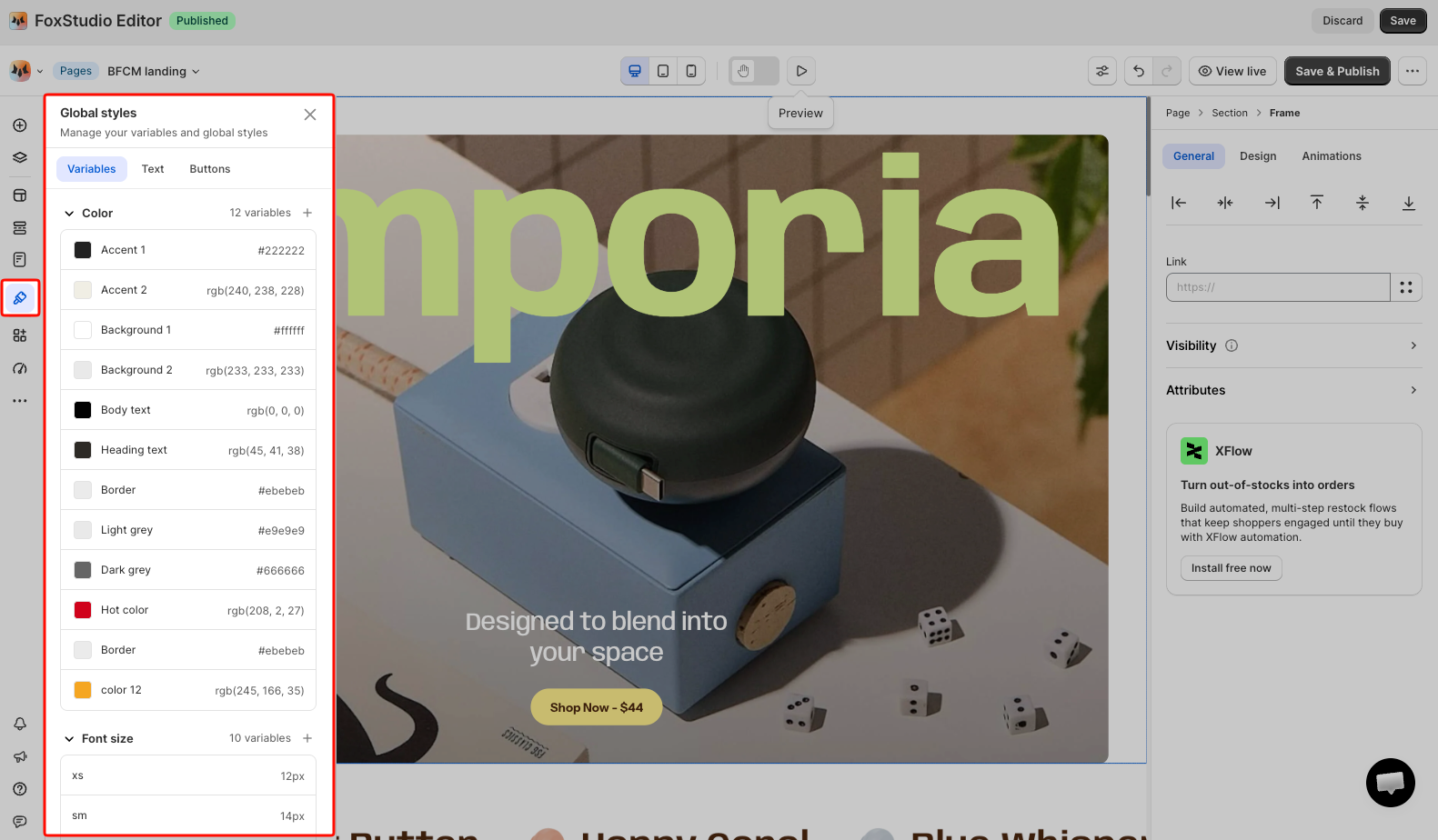
Set your brand's colors, font sizes, borders, and spacing once as reusable Variables, plus predefined Text styles and Button styles. Any change here automatically applies everywhere that style is used — no manual rework across pages.
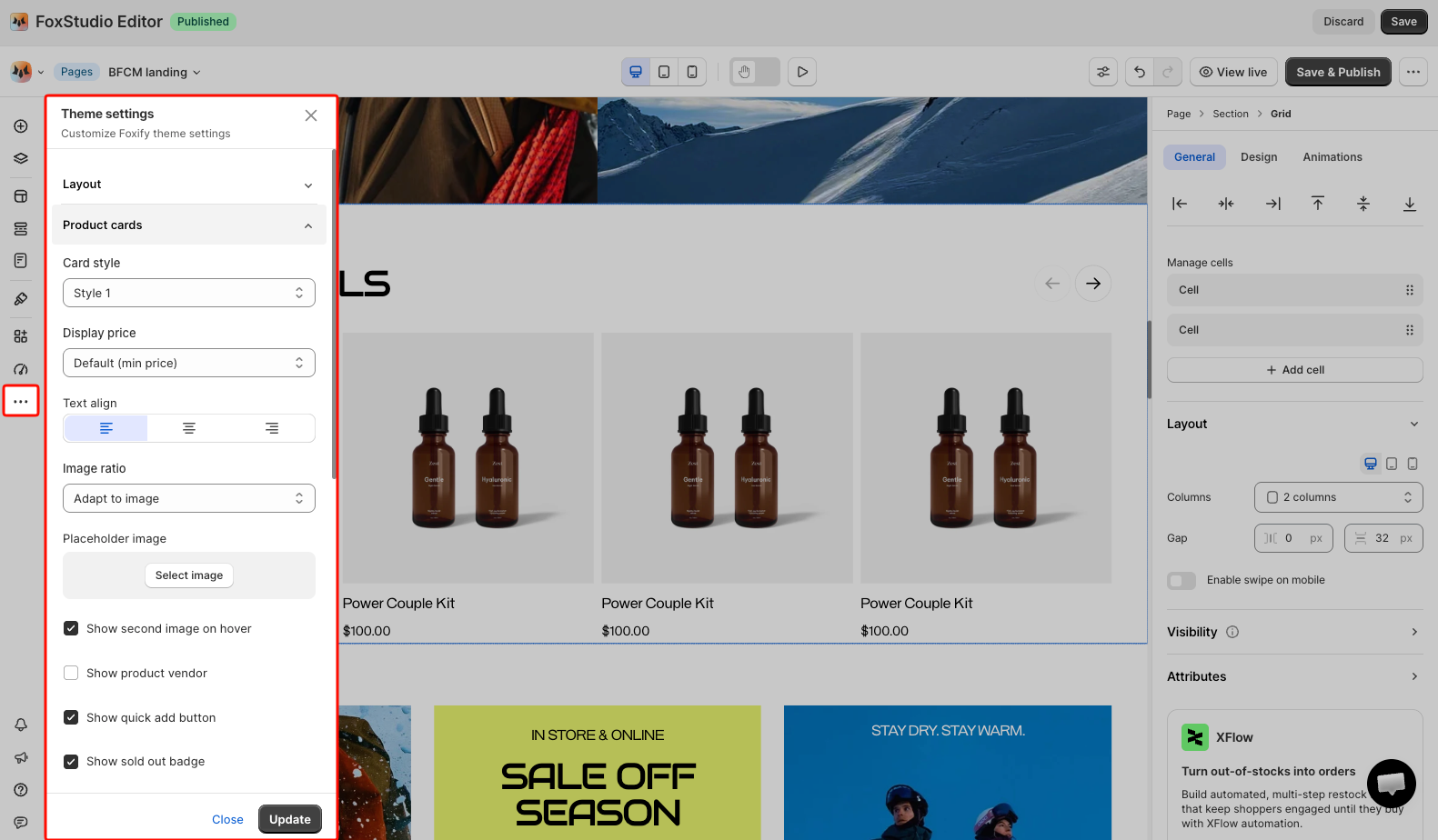
Controls the look of recurring, store-wide elements — Product cards, Collection cards, Article cards, variant picker, and currency format — so every product grid and card looks the same without setting each one individually.
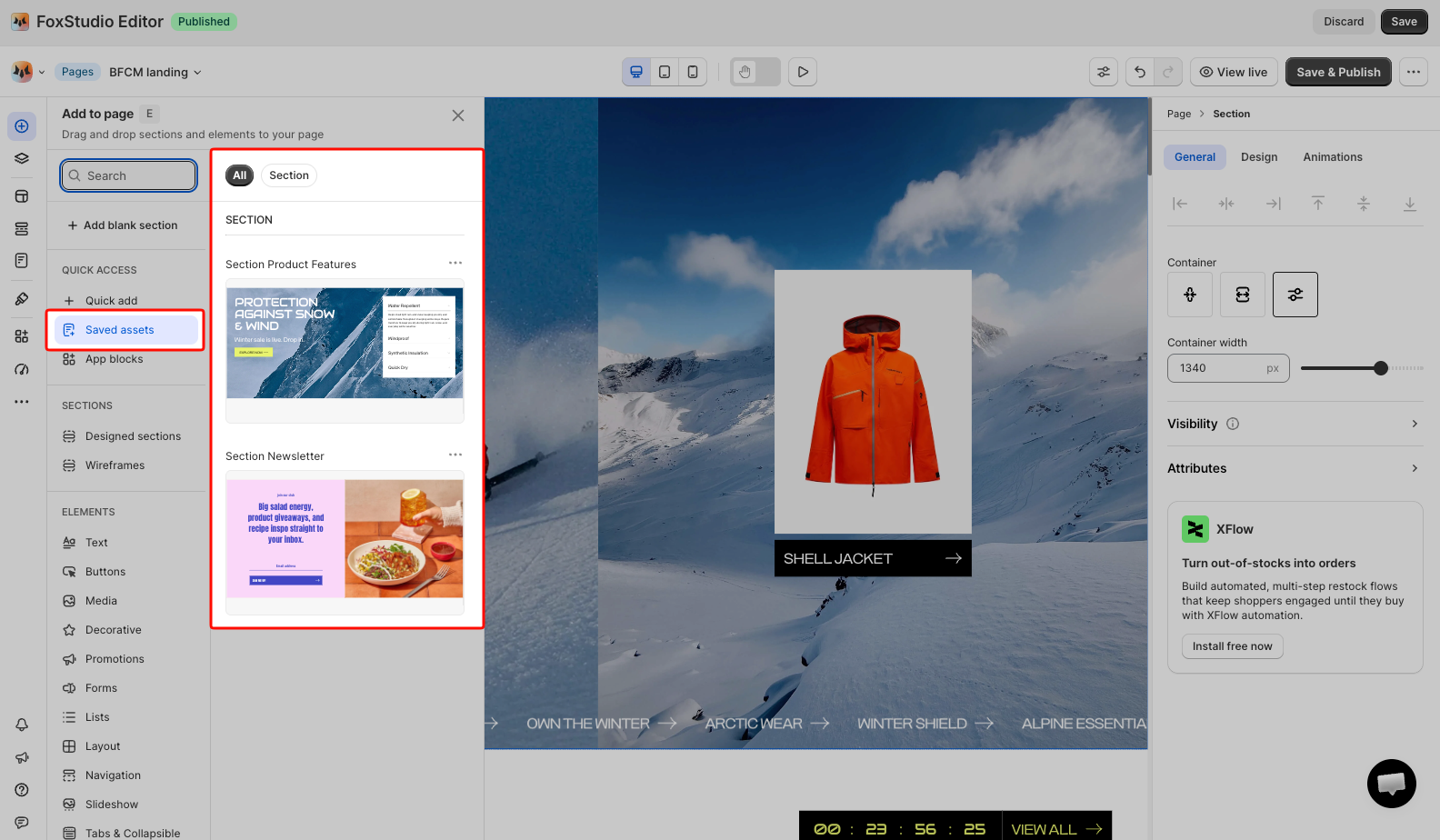
Save any element or section you've built and reuse it on any page by dragging it in from Add elements > Saved assets. Useful for things like a recurring CTA block, banner, or custom-built section you don't want to rebuild slightly differently each time.
The number you can save depends on your Foxify plan. Learn more: Save and re-use Assets.
Set up Global styles and Theme settings before you start building individual pages. Retrofitting consistency after several pages are already built means going back and manually updating each one.
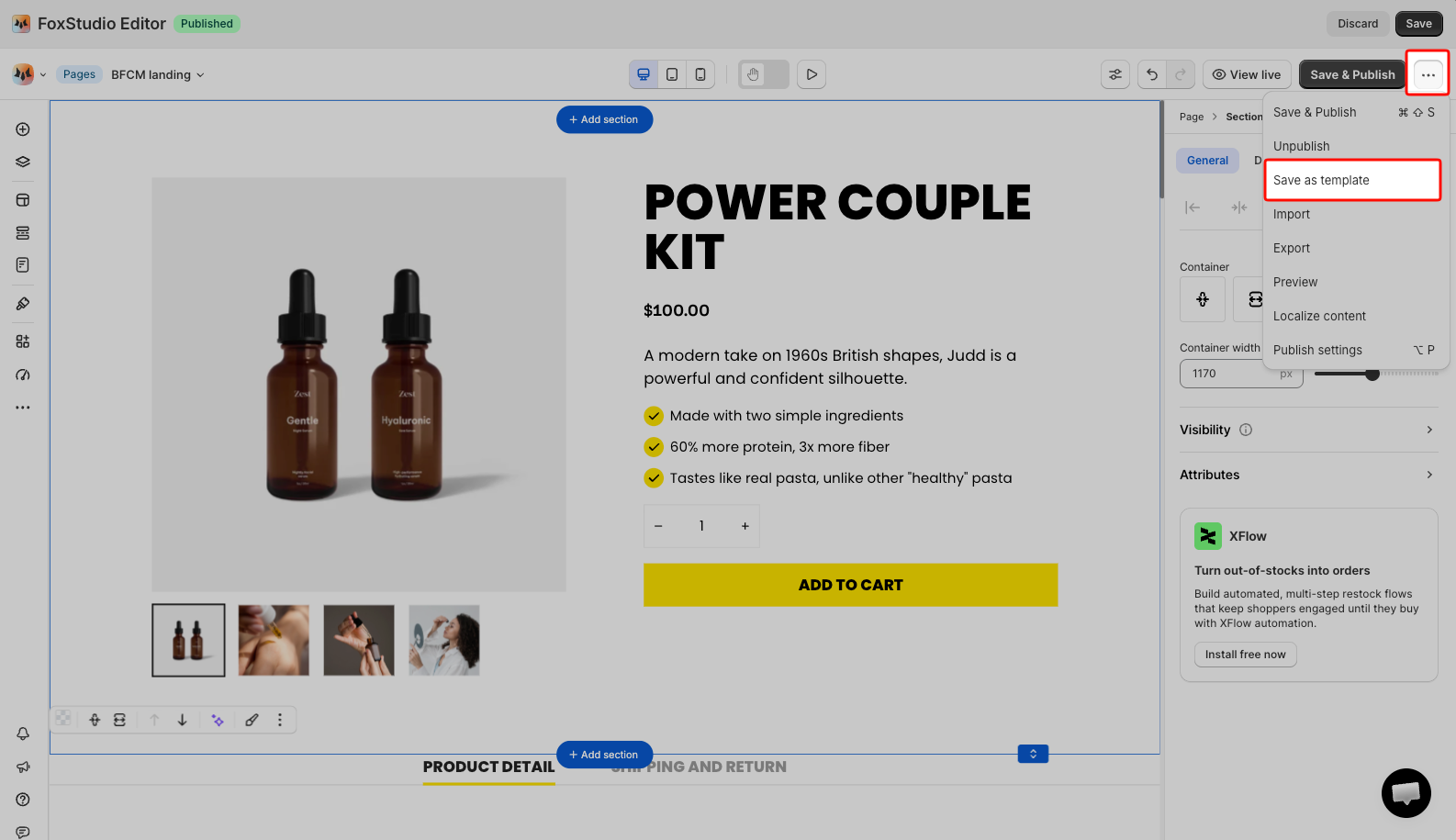
Use Saved assets for reusable pieces, and Save as template once you have a full page layout worth repeating.
If I change a Global style later, does it update pages I've already built? Yes — any change to a Variable, Text style, or Button style automatically applies everywhere that style is already used.
If I edit a Saved asset, does it update everywhere I've already used it?
No. Treat a Saved asset as a reusable starting point you drag onto a page, not necessarily a live-linked instance that syncs after you edit the original.
Can I use my own brand font? Yes — upload a custom font, then reference it in your Text styles under Global styles so every heading and body text element uses it consistently.