The Quick View feature provides users with quick access to product information with smooth animation. It saves time and gives a much more intuitive shopping experience.
Let's learn how to enable Quick View for your Foxify templates.
Step 1: From your Foxify Dashboard, go to App extensions.
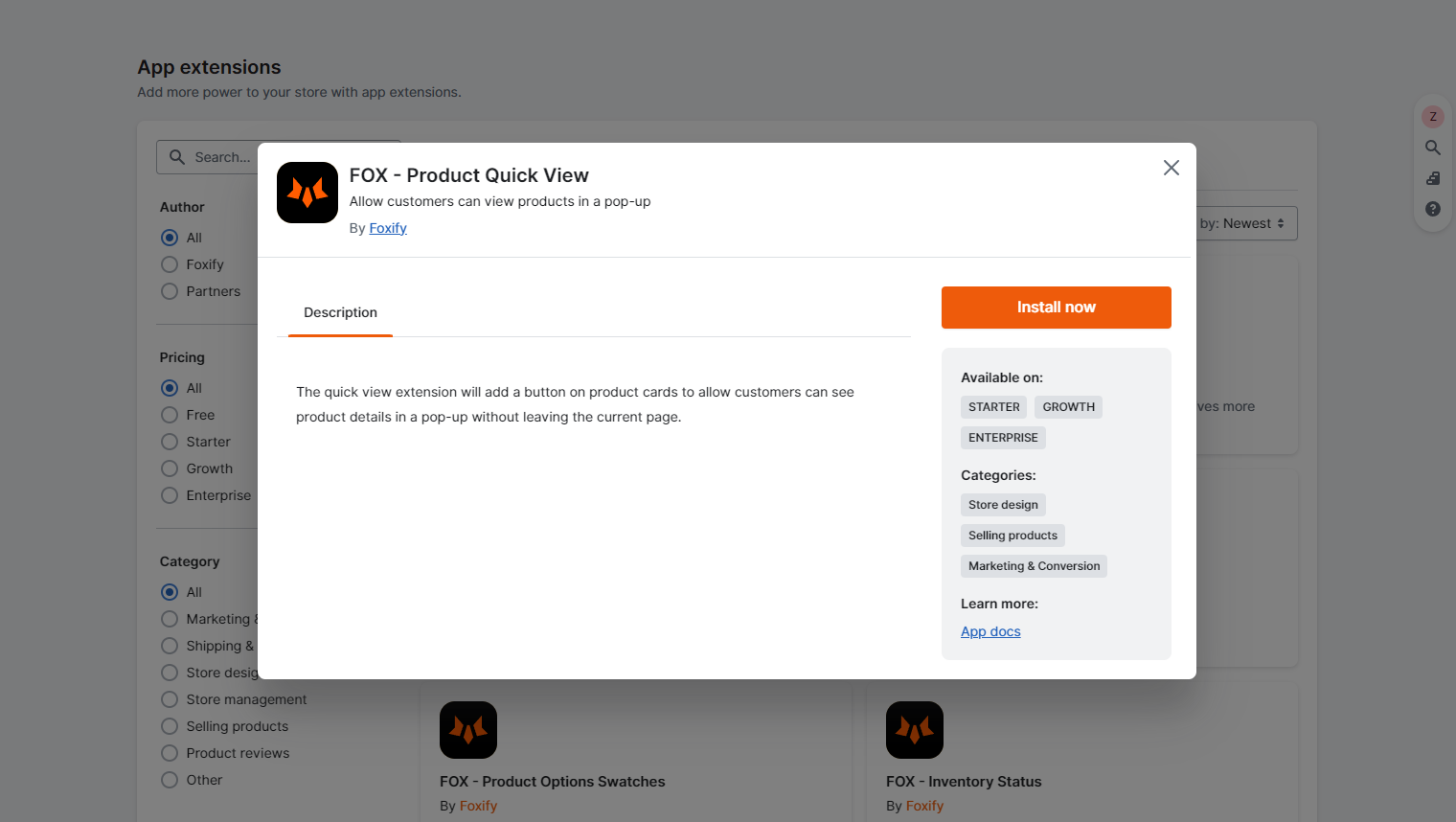
Step 2: In the extensions list, select Product Quick View by Foxify.
Step 3: In the popup modal, click Install extension.
Step 4: Once you've installed the extension, click on it again, and select Enable product quick view > Update.
Now Product Quick View has already been activated for your templates!
 Foxify App