# 1.2.0
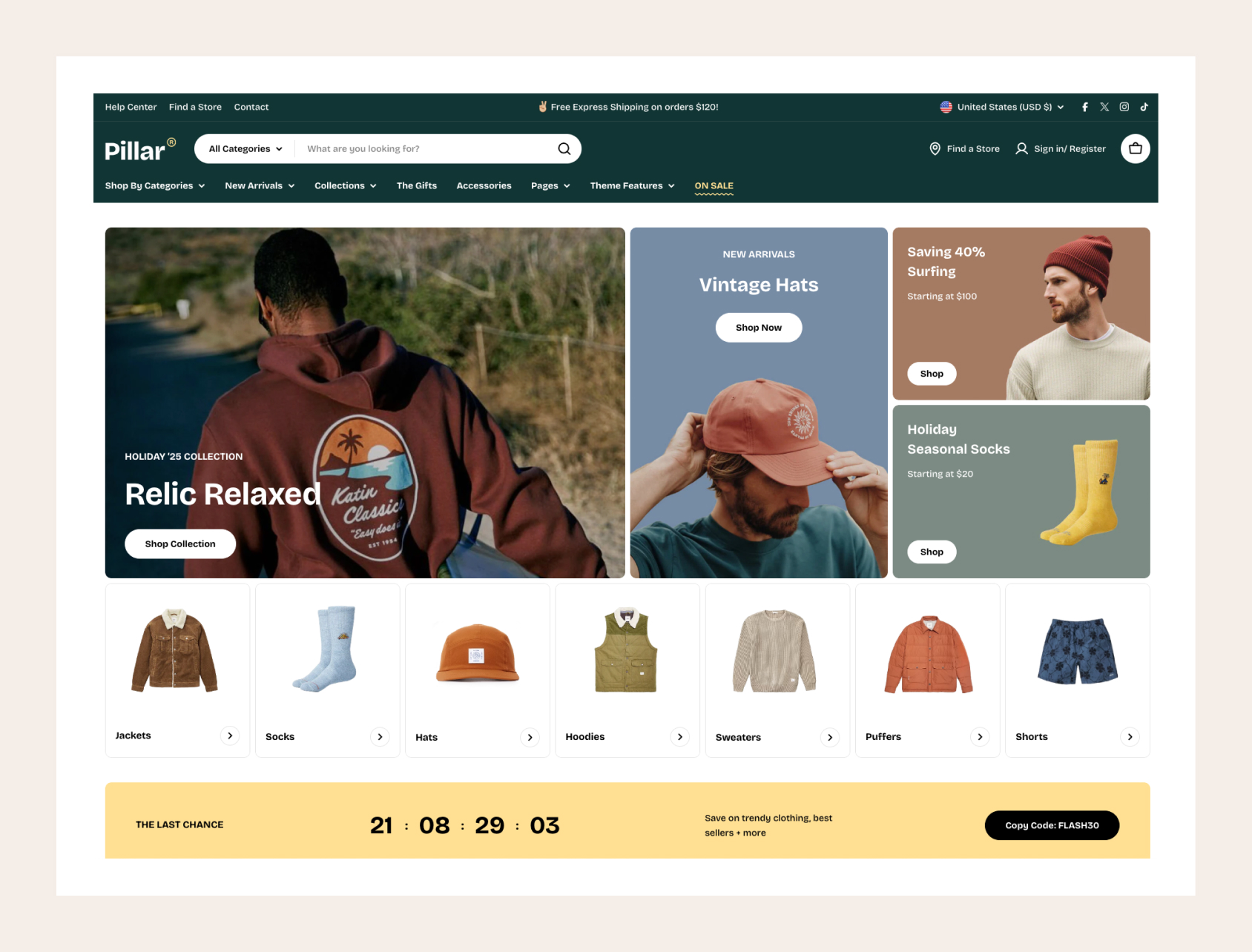
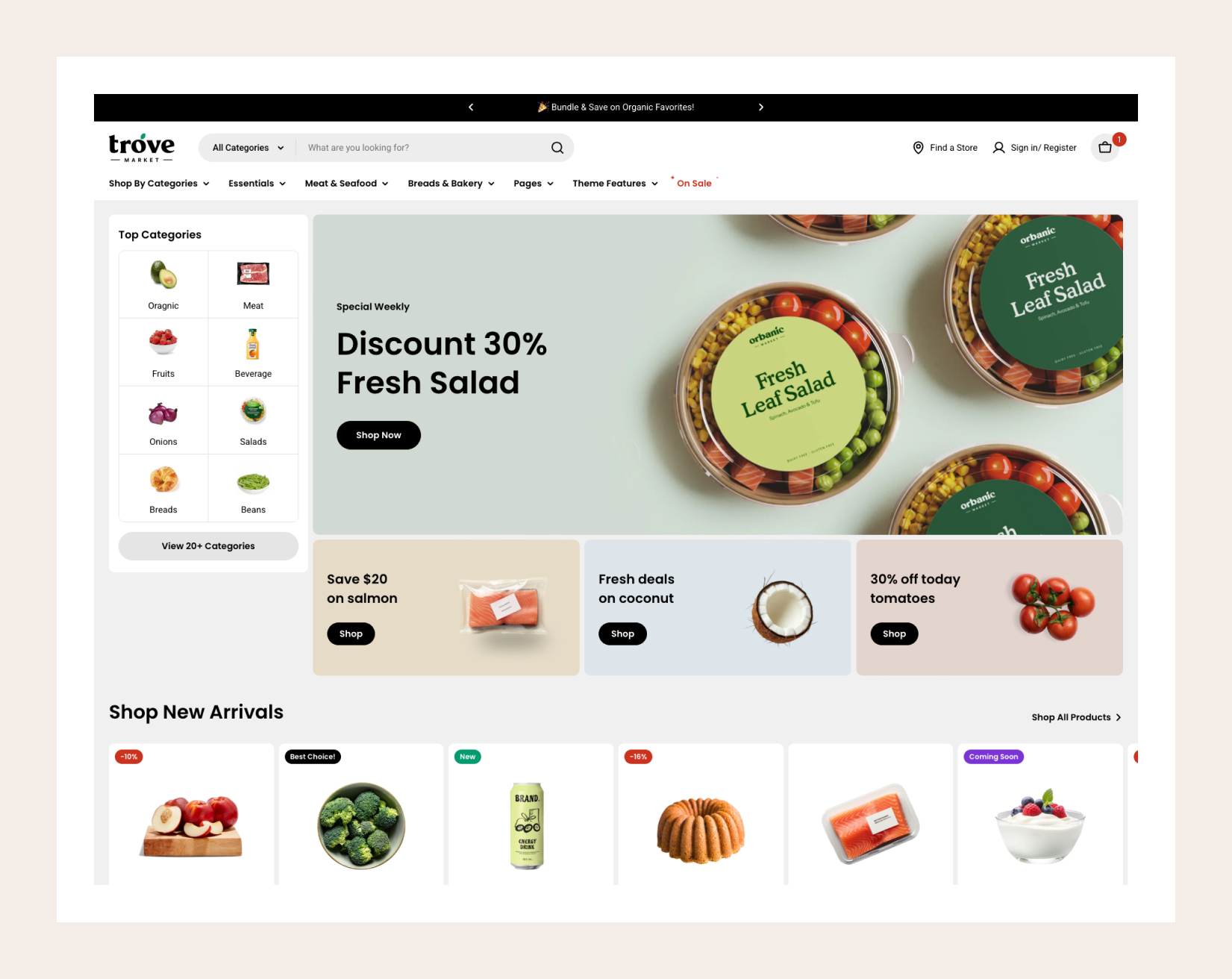
***We're thrilled to introduce two new preset demos: [Pillar](https://hyper-pillar.myshopify.com/) and [Trove](https://hyper-trove.myshopify.com/).
In this version, we also introduce new sections and blocks, increasing the diversity and customization of the interface. We have also fixed several issues***
## Adds
- New theme presets: [Pillar](https://themes.shopify.com/themes/hyper/styles/pillar/preview) & [Trove](https://themes.shopify.com/themes/hyper/styles/trove/preview)
Pillar
Trove
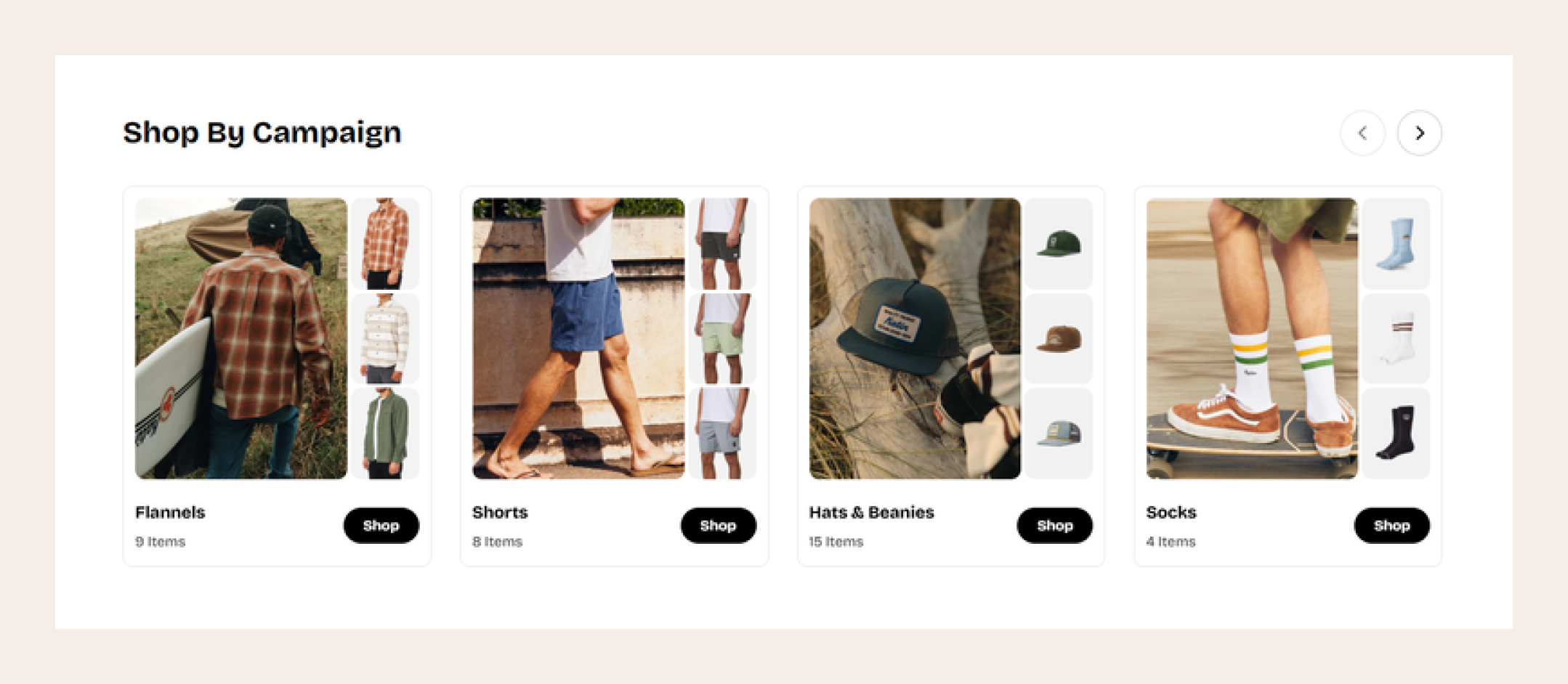
- New section: [Collection cards](https://docs.foxecom.com/hyper-theme/theme-sections/collection-cards)
Collection cards
- New section: [Featured products tab](https://docs.foxecom.com/hyper-theme/theme-sections/featured-products-tab)
Featured products tab
- New section: [Slideshow with product](https://docs.foxecom.com/hyper-theme/theme-sections/slideshow-with-product)
Slideshow with product
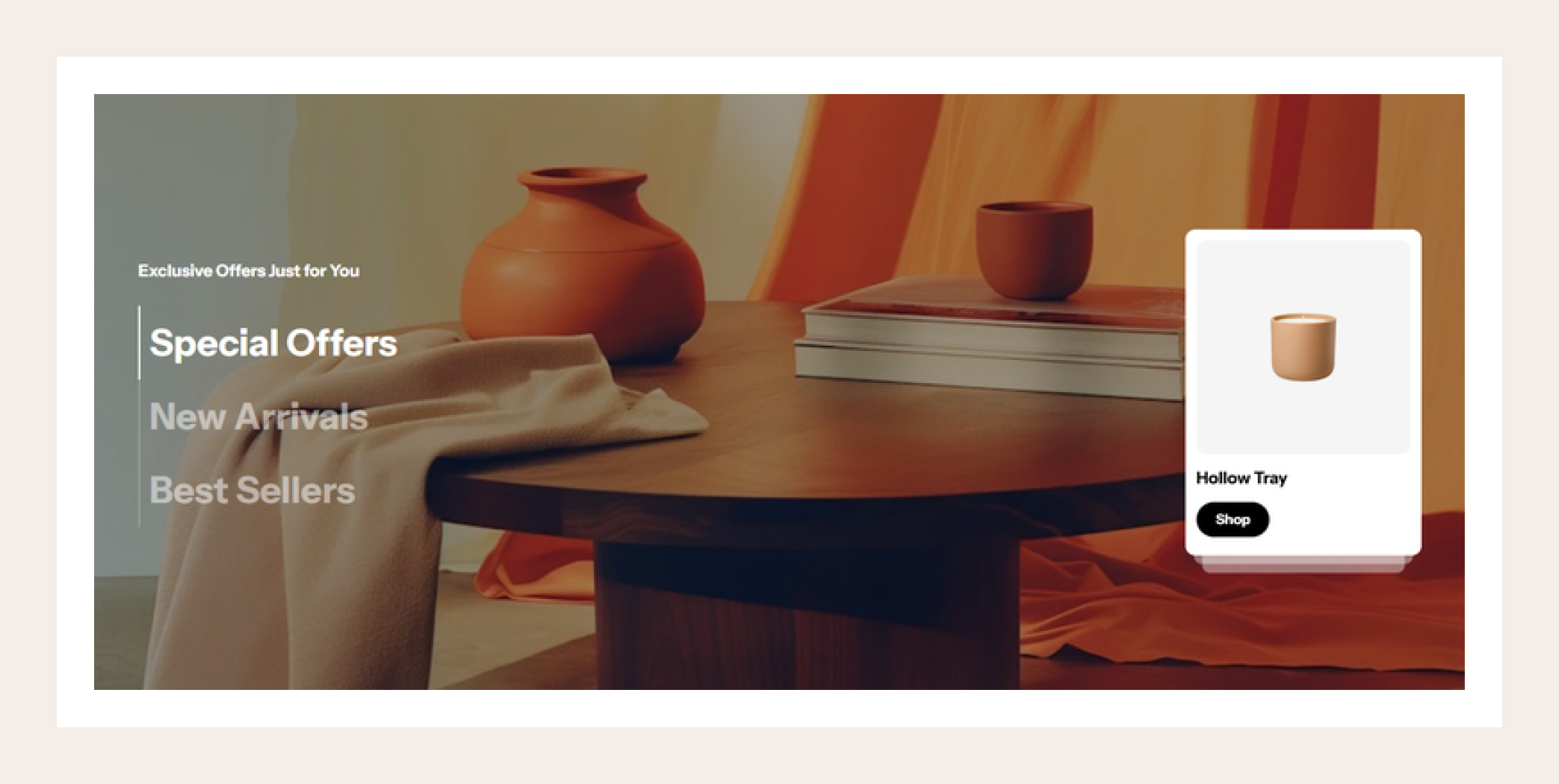
- New section: [Banner with tabs](https://docs.foxecom.com/hyper-theme/theme-sections/banner-with-tabs)
Banner with tabs
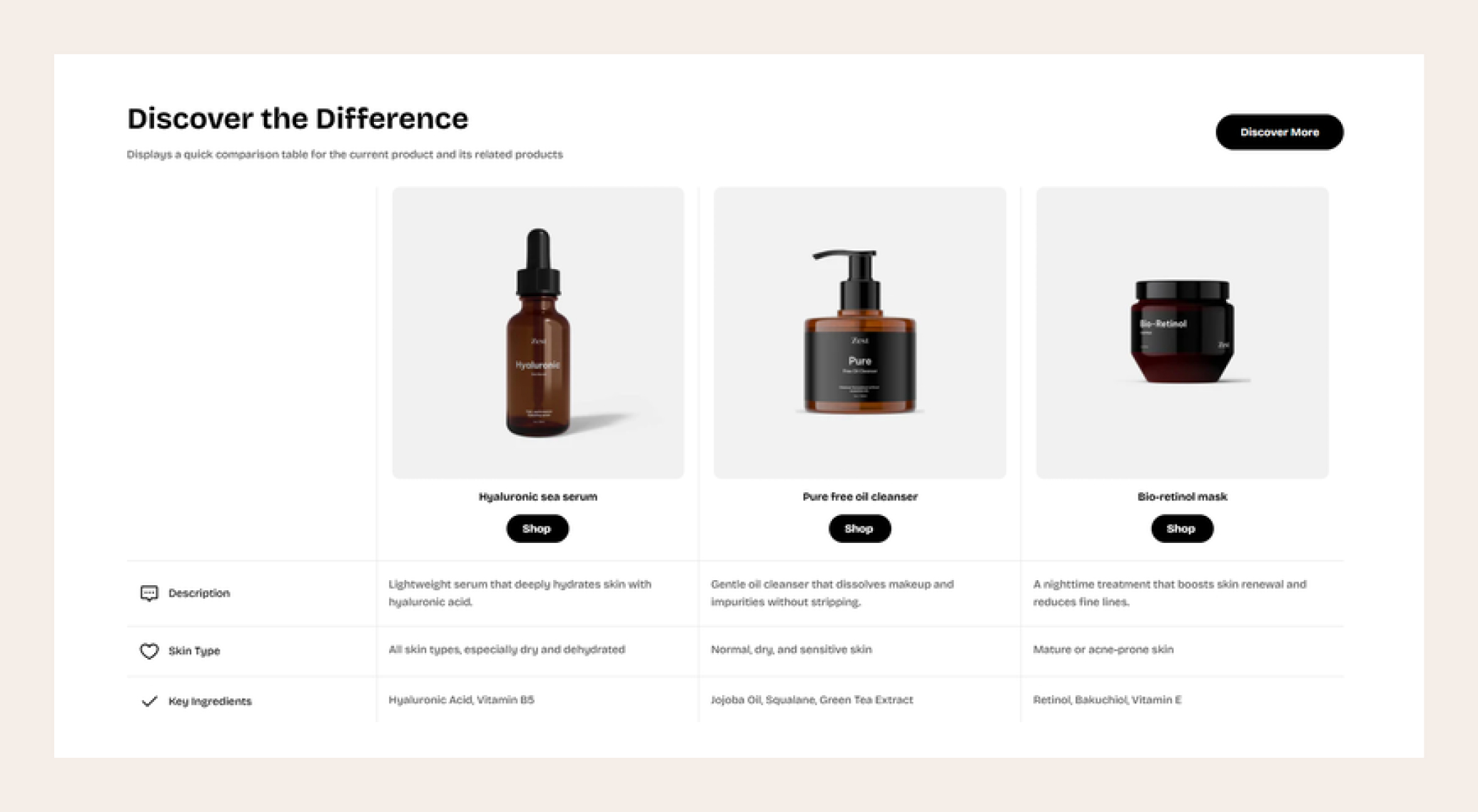
- New section: [Comparison table](https://docs.foxecom.com/hyper-theme/theme-sections/comparison-table)
Comparison table
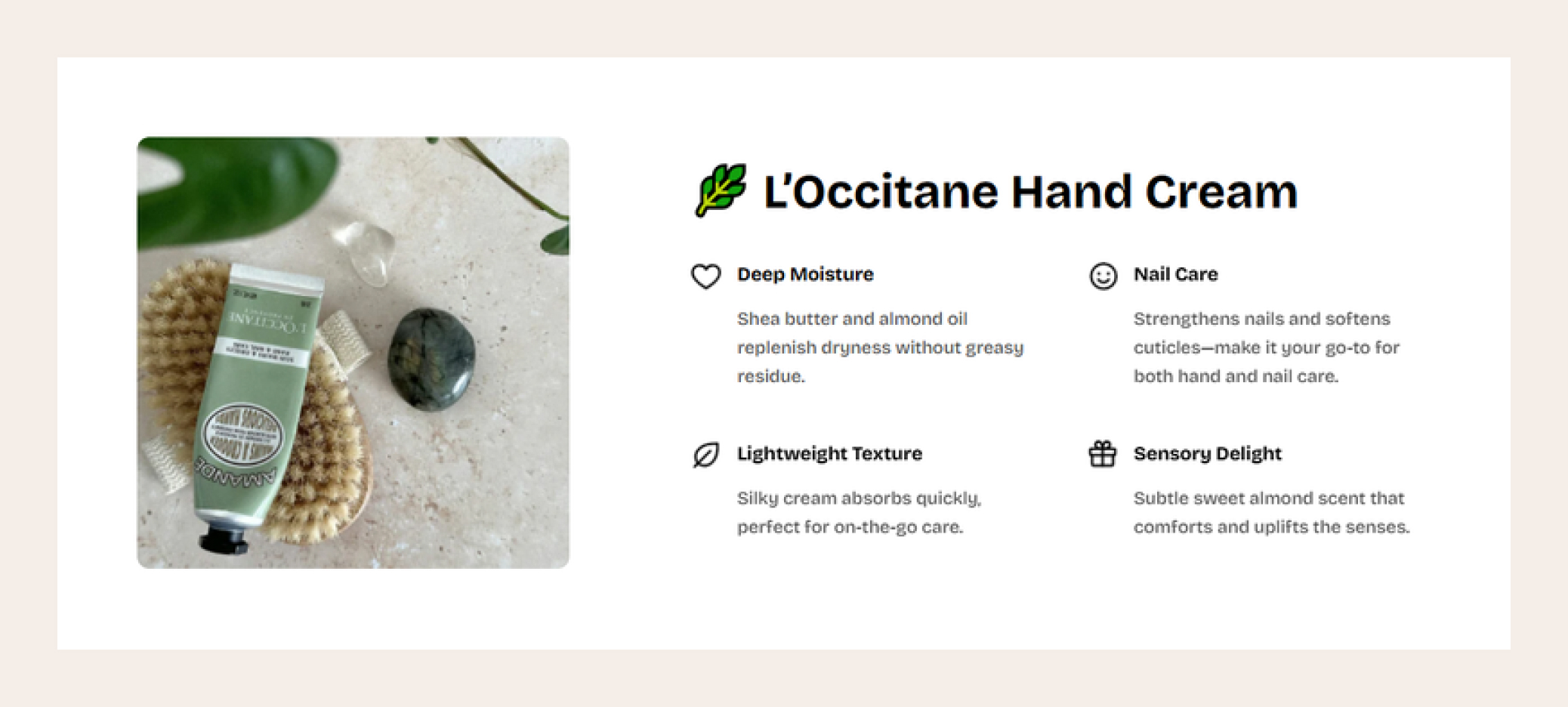
- New section: [Image with feature](https://docs.foxecom.com/hyper-theme/theme-sections/image-with-feature)
Image with feature
- New section: [Layered images with text](https://docs.foxecom.com/hyper-theme/theme-sections/layered-images-with-text)
Layered images with text
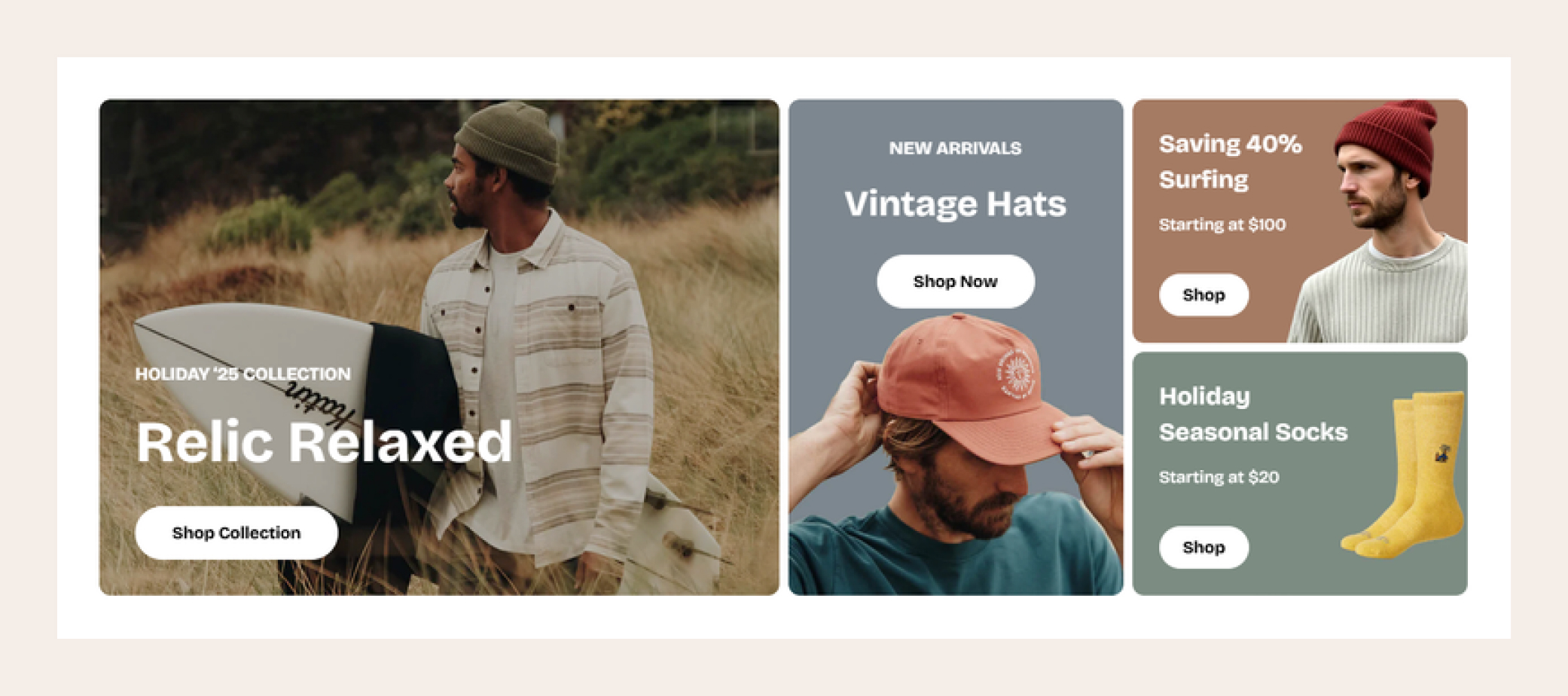
- New section: [Grid banner](https://docs.foxecom.com/hyper-theme/theme-sections/grid-banner)
Grid banner
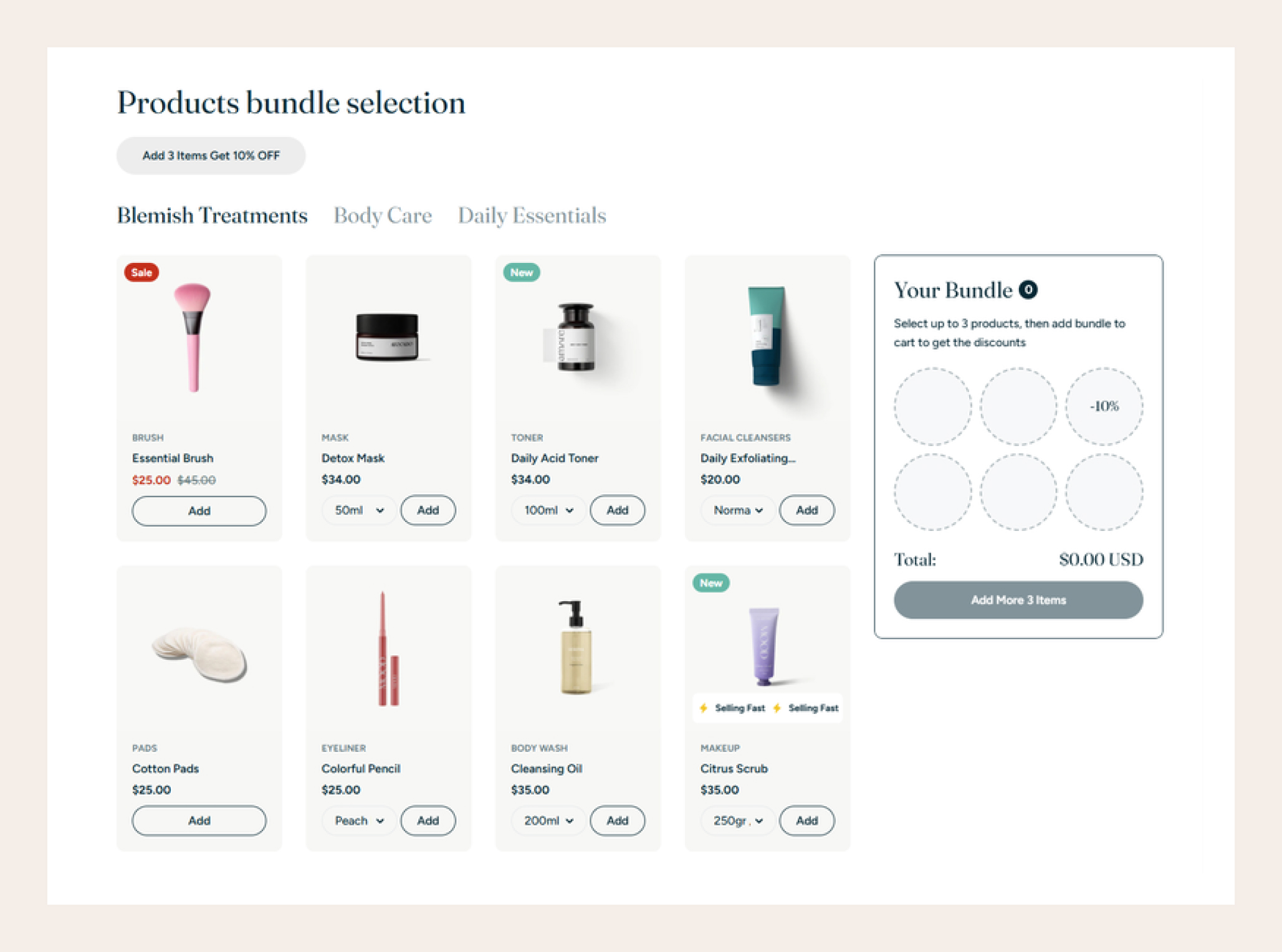
- New section: [Products bundle selection](https://docs.foxecom.com/hyper-theme/theme-sections/products-bundle-selection)
Products bundle selection
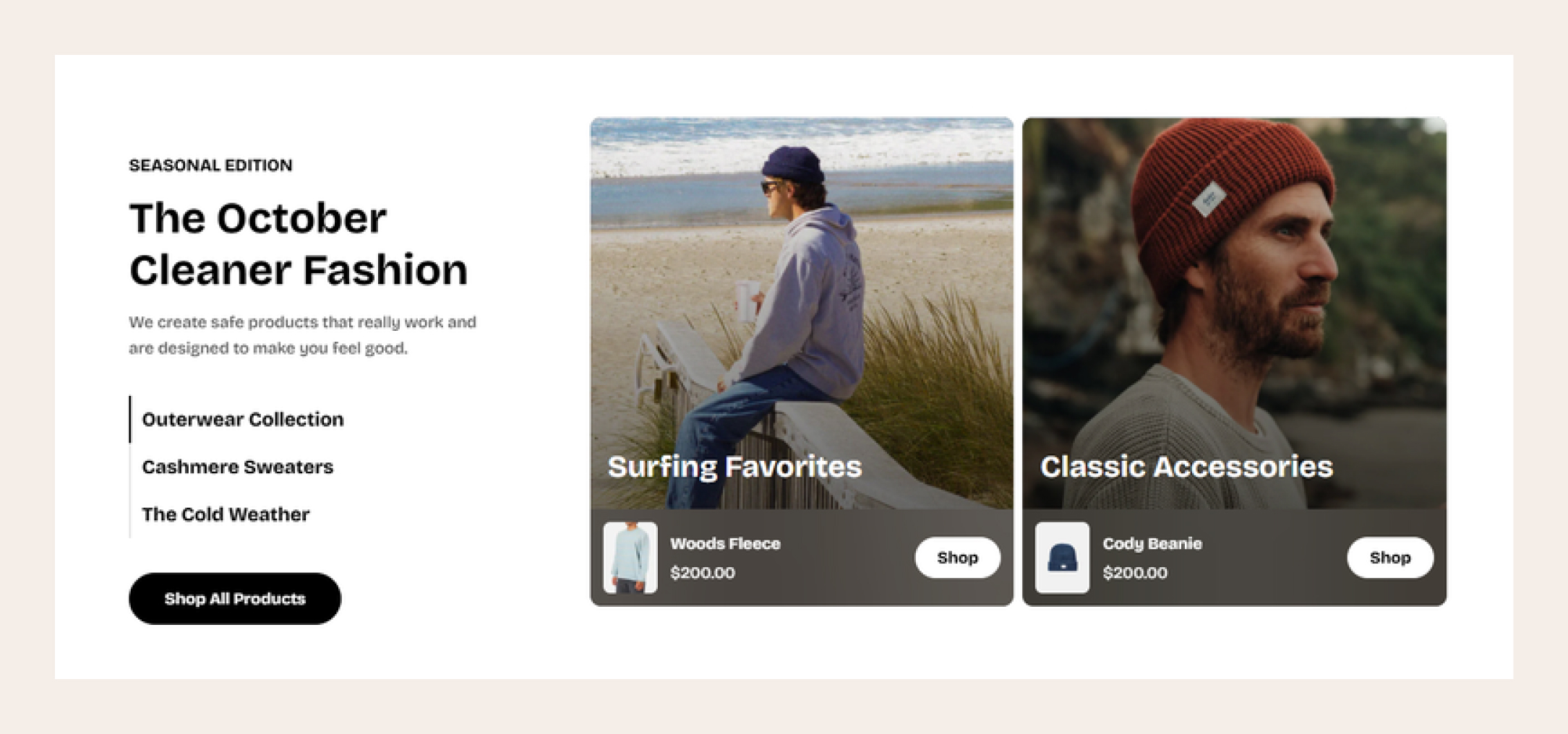
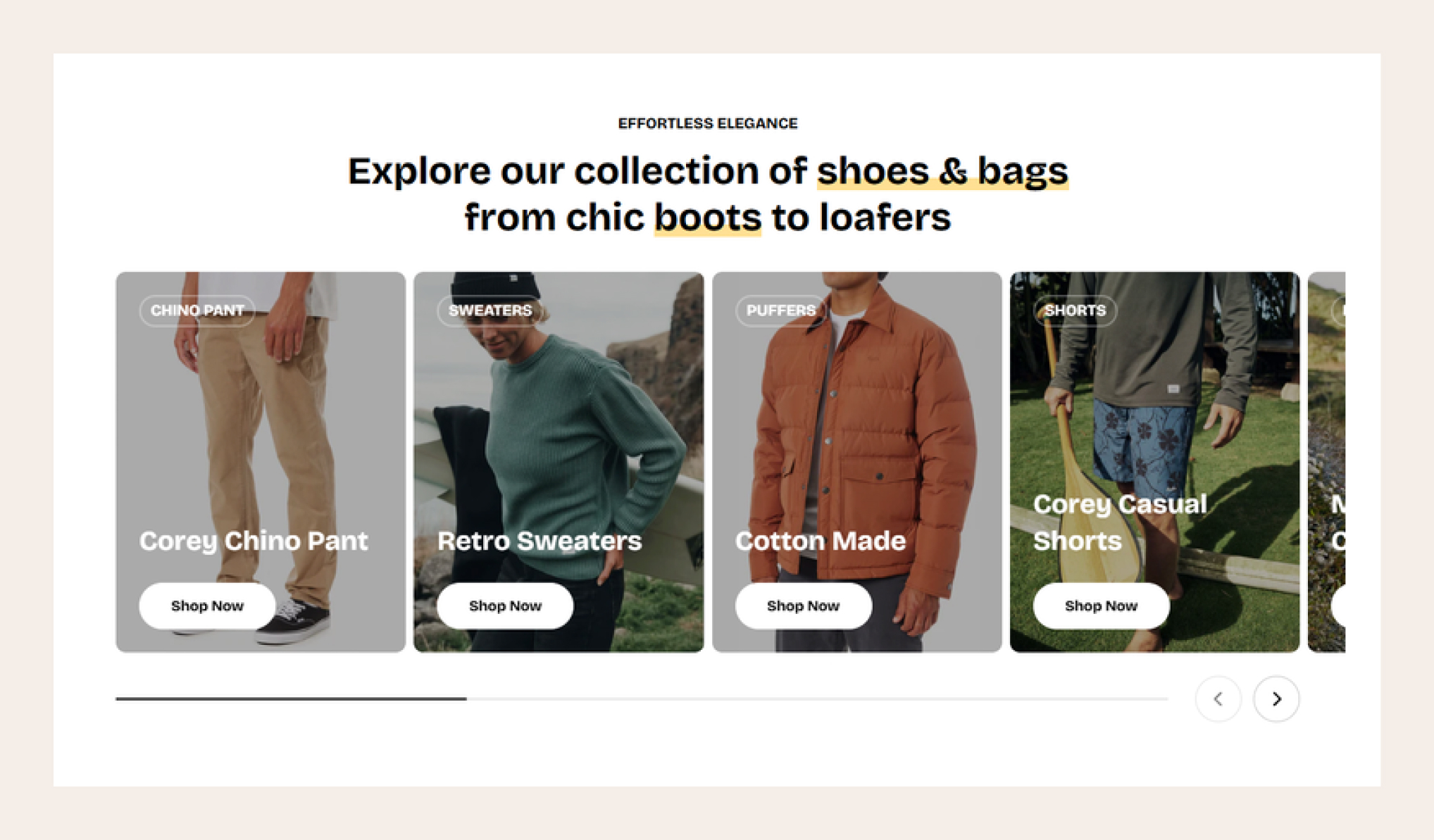
- New section: [Image cards](https://docs.foxecom.com/hyper-theme/theme-sections/image-cards)
Image cards
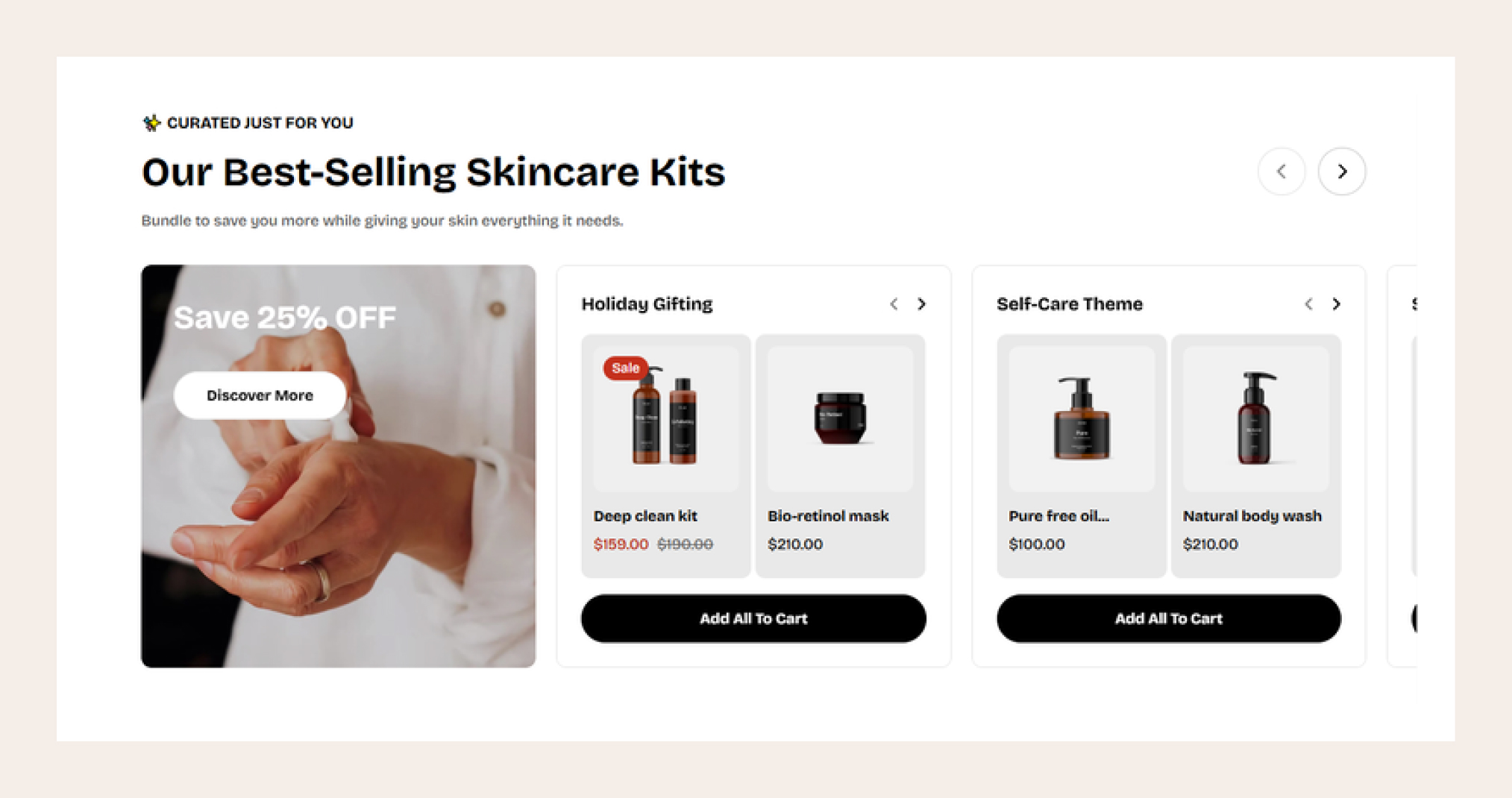
- New section: [Multiple product bundles](https://docs.foxecom.com/hyper-theme/theme-sections/multiple-product-bundles)
Multiple product bundles
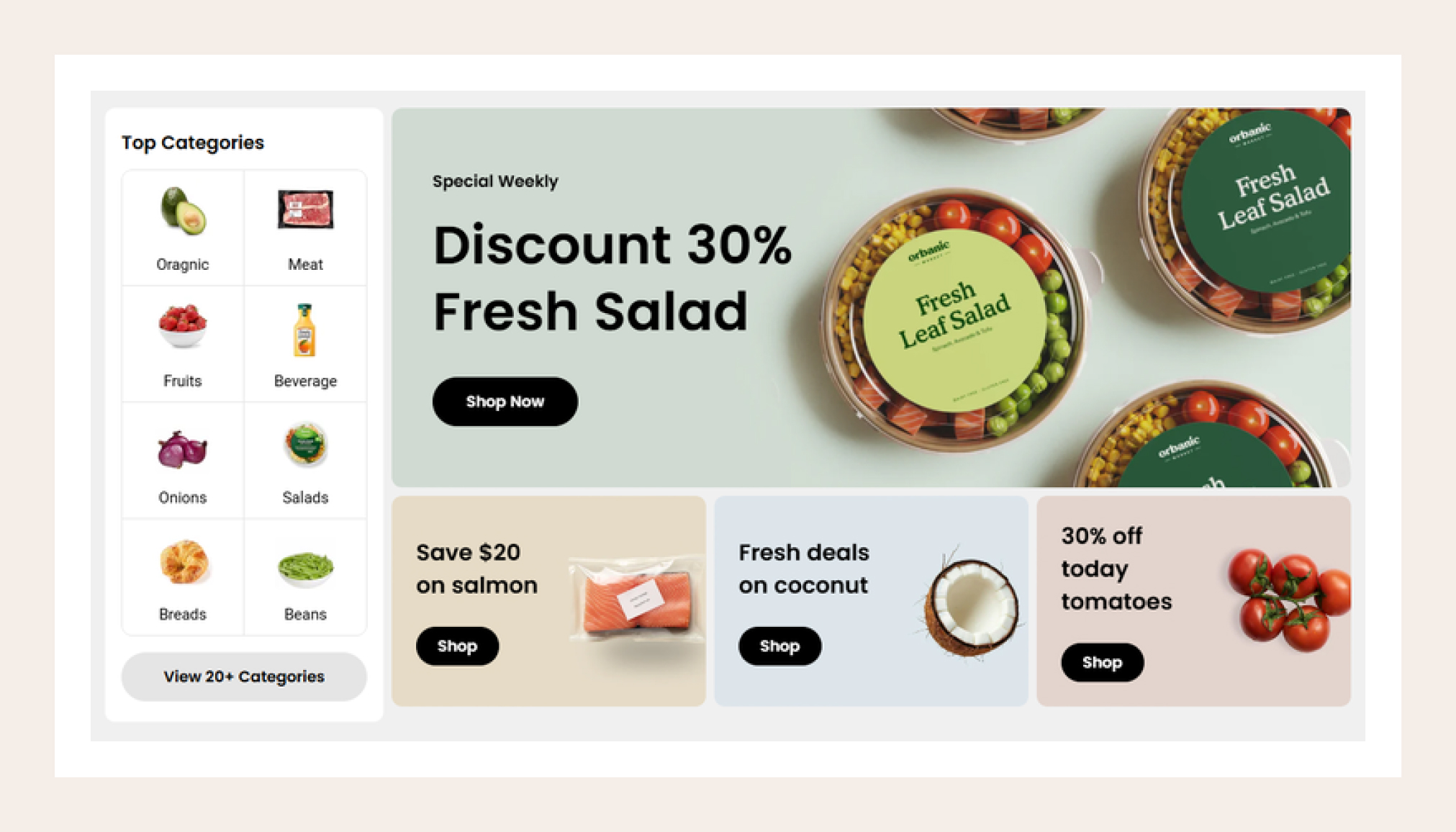
- New section: [Banner with categories](https://docs.foxecom.com/hyper-theme/theme-sections/banner-with-categories)
Banner with categories
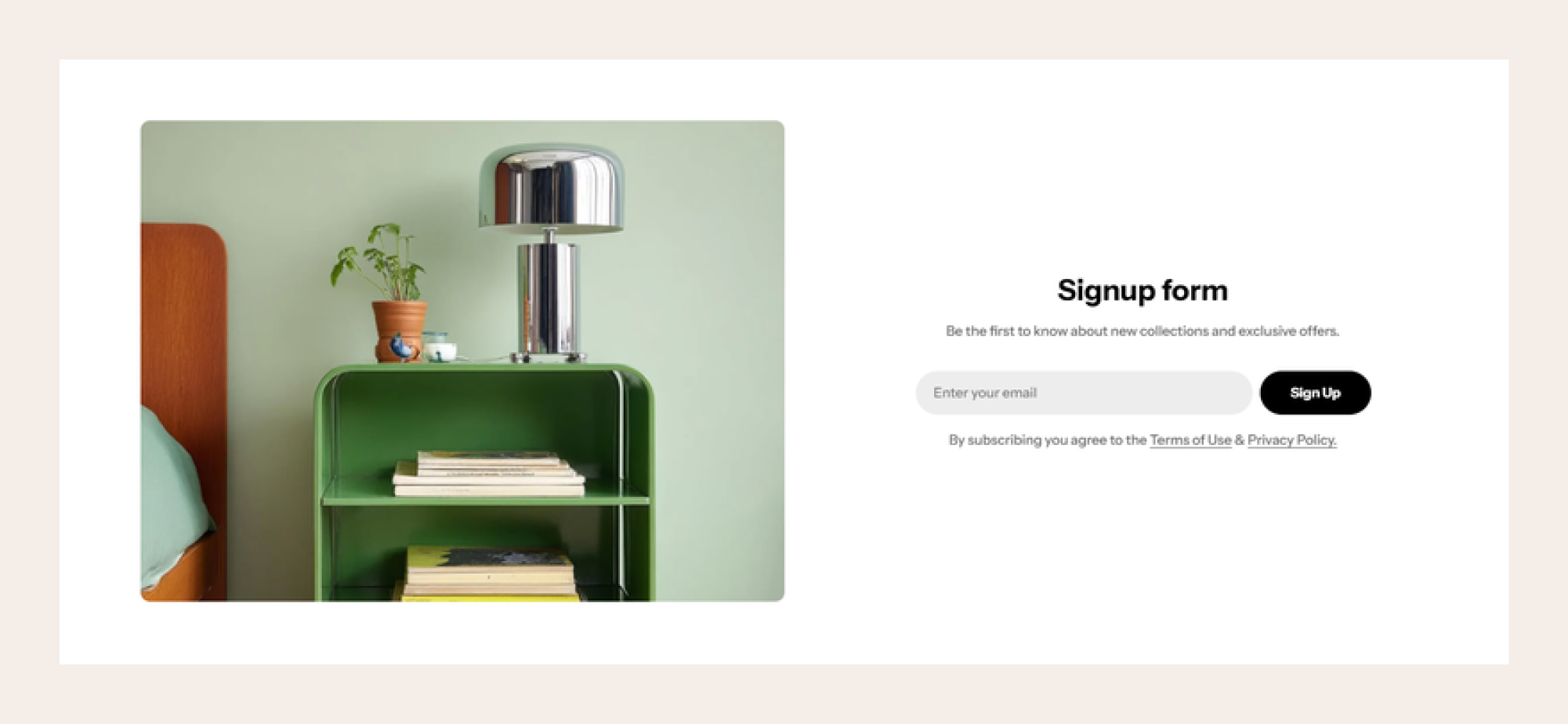
- New block: Image for section [Email signup](https://docs.foxecom.com/hyper-theme/theme-sections/email-signup#block-settings)
Image block for section Email signup
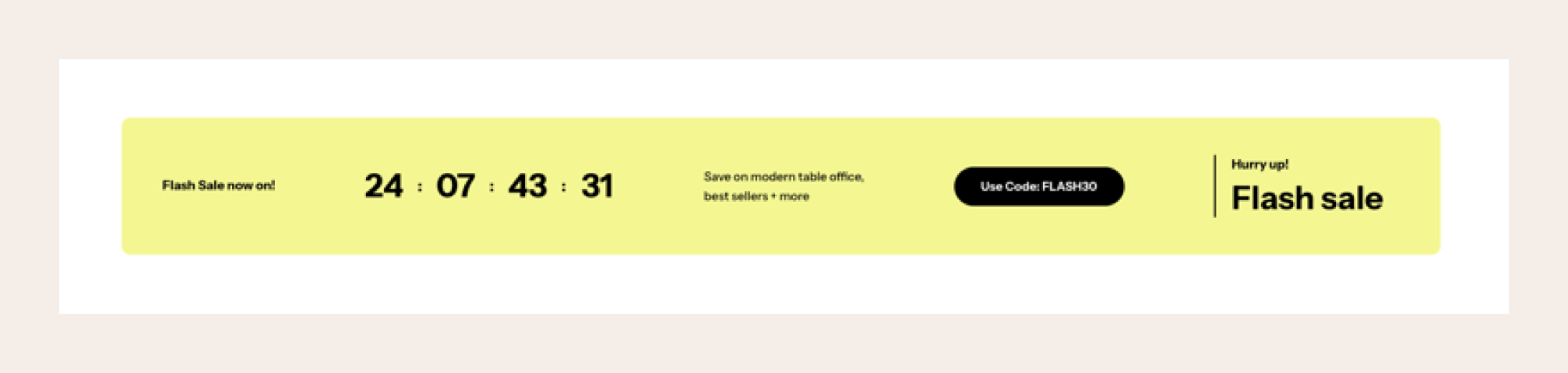
- New block: Group heading for section [Promotion banner](https://docs.foxecom.com/hyper-theme/theme-sections/promotion-banner)
Group heading block for section Promotion banner
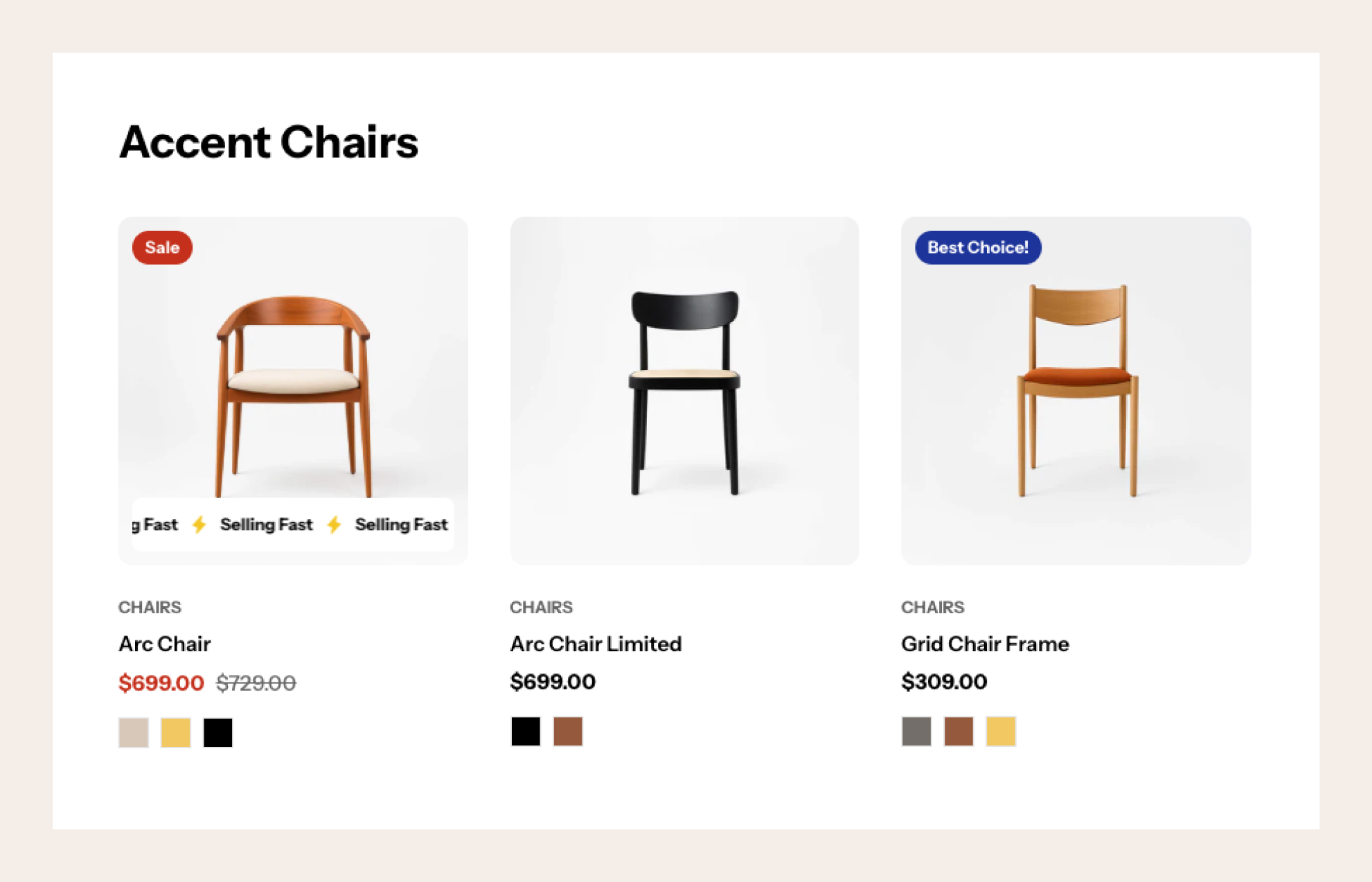
- New block: [Collections](https://docs.foxecom.com/hyper-theme/theme-sections/custom-content#collections) for section Custom content
Collections block for section Custom content
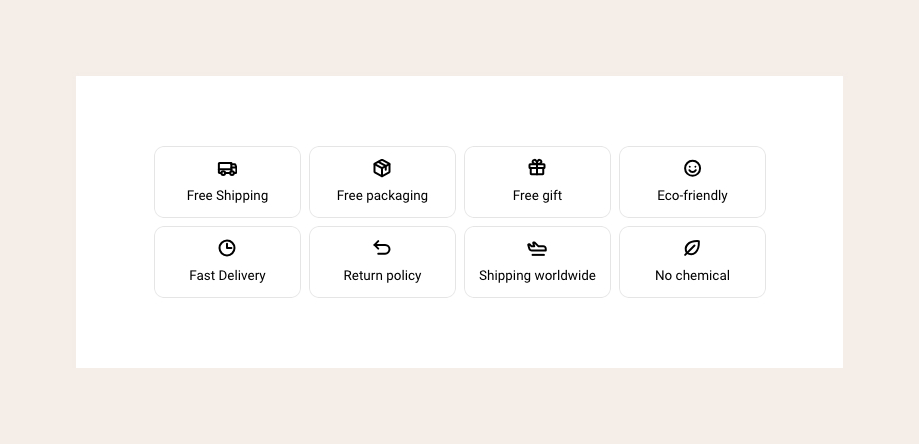
- New block: Grid icon box for section [Product information](https://docs.foxecom.com/hyper-theme/collections-and-products/product-page/product-information)
Grid icon box for section Product information
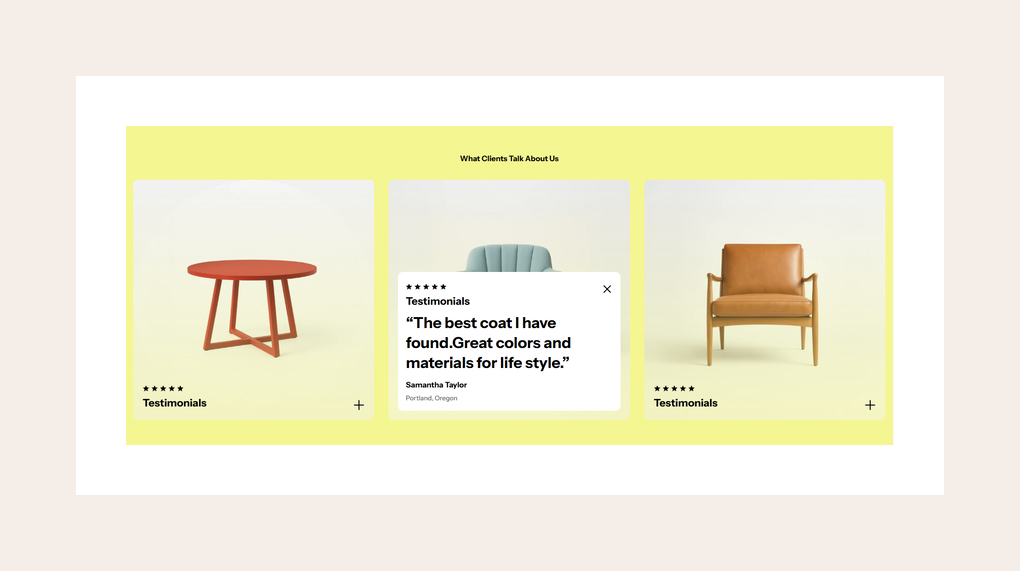
- New layout style Card for section [Testimonials](https://docs.foxecom.com/hyper-theme/theme-sections/testimonials#card-settings)
New layout style Card for section Testimonials
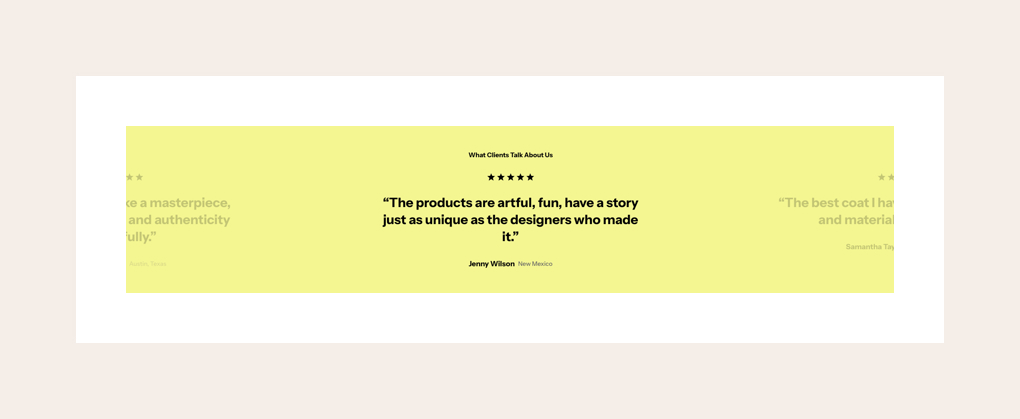
- New layout style Author info layout for section [Testimonials](https://docs.foxecom.com/hyper-theme/theme-sections/testimonials#card-settings)
New layout style Author info layout for section Testimonials
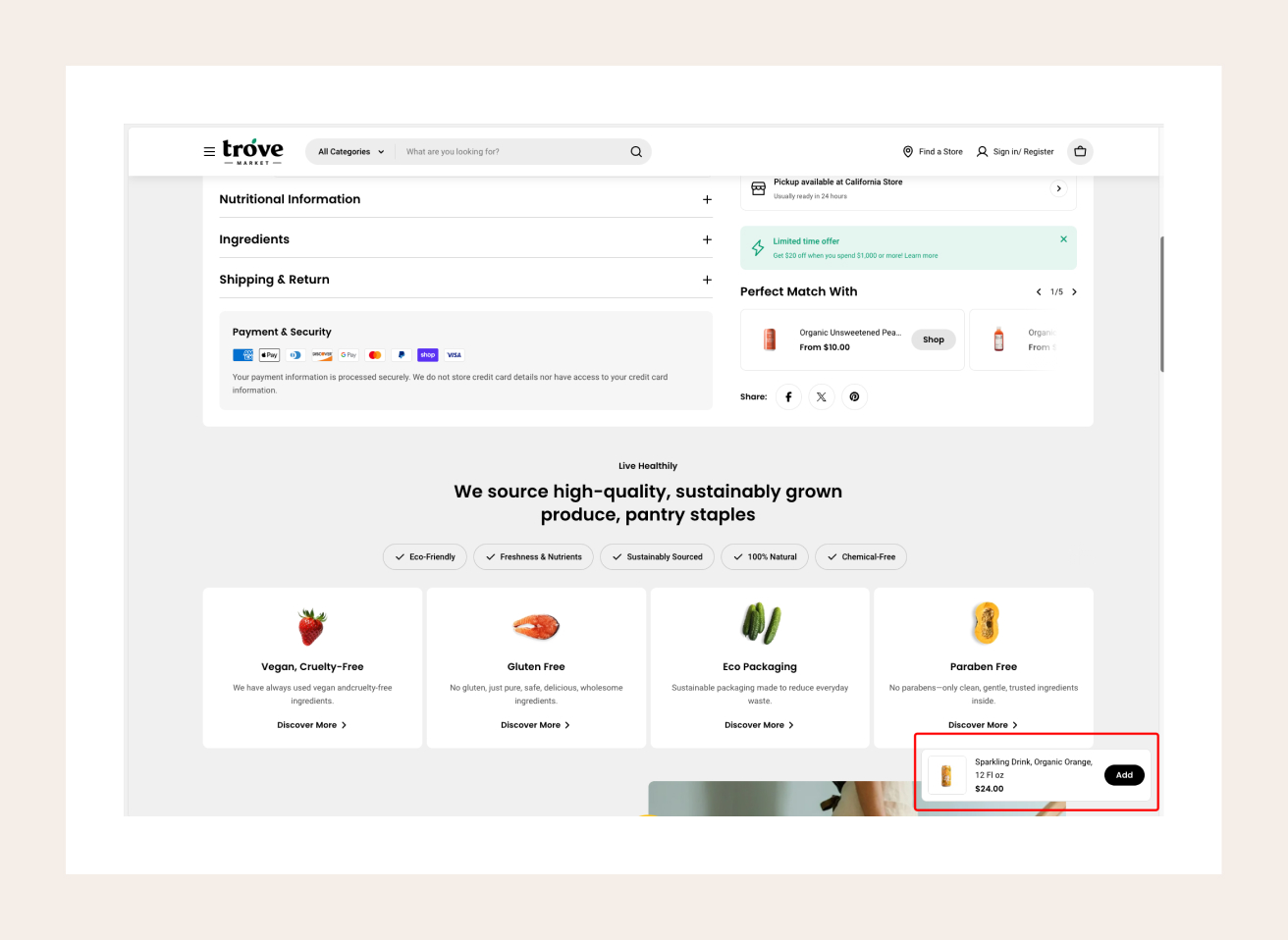
- New style for Sticky add to cart block in [Product Information section](https://docs.foxecom.com/hyper-theme/collections-and-products/product-page/product-information)
New style for Sticky add to cart block in Product Information section
- New settings: Image ratio, Video for block Lookbook card in section [Custom content](https://docs.foxecom.com/hyper-theme/theme-sections/custom-content)
- New setting: Layout for section [Multicolumn with icon](https://docs.foxecom.com/hyper-theme/theme-sections/multicolumn-with-icon)
- New setting: Show separator line for section [Topbar](https://docs.foxecom.com/hyper-theme/pages-global-sections/top-bar)
- New setting: Section padding for section [Breadcrumbs](https://docs.foxecom.com/hyper-theme/collections-and-products/product-page/breadcrumbs)
- Color scheme settings for dialog-like elements such as Drawer, Modal, Dropdown, Mega menu.
- Support for Shopify's conditional settings to enable more dynamic settings
- New API to apply Discount code in Cart drawer & Cart page immediately
## Fixes & Improvements
- The issue with low contrast of placeholder input field
- The issue with the hotspot pin was incorrectly positioned in Safari
- The issue with blurry image in the `Product tabs` section on Safari
- The issue with the content would occasionally appear blank when loading the page for the `Collapsible tabs` section
- The issue with `Video ratio` not working on mobile for section `Video`
- Minor CSS adjustments for improved styling and responsiveness