# Create a Landing page
Landing pages are standalone pages in your store. Pages you create in Foxify also show in your Shopify admin under **Online Store** > **Pages**.
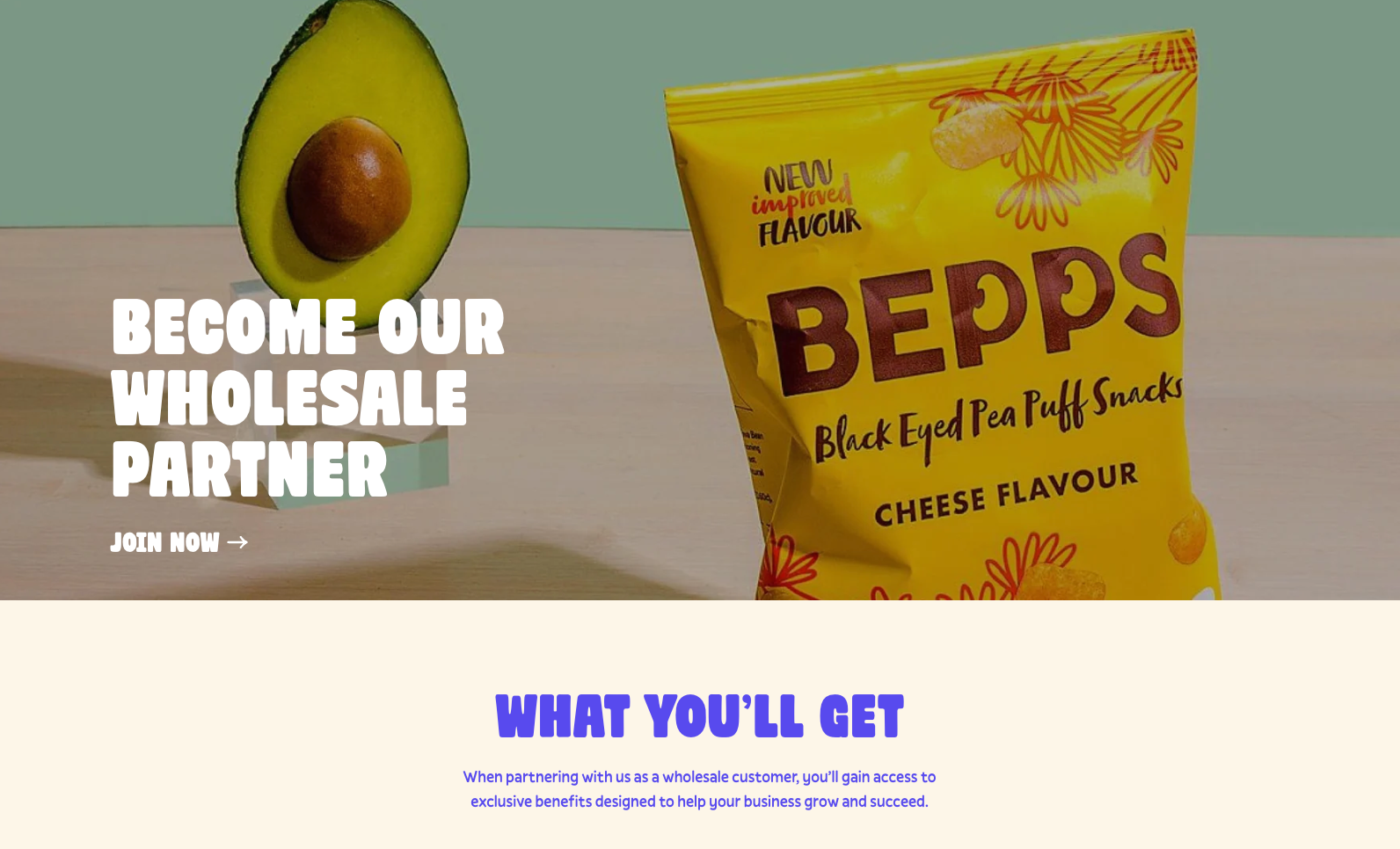
Source: Foxify demo - Wholesale page: v6
## When to use a landing page
Best fits for:
* **Sales or promo pages** — a focused page for a single offer, product drop, or campaign
* **About Us pages** — tell your brand story and build trust with new visitors
* **Contact pages** — give visitors a way to reach you, with a form or store details
* **Affiliate or wholesale pages** — dedicated pages for partner or B2B audiences
Setting up a **coming soon page** before launch? Use a **Password page** instead — it gates your whole store and is built for pre-launch email capture. See [Create a Password page](https://docs.foxecom.com/foxify-app/pages/page-creation/create-a-password-page).
## Create and publish your landing page
| Approach | Best for |
| -------------------------------------------------------------------- | ------------------------------------------------------- |
| [Create with Foxie AI](https://docs.foxecom.com/foxify-app/pages/page-creation/ai-layout-generator) | Campaign pages you need fast |
| [Start from a template](https://docs.foxecom.com/foxify-app/pages/templates) | Ready-made designs for sales, launches, and brand pages |
| Create a blank page | Full control over every section |
The right structure depends on the goal of your page:
| Page goal | What to include |
| --------------------------- | ------------------------------------------------------------------------------------------------------------------------------------------------------------ |
| Sales or promo page | • Hero with your offer and a clear CTA button • Countdown timer for urgency • Product or collection highlights • Testimonials near the CTA |
| About Us page | • Brand story and founder/team photos • Milestones or values • Press mentions or testimonials • A CTA back to your shop |
| Contact page | • Contact form to capture messages • Store hours or location, if relevant • A few FAQs for common questions |
| Affiliate or wholesale page | • Program overview and benefits • Contact form for applications or sign-ups • FAQ for terms and eligibility |
New to the editor? See [Get to know the editor](https://docs.foxecom.com/foxify-app/foxstudio/get-to-know-the-editor).
Set a clear title and a short, readable URL. These also help your page show up in search results.
See [How do I change a page's title and URL?](https://docs.foxecom.com/foxify-app/faqs-and-troubleshooting/faqs/how-to-change-the-page-title-and-url) and [Configure page settings](https://docs.foxecom.com/foxify-app/foxstudio/page-customization/page-settings).
1. Select **Save** to keep your changes.
2. Select **Preview** to check the page on desktop and mobile.
3. When you're ready, select **Publish**, or [schedule it to publish later](https://docs.foxecom.com/foxify-app/faqs-and-troubleshooting/faqs/schedule-your-page-to-publish-at-a-future-date).
Published pages aren't added to your store menu automatically. To add it, go to your Shopify admin > **Online Store** > **Navigation**, and add the page to a menu. For campaign pages, you can also share the link in emails, ads, or social posts.
See [Get your page ready for a sale event](https://docs.foxecom.com/foxify-app/guides/build-your-store-pages/get-your-page-ready-for-a-sale-event) and [Build a landing page](https://docs.foxecom.com/foxify-app/guides/build-your-store-pages/build-a-landing-page) for real examples and tips.
## Unpublish a landing page
1. Open the page in Foxify.
2. Click **Unpublish** in the top-right corner of the editor.
The page is hidden from your store, but stays in Foxify so you can publish it again later, for example for next year's campaign.
## FAQs
#### Why can't I find my new page on my store?
Published pages aren't added to your store menu automatically. Add the page under **Online Store** > **Navigation** in your Shopify admin, or open it directly with its URL.
#### Can I hide the header or footer on a landing page?
Yes. Use a [layout template](https://docs.foxecom.com/foxify-app/foxstudio/editor-tools/layout-template) with a simpler header, or no footer, so visitors stay focused on your offer; or a page with no header and footer. See [Configure page settings](https://docs.foxecom.com/foxify-app/foxstudio/page-customization/page-settings).
#### Can I use my Foxify Landing page with a different theme?
Yes — switch which theme Foxify works with in **Foxify > Settings**. If you change your active theme, you'll need to re-enable Foxify Theme Helper in the new theme.
## Related articles
Templates
Editor tools
Layout & styling
Get your page ready for a sale event