
7.0.0
Released on December 28, 2023
2 min read
Adds
- New section: Gallery images
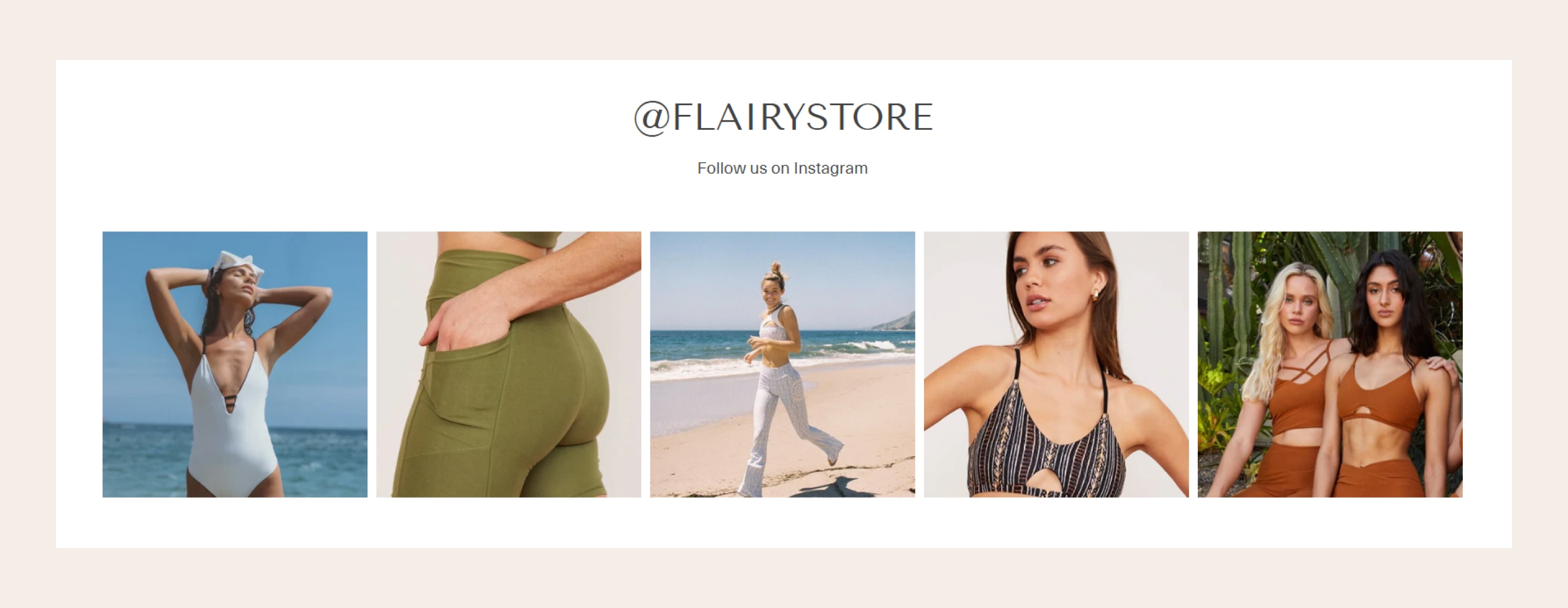
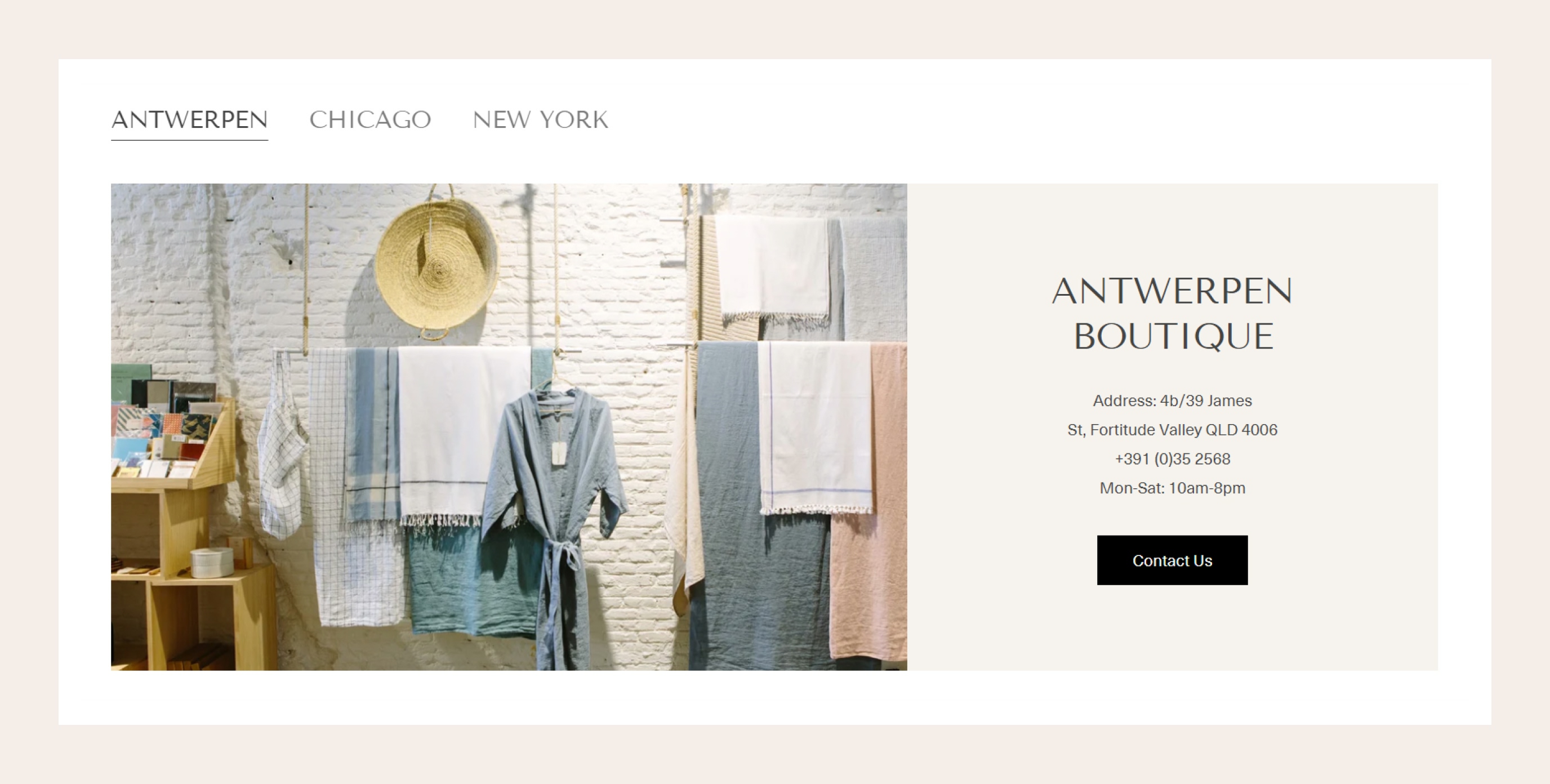
- New section: Collection tabs
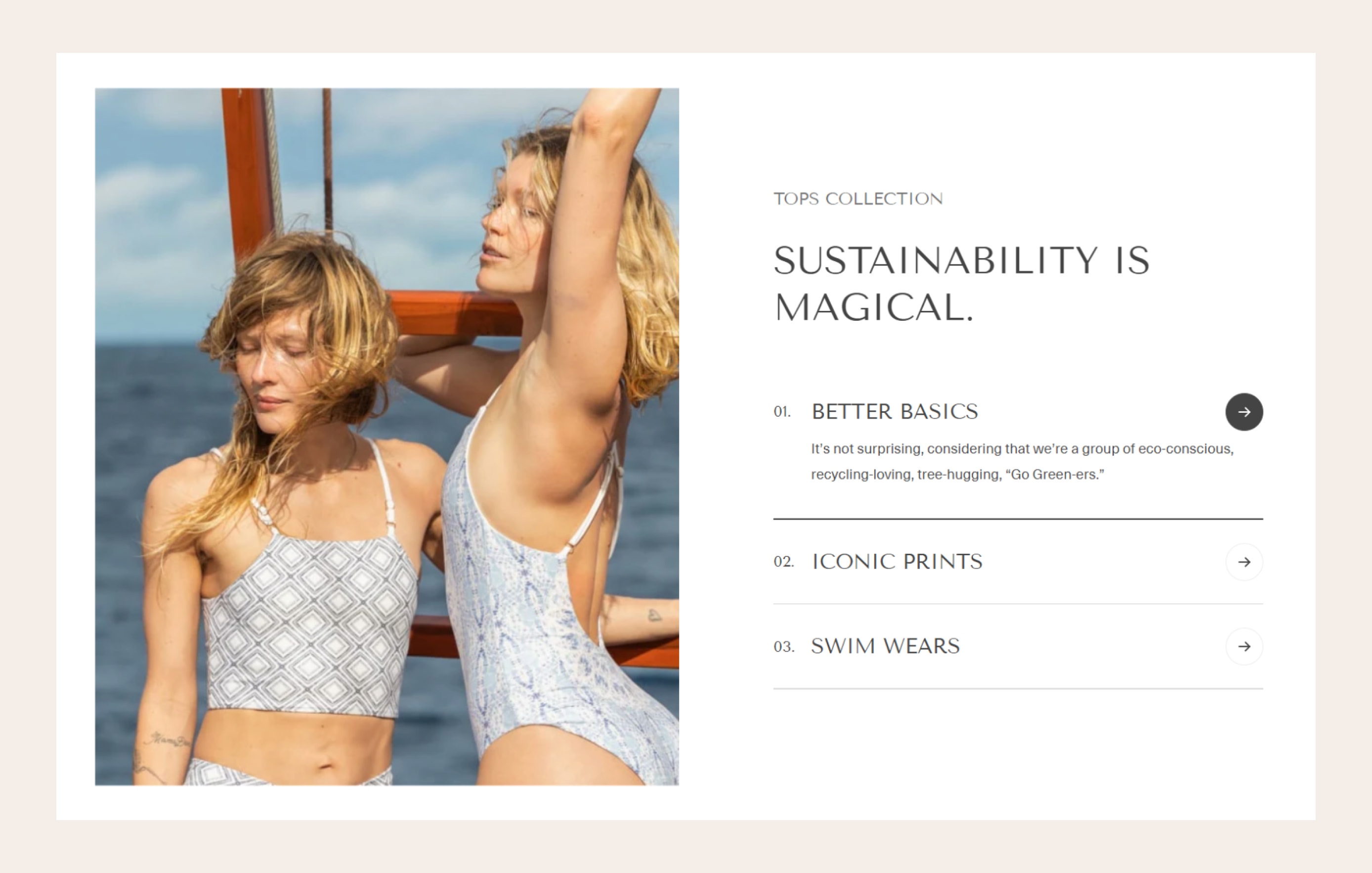
- New section: Collage tabs
- New option to show video as featured media for product cards
- New block: Before/after image slider for the Custom content section
- New layout for the Testimonials section
Changes
- Important: We updated to support Color schemes, and we provided a tool to support migrating your theme to Zest 7.0.0, please check our tutorial here.
Fixes & Improvements
- Options for Collection list section: Add view all button and font settings for collection title
- Typography settings: Product cards title, Mega title, and Subheadings
- Option Image ratio for the Favorite products section
- Option Products per row for the Lookbook slider
- Option to set a background image for the Custom content section
- More options for Heading size
- Options for the Slideshow section: Pagination style, description text style
- Option to show dropdown menu by hovering
- Option video ratio for block video and section video
- Option to prevent selecting a variant as default on the product page
- Option to remove product URL params for Product recommendations section
- UI of section Footer
- Spacing
- Minor bugs
Last updated