# Overview
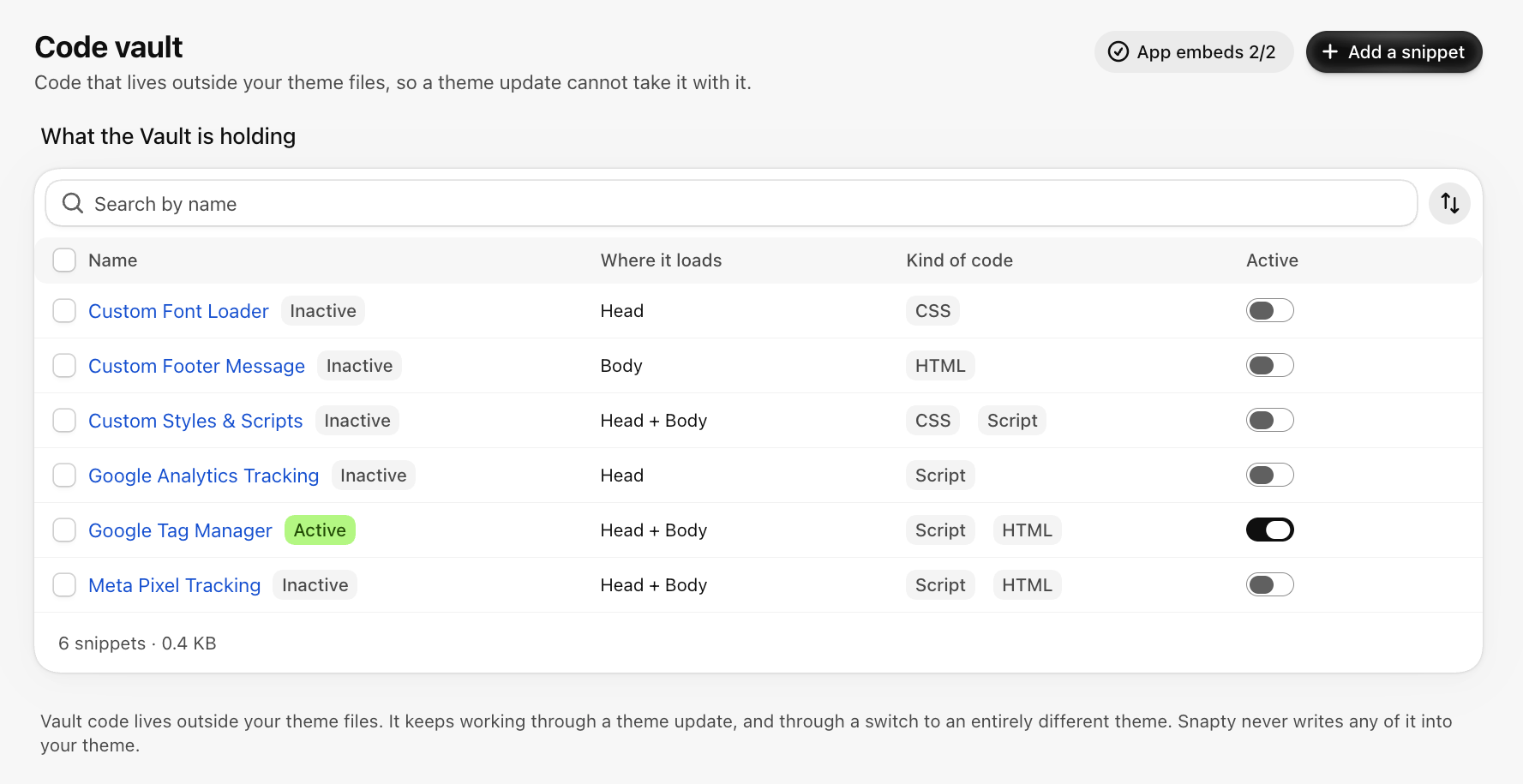
The Code Vault is where tracking scripts, custom CSS and small pieces of markup live when you want them **outside your theme files**.
Code in the Vault reaches your storefront through a Shopify app embed, not through `theme.liquid`. So it survives a theme update, and it survives switching to an entirely different theme. Snapty never writes any of it into your theme.
## What you can do in Code Vault
## Why use the Code Vault
* **Your theme stays as the vendor shipped it.** Code pasted into `theme.liquid` can keep your theme from updating cleanly, and it's lost when you switch to a theme it was never part of.
* **Your code is kept through theme updates and theme switches.** Snapty never writes any of it into your theme.
* **One switch turns a snippet off.** Snapty keeps the code, so you can turn it back on at any time.
## How it works
Save your code in Snapty. It's stored outside your theme files.
Snapty publishes your Vault to a small storage slot that only Snapty can write to. No theme file is touched.
Two Snapty app embeds in your published theme read that slot and add the code to every page: one in ``, one before ``.
Shopify turns app embeds off after you install an app, so a saved snippet reaches nothing until you turn them on. See [Turn on the Snapty app embeds](https://docs.foxecom.com/snapty-app/code-vault/add-code-to-your-storefront#turn-on-the-snapty-app-embeds).
## Where your code loads
A snippet can use either placement, or both.
The default, and better for page speed — right for almost all code. The code lands **at the end of the page**, after all theme content, so it doesn't hold up what shoppers see first.
Accepts **Script**, **CSS** and any **HTML** fragment.
Only for code that must run before the page renders, such as a consent script or a verification tag.
Accepts **Script**, **CSS**, and **HTML** tags that don't show on the page, such as `