---
description: How to customize your 404 page
---
# 404 page
A 404 error page lets visitors know that the specific webpage you're trying to visit isn't available on our site right now. There could be a few reasons for this: the page might have moved, been temporarily removed, or perhaps the URL visitors entered was incorrect.
## Static sections
You can click on the link to check out the instructions listed below.
{% content-ref url="../pages-global-sections/header" %}
[header](../pages-global-sections/header)
{% endcontent-ref %}
{% content-ref url="../pages-global-sections/footer" %}
[footer](../pages-global-sections/footer)
{% endcontent-ref %}
{% content-ref url="../pages-global-sections/pop-up" %}
[pop-up](../pages-global-sections/pop-up)
{% endcontent-ref %}
## Dynamic sections
You can add any section that is listed in [Theme sections](../theme-sections). Nevertheless, there is a section designed specifically for the 404 page.
{% hint style="success" %}
Steps
1. In the theme editor (**Customize**), open the template selector.
2. Select **404 page.**
3. On the left-side bar, select **Main 404** or **Add section**.
4. Make necessary changes **> Save.**
{% endhint %}
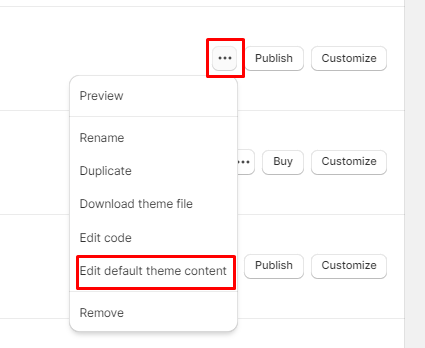
You can edit the text on your 404 page in **Actions** > **Edit default theme content**.